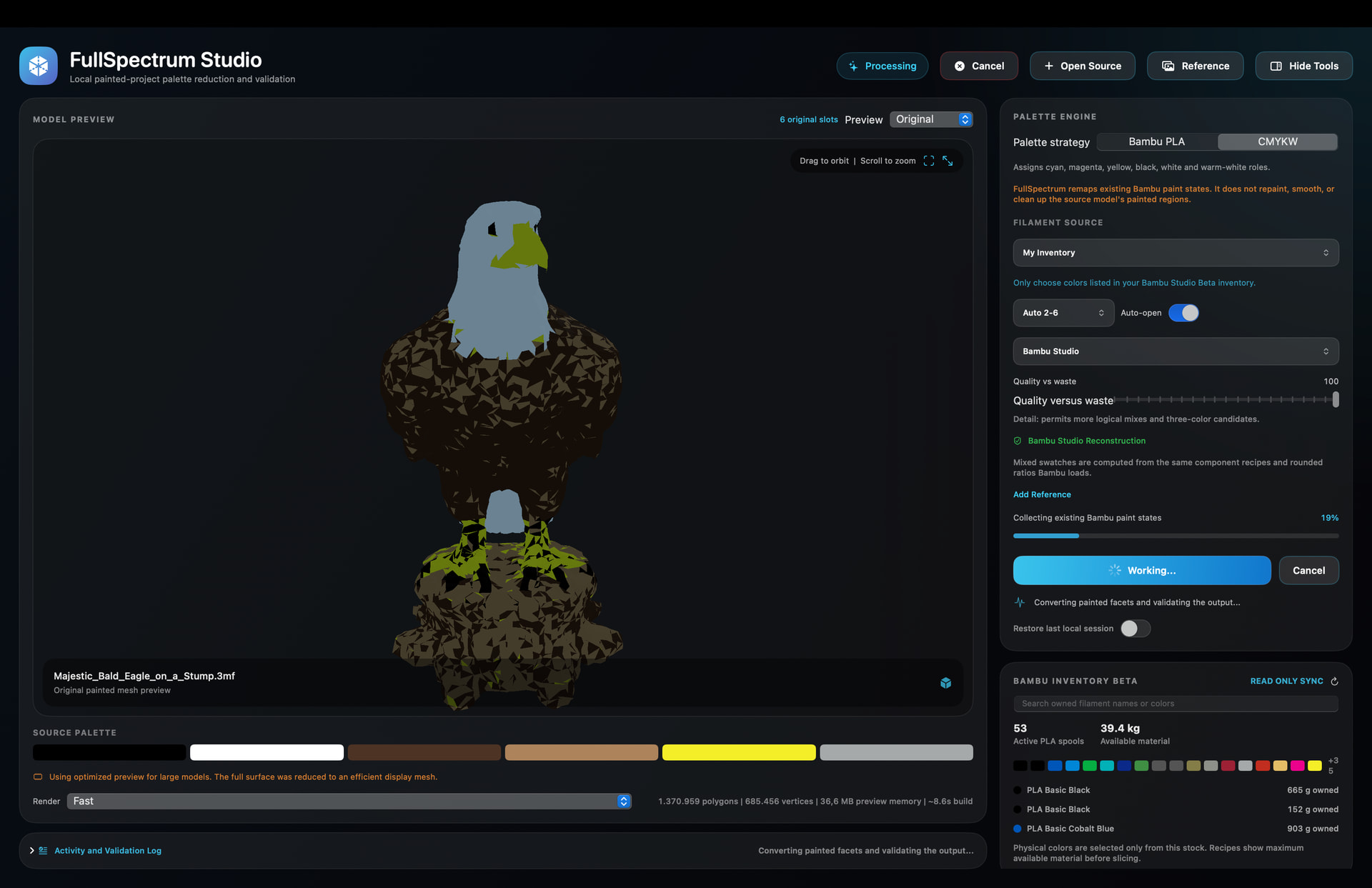
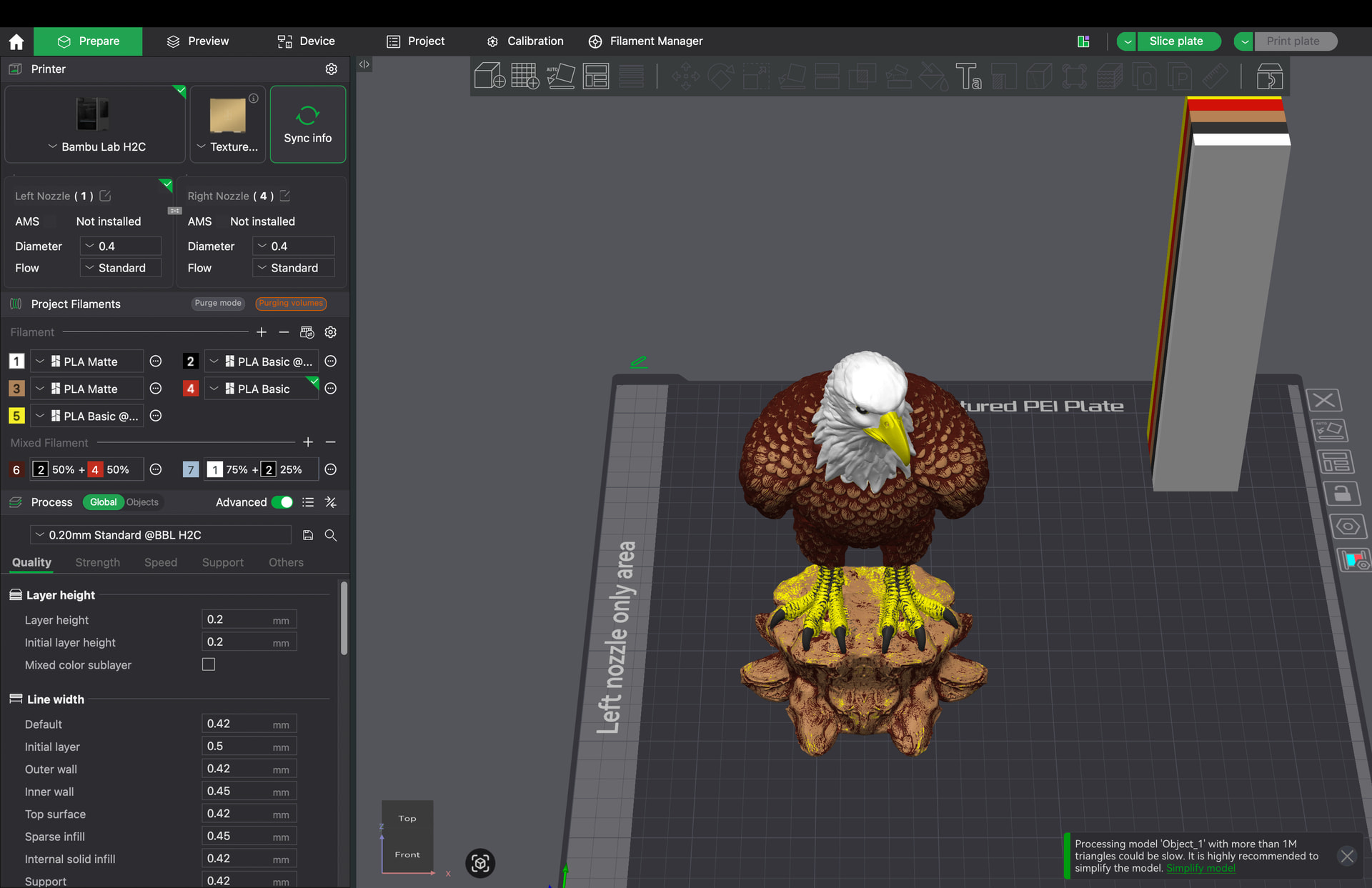
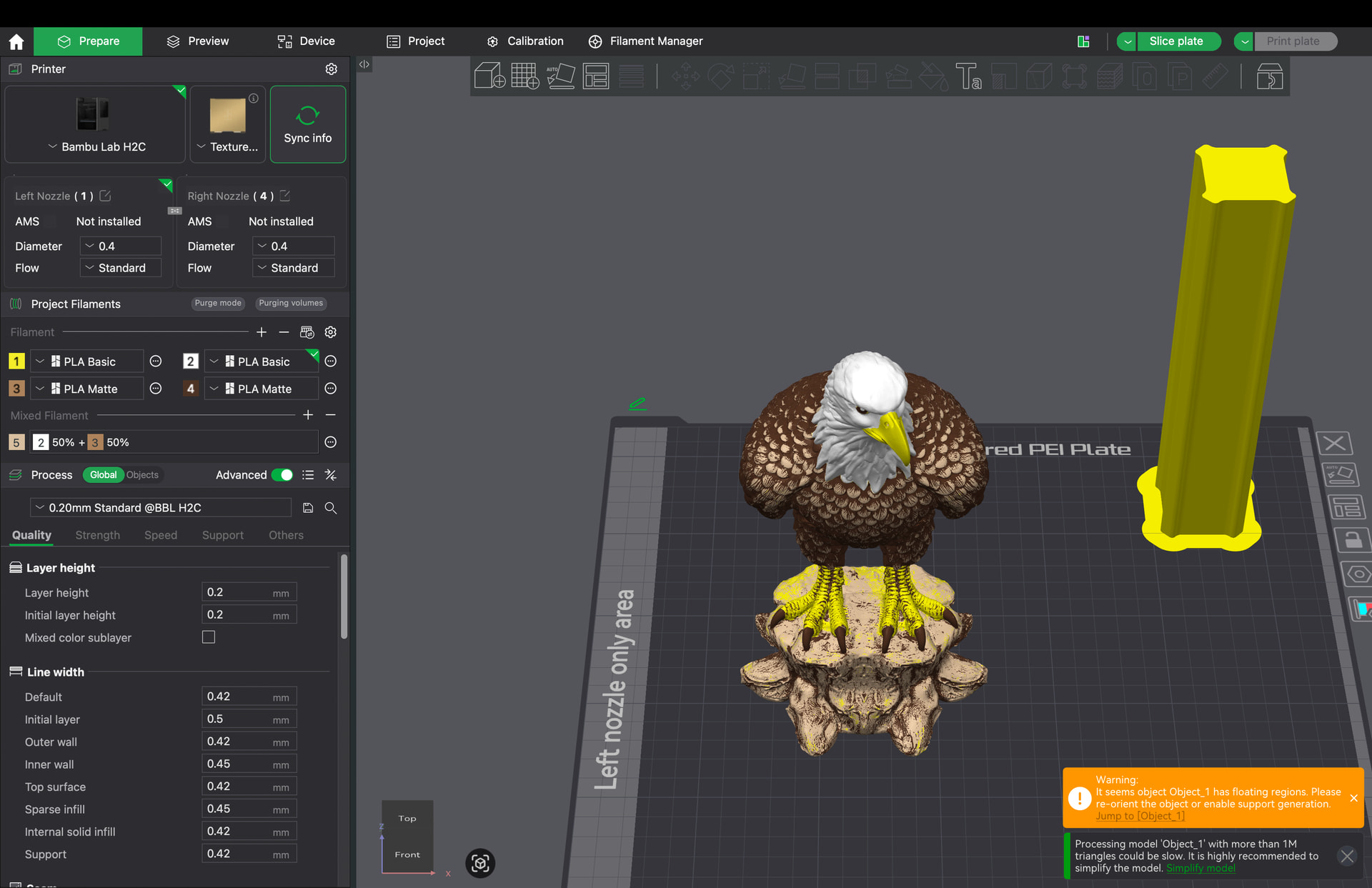
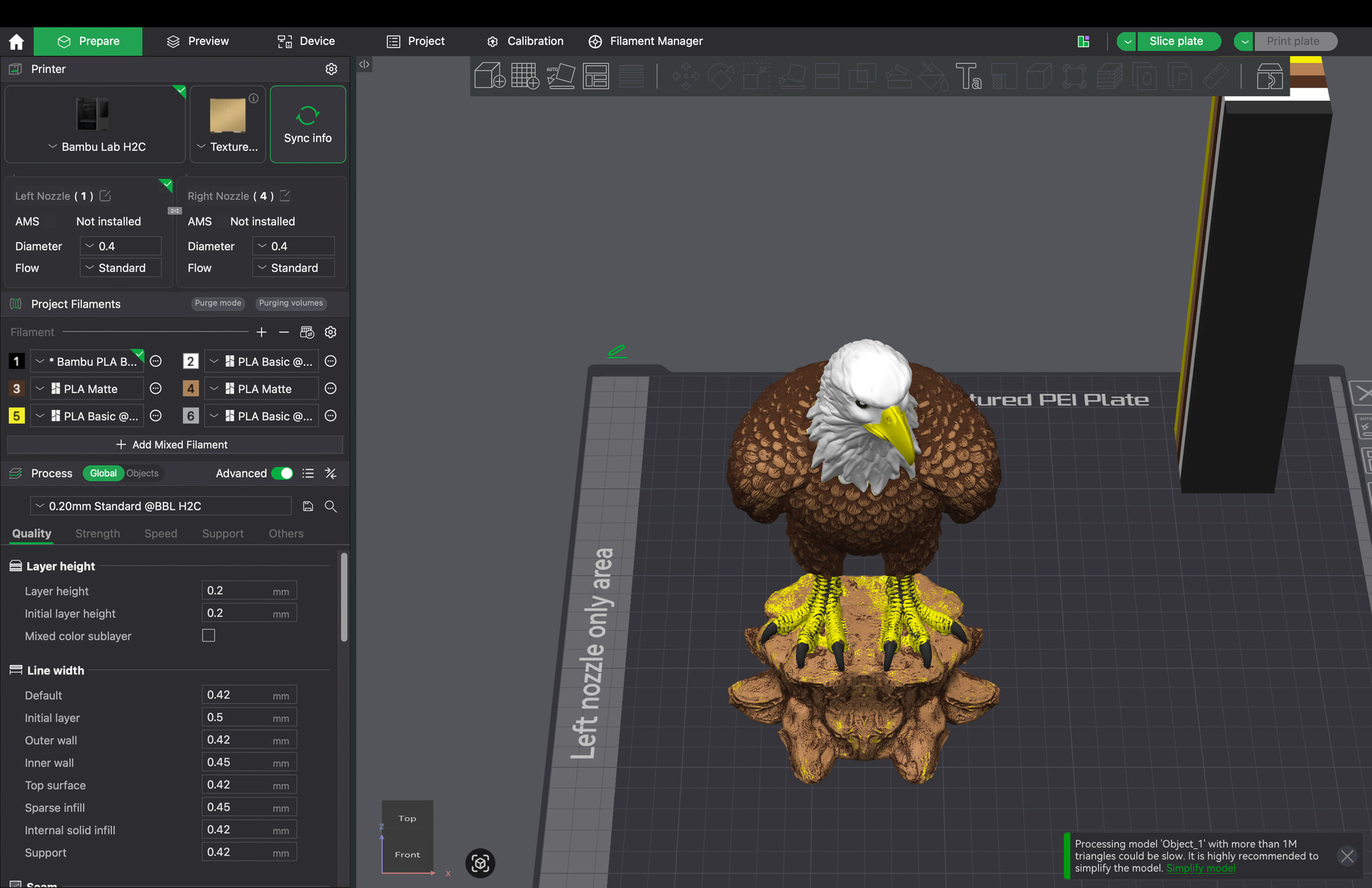
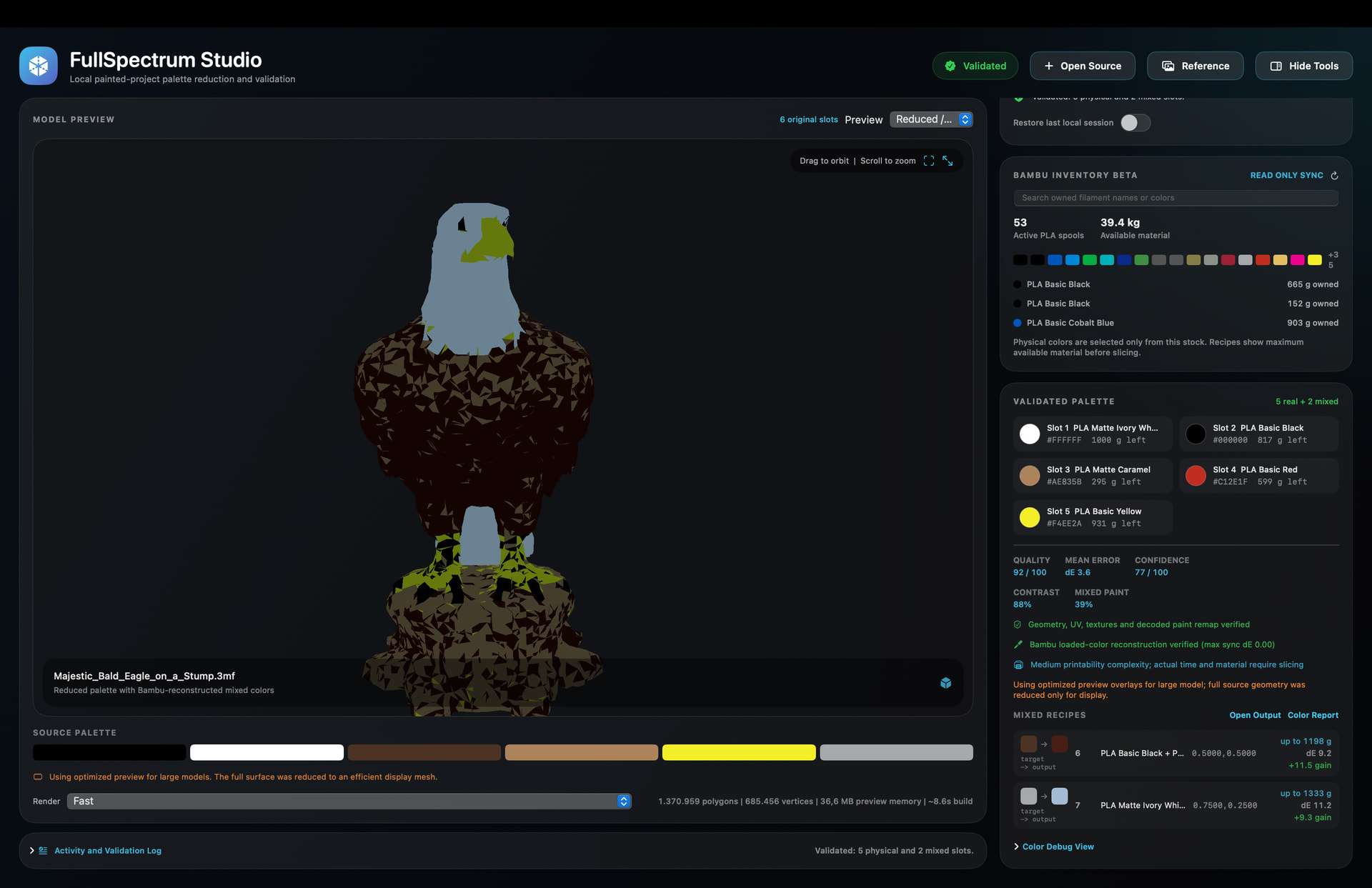
I’ve been experimenting with a small project called FullSpectrum Studio focused on automatic palette reduction and color reconstruction for multicolor printing workflows.
Right now it’s mainly a community preview/prototype, but the goal is to make working with textured or color-heavy models easier when limited to a small filament palette.
Current features/workflows include:
automatic palette reduction
reconstructed .3mf export workflow
validation heatmaps
predicted vs reconstructed previews
filament palette experiments for AMS/H2D setups
It’s still experimental and definitely not perfect yet, but I thought some people here might find the concept interesting or useful to experiment with.
GitHub repo:
Would genuinely appreciate feedback, ideas, or testing from people more experienced with color workflows and multicolor printing!
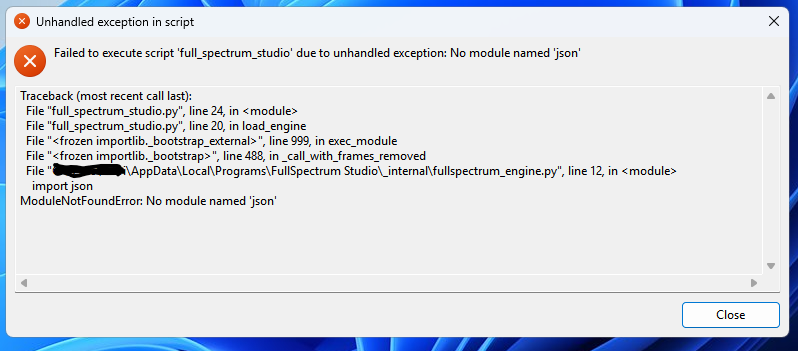
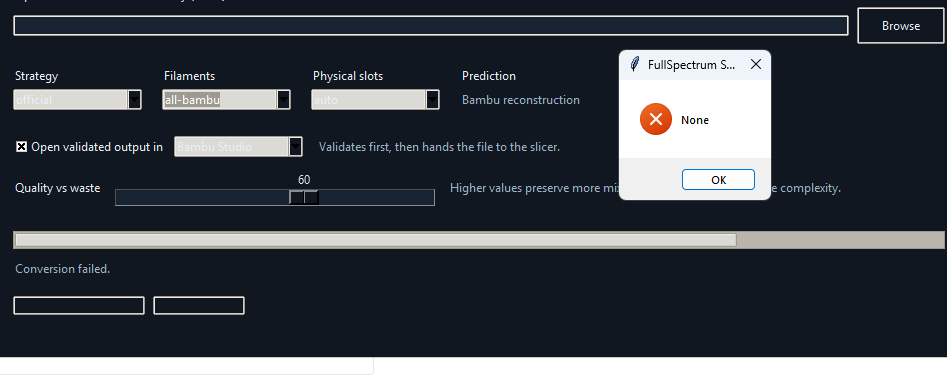
Sometimes I am not the sharpest tack on the wall but I didn’t see installation instructions for this. I downloaded the Windows .exe file and installed it but get the errors in the picture. Do I need something else installed? Or, what am I doing wrong.
Thanks for testing it and sending the screenshot. You didn’t do anything wrong, the current Windows build is just broken on my side lol. The app loads the engine dynamically and PyInstaller missed some Python modules during packaging, so the .exe is missing stuff it actually needs.
I already found the issue now and I’m patching the Windows build. I’ll upload a fixed version once I rebuild it.
Can you share then? Because I’m confused how this is ‘one of them.’ Did they actually make a working tool too, or just another thread saying someone should maybe eventually perhaps do it?
I’m not sure those are related. Those threads are discussing palette reduction. What I made is a tool that works with 3MF compression/optimization. Similar area of multicolor printing, but they’re solving completely different problems.
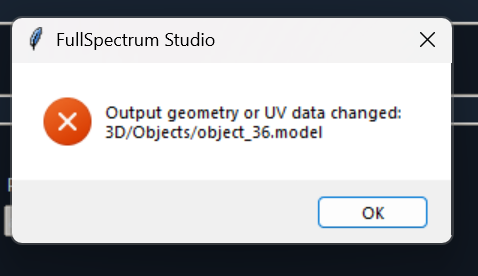
At work I never got this to even start a file, possibly because there are no saved filaments on that computer. However even with the custom json file from github they would not start. I tried again at home and they start but I get this error when it seems to start. A couple files never start.
Small update: I’m redesigning the Windows version right now, so some things are still broken there. The macOS version is working fine. Thanks for the report, I’ll investigate this file and see what’s causing the error.
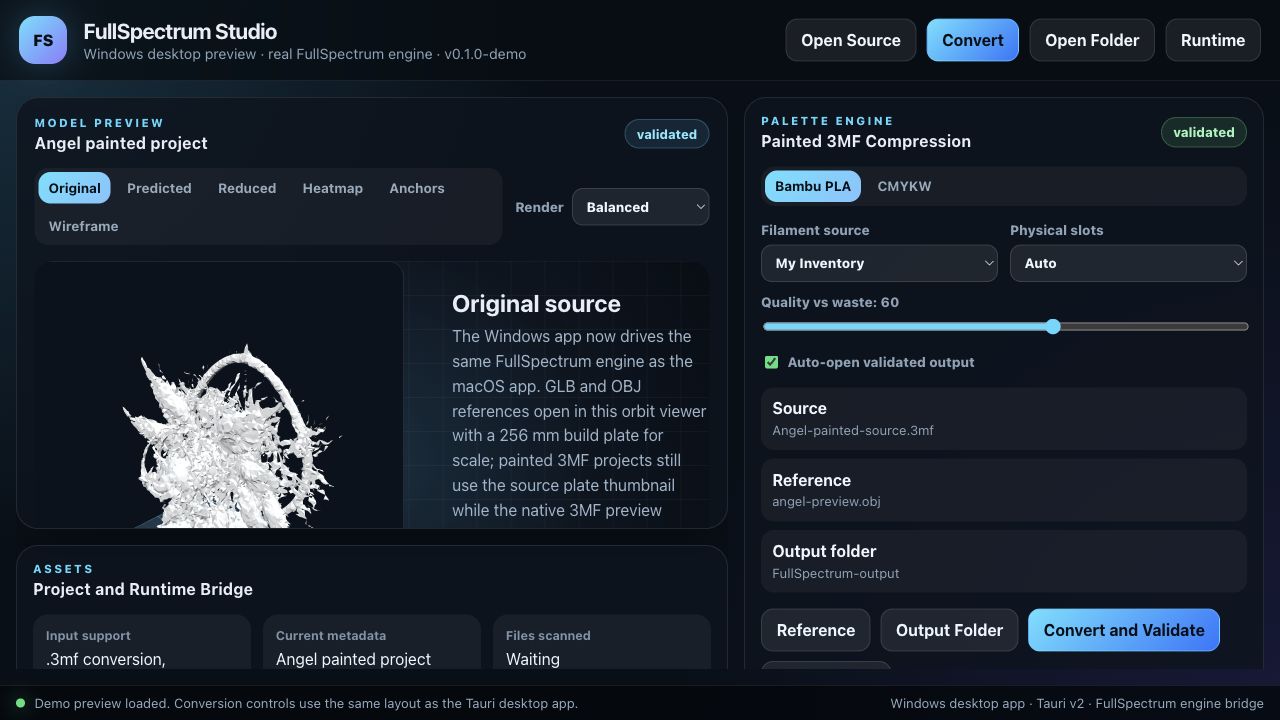
I was not happy with the first Windows preview, so I reworked it properly. It
now uses the same FullSpectrum conversion engine as the macOS app instead of
just being a placeholder UI.
What is working now:
open painted .3mf, .obj or .glb sources
choose Bambu PLA / CMYKW strategy
choose inventory, catalog or all-Bambu filament sources
set physical slot count and quality-vs-waste
choose an optional visual reference
choose an output folder
convert and validate from the Windows app
open the validated output folder
preview GLB/OBJ references in a proper orbit viewer with a 256 mm build plate
for scale
The 3D viewer is still not final, but it is already much closer to what I
wanted: a practical preview space instead of a flat placeholder. For heavy
painted 3MFs it still falls back safely so it does not try to eat the whole
computer.
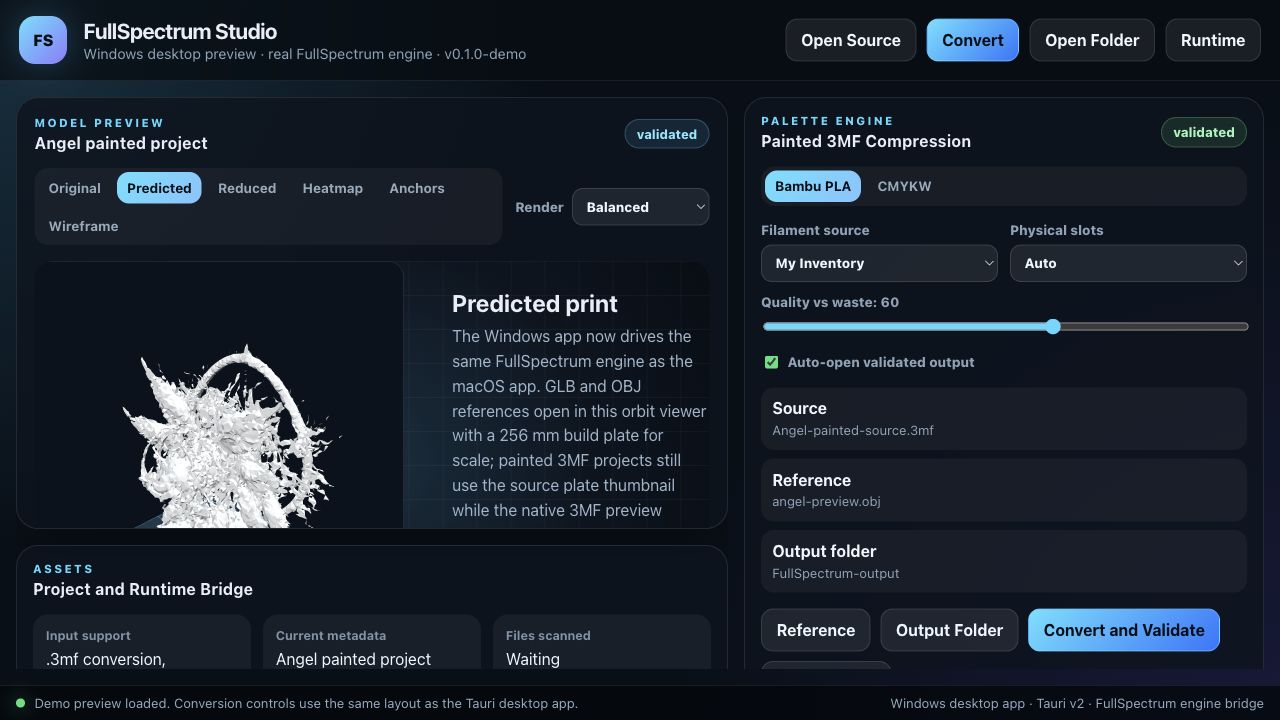
Screenshots below are from the Windows/Tauri preview using an optimized preview
of the angel model. I am only sharing screenshots here, not the source .3mf, .glb or generated geometry.
This is still a community preview, but it is now moving in the right direction:
painted project in, reduced-filament validated project out, without losing the
original paint mapping.
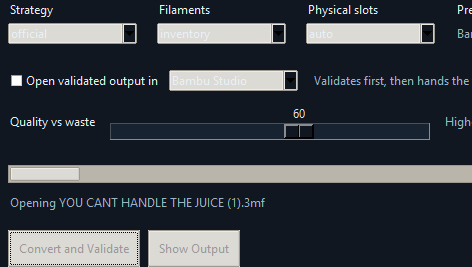
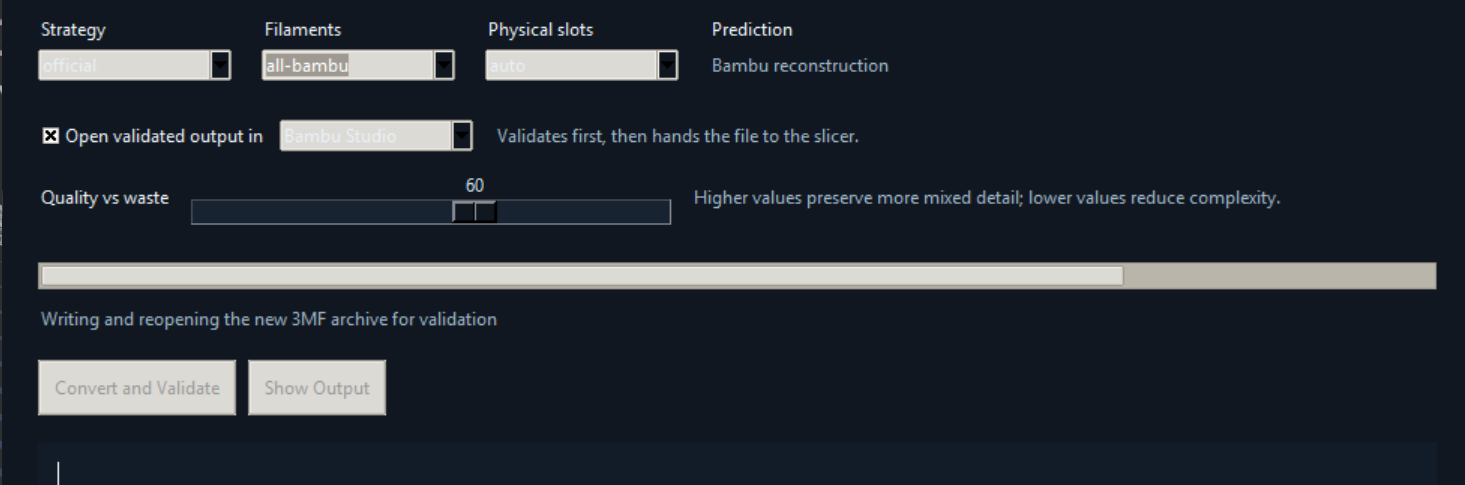
Version 4.6 I have a small file that works but it is the only one. Most freeze where the picture shows and I eventually get an error code that just says “none”. This is one of the files I am trying to get to work, it’s possible I don’t understand what this does. The painting on this model is horrible so my hope was this would smooth out some of the colors.