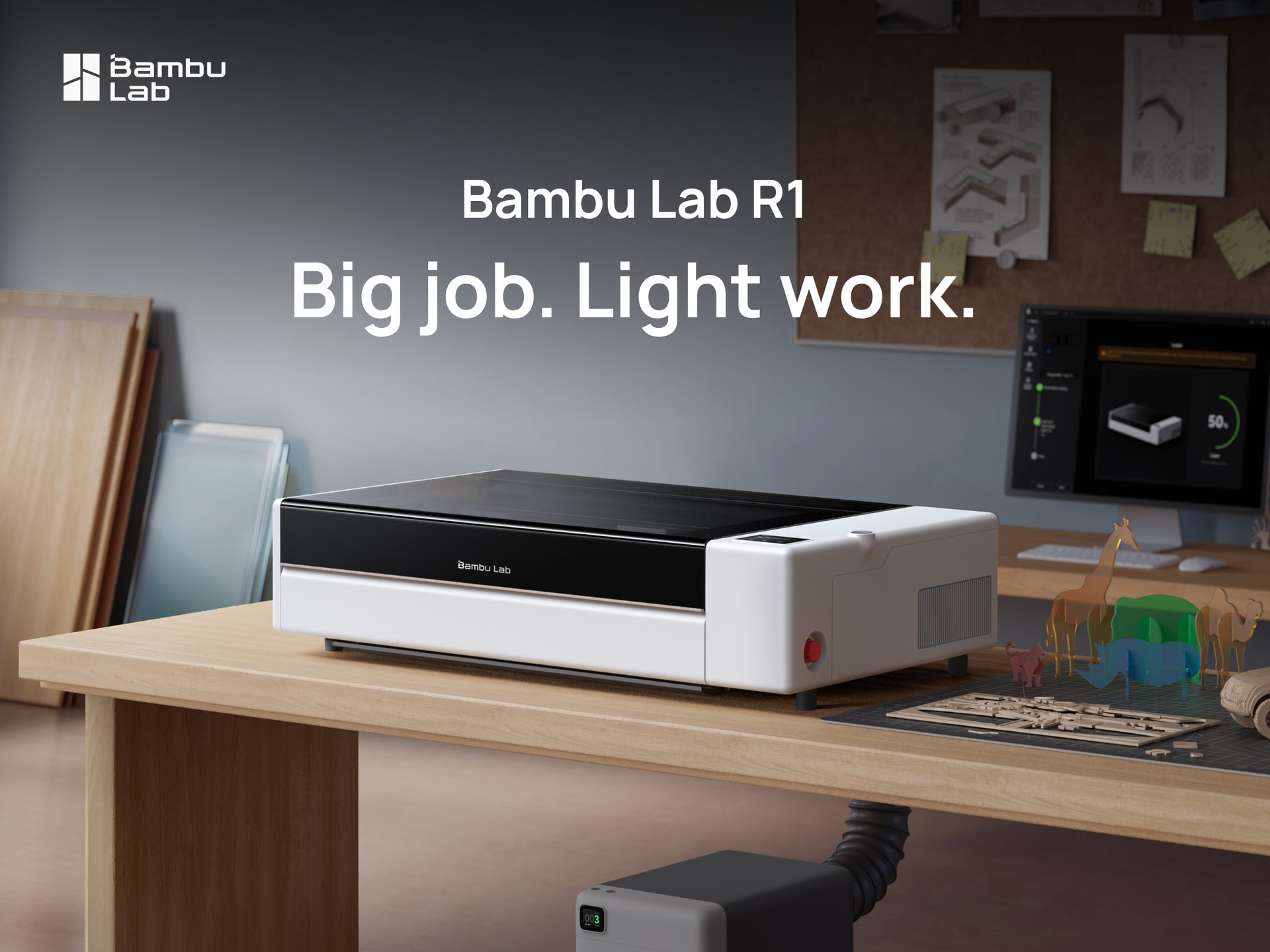
Big job. Light work. Bambu Lab R1 is here


55W CO2 laser. 600 × 300mm (23.6 × 11.8in) working area. Auto Laser Alignment. Ease of use and precision, just like our 3D printers. This is Bambu Lab R1. Let’s dive right into the details!

Bring out the best in every material.

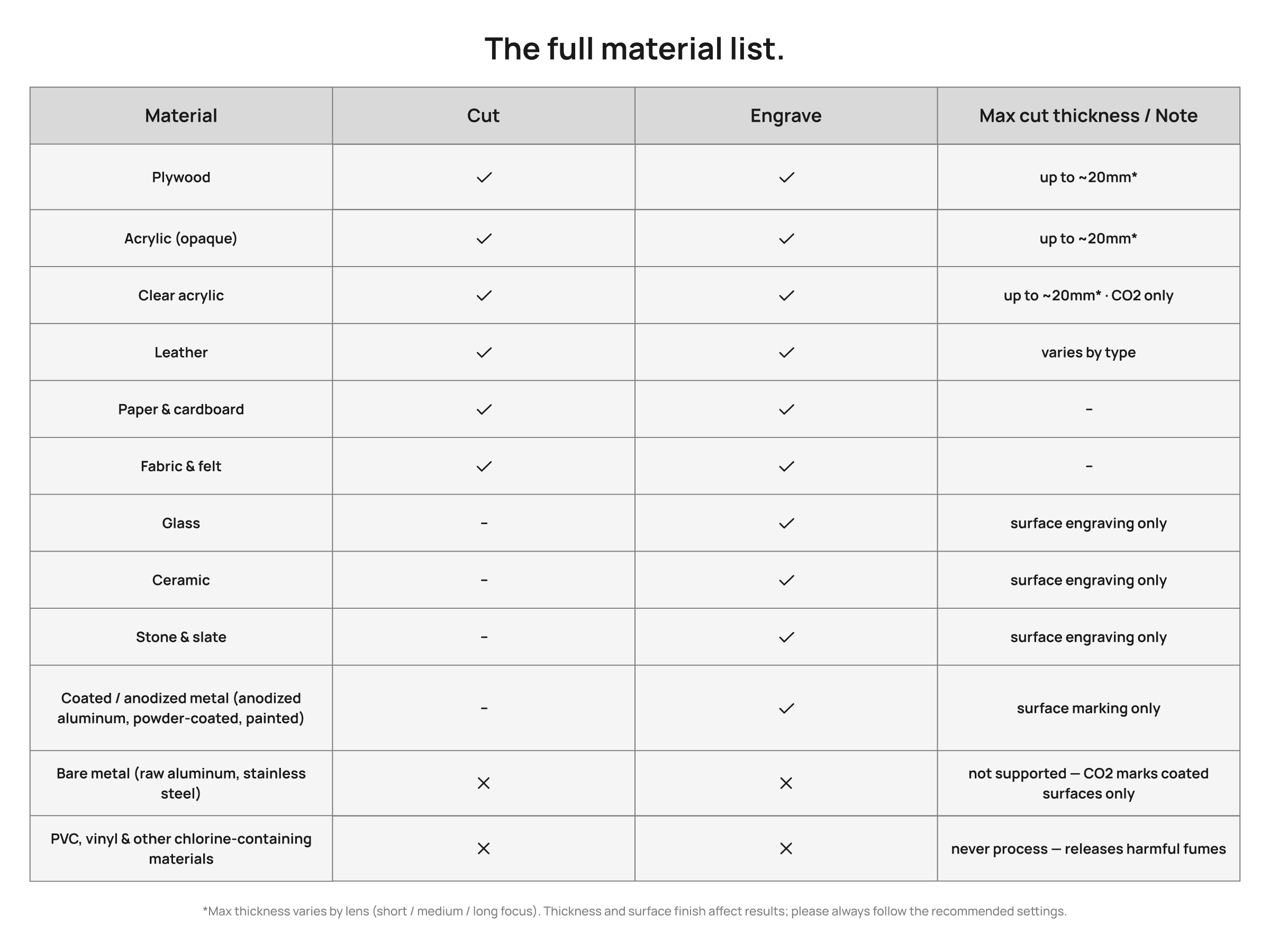
Powered by a 55W CO2 laser, R1 works across a wide range of materials – from wood and acrylic to glass, leather, fabric, and more. See the full material list below.
Thick cuts with one pass. R1 cuts up to 18mm black walnut plywood and 20mm acrylic in a single pass – fast, clean, and without the extra passes that slow you down.

Go furniture-scale. With the auto-feed conveyor, R1 handles materials up to 3 meters (9.8 ft) long. Pass-through feeding and deep cutting turn full-length panels into tables, shelving and furniture.

Prairie Lamp by @MaKim

R1 aligns itself, no more tricky setups.

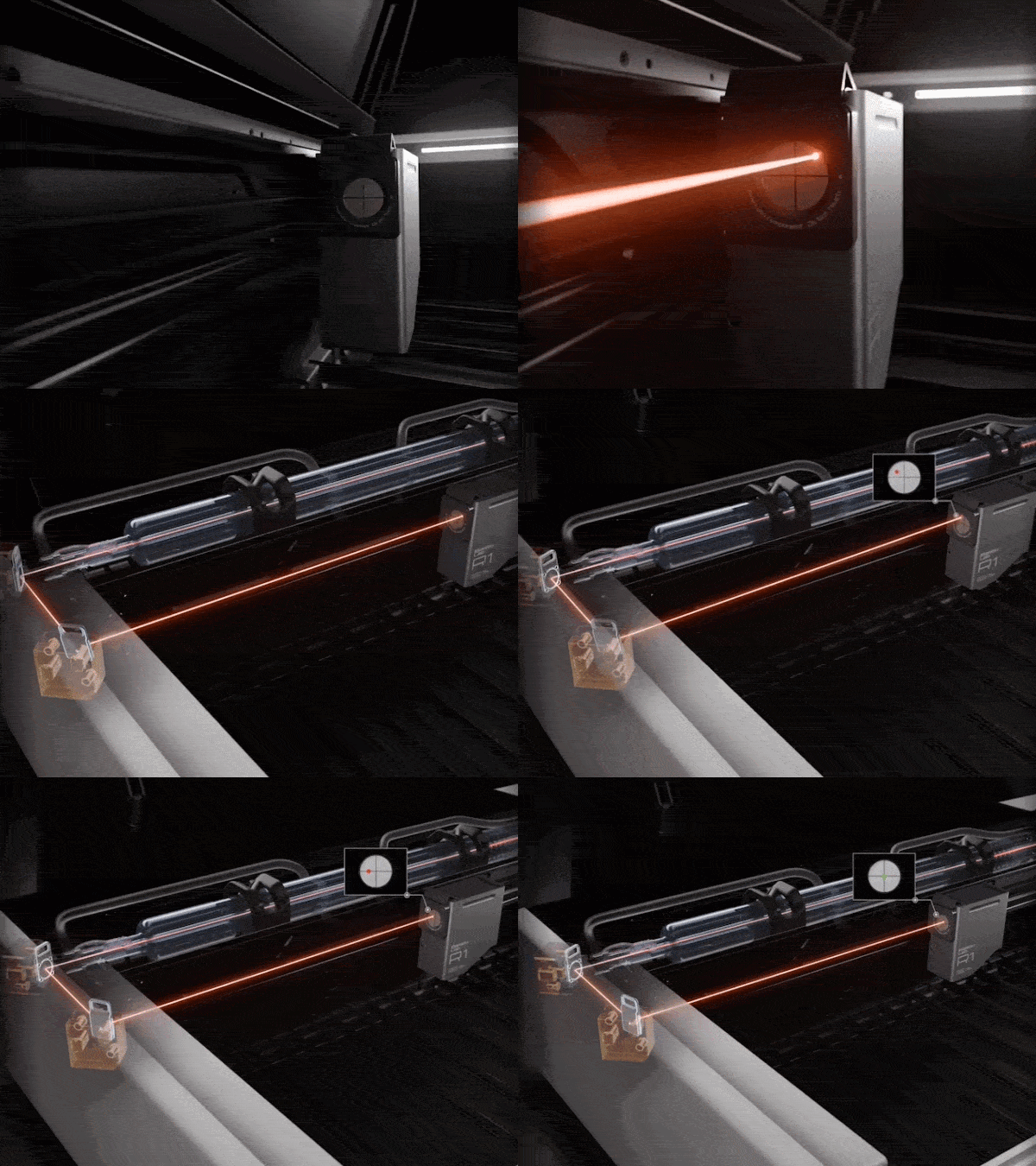
Aligning the optical path meant test shots, manual adjustments, trials and errors. R1’s Laser Alignment Sensor measures the beam, detects the misalignment, and automatically corrects the path in just 1 minute.
On the built-in touchscreen, you can follow the whole calibration process, check the remaining life of the laser tube and mirrors, and monitor every job in real time – the experience you know from our printers.
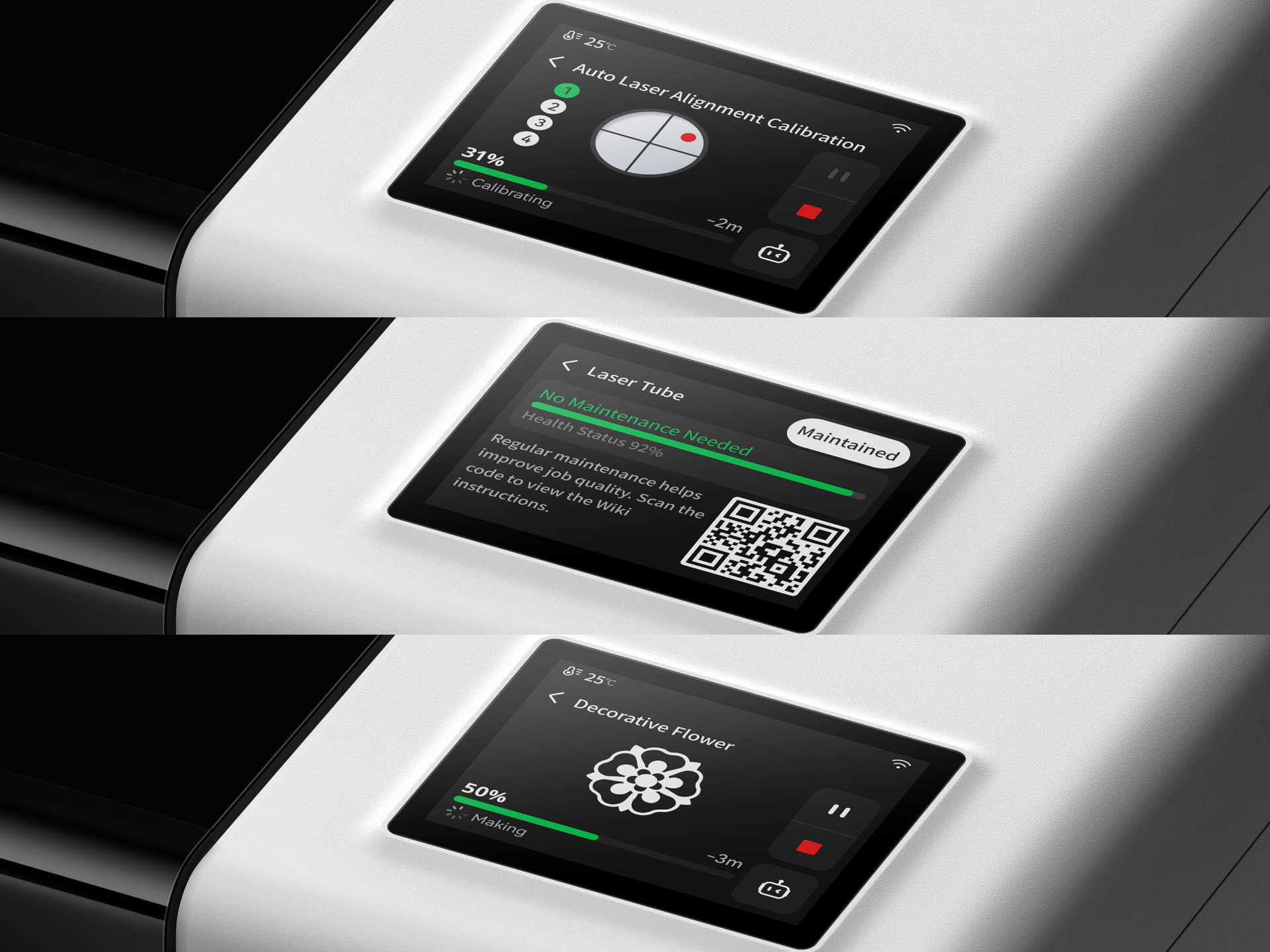
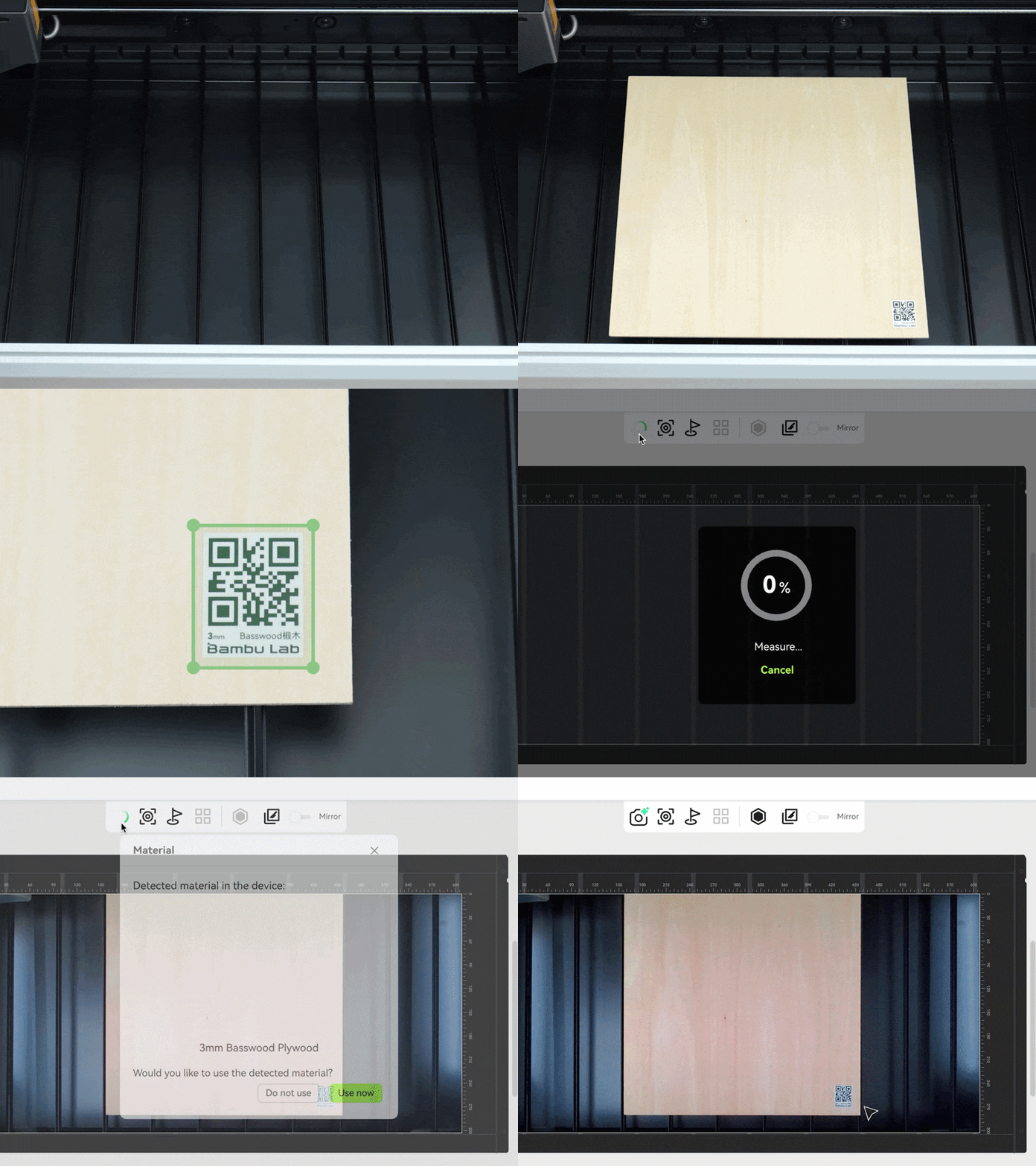
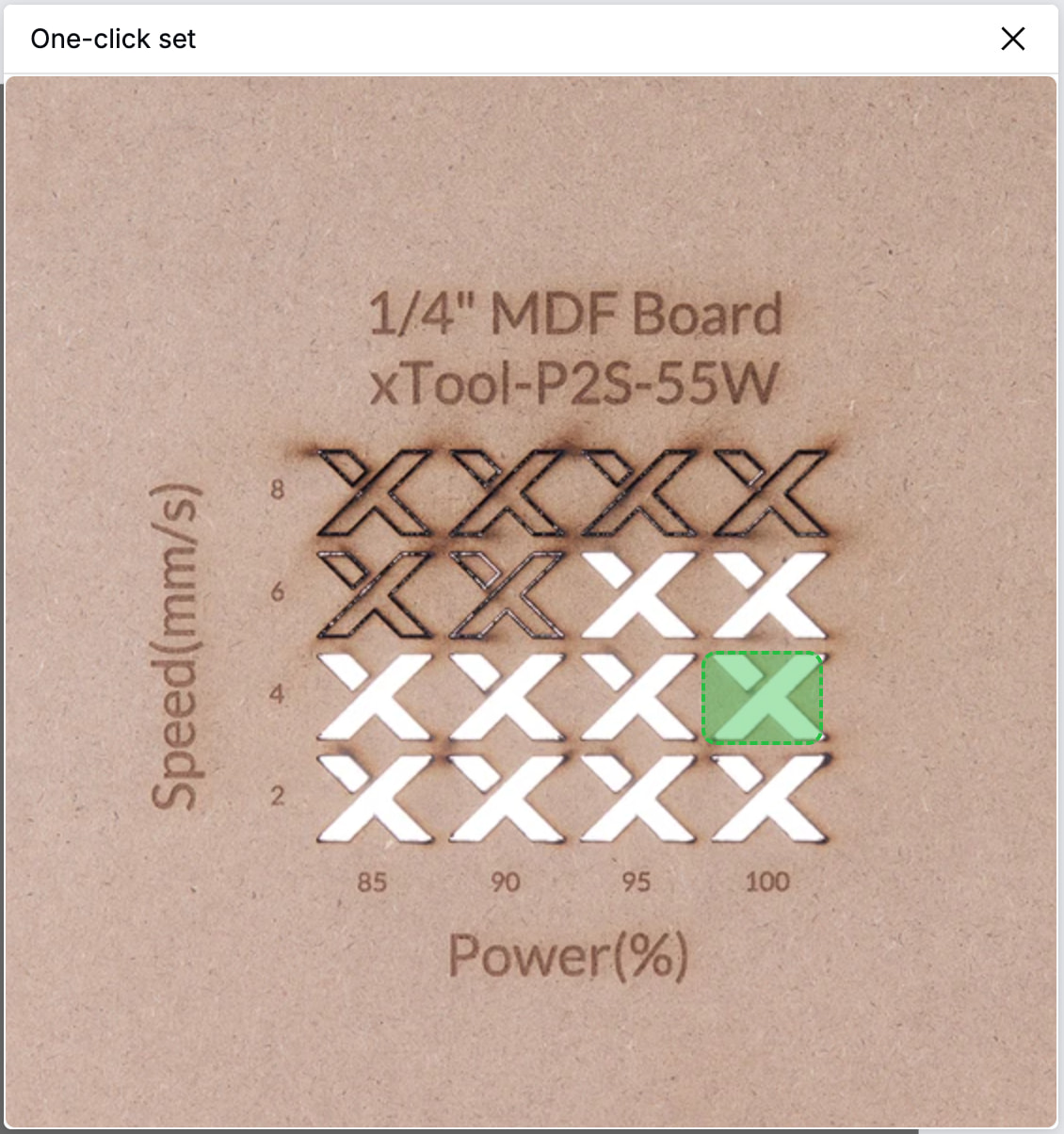
R1 also recognizes Bambu Lab material automatically and applies the right power and speed, so you can skip test grids and manual parameter setup.
Every line, sharp and clean.

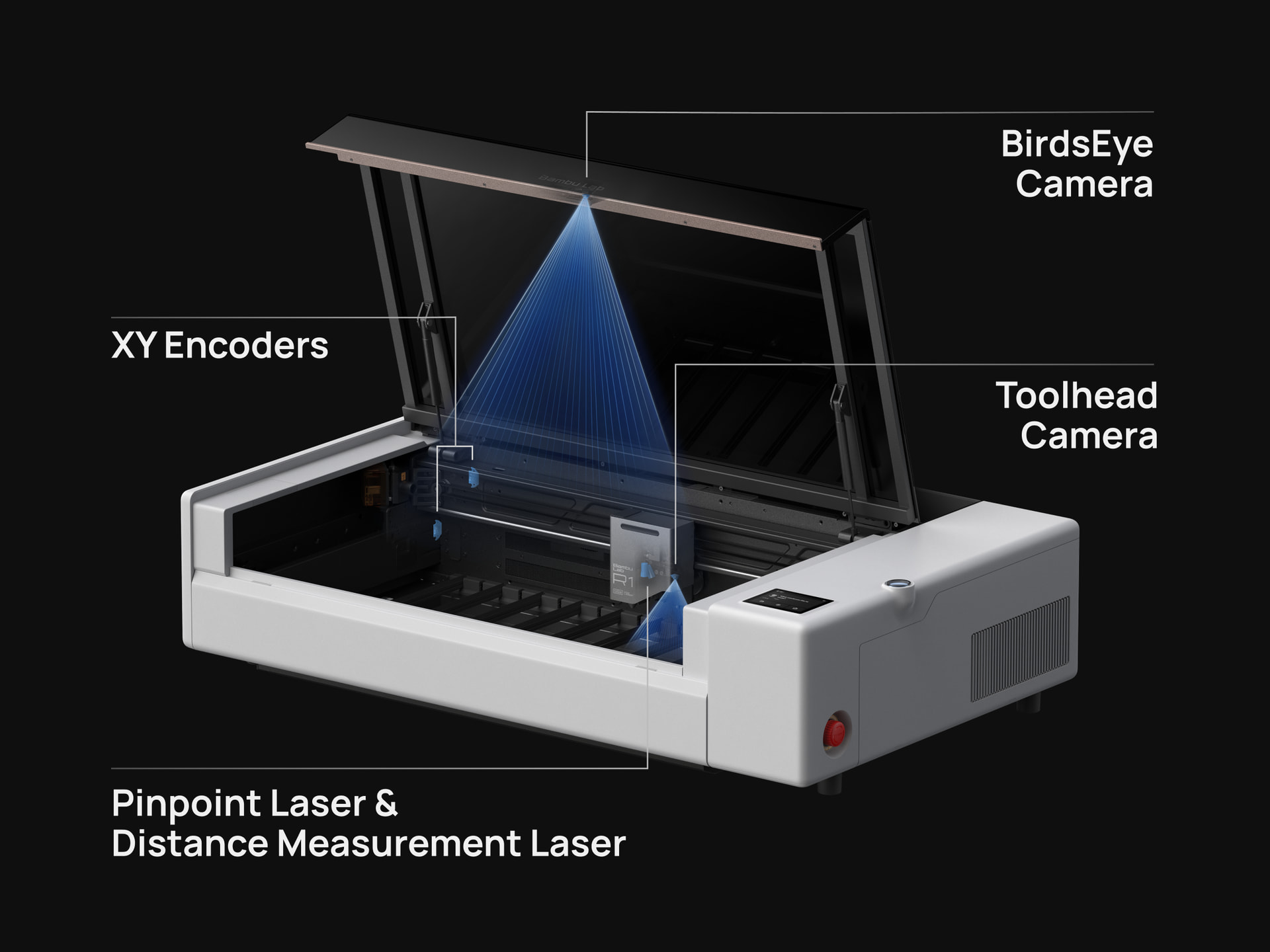
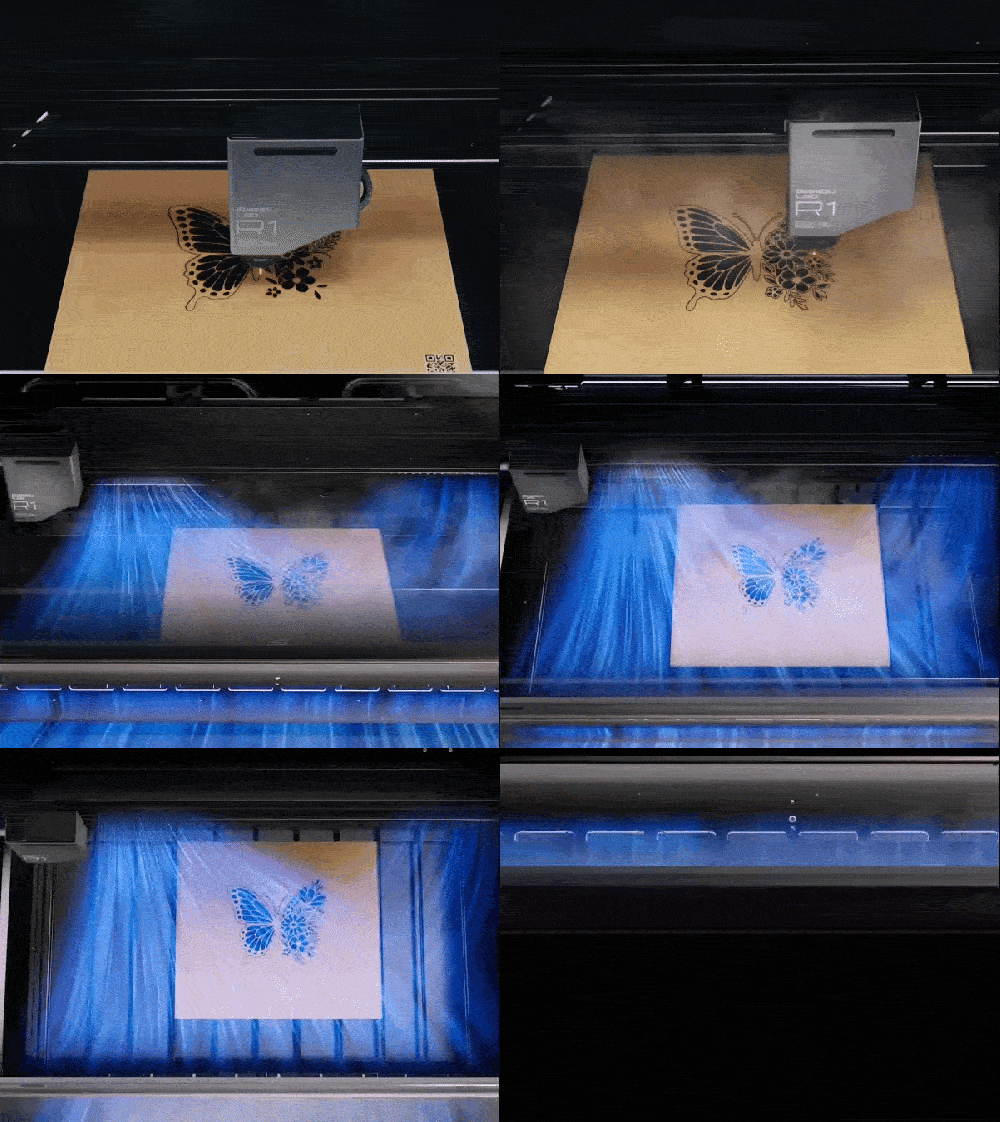
R1’s TriSense System work out three things before every cut: the positions of the material and design, the height of the surface, and how the toolhead moves across it. Cameras, lasers, and encoders work as one. What you mark is what you cut.

Follows the curve. From curved cups and spheres to uneven surfaces, height sensing follows every rise and fall to keep the engraving sharp and consistent across the entire surface.

Stays accurate on clear materials. R1 keeps surface measurement accurate even on transparent materials, so engraving stays precisely placed.
Finds the tiny stuff. The toolhead camera pinpoints small objects and places fine detail exactly where you want it.
Traces the line. Cut around a printed design, trim a sticker, or follow a drawn outline. The toolhead camera traces the edge and keeps the cut precisely on path.


Motion control algorithms that keep our printers precise, now in R1.

Crisp lines, even after the turn. When the toolhead changes direction, a split-second shake can ripple the line that follows. R1’s vibration compensation cancels it out, keeping the lines crisp right out of the turn – inherited tech from our 3D printers.

Even tone at 1000mm/s. Higher speeds usually mean shallower engraving. R1 compensates as it moves, keeping engraving depth consistent at up to 1,000 mm/s — while completing the same job nearly 3× as fast.

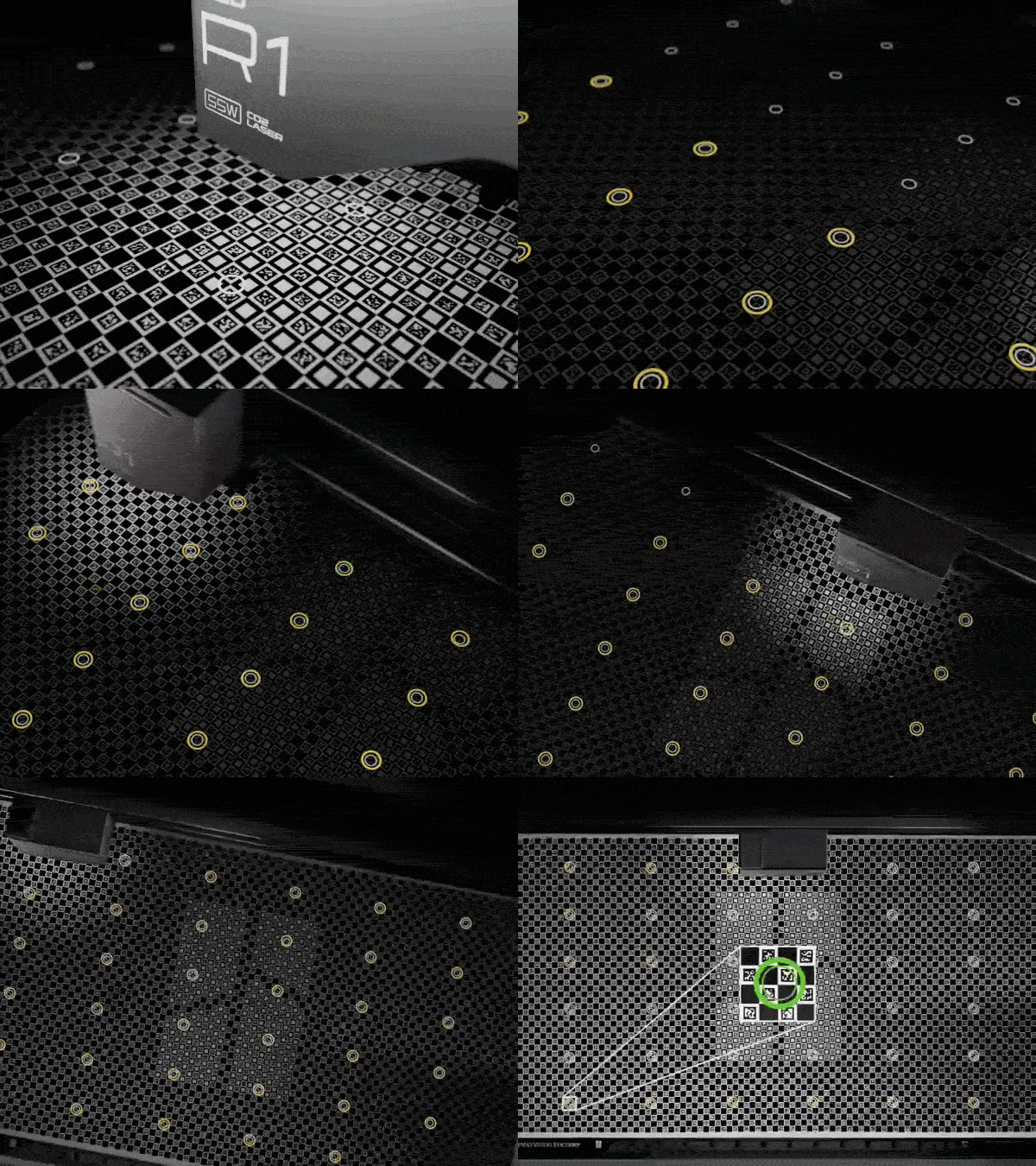
Stays accurate over time. Mechanical accuracy can drift with use. The optional Vision Encoder corrects for it, keeping absolute motion accuracy within 0.1mm across the full work area.
Safer by design.

Crossflow ventilation brings fresh air in from one side and exhausts smoke from the other. Lid-open stop, flame detection, emergency stop, and optional auto fire suppression provide multiple layers of protection. Finally, R1 is certified Class 1 – the highest level of laser safety for normal operation.
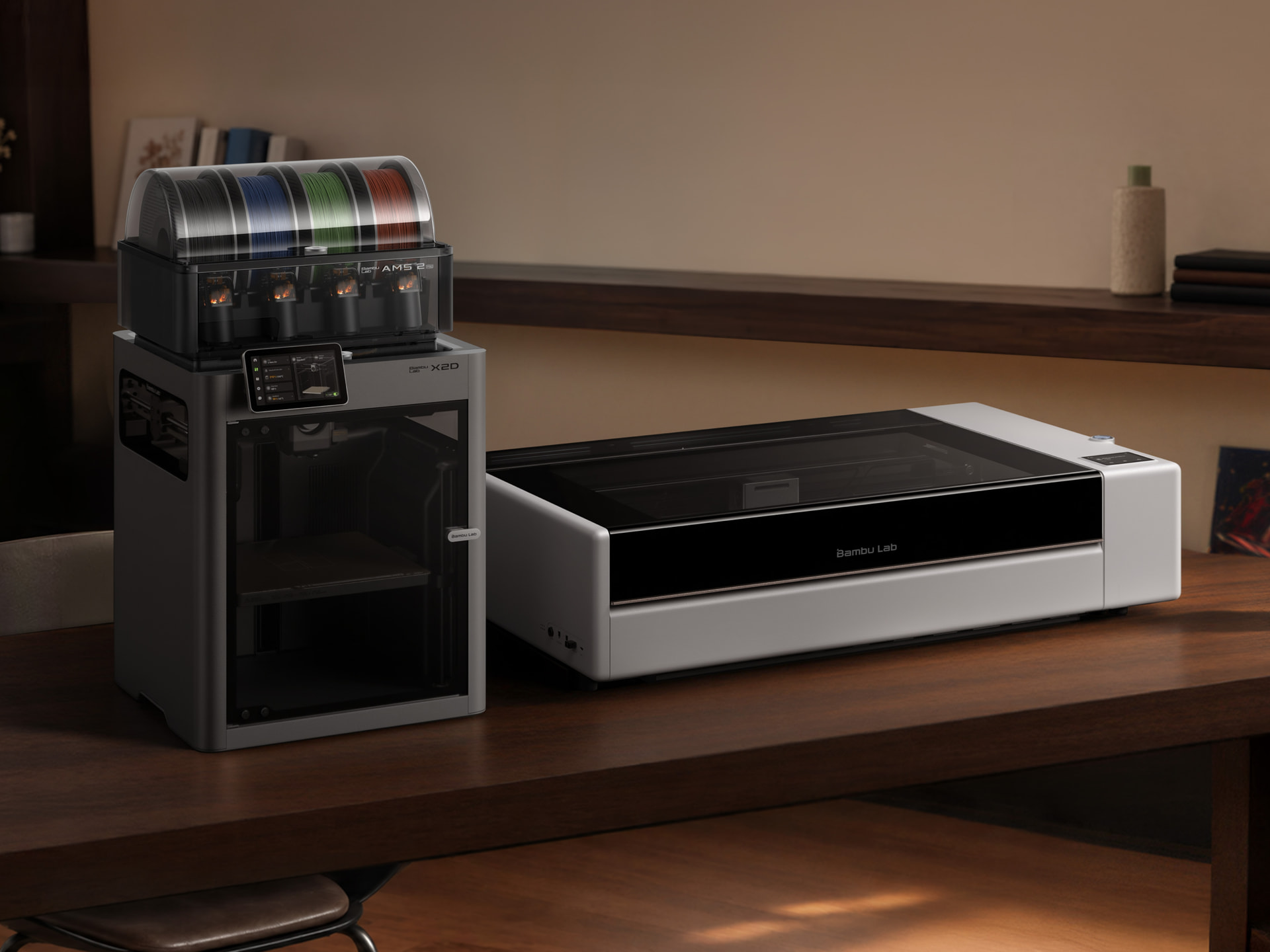
Part of the Bambu Experience

Same MakerWorld, same Bambu account, same easy Bambu feel. R1 is the next part of the setup you already know.
Learn more about R1

Pre-order R1 now at Bambu Lab Store. Shipping starts in October.

Availability and pricing details vary by region. Select features require additional accessories, full details available in Bambu Lab Store.

What do you want to make with the R1? Any ideas on how this could work alongside your printer for cooler projects? Let us know under this topic!
Bambu Lab R1 Laser Cutter: Testing Its Limits

Adam savage tested review

940×560×200mm size, 600x300mm processing area. 600×3000mm conveyor.

Most notable advantage over xTool P2S:

  • vision encoder, this is huge to eliminate X-Y skews (squares not square) common amongst gantry laser;
  • optional 0.11mm/0.19mm laser spot lens vs. only 0.18mm for better details or better cutting.
  • $300 cheaper

Most notable disadvantages:

  • only 30KPa air assist, vs P2S’s 200 KPa. P2 was 150KPa. Is this a typo? 30KPa sounds crazy. Why this matter: cleaner engraving, deeper, cleaner cut on thick materials while extending CO2 tube life
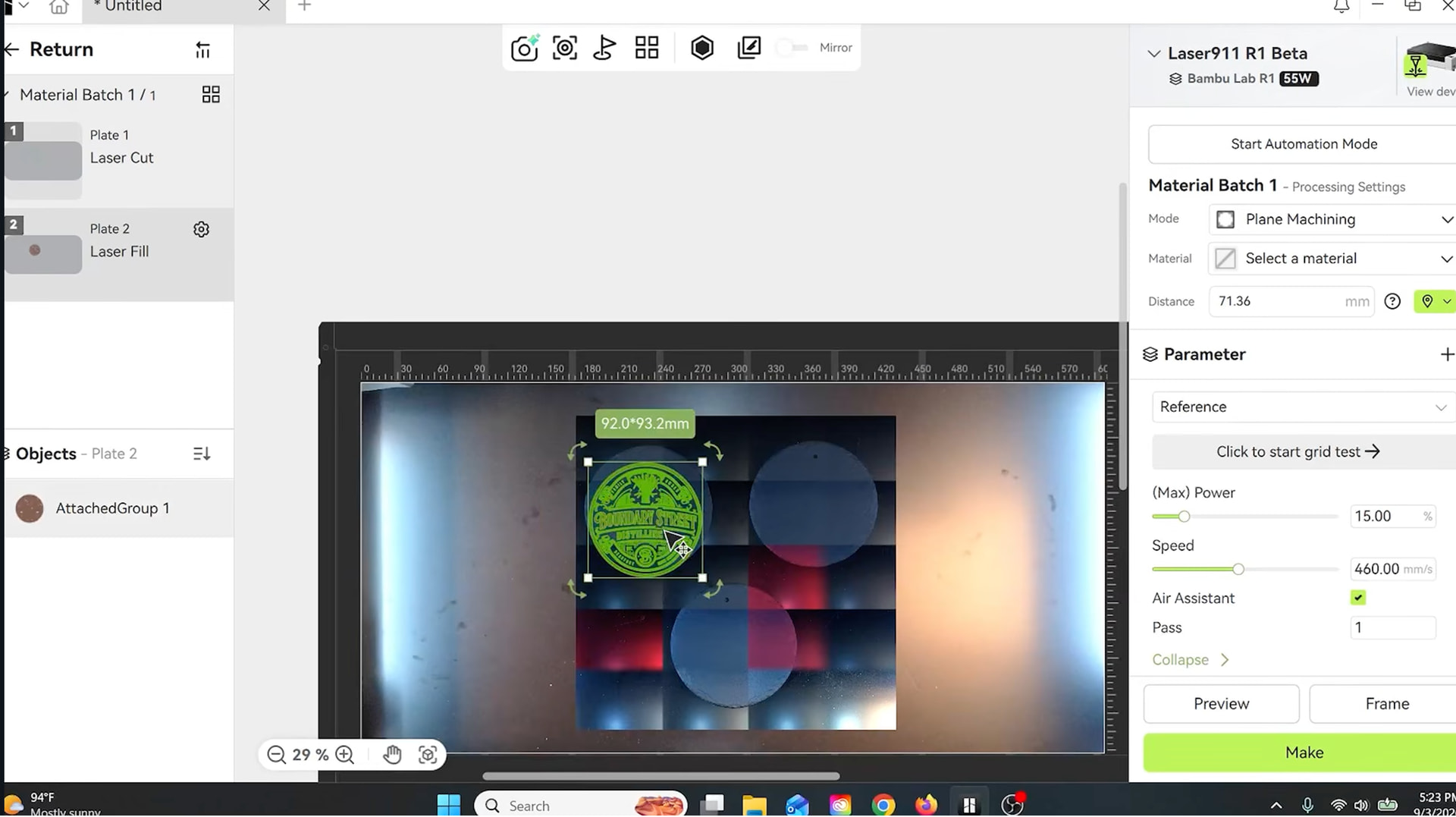
  • BambuSuite
  1. Important: When used with the riser base or the auto-feed accessory, the enclosure is no longer complete and the laser cutter changes from an enclosed Class 1 device to a Class 4 device, requiring CO2 laser-safety eyewear, and is intended for professional use by trained personnel only.

This is the major disadvantage and needs a lot of work to bring it up to par. I hope bambu will spend the time and effort needed to improve it.

Well.. Called that one wrong.

First comments are positive, yet no one has appeared to notice a tiny bit of info in the OP’s advertorial post:

R1 also recognizes Bambu Lab material automatically

… which begs the question: what Bambu materials is the OP talking about? Did Bambu came up (again) with new RFID tags for "Bambu materials " dedicated to R1 (like they did for their FDM filaments? )
Does this mean that “other materials” without Bambu RFID tags attached to them won’t be "automatically recognized " by the R1, and thus, users will have to fiddle with the R1’s settings every time the chosen “materials” are different from the Bambu branded ones?!?

Just went over to Taobao and checked the Chinese language specs, same 30KPa. Either it’s an intern-moment or actually really just 30KPa. I don’t understand the decision, putting such a weak air pump in a 2026 laser. It’s not often talked about but the 200KPa air assist upgrade P2S got was pretty impactful in terms of cut quality and thickness capacity.

For example,
200KPa


150KPa

(note that where it applies is in even thicker sheets or harder to cut sheets, not that 6mm MDF is impossible to cut)

I mean R1 is very aggressively priced and xTool will feel a lot of pressure now, so it’s jarring to see such a weak link here when everything else (except software) match up very favorably against the P2S.

R1 | Bambu Lab Wiki

Wiki is up.

Looks like a simple QR code:

I’m lucky to have been using one of these for the last few weeks and would be happy to answer any questions. My knowledge is limited to the functions I’ve used for my projects in this short time but I’ve been having fun with it.

Watching one of the reviews showing (probably) the beta version they are given. The reviewer stresses that it’s a beta version “by no means ready to go” as some features doesn’t yet work well.

idk, it looks exactly like the current build, drunken as ever.


Dude probably said “basic” a dozen times.

Some other takeaways
The machine pauses the job when you open the lid. In other words, it does not lock the lid (like a P2S would)

Not many sample parts are shown, or parameters, but the engraving looks noticeably dark for a CO2. Does that confirm the 30KPa air assist or just anecdotal? idk.

Praised the calibration, which I agree, is very impressive and far ahead of the basic stuff competitors have.

As these are machines provided by Bambu, understandable that the words won’t be so blunt, and some stuff will be omitted from mentioning, but idk, just gives me really weird vibes when a dedicated laser channel calls it an "entry level CO2"s. They had much higher praise for the xTool P2S. brand bias? not impossible.

I own an H2C and an X1C; I was really, really excited at the prospect of buying the upcoming R1… but the exorbitant price has dashed all my hopes

It’s so, so expensive… I’m deeply disappointed in Bambulab.

Realistically, what is the max wood thickness it can cut?

My main project uses 19.1mm poplar which I cut in a single (slow) pass and then sanded the edges. 12mm wood cuts much faster of course and 3mm plywood is super fast with noticeably less scorching. These are the ones I’ve tested so I can’t speak to other species/thicknesses.

I have owned a Glowforge laser cutter for many years before I got into 3D printing. It cost about the same as the R1 back then, but was less power and smaller. Bed size is 20x12 inches and it is only 40w power.

I love my Glowforge, but it is near end-of-life. If I replace it, it might be replaced with this…

$2500 is pretty cheap for a prosumer grade 55w CO2. With some eye-brow raising first-gen caveats, but very cheap. I totally understand that compared to 3D printers $2500 is exorbitant, and it is. FDM printers have gotten so ridiculously cheap across the range.

It’s not expensive. CO2 lasers are just not in the same price category as FDM consumer printers.


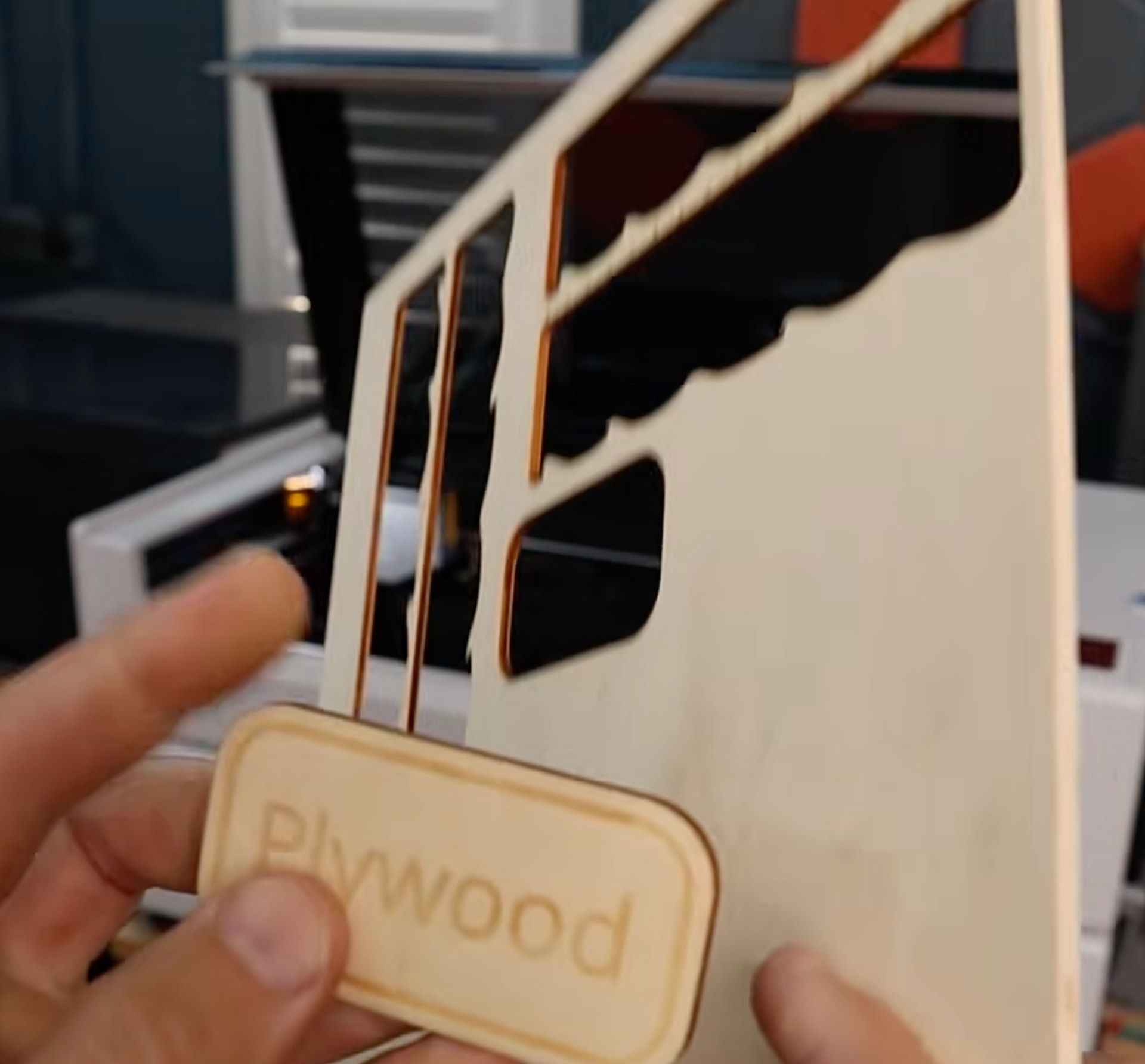
From NeedItMakeIt’s review. Plywood, looks to be 3mm, probably poplar, the common kind.

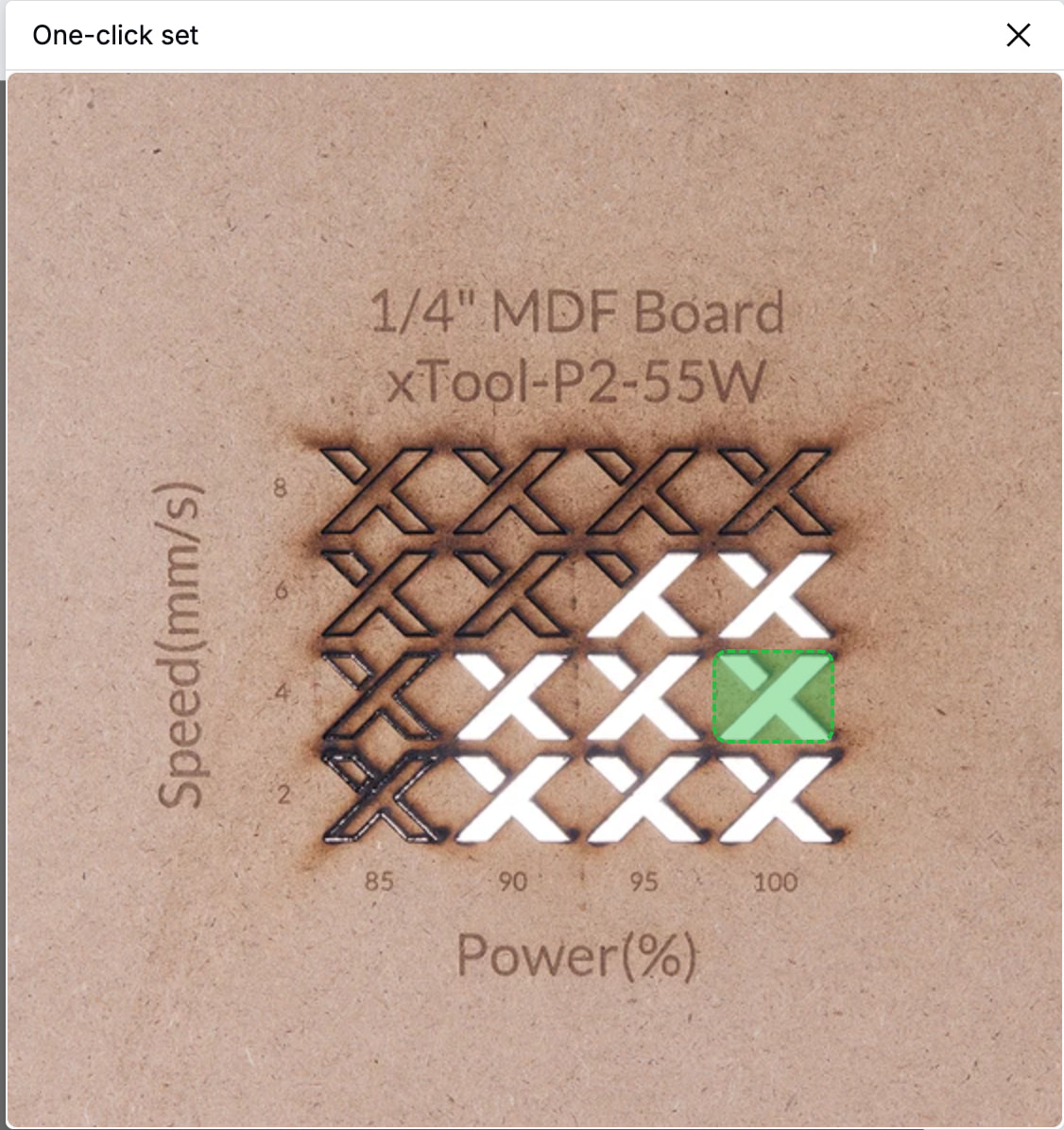
Cut surface is noticeably darker than what my P2S produces. Typically the software will use 100% air automatically for cutting so this should confirm the assist power discrepancy.

Not that this looks bad at all, it’s not charred. You’ll have to decide if this matters. I do cut 6mm MR-MDFs which are significantly harder to chew through compared to normal MDFs.

IMO, at this price range, unless in a hurry, just worth waiting for a bit more on what the xTool X1 offers. Apparently the galvo head is optional, maybe the base CO2 can be comparable.

I mean… it has the major thing against it: Bambu Suite.

I’ve used it only for laser cutting, but it was already enough to tell that BL don’t know how to design a “slicer” from the scratch. Afterall, it’s not the same as trying to fork Prusa Slicer and turn it into B Studio.