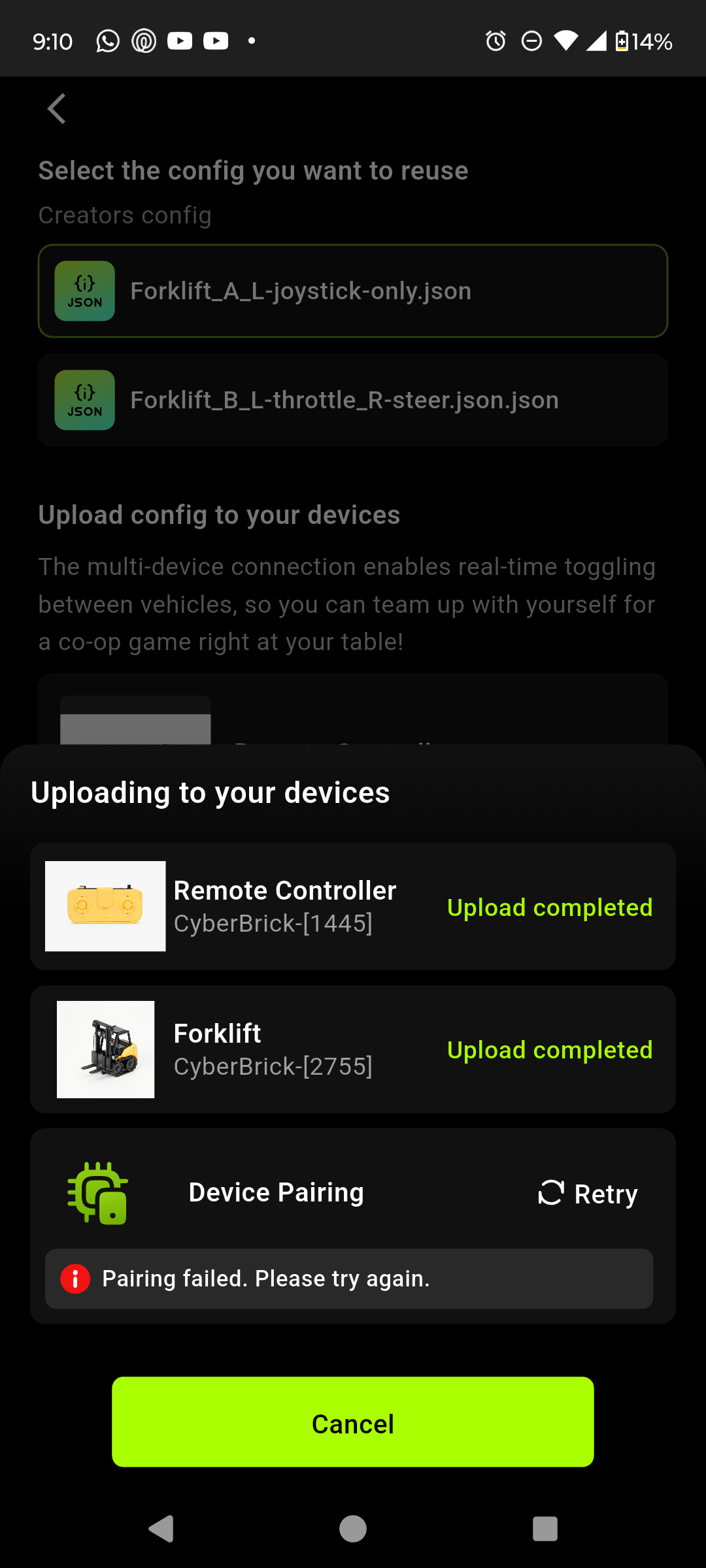
Hi, I built the forklift as my first CyberBrick project and I’m having issues with the app setup.
Here’s what I’m doing: I open the Android app, go to Devices, tap “Add New Device”, turn on the remote and add it. Then I add another new device, turn on the forklift and add that as well. After that, I go to the Forklift page in the app, tap “Get Started” → “Connect”, select the remote controller and then the forklift, choose the config file I want to upload, and press Upload. The firmware updates and the files upload successfully, but the Device Pairing step always fails no matter how many times I retry.