You dried the filament with rigor, that’s a lot more than most people do as part of diagnostics so hats off to you. 

I’m leaning towards flow issues possible caused by temperature (most likely) or speed (less likely).
Their are three things you hadn’t mentioned so just in case you haven’t tried this rout here goes:
-
Print a true temp tower, by that I mean it must either be one generated by the slicer - I don’t know if Bambu Lab ever stole that from the calibration menu from Orca since I’ve not used Bambu Studio since 1.6 and have been on Orca ever since. Once you slice the tower, go to temp on the menu and make sure it shows different temps on display at each layer. If it’s one color then all though is a static model with no color variation. Here is what that menu looks like in Orca, you would have to select customer and then enter the range for PPA-CF.
In case you don’t have Orca, here’s a saved test tower using the X1C definitions. Note: I don’t have an X1 so I could not test this:
◊ PPA-CF Nozzle temperature test.3mf (293.6 KB) -
Check the top and side walls. Try increasing both, 3 may not be enough, you may have to increase to 4-6 and also, remember to change the default wall order to outer inner.


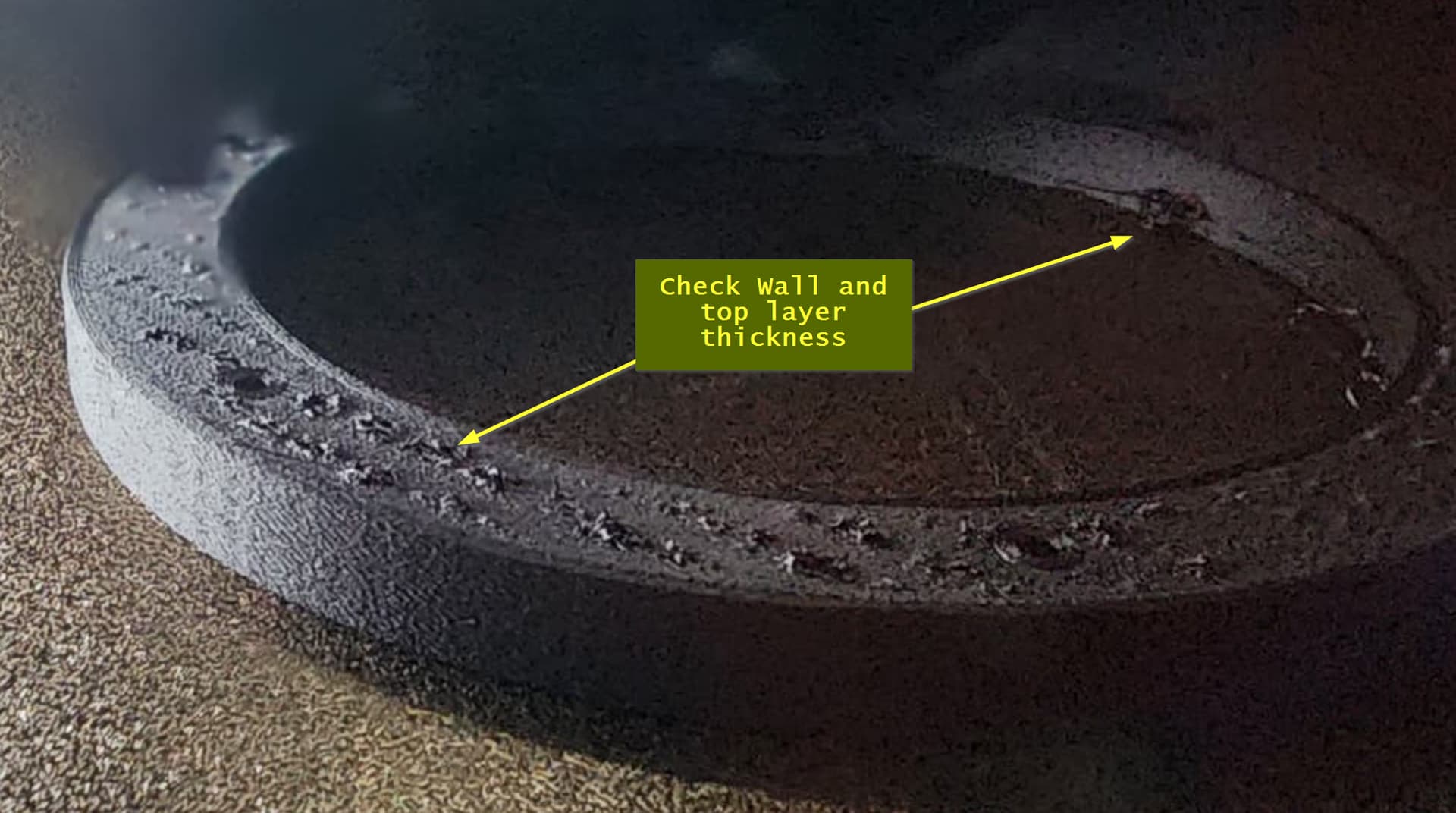
- And last, did you try slowing the printer down like putting it in quiet mode? That might be a quick test to try out. If it improves the result, that confirms flow issues.
If you succeed, let us know what worked so that the remainder of the community can benefit. I haven’t played with PPA-CF because my P1P just can’t reach the temps. I have a new non-Bambu machine that might be able to do it but haven’t had a chance to try it so I am very intersted in what succeeds.