I don’t know if it’s a bug or just me, but when I select the preset for my X1C with E3D hotend, every print I’ve sliced has a slightly higher time to print than the standard profile. I have verified that the max volumetric flow rate is higher on the E3D profile, and I have the latest profile imported.
Are the layer times for fan speed control the same in the filament settings?
They are also used to slow down prints in case of low layer times.
Stock:
Min 100
Max 4
E3D:
Min 100
Max 0
Thanks  . Curious to see a 0s layer time for a max fan threshold. If anything, I would have expected to see an increased value due to the higher flow leading to an increased need for cooling… But I may just have my brain in a twist atm
I assume that “slow printing down for better layer cooling” is enabled also for the E3D?
But coming back to the original question of why it is slower. Common tools for troubleshooting:
- You can click on the symbol on the right of the “Process” line (left panel in “Prepare”). That lets you compare differences between profiles.
- Look at each preview. Speed, Layer time, Flow in particular and determine the main driver with a given geometry. The E3 has no chance to play to its strengths if the model is too small or too finely sliced to be flow controlled. Other setting differences may even have a negative impact.
Best wishes,
Eno
I am seeing the same issue for my models. Let us know if you find an answer.

For my model the standard nozzle says 25 minutes for sparse infill and 30 for E3D, also bridge is 19m for standard and 31 with the E3D.
Yes, it takes a little getting used to it, but it can be quite helpful. If you select the same default printer profile but with the standard .4 versus the ObXidian .4, do you still get that difference in speeds?
Because that certainly would be a smoking gun regarding the print durations. We’d be better off by ignoring the config files and just upping the max flow…
Hi,
I have the same issue. Weirdly, its also happening in the orca slicer. (Printer is the X1C)
Although, the print duration is different between orca and bambu slicer.
i am having the exact same issue, i have been talking with BBL Help Desk and they have not been much help, the dont seam to understand it is the E3D hotend that is giving slower print times
Hi,
Exact same issue here !
Higher flow, Higher print speeds but longer print time with the E3D.
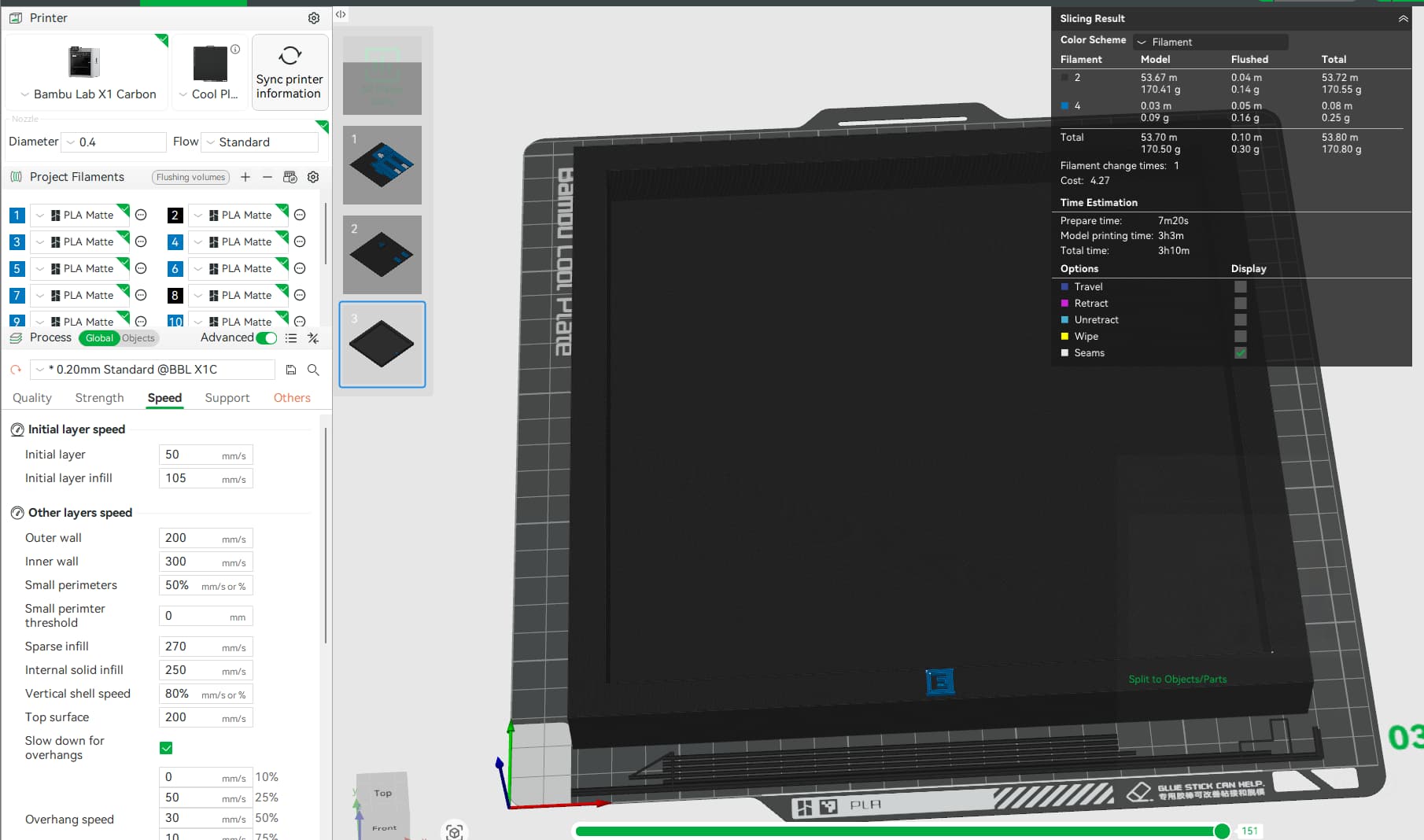

Can you compare the filament cooling settings? In particular the max fan threshold layer time and the slow down for layer time?

Many thanks 
With the most relevants speeds (walls, surfaces, infill) being faster, the few slower speedd should not be a reason for longer print times.
But you made a excellent observation regarding the line widths  I do not see a good reason for the reduced line width so I would personally use the wider widths, reducing the number of lines. A 5-10% width reduction translates into an bigger increase in the number of neccessary deposition movements if the total material deposited remains constant (which it wouldn’t exactly (infill), leading to a weaker print).
Also, looking at the start gcode is a great approach . If in an M-command, this could have consequences for the remainder of the print.
I think I’ll need to have a look myself now that my new ObXidian has arrived.
Many thanks ,  &
&  ,
,
Eno
So I just print by 166% print speed at the result are rly good. But for the other settings from the nozzle Profile it takes longer with the standard speed compared to the standard settings from the standard nozzle
I just found out why time isn’t change. Nozzle is high flow, so let it work on high flow by melting more material. line width limits your volumetric, infill pattern, printer’s motion etc. soooo, let’s get back to topic - Line width. Increase your spare infill line width from .45 to .6 and look at print time  keep your line widths for outside walls / inner walls unchanged (default settings), so your quality will look same, infill will be better bond (more squish), less motion doing infill. Same 15% infill on gyroid gives huge time save, printer moves less, flows more Mark it as Solve :)))
Can you confirm the exact setting name? I also shouldn’t have to adjust anything since they made special profiles for this hot end.
Quality → Line Width → Sparse infill → 0.6
Thank you. I tried this it and ended up with a lot of stringing. It did knock 20 minutes off my 4hr print though.