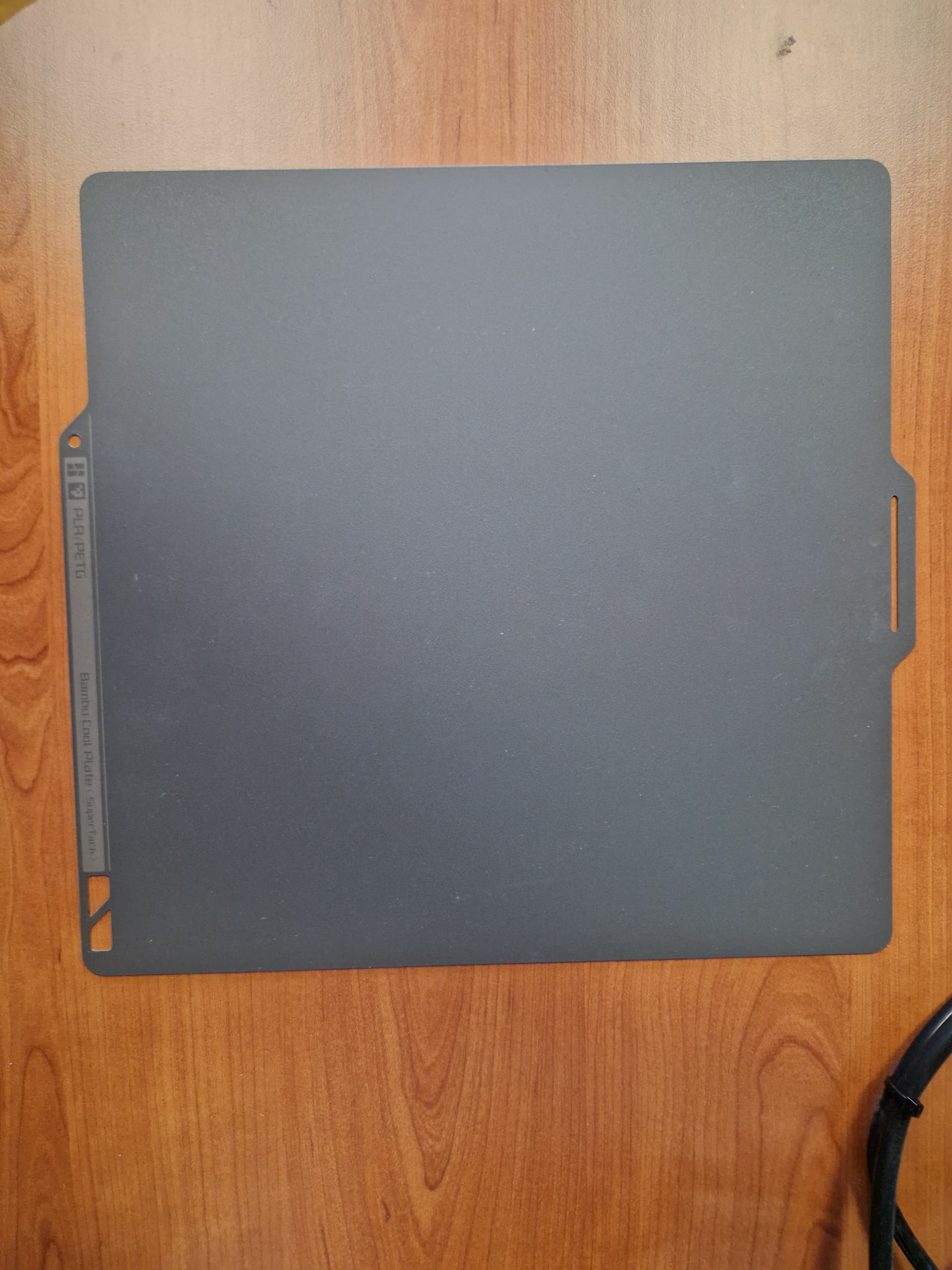
X1C. If I use default heatbed plate I get perfect first layer, but when I use cold plate or any other plate first layer is bad or really bad and that is everytime I print. Any idea what can be wrong???


Have you resliced for each print for the different plate?
with default you mean the textured pei plate? As @JonRaymond said, It is crucial to select the same plate in the slicer as you actually use. Especially the textured plates use a different z height than the other plates. That alone would fully explain why a print sliced for the textured plate looks terrible when you use a smooth plate instead.
I also level the bed again when I switch plates … 
I never could get my cold plate to stick.
YES, every time, I did that for every plate
I did that I selected plate in slicer and than slice it and print it. Only I don’t know what to select in slicer for BTT cool plate.
What filament are you trying to print with and how are you cleaning your plates?
Make sure plate detection is turned ON.

I use many differend filaments and it was the same, like underextrusion or bad first layer print. I clean plate with isopropyl or sometimes with soap and water.
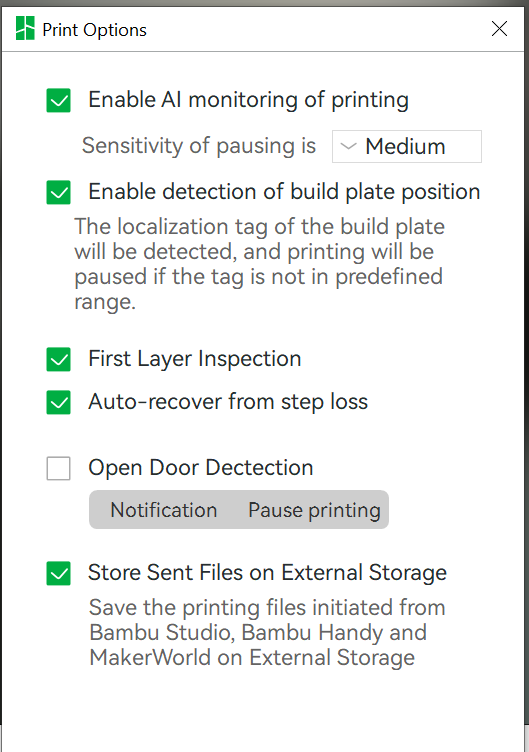
try to disable it, close program, open program and re-enable it.
I did it is the same, still not ok


Clean the plate with Dawn dish soap and hot water, using a soft-bristled brush to clean the grooves. Dry the filament and use a glue stick.
Check the screws behind your nozzle, they are known to get loose on the A1. Also, just throwing this out, have you run a calibration lately?
I cleaned plate with isopropyl. Also dried filament and now in AMS I have 18% moisture. I also put a glue on plate
I have tried nozzle with hand and it is tight. And Also run calibration before this.
And it looks like nozzle gets clogged everytime. But before I printed 5 lithopanes but not now anymore.
Use Dawn dish soap!!! If you must use IPA, do it after the wash with Dawn.