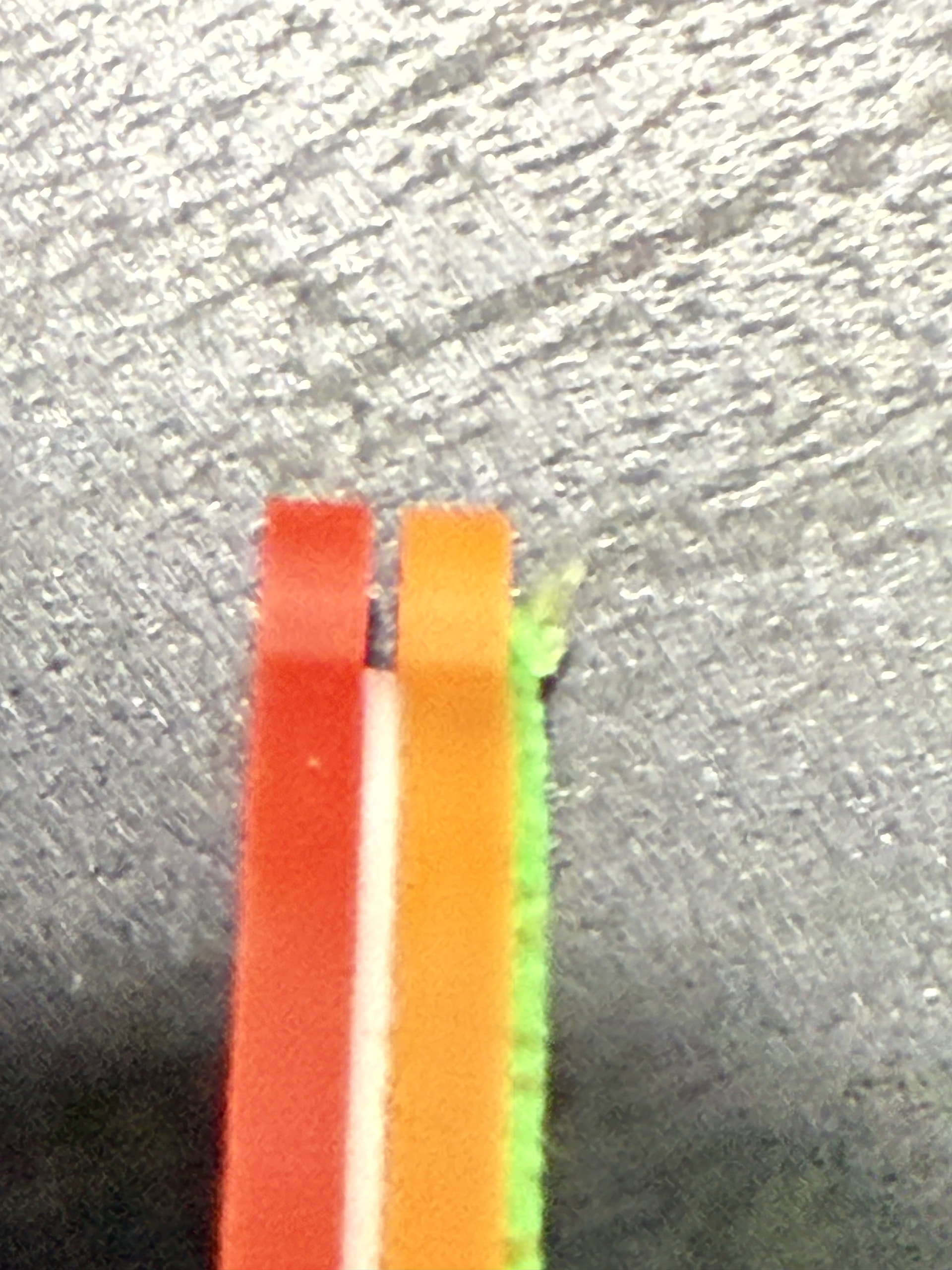
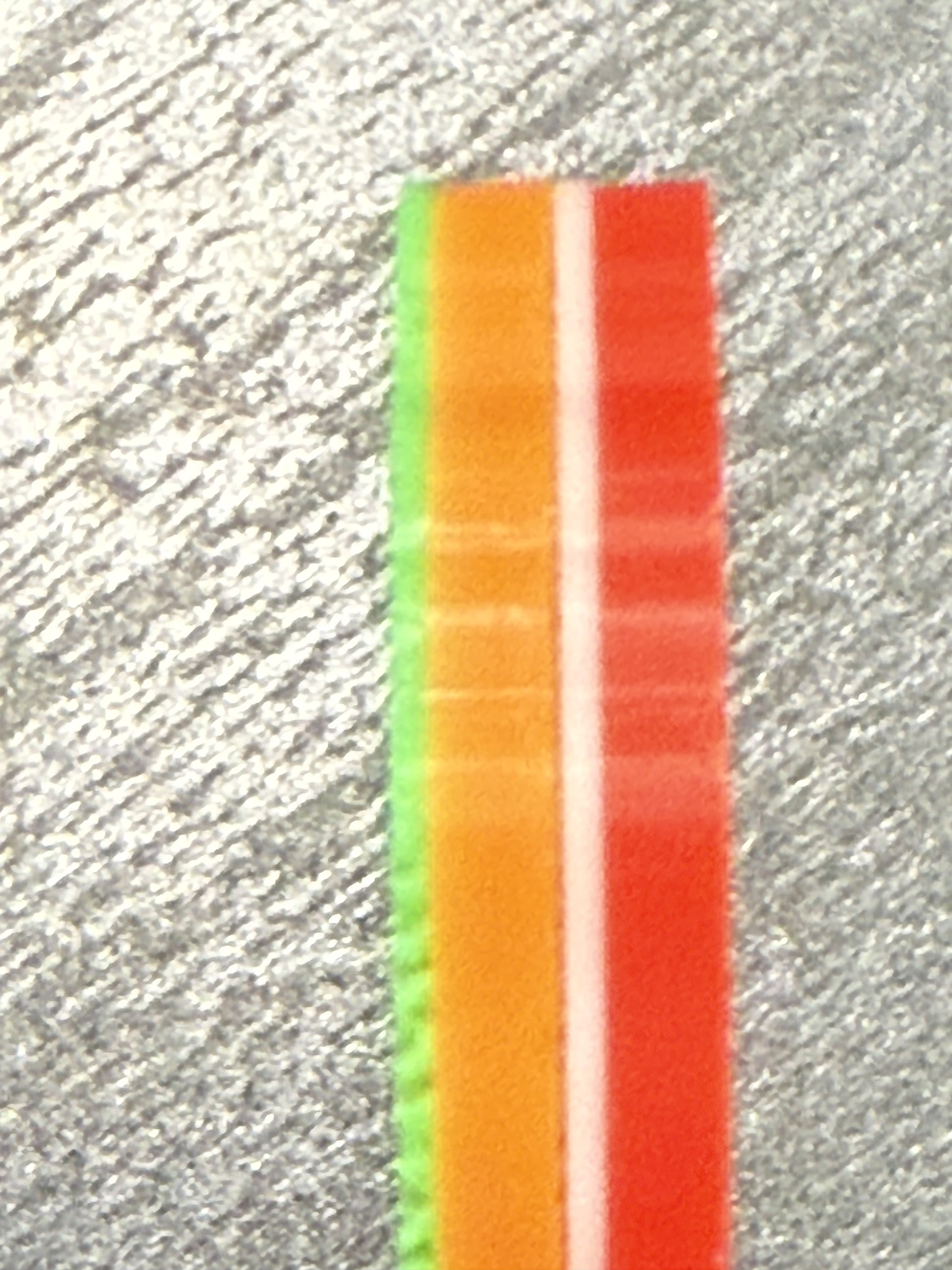
I have taken a shot at both ends while the edges are clearly visible, as I notice you used that lower down to highlight what you are experiencing.
If this isn’t what you need, I will do another way.
My tremors make things hard, but I will do what I can.
These were printed without changing anything in your 3MF except the red/white one had a prime tower and different colours of the same filament.
Well, I don’t know what I’m doing wrong or what my printer is doing wrong. Now it’s printing flow calibration test number 2, the first one came out 0.
I will try to reduce the flow, but will it affect the quality of the top layer?
How do you have your flow rate set?
The photos are of sufficient quality, thank you. It’s clear that your walls are straight.
I have never changed the defaults or calibrated my filaments. If I wasn’t a cripple, it would be a laziness thing.
I can screenshot anything you want, just ask.
The desk is solid black btw, I had glare like never before.
Maybe there’s something wrong with my printer?
It arrived on Tuesday, brand new, but that doesn’t mean it couldn’t be damaged. I don’t know what to think or what to do about it.
I wouldn’t consider this as some sort of printer defect from this alone. These values are adjustable for a reason and fluctuate from roll to roll etc
Unlikely, not impossible.
Damage rarely creates such small imperfections.
Have you tried the things @Bullocks suggested?
It could be the filament, they may have been sitting in the box for some time.
New, sealed filament isn’t always dry, it isn’t always wet either. The point I make is we can’t assume anything.
Try a new test print.
- Create a new project (or add a plate to an existing one)
- Select the plate (click it)
- Right-click the plate
- Add primitive, a solid cube
- Select it
- Use the scale toolbar icon
- Make it 50x50x100
- Don’t change any settings
- Print in orange
- Wait to cool
- Remove
- Print in green
What do these look like?
That should be big enough to see past the bottom and top solid layers to see if the section with infill contracts.
I’ll do this solid cube tomorrow because the printing will take 1 hour and 15 minutes and it will be a bit too late because I have a really crazy neighbor and since I live in a studio apartment, I can’t really reach an agreement.
I’ve reduced the flow rate from 0.98 to 0.96. I’m going to do it gently for now, as I also want to see how much of an impact it will have on the quality of the final surface.
I forgot to mention the flow coefficient test results. In both calibration tests, the best surface was found on the plates with number 0. So it seems that the manufacturer has the flow rate set correctly.