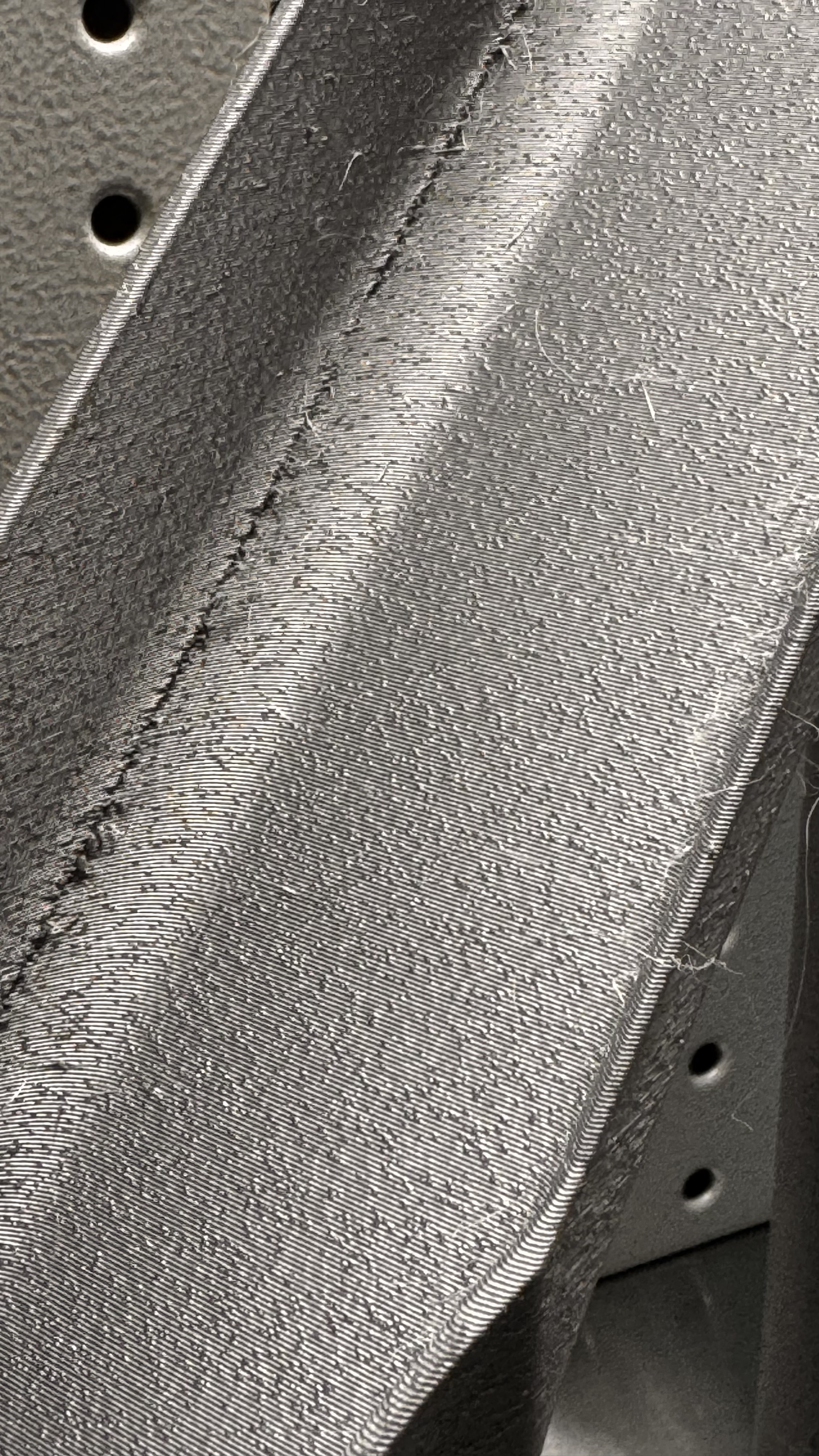
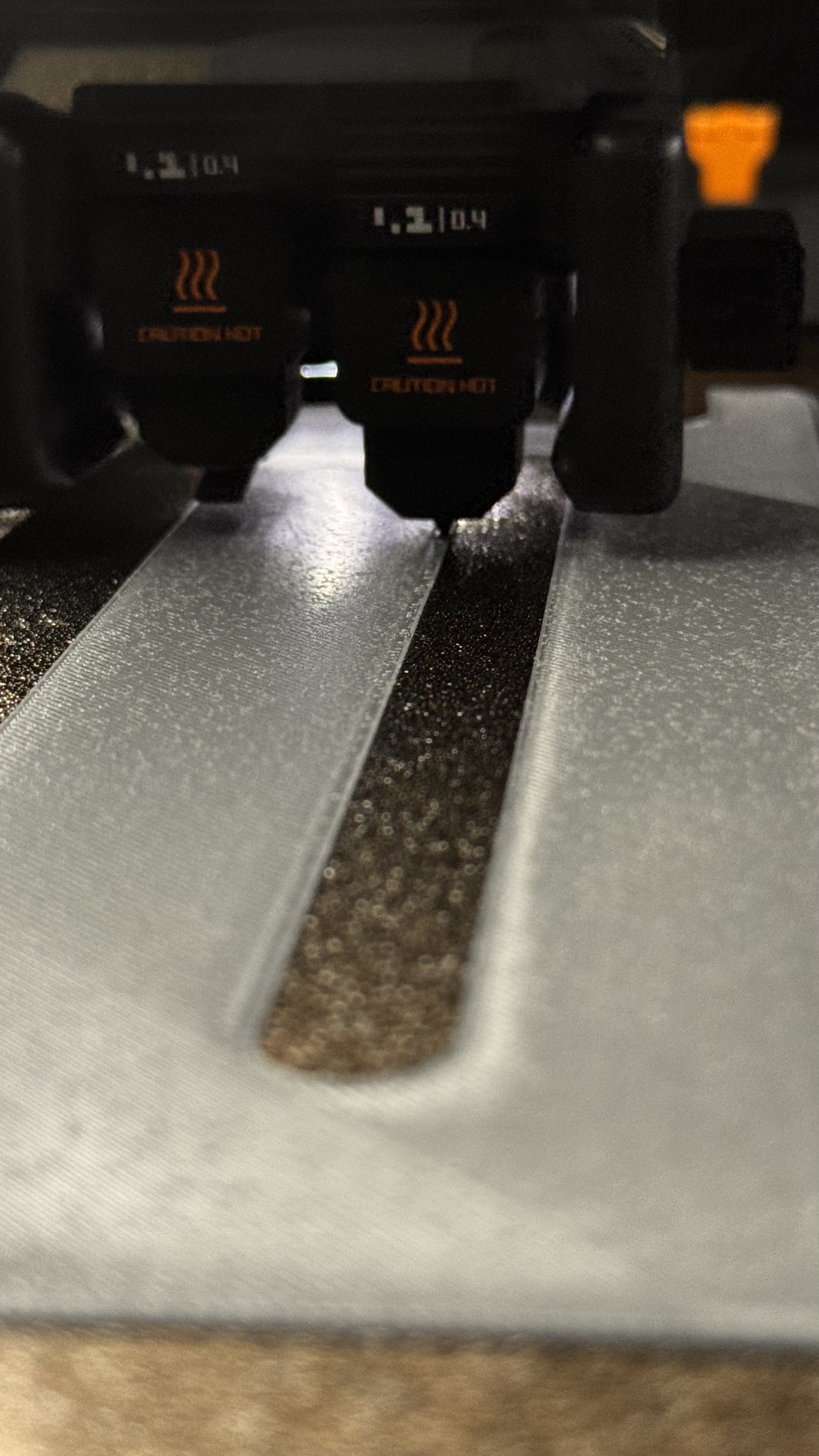
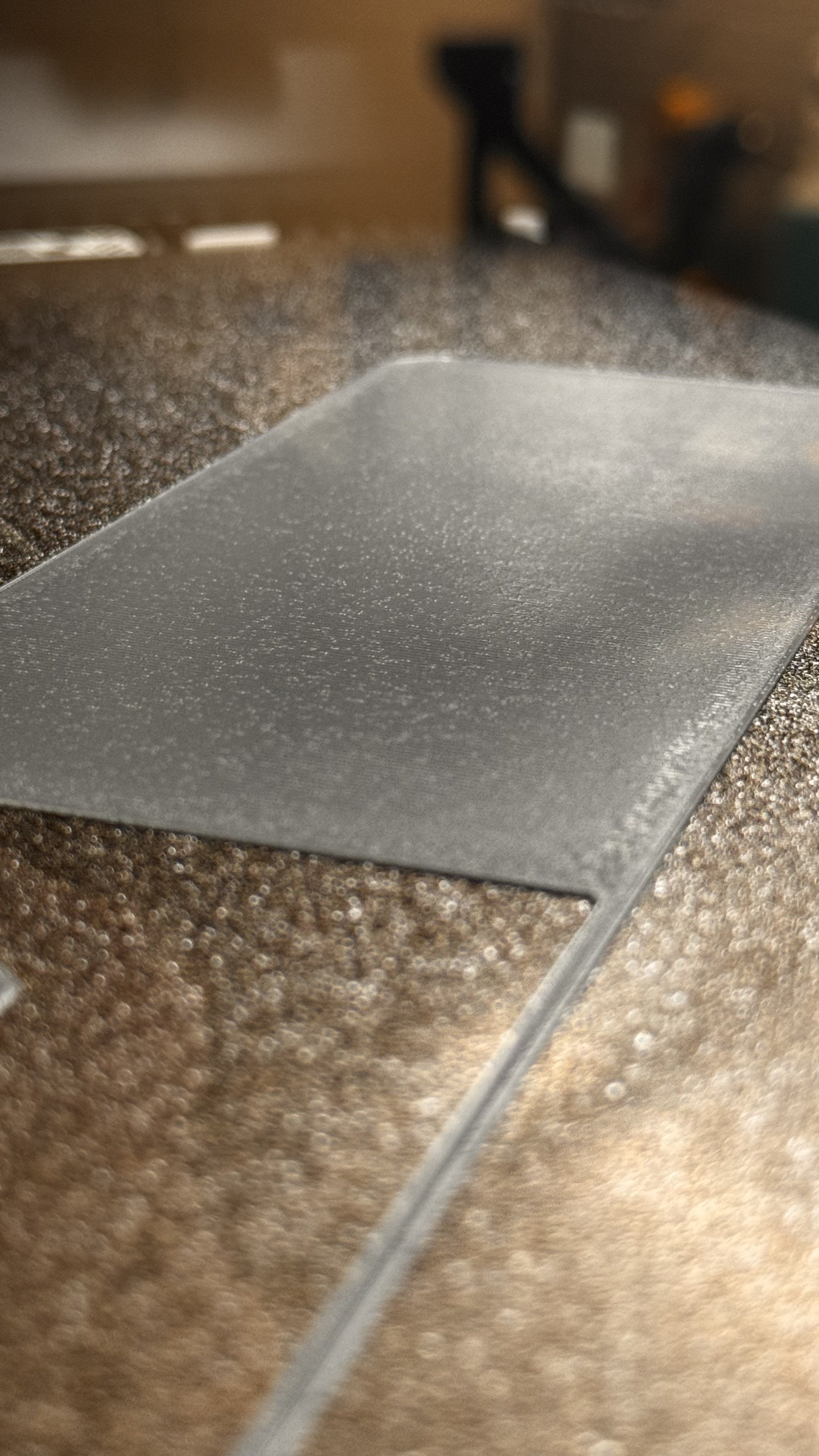
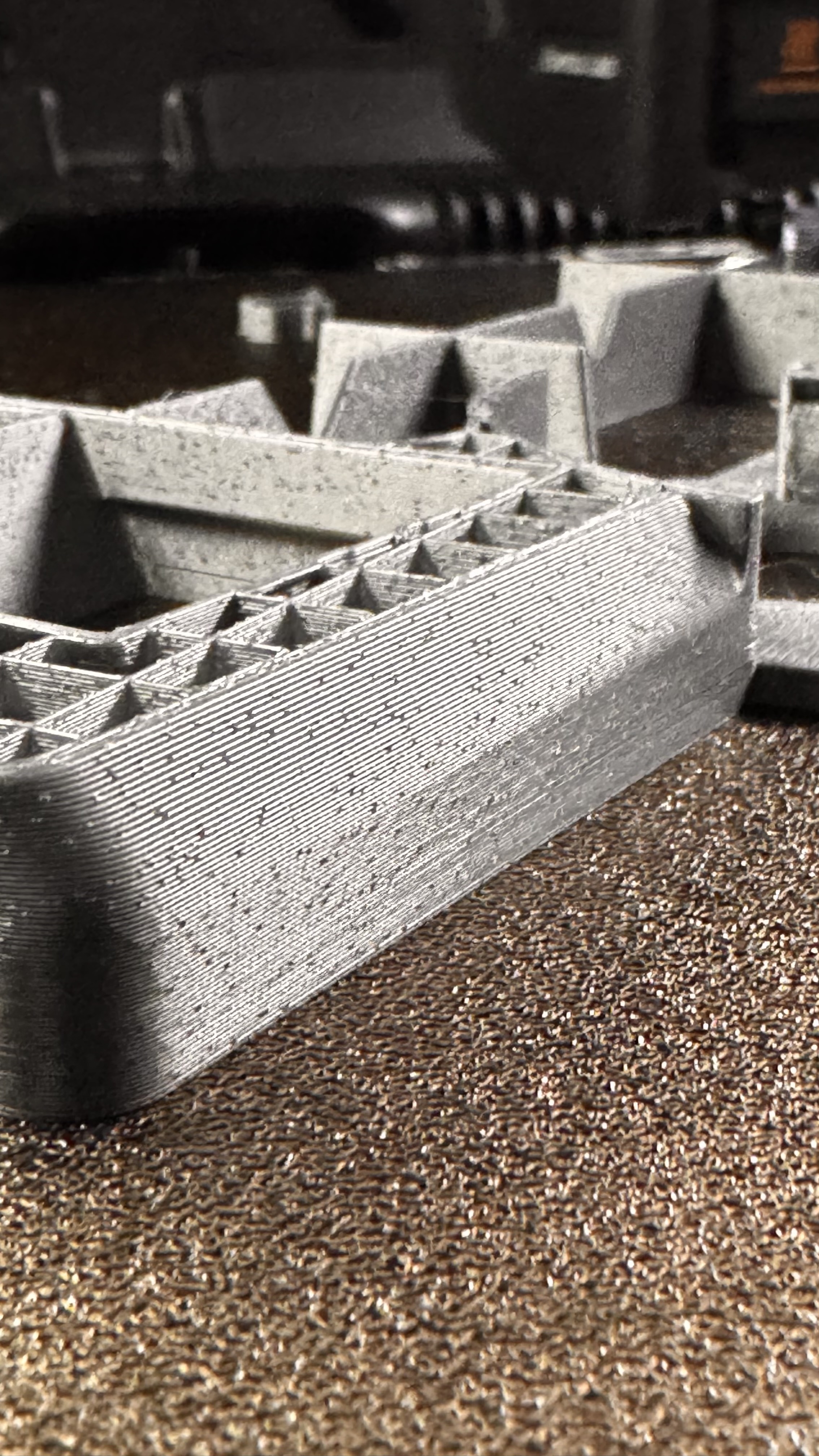
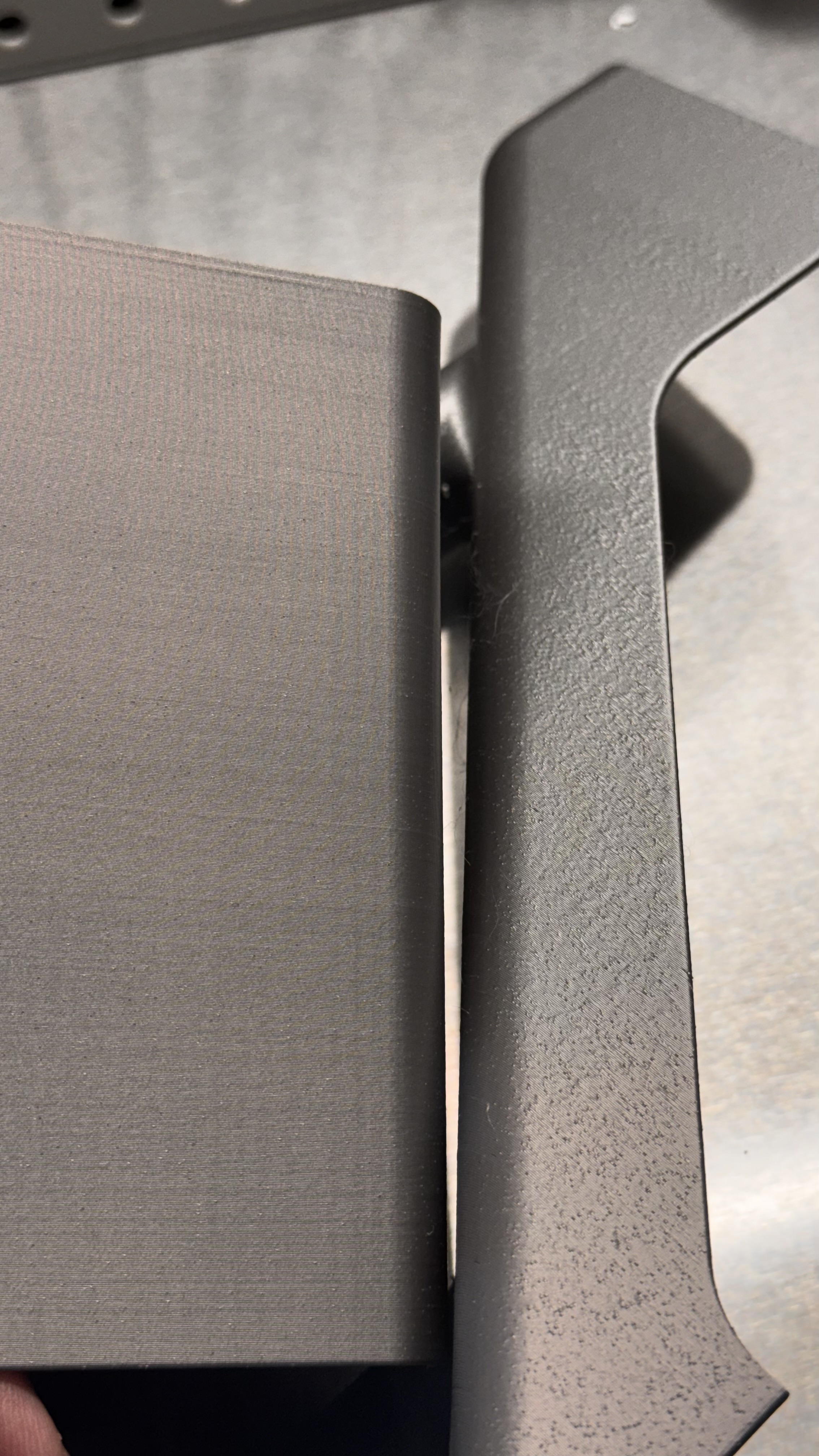
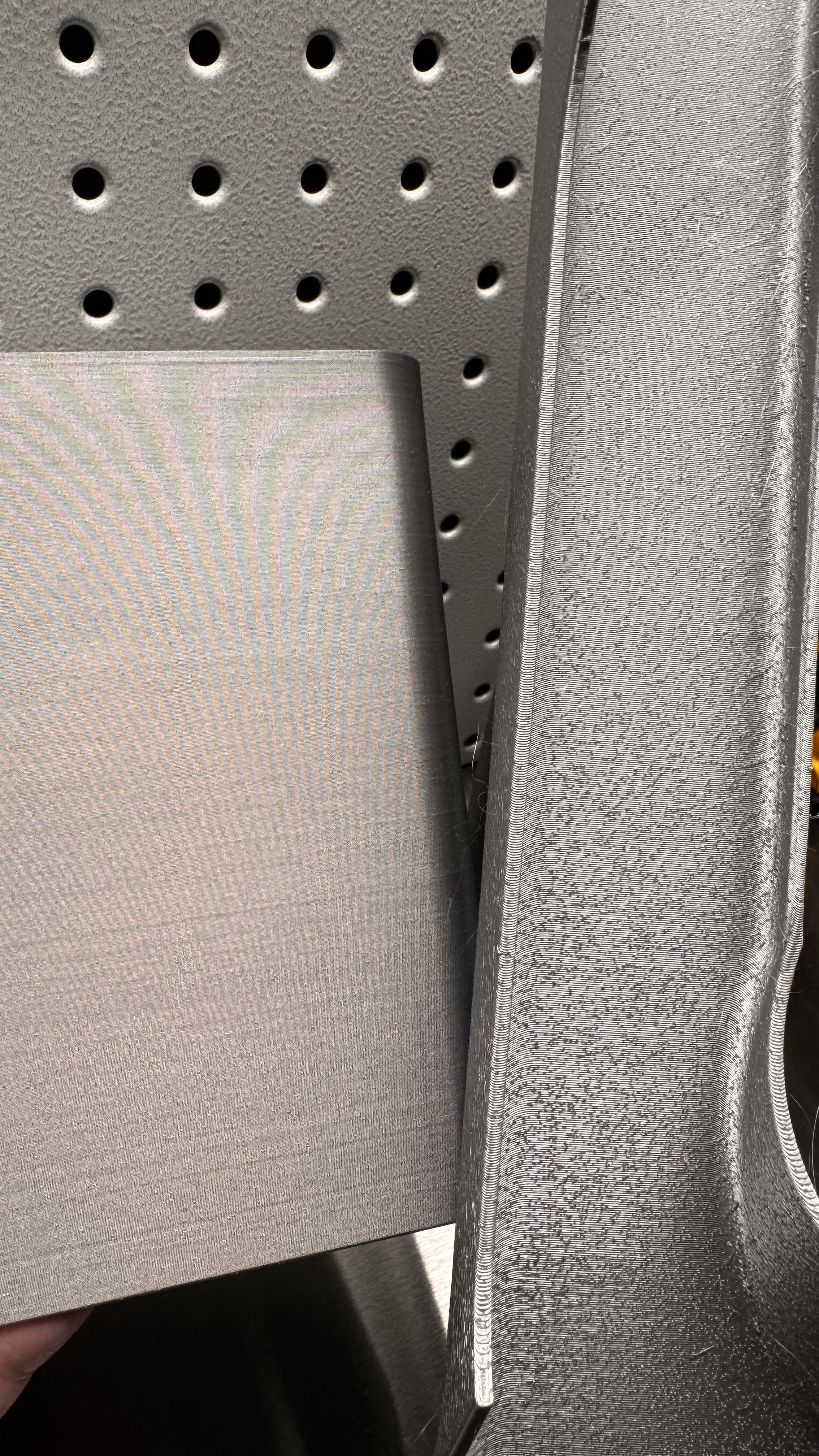
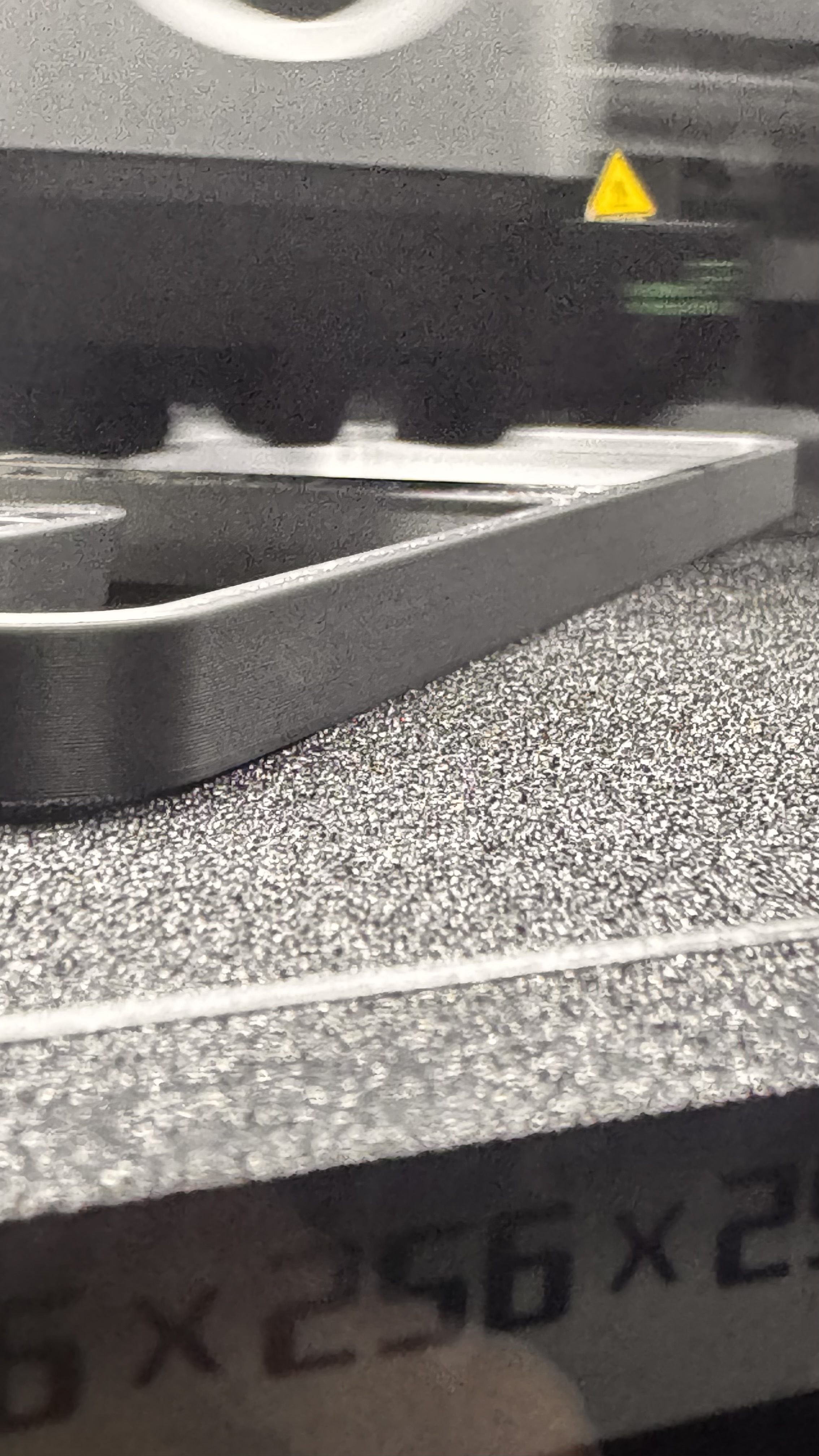
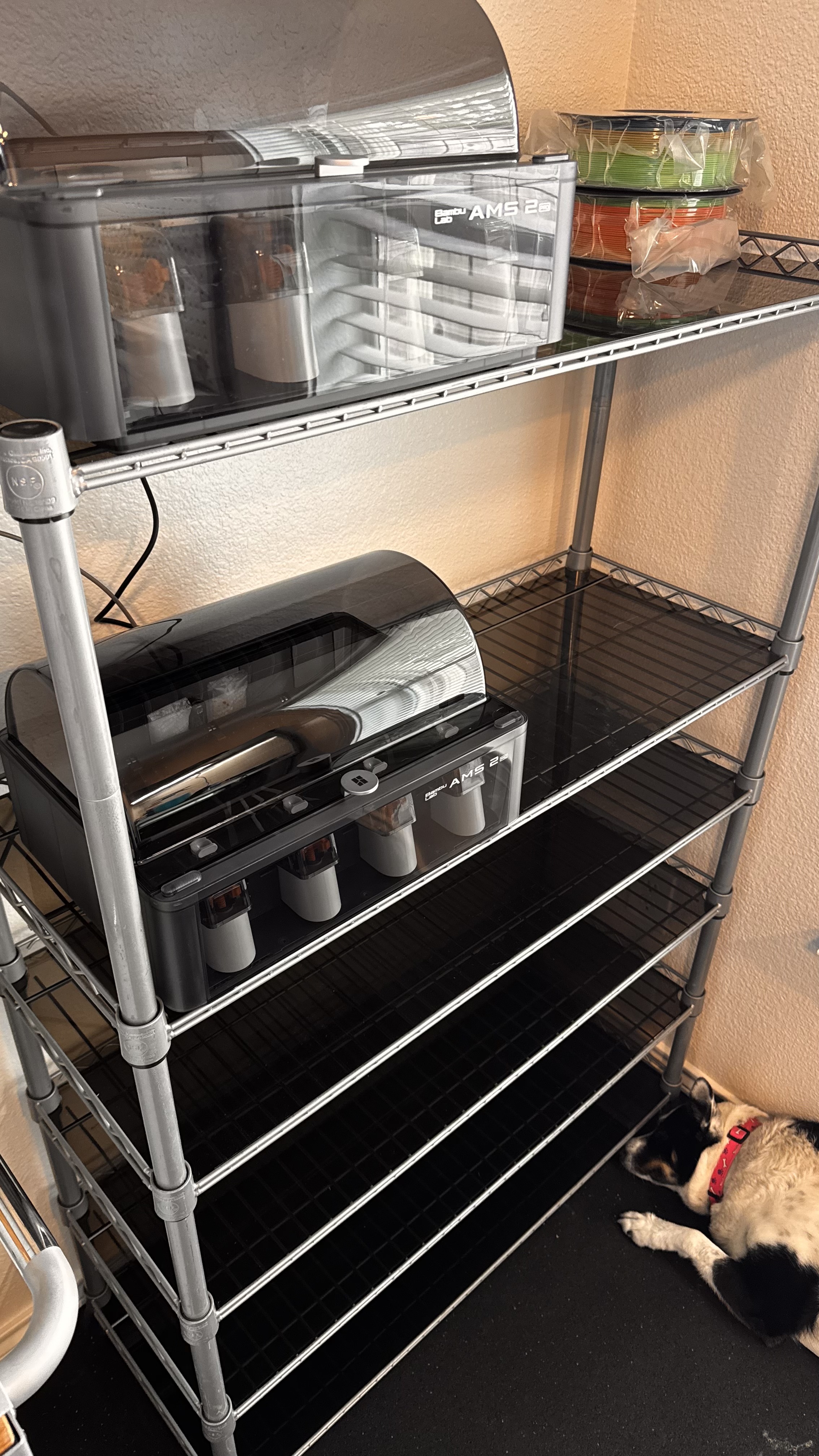
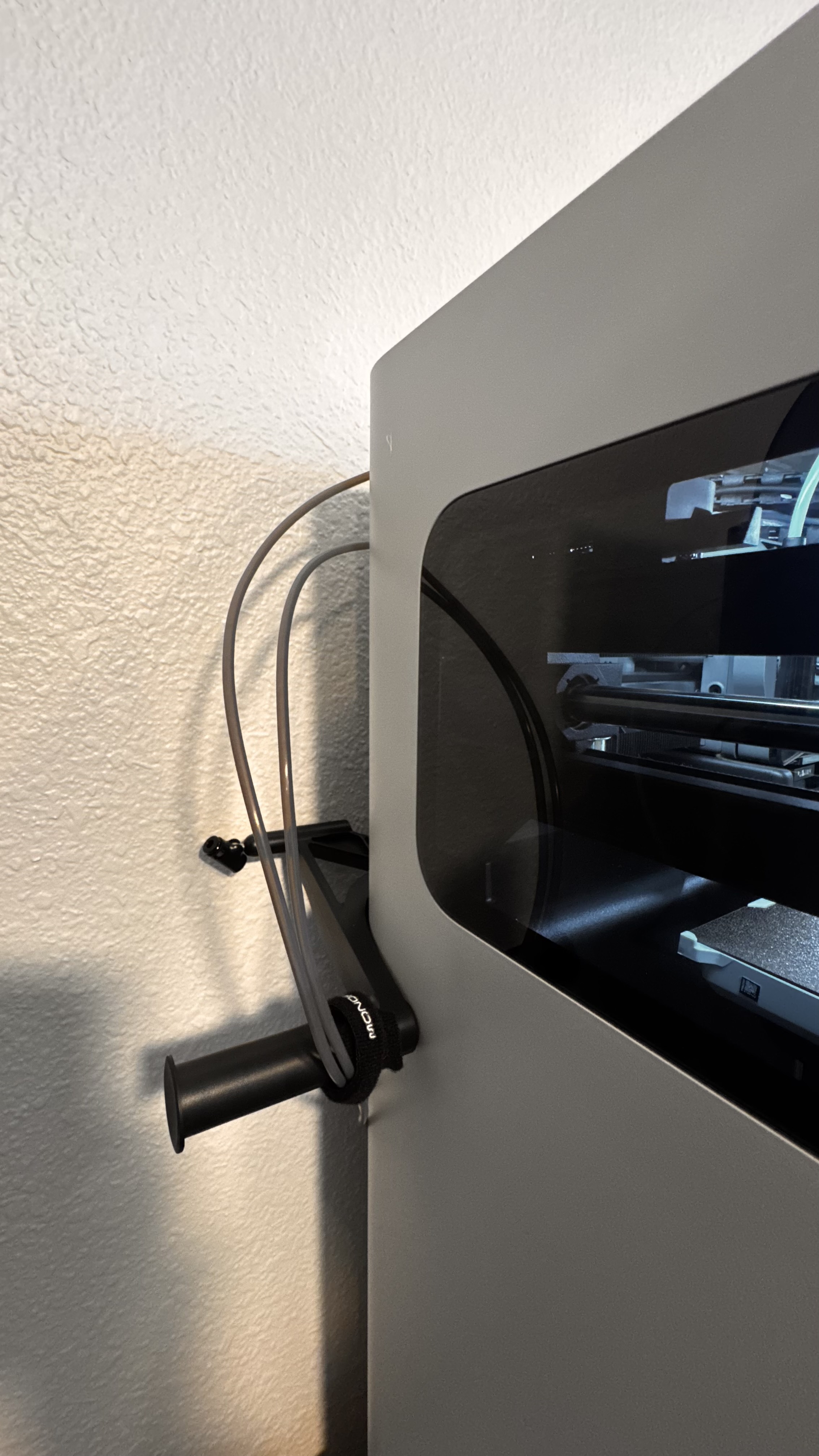
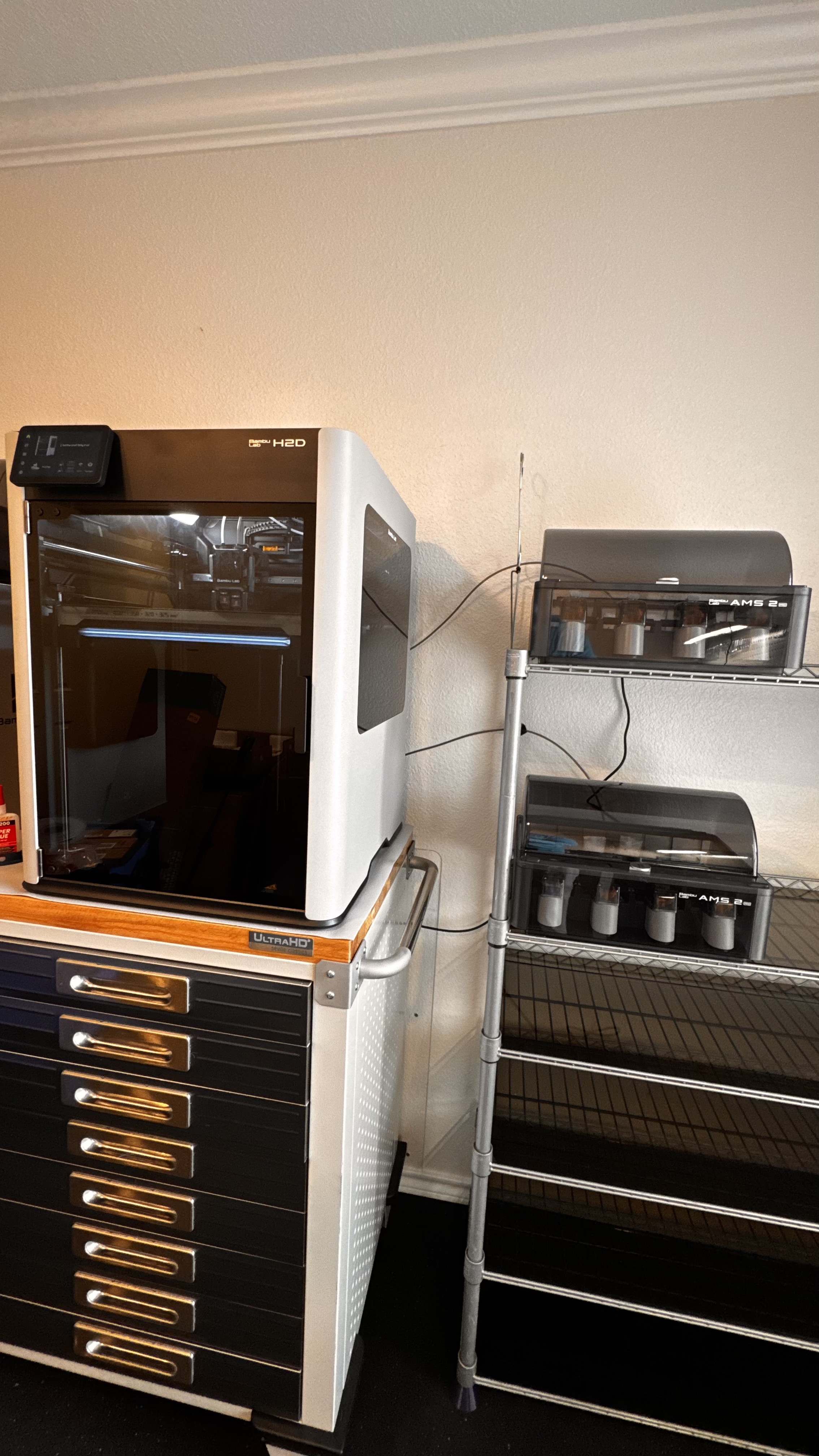
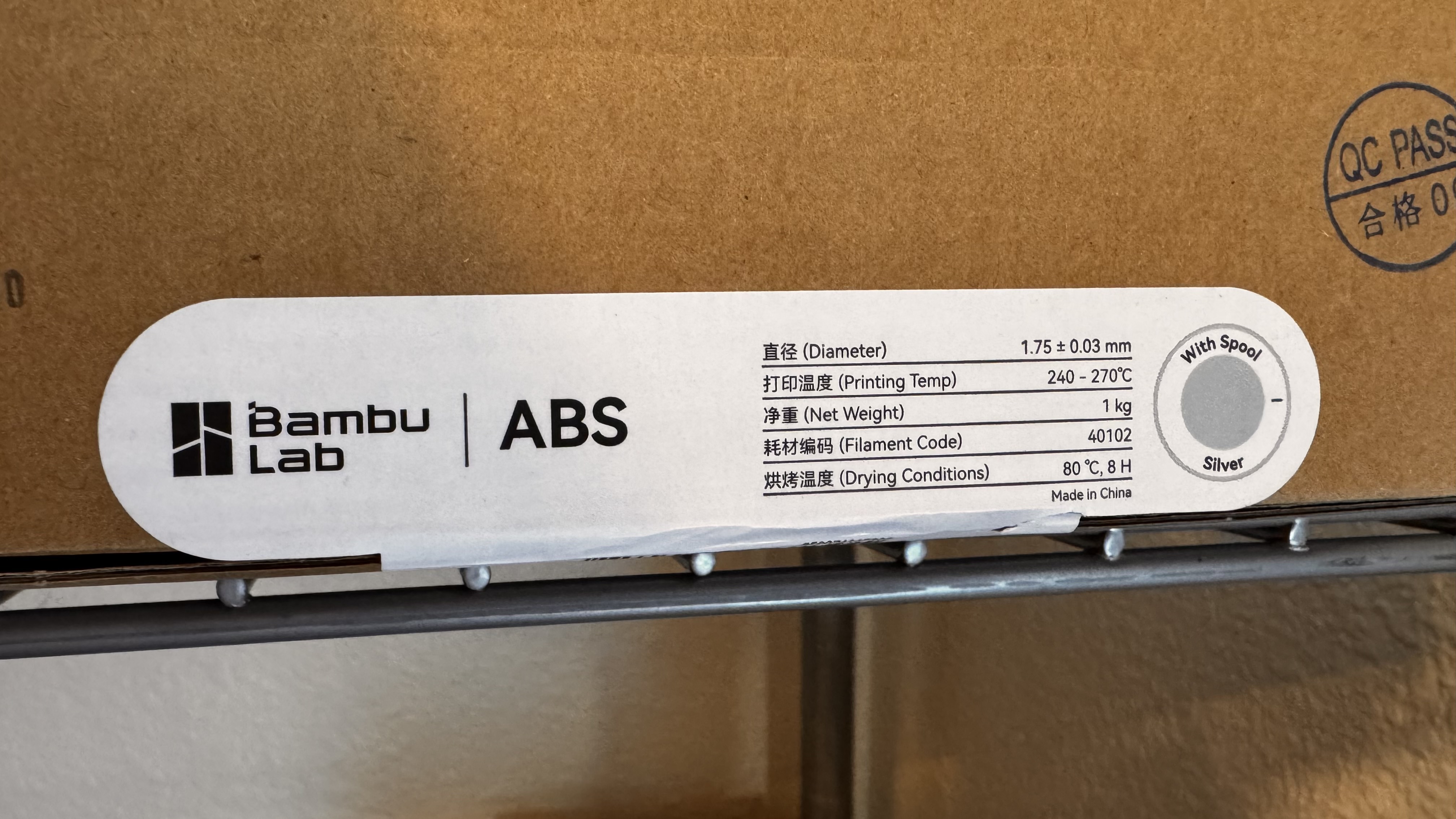
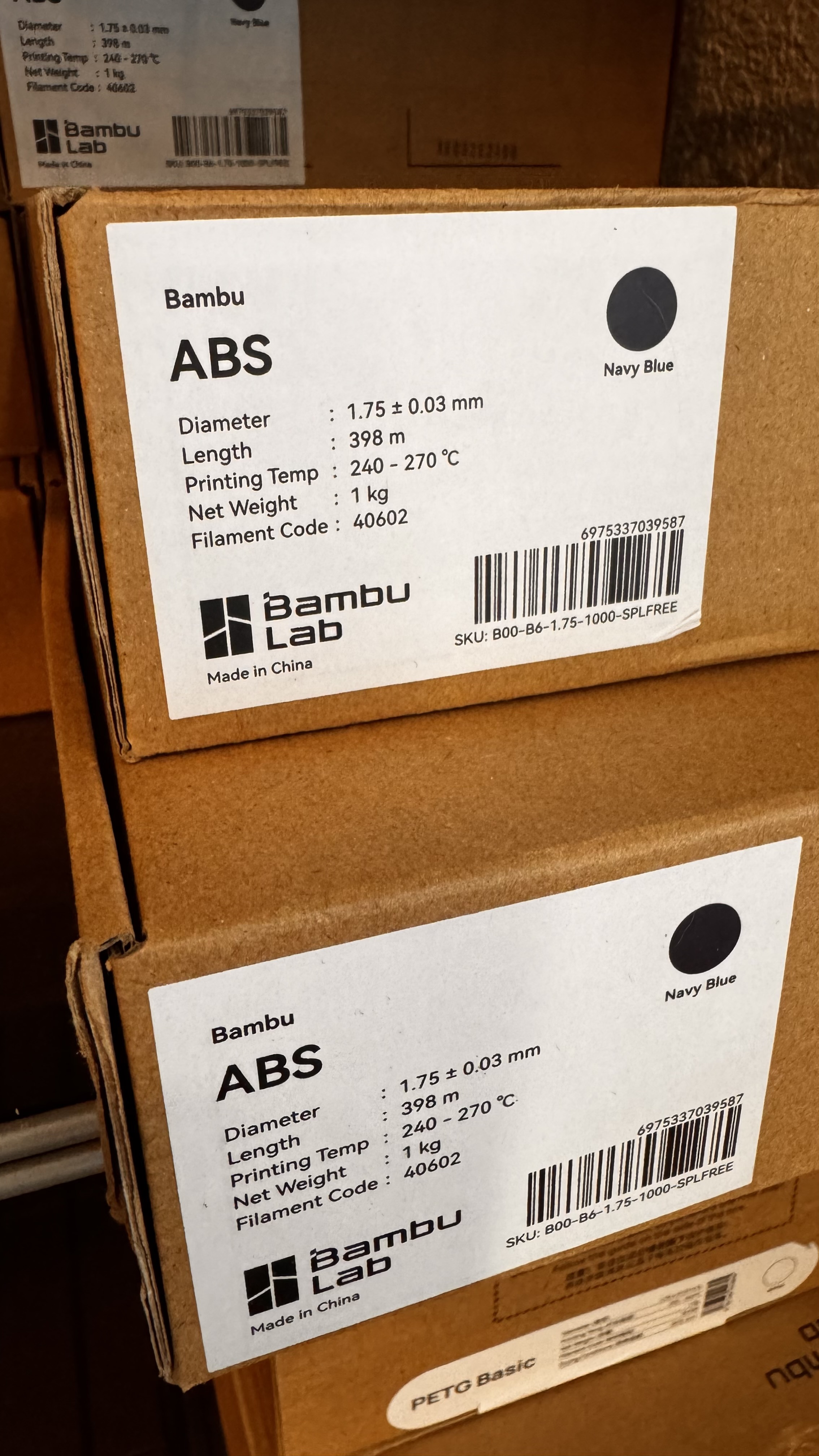
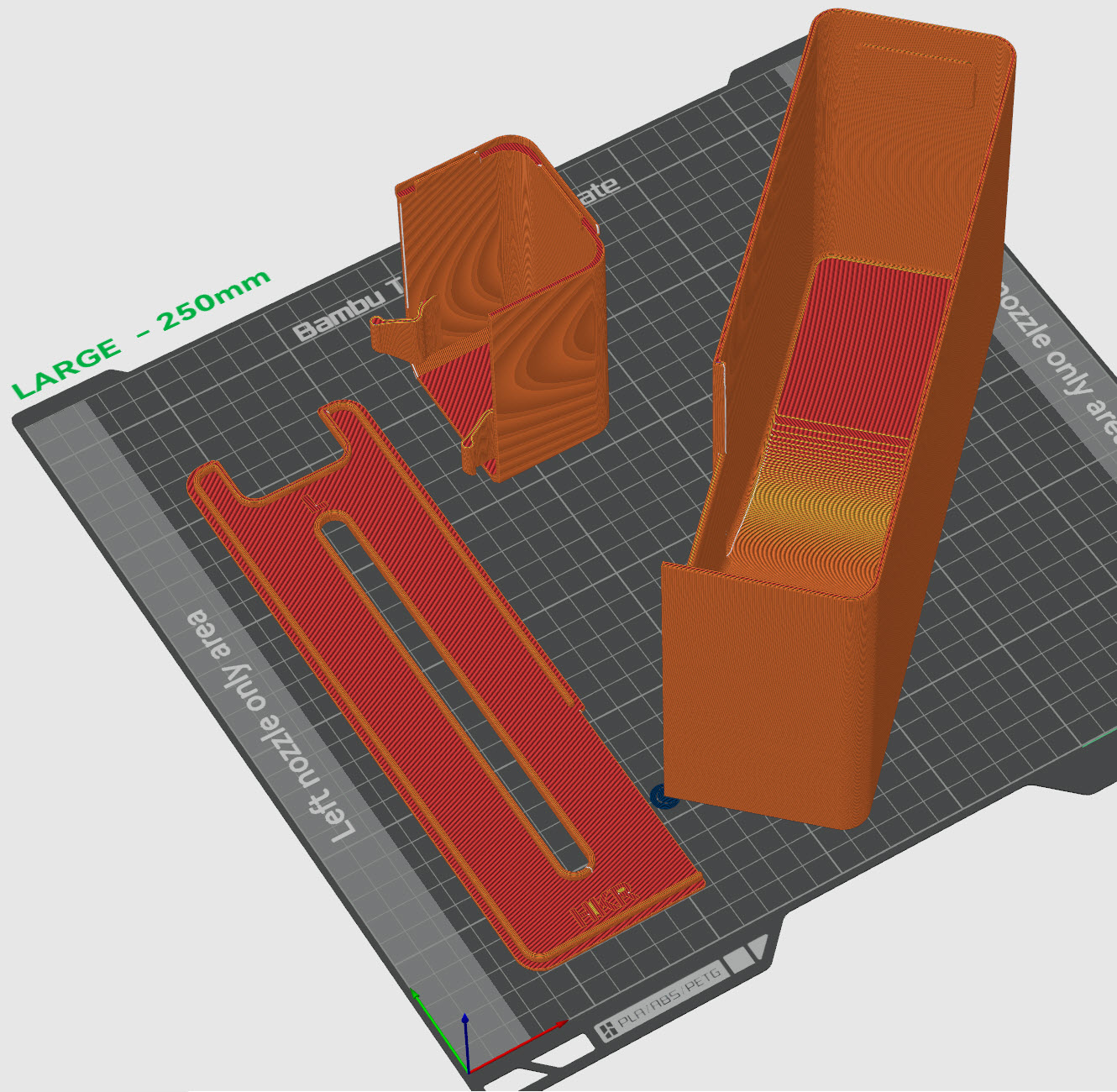
This is not needing to dry the ABS filament. I am using the exact NEW Bambu Labs abs filaments between an X1C and a new H2D. I have even moved the filaments from one printer to the other. The surface and walls on the H2D are garbage just as pictured while the X1C is perfection.
My guess is that is is an issue with flow rates. The X1 uses its lidar to automatically calibrate. The h2d uses a hall sensor which is less accurate.
Someone is going to jump in with “dry your filament” or “how are you drying your filament”, but that is most likely not it unless you live with SpongeBob.
Also, I have eliminated the “dry your filament guidance”. I have switched filaments from one printer to the other, and the result is consistent. Anytime the same ABS filament is used in the H2D this is the result. I can put the exact same spool in the X1C and it prints fine. Additionally this is fresh new ABS filament taken out of the package and put into the AMS / AMS 2 Pro.
ABS is a bit of a water magnet though. And fresh from the shipping box and bag is no guarantee of dryness. How long did it sit in the AMS2 before you started to print from it? Also, max temp on the AMS2 is 65C. ABS is recommended to dry at 70-80C by filamenthub (edited - the 90-100C is what Bambu recommends for bed temp if using their wiki method with a printer heated bed). 65C is going to be less effective at drying ABS and may require longer periods to dry at 65C.
Also, I wouldn’t expect identical prints or filament behavior on two very different printers.
I will 100% actively dry the filament in an oven for a while and report back with the result. I have never dried a roll of ABS in the 2 years I have been printing with it (but this is the first time I have used a different color ABS *Silver* and the first time I have printed ABS in the H2D). I have only ever used Bambu Labs Navy Blue ABS in the X1C.
This right here - you have random seams turned on, but also you appear to have scarf seams enabled as well. That combination of settings produces exactly those zits.
To be fair to you, Studio really doesn’t make the settings set intuitive, they really need to auto-set the related settings as soon as Random is chosen, similar to how support interfaces get auto-set to the correct settings as soon as an interface material is chosen.
It means I will take the initiative to take action and dry the filament even if I may doubt moisture as the cause. There is always a chance. When I start to consider the hotter environment of the H2D, perhaps the same moisture content reacts differently between the two printers.
Thank you for the reference. I will confirm this and test.
The good news is, it’s just a poop chute I’m printing, so for now the aesthetics is irrelevant. I’m hoping to have this figured out before resuming normal jobs.
Seeing as there is a write up on this issue being caused by that combination of settings, it’s disappointing that studio doesn’t adjust accordingly when a profile is selected in combination to a filament type.
When you measure it by Equilibrium Saturation, ABS and ASA are only slightly more hydroscopic than PLA.
Considering the print on the X1C is not showing any defects, I would rule that out as a cause. Never hurts to dry new filament, it can just be a waste of time.
But do you see the seams at those same locations in preview mode in Studio? That will tell you right there. Just make sure the check is selected to display the seams.
I just checked. Seam position is aligned. Again, I’m using the default 0.24 Standard @BBL H2D profile. Verifying in preview, seam position is not random.
I will also add that layer adhesion is very poor as well. I can easily tear the layers apart. I think I just need to bake the filament and update this post.