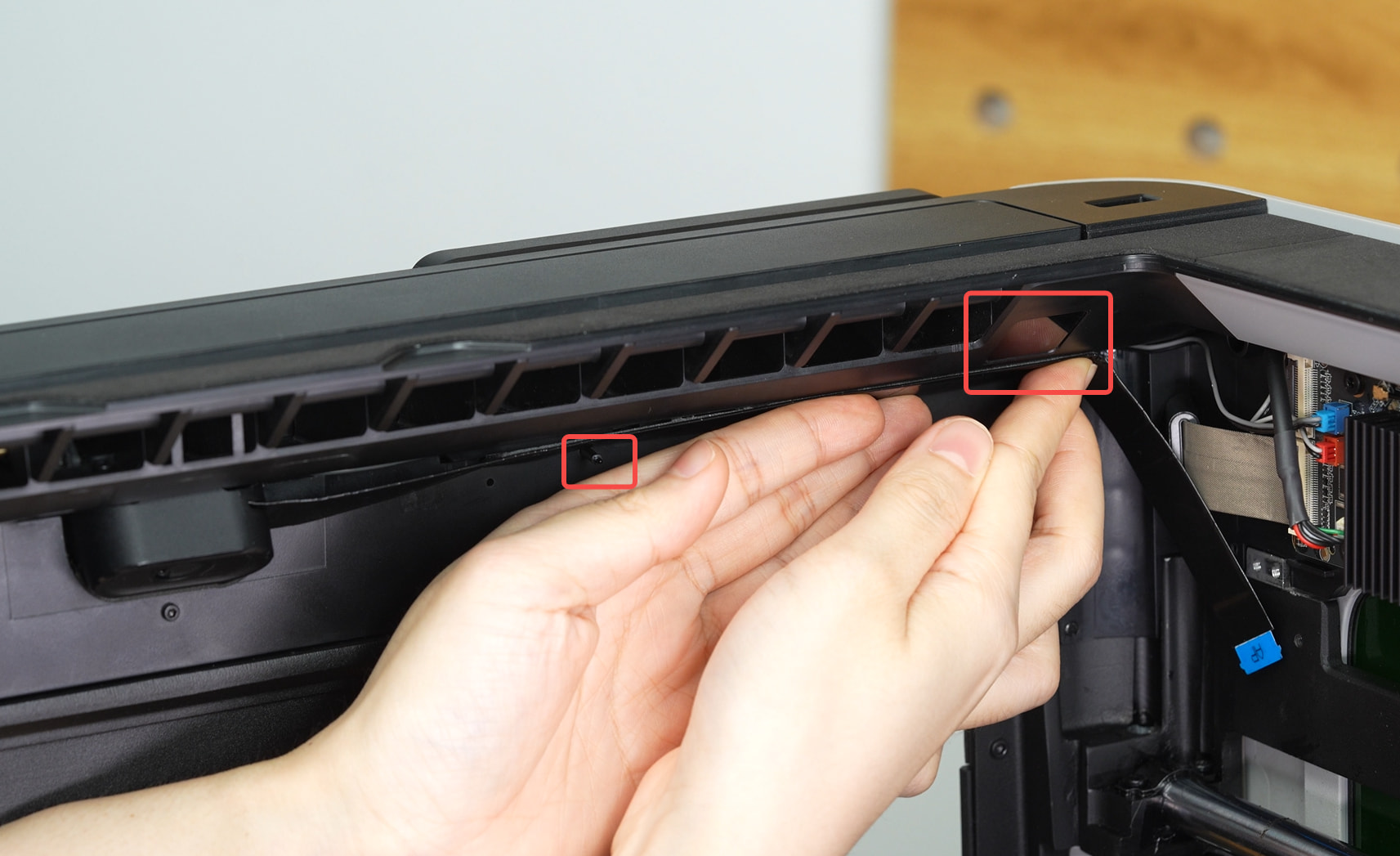
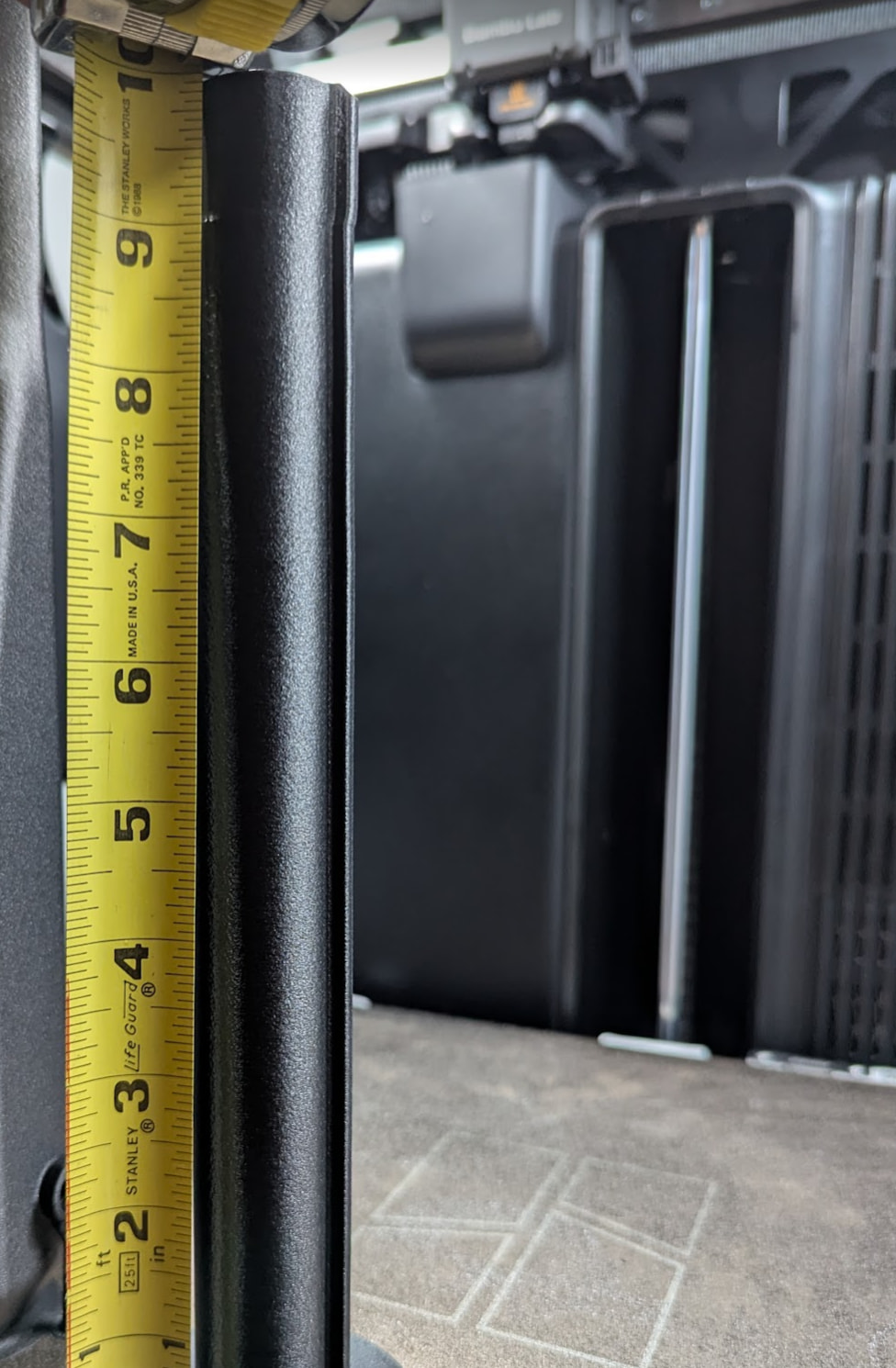
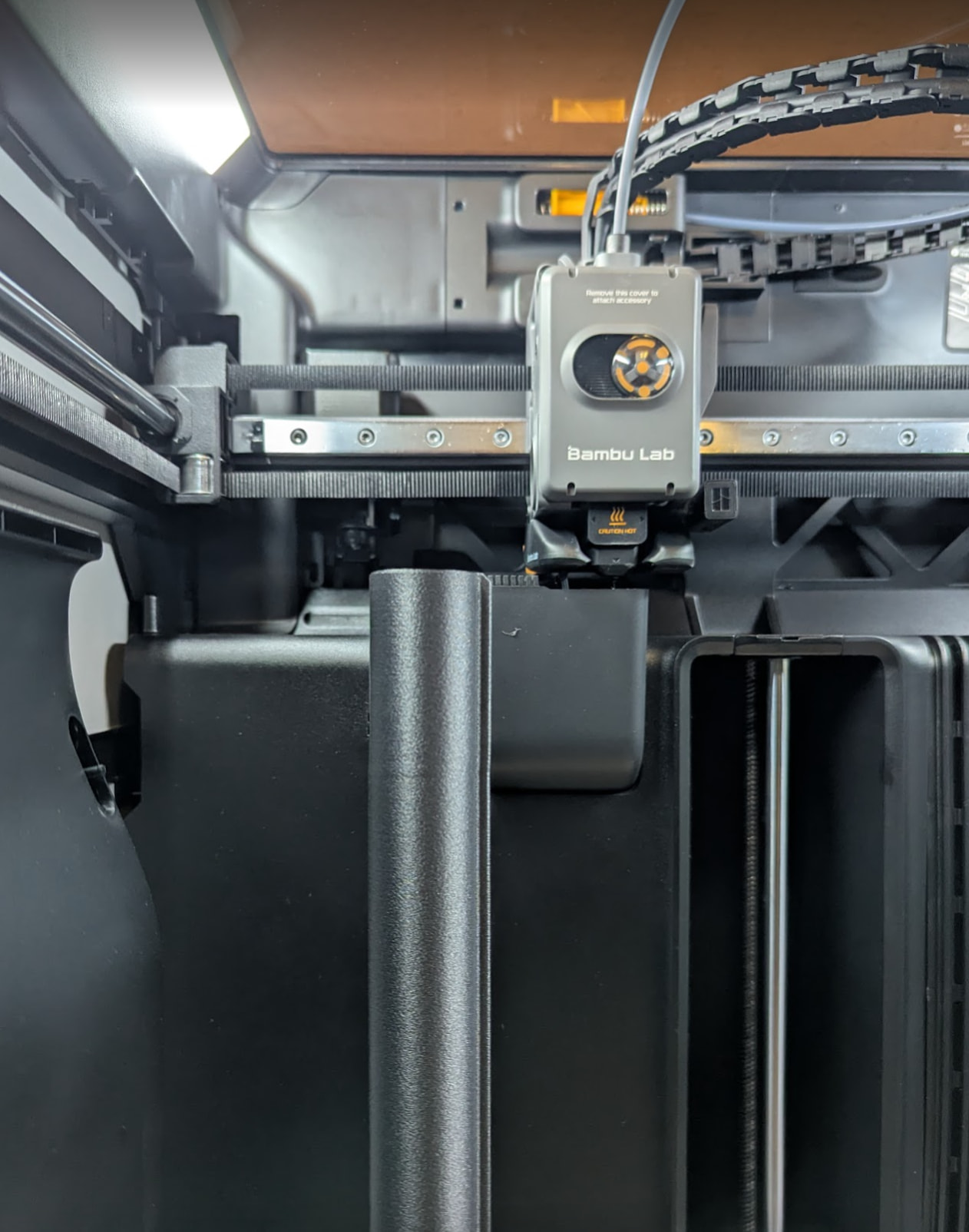
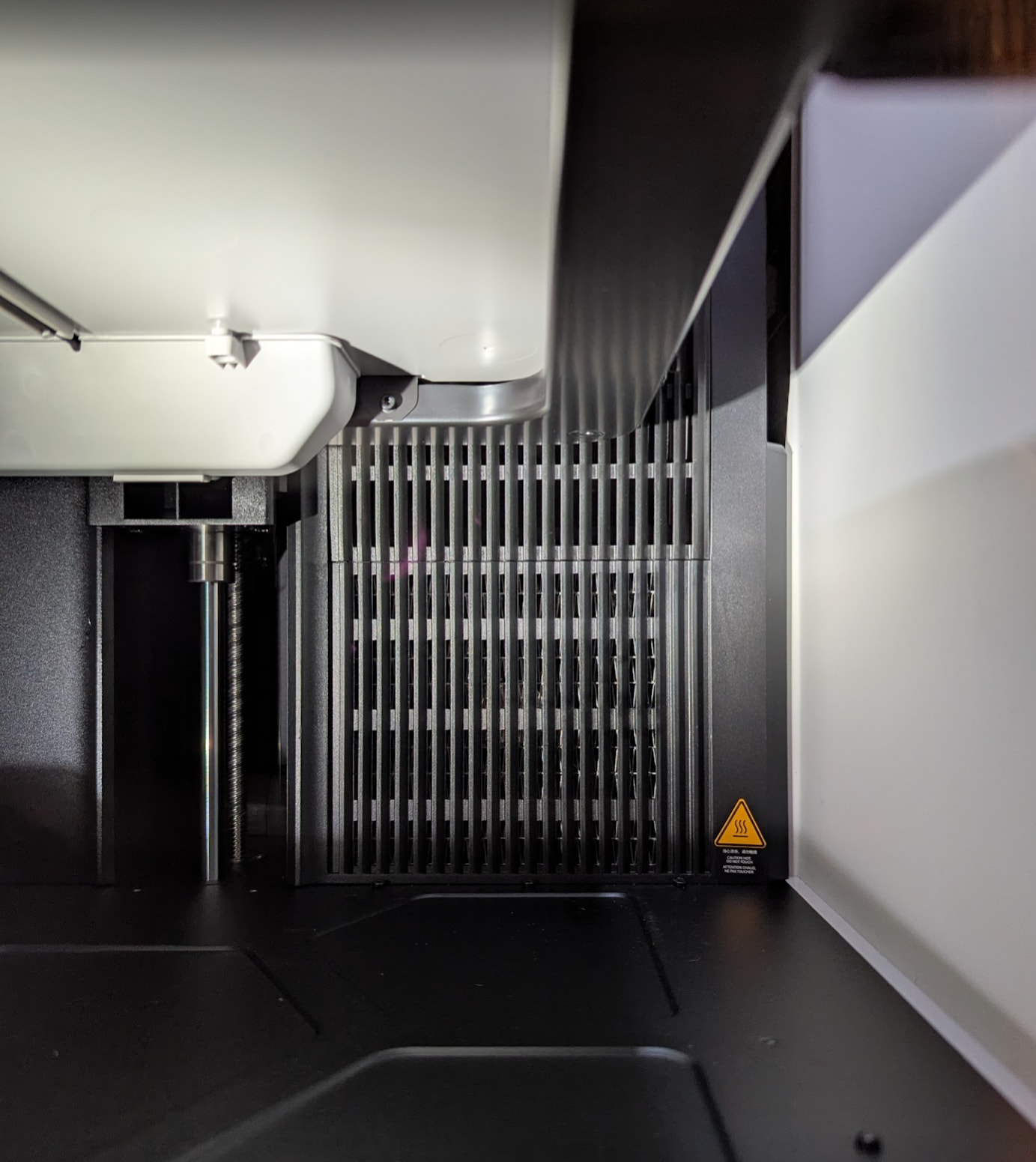
I think another approach would be to use some simple bubble wrap style insulation on the top, sides, and door.
Does anyone know where the chamber temperature sensor(s) is located on the H2S?
I think another approach would be to use some simple bubble wrap style insulation on the top, sides, and door.
Does anyone know where the chamber temperature sensor(s) is located on the H2S?
OK at least the chamber temperature probe is not somewhere silly, like inside of the heater duct. I don’t think any decent engineer would make that mistake but you never know.
Now some significant news! I implemented the Bambu change to the g-code, the version that shuts the chamber heater off at Z = 230 and printed the same part again. THE PART STILL DEFORMED.
So I had an idea and changed the heater off value from 230mm to 200mm. That way the chamber heater shuts off well before the bed unshrouds the heater exhaust. I also moved the location of the print to the left rear corner of the printer bed; I am thinking this area is farthest out of the fan draft.
Those two changes worked. I got a print of the same part, in the same material, that does not have the previous deformation.
For reference, this is my modified version of the g-code ‘fix’ provided by Bambu, with my change from 230 to 200 for the z value. Use at your own risk.
{if (layer_z==200)}
M141 S0
{endif}
I was next to the printer during the print cycle and heard when the heater fan shut off. The bed was in the position shown below. It is clear to see that the bed was well above the chamber heater exhaust.
So, for my filament, printing my part, with the part in this particular position, with my change to the Bambu tech support supplied g-code mod, I got an acceptable print. Success! Sort of…
This does not mean problem solved, especially for Bambu.
Why not?
Before anyone asks… I may not do much additional testing on this issue. PPA-CF is not cheap. Plus I only have one H2S and it has other work to do. Plus I still might return this printer.
I hope this helps some of the users here.
If the part is getting larger, the exposed build plate surface is reduced. And it’s the flow over the hot build plate, that is causing this behavior.
But good to see we are slowly getting closer to a solution.
I finally got time to test a print of 320mm z height, and it came out flawlessly!!
I will upload the STL to my makerworld profile @DanishKarovalia, but before printing I’d highly recommend you guys use a high temp filament. Personally I used PAHT-CF from Elegoo. (the polymaker asa for the sizing mockups ultimately warped after like 1-2 hours of the heater being on).
I included little indents at the edges as well to attach 1mm thick double sided tape which has also held up extremely well. I used 3M Super Strength Molding Tape.
SAFETY!!!: Print it out and let the chamber and bed heat up and soak for atleast 2-3 hours and test whether there’s enough clearance from any thermal expansion when you move the bed all the way down. The PAHT-CF i used had enough clearance after heat soaking, but everyone please test out whatever filament you use just in case. Because if it gets caught on the heating platform while printing, it can cause serious damage and a failed print. Obvious but just thought i’d mention it anyways.
Thanks for the model. Somehow, I can’t download it on Makerworld.
Sorry I had it on closed source for some reason, i changed it to open so it should be downloadable now!
Thanks! I will try your model and modify it maybe in terms of air flow. Fins at the outlet could guide the air in specific directions.
Hey well kudos to you if you can improve the airflow, it would help us all out a lot!
I am not sure I agree it is the flow over the bed that is the specific issue. I believe at the very least it is also the direct impingement of the heater airflow directly onto the part when the bed drops below the heater outlet.
I have not tested or measured the temperature of the air coming from the heater, so it’s not a confirmation of the behavior.
So if you want to be sure, measure the temperature of the air coming out of the heater exhaust when reaching that height.
Additionally a test with a bed temperature equal to the chamber temperature, could give a good indication also.
My assumption came from the fact that there is a part on the bed with a tiny footprint and a huge surface area of 100C that suddenly gets into the air flow.
I am curious for your findings.
Quick update from my support case.
Bambu have now confirmed that their R&D team is actively working on improvements relating to this issue. Their latest explanation is that, at taller print heights, airflow from the chamber heating/circulation system can begin acting directly on the printed part, which may lead to the deformation or layer drift many of us are seeing with ASA and ASA-CF. This is consistent with the observations and testing already shared by users in this thread reporting the issue.
They have also advised that the effect is not uniform across the build plate. According to their testing, the right-front area of the heatbed (near the front door) is least affected by the airflow, while the left-front area is most affected. They recommend positioning tall ASA prints as close to the right-front area of the build plate as practical. Disappointingly, at this stage the focus appears to be on software, preset and airflow-management changes rather than any revised heater or airflow hardware design.
The currently recommended workaround remains disabling chamber heating above a certain print height, but Bambu have advised that both preset and firmware-related improvements are under active development.
If you’re experiencing the same behaviour, I would encourage raising a support ticket and providing examples. It appears this is not an isolated machine issue and the more data Bambu receives, the more effectively they can assess the impact across the H2S user base.
I’ll continue to share updates if I receive further information.
To be honest, I’m not convinced this G-code change improves the print quality either. I’ve tested three spools of Bambu ABS and one spool of Elegoo ASA, and every single print shows the same issue: the fan and heater shut down at around the 200 mm height. I’ve also tried placing the models in different areas of the build plate, including the front-right corner as recommended, but the problem remains.
What really surprises me is that none of the social media influencers or reviewers seem to have pointed this out. How has such a fundamental flaw gone largely unnoticed?
At this point, I simply cannot recommend these printers for demanding materials or for tall ABS/ASA prints. In my opinion, Bambu has seriously compromised the H2 series for this kind of use. People should be made aware through proper social media posts and reviews that these kinds of prints are currently not reliable on H2-series printers.
Frankly, I feel like they sold us a product that doesn’t deliver on what it was supposed to do.
Has anyone discovered if it’s an issue with the print bed blocking the heat vent (therefore the part cools too much) or if it’s an issue with the heater vent combining with the heated bed (therefore the part gets too hot)? I’m about to run some test prints to diagnose.
My guess is the latter. The hot build build plate is heating up the airflow and causes the sudden change in temperature.