I opened a file from maker world and it has overwritten my standard configurations… I keep getting weird messages about setting that need to be changed. I understand that sometimes it’s good to have the settings from a file. But why does it have to be my new default? Even when I close and don’t save anything? I typically don’t open Maker World files because I don’t like this happening.
2 Questions.
How do I get back to what I had before I opened the file?
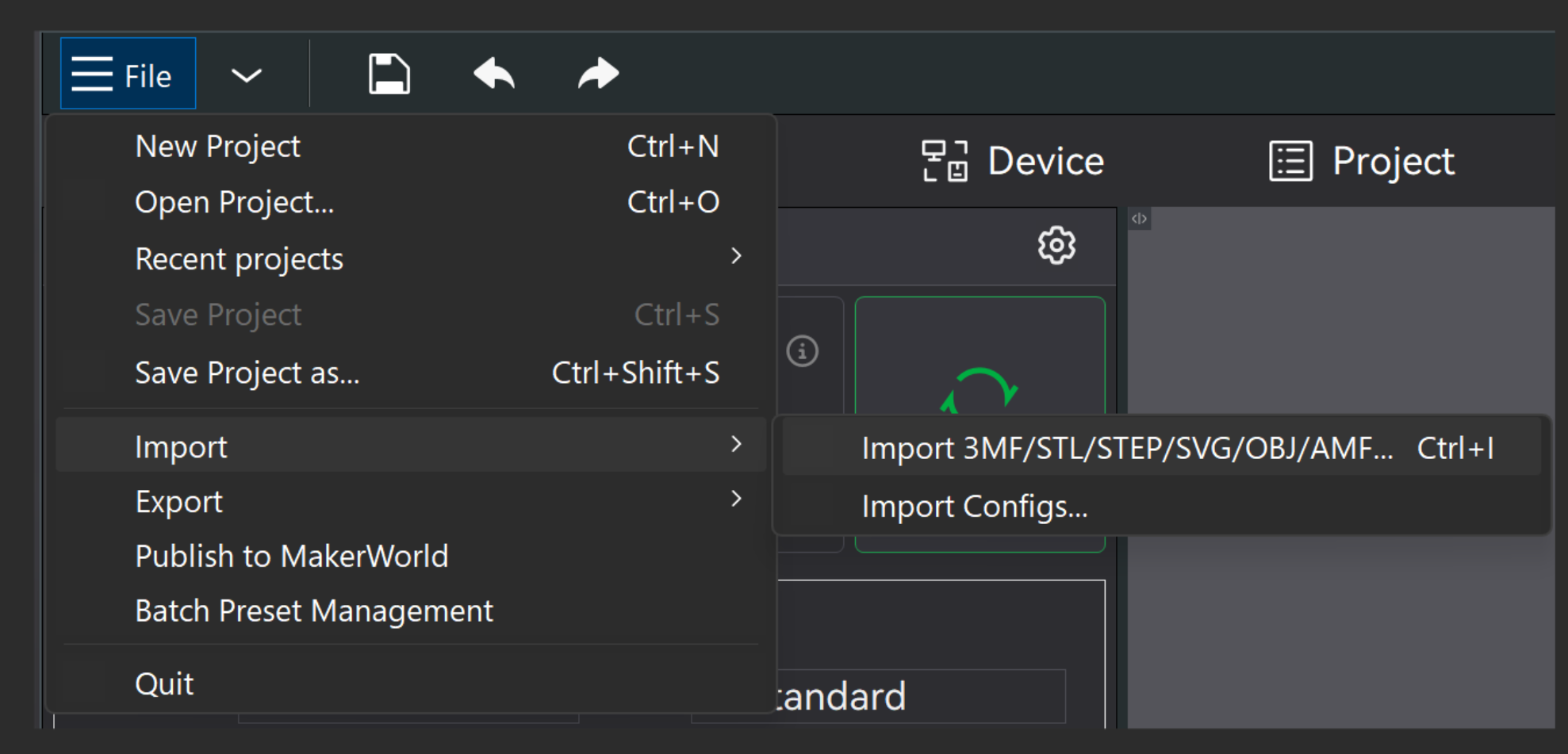
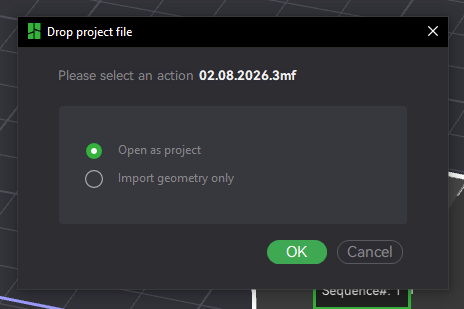
then drag in the 3mf and you’ll be asked if you want to open it as a project (overwrite your settings)
or import the geometry only (your settings stay and you only import the actual model)