I have extreme mixed feelings about this printer - as I have success and then failures, success and then failures it is a never ending cycle - and I think the reason is from improper Z axis during the bed leveling - from what I noticed if a piece of filament is oozing during the bed level processing OR is attached to the nozzle from an improper wipe (it drags it along) - I think it messes up the recorded measurements for the Z axis. I have printed the same print multiple times with success and then start another one - only to see a stringy mess. See pic - just started it again right before this post and now it is printing fine. Any ideas how to address this? I wish I could just set the Z easily like my Prusa MK3s and forget it.
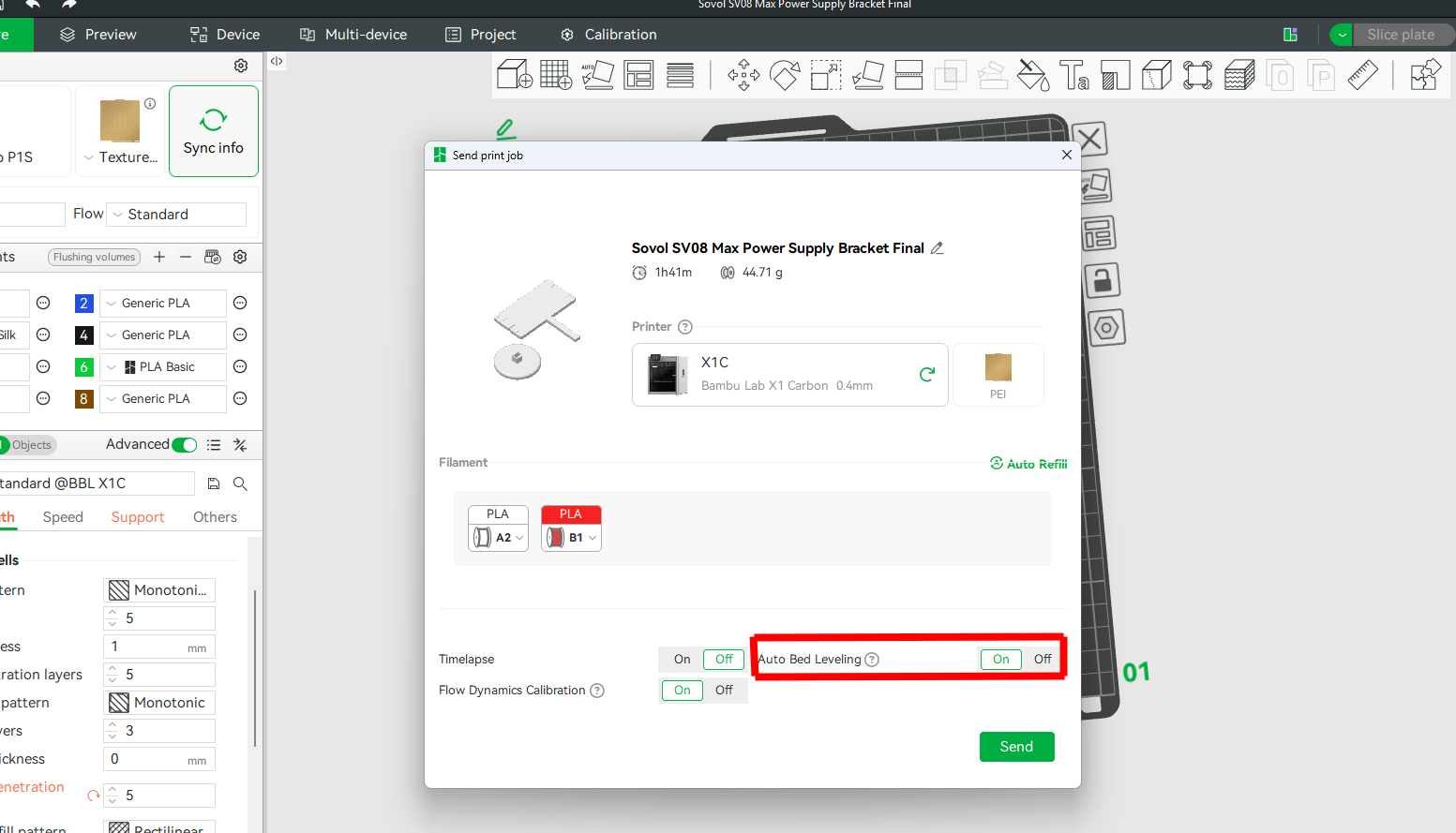
Can someone she some light on disabling bed leveling? Still new to this and I just leave it on by default - but after the first bed level - do i need to keep doing this before every print?
You shouldn’t normally have issues like this. My X1C levels just fine even with filament stuck to the end. Having inconsistent results like this means it will more than likely persist through other changes. You should double check that your hot end assembly is tightly screwed in. Having play in it will cause the symptoms you are experiencing.
Thank you - while I have you - I am trying to dial in the right settings to get a glossy sheen on my outer walls and I am almost there - however I can’t figure out what the reason for the different sheen is near the through holes - I slowed down the prints enough and raised the temp and lowered cooling to get it almost perfect but yet the through hole areas are of a different sheen and the software color map is not showing it - can you see this post and perhaps make a recommendation? I Thanks
I use bed levelling for the first print after I turn the printer on. Then I disable it and have had no problems. I might turn it back on just before a really long print, just to be cautious.
I’m not certain levelling is even needed for that first print if the printer has not been moved, but I’ve not found confirmation that the levelling data is saved.
How do we disable the bed levelling in Bambu Labs ? It is happening on every print. It is a waste of time. As stated, it causes failures because the oozing of the filament and the sensitivity of the strain sensor on the tip. Also, the ‘XY mech vibration’ calibration is a waste of time and should be performed once every year, not 12 times per day. We are printing more than a dozen prints per day, with 0.6 nozzle. We can level the bed once per day.
I feel like I should update this post and my experience- as I still see other replies coming in on this original post and it has been over a year.
In summary - I have purchased 3 more X1C units and AMS units - and I have been extremely happy. In the beginning I just went in with different expectations because I was a previous Prusa owner (still awesome printers) - I have been printing ABS, PETG-HF, PLA-CF and a variety of PLAs and still learning - just dialed in fuzzy skin and it looks awesome.
Yes I have some odd issues every now and again - but I know how to deal with them. I think the worst part of any of the Bambu experience is their support - they just plain suck and never own up to anything and always blame the user. Luckily, a lot of the problems I’ve experienced just had to do with the roles of filament.