Has anyone found a good setting? I have been slowly increasing it. Default was 10% and I’m up to 15% now. Still under extruding. Probably jumping to 20% next. All the other settings are default for 0.4mm nozzle and 0.2mm layer height.
Never been able to match the quality of my P1S. I found 22% with PLA Matte to be almost there.
The H2D hot end impacts the filament more significantly than other printers.
You can also try adjusting the nozzle temperature for the top layer of your part, if possible, by using layer specific temperature G-code.
To change the temperature at a specific layer
Are you using higher iron speeds and require increased flow?


Interesting. When ironing with the default 10%, I got the error “extruder motor overload” (or something like that). I had to reduce it to 2-5% to make it work.
I have not had that warning yet. Mostly print in ABS with default settings (temp/speed), and mostly use Polymaker ABS.
Had results so beautiful, I had to share. Top is with the settings I just posted, bottom took forever had at 30mm/s and 0.12mm line spacing. For the large flat surfaces, top killed it. The smaller surfaces look better on the bottom print.
For size reference, the top piece from corner to the furthest point is about 11.2"
Edit: Stock 0.4mm nozzle, Polymaker ABS - Black, Default temps, default layer heights. 5 top/5 bottom shells, 4 wall loops.


Since I can’t create a new topic, I’ll just drop my question here:
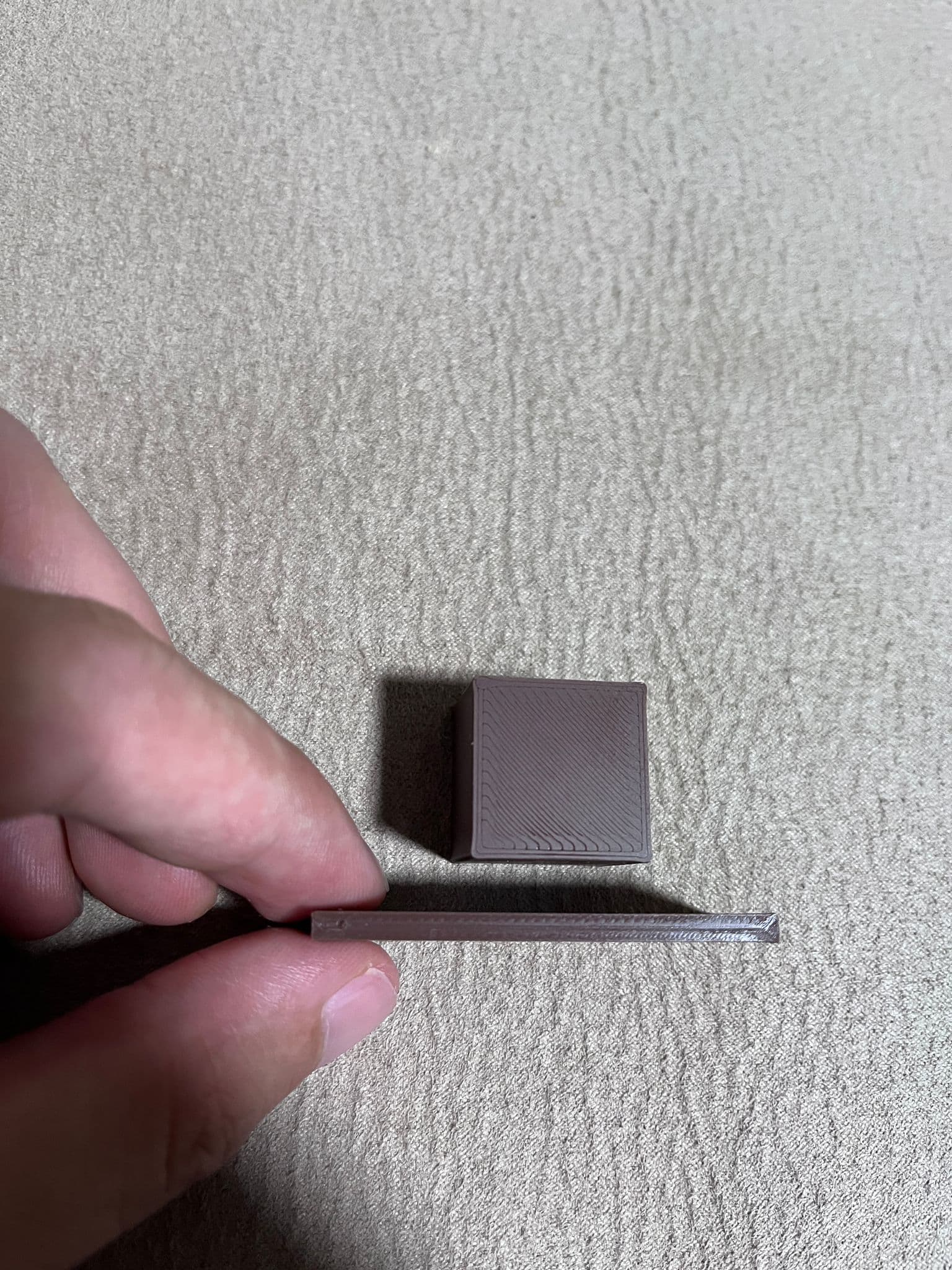
I printed an object with ironing enabled, but I’d like the top surface to match the smoothness and reflectivity of the objects bottom layer. Right now there’s still a visible difference.
The bottom layer is printed directly on the smooth PEI plate.
Does anyone know which slicer settings can get the top layer finish as close as possible to the smooth PEI bottom surface?
You asked the question in a post that is the answer lol you need to enable ironing for top surfaces. To find the perfect ironing settings you have to do the ironing calibration test.
Ah, and ironing settings are per filament ?
Damn my obsession with niche and weird filaments, and an inability to just buy the same filament repeatedly…
No, the ironing settings are under the global and object settings under the quality tab just scroll down to it. In order to get good ironing settings on the machine it is recommended to the ironing calibration test. But the default ironing settings have worked well for me in the past.
Whenever I restock filament I find myself having to buy at least one or two new filaments to try such as a translucent filament or glow in the dark. A roll of those will last me practically forever since a print mostly 1/12 scale miniatures.
Not just “per filament,” there’s a lot of other factors
Ironing is super sensitive, you are essentially telling it to print a 0.01 layer height layer, and to act as a steamshovel against any overextrusion from the previous layer.
IMO, go straight to the test, other people are not going to have the same combination of factors you have. I notice mildly different ironing performance across equally-maintained machines, with the same filament + process settings. I don’t have the time or energy to confirm it but I suspect nozzle wear is an invisible confounding factor. You can scrape away about 1mm of your nozzle’s face before the aperture + flow performance starts getting impacted, but as you do, the outside diameter continues to increase slightly, and that is the useful face for ironing…
It also varies with temperature, flow ratio, and PA/K-value. Some filaments simply don’t respond well to ironing at all, and will consistently produce a less attractive surface compared to leaving ironing disabled.
For example, I have a highly fine-tuned TPU 95A HF profile that delivers a very glossy and smooth finish with ironing on every model I’ve tested. But you need a precisely dialed-in profile to begin with — otherwise, the results will be disappointing.
It also differs between TPU colors, so if you want a consistently perfect result you’ll need a dedicated process profile for each filament. That said, it’s tricky, and the test mentioned in this thread only gives an indication of the range you’re in — you may still need to fine-tune further.