I am not sure I understand this. Both AMS and AMS Pro 2 that I have run on the rim of the spool. Can you please clarify?
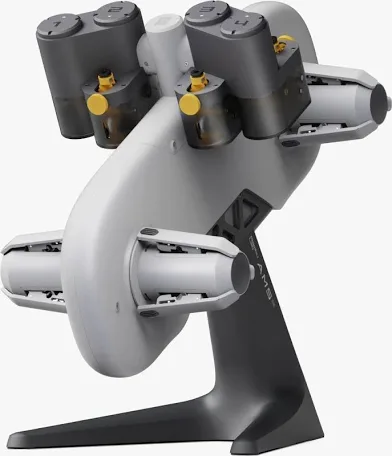
Ah! I see. Sorry about that.
My P2S just showed up, I only have about 8 hours on it but no issues yet, EXCEPT what I believe is with the AMS 2 Pro that came with it. So I had Bambu’s PLA-CF in Slot 4 and printed with it fine. The next day I went to feed it, it goes in to the extruder but then retracts and keeps trying until it fails. I moved it to the other slots, no problems. I put some Basic Bambu PLA in Slot 4 and it worked. I tried the PLA-CF spool again and it failed so I’m not sure whats going on with that. In the future when i get one I will try another PLA-CF, but until then I guess Slot 4 just doesnt like this particular spool. It so weird because I see it feed in to the extruder but it still fails, but a spool of basic didnt…
I found the AMS 2 doesn’t like any deviation in the spools. If your spool is warped or has anything that may bump on its riding edge, it will cause it to stop turning and fail. This the original ANS had no such problem.
The werid thing is it worked one day 1 in Slot 4 (PLA-CF), and now day 2 and beyond it rolls it all the way in to the extruder (and i see the gears on the extruder turn to grab it) but then it kicks it back up and keeps trying till it fails. I move it (PLA-CF) to any of the other slots and no issues. I moved regular PLA basic with about the same amount of material still on the spool (low amount) and no issues with that in Slot 4. Its really weird. Its like my Slot 4 just doesnt like that particular spool. Only that spool and only in Slot 4 lol. I will say I’ve been using 2 original AMS’s since the release of the P1P with like no issues, the rest of my 5 others are AMS 2 Pros and I’ve had this issues and a bad board in one I got replaced. Granted 6 vs 2 is a large sample size for the AMS 2, but those originals ones are still killing it. Makes me think for any particualr situation I dont need the drying feature i’m about to just get more original AMS’s
I have an A1 with AMS Lite and considering the P2S. Looking around on Youtube I came across this: https://www.youtube.com/watch?v=ik9yv4BVGlg. The fella got into the guts of the printer and the two things that got my attention; first-lack of exhaust @ 19:14 and SECOND-print quality @ 19:20.
Before anyone thinks I am on a bash rant on the P2S, I am not. If I had never owned the P1S, I would be enjoying this new machine. The reason is that I wouldn’t know some of the trade-offs they made to get to the P2S. For instance, there is another thread I started about the current spike the P2S creates at the start of every print. Rather than rehash that all here, this is a link to that thread - P2S Draws 3X the Current!.
Additionally, although I am aware that the latest version of BL repeatedly tells you to do a cold pull before printing with TPU, I spent a year switching back and forth between TPU, ASS, PLA, etc., on the P1S and never had an issue – never a single clog. As an experiment, I tried a TPU print with the same model and settings on both machines, and the P1S printed perfectly. The P2S had to be stopped to clear a partial clog. I will be using a dedicated TPU nozzle going forward.
On the upside, switching nozzles on the P2S is much easier, and the touch screen is a significant bonus. However, if I were asked whether the P2S was a must-have upgrade for P1S owners, I’d say no. The P1S is a workhorse that never complains; the P2S is a bit more refined, but a bit more finicky.
However, if you are upgrading fr an A1, the P2S is a fine machine that you would probably love from your first print.
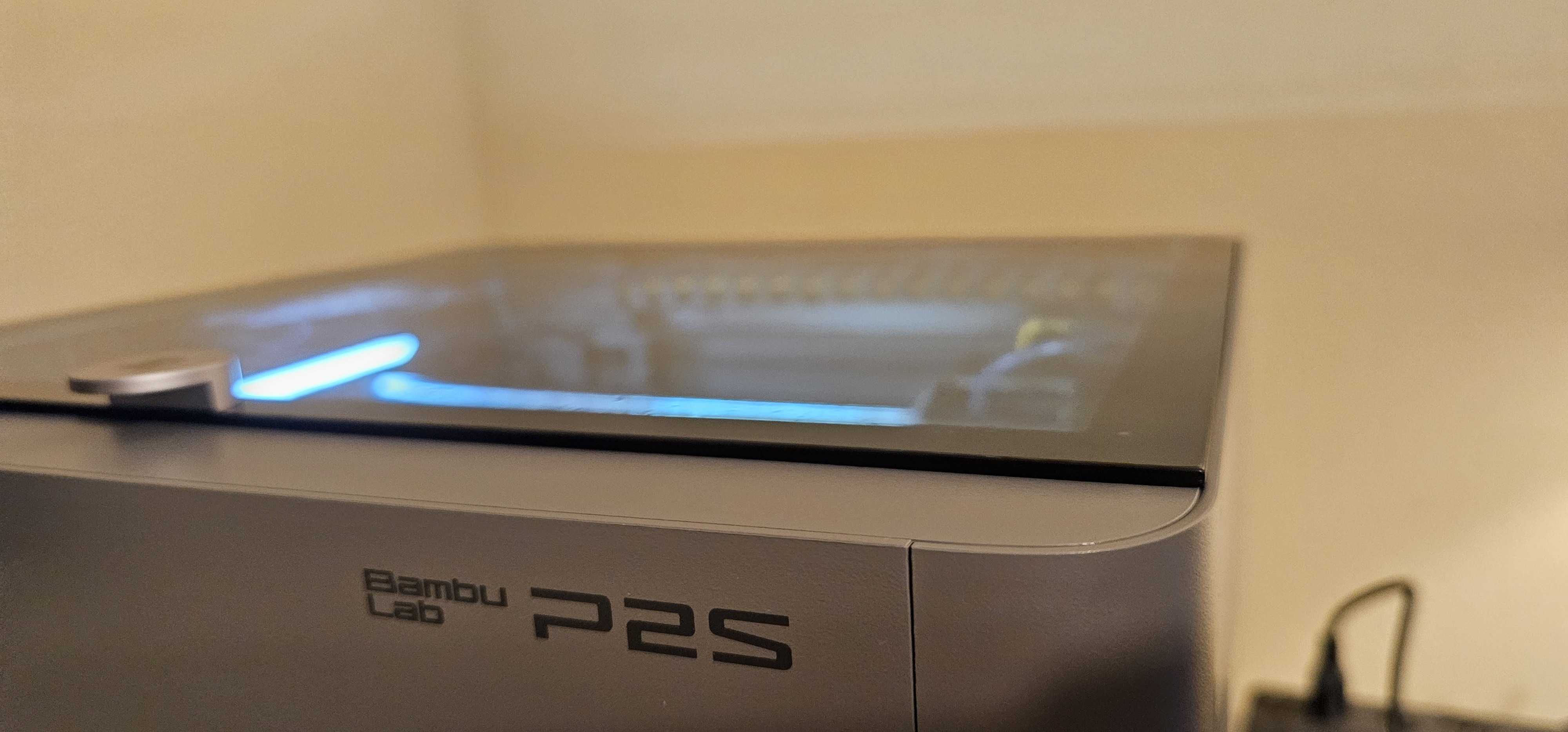
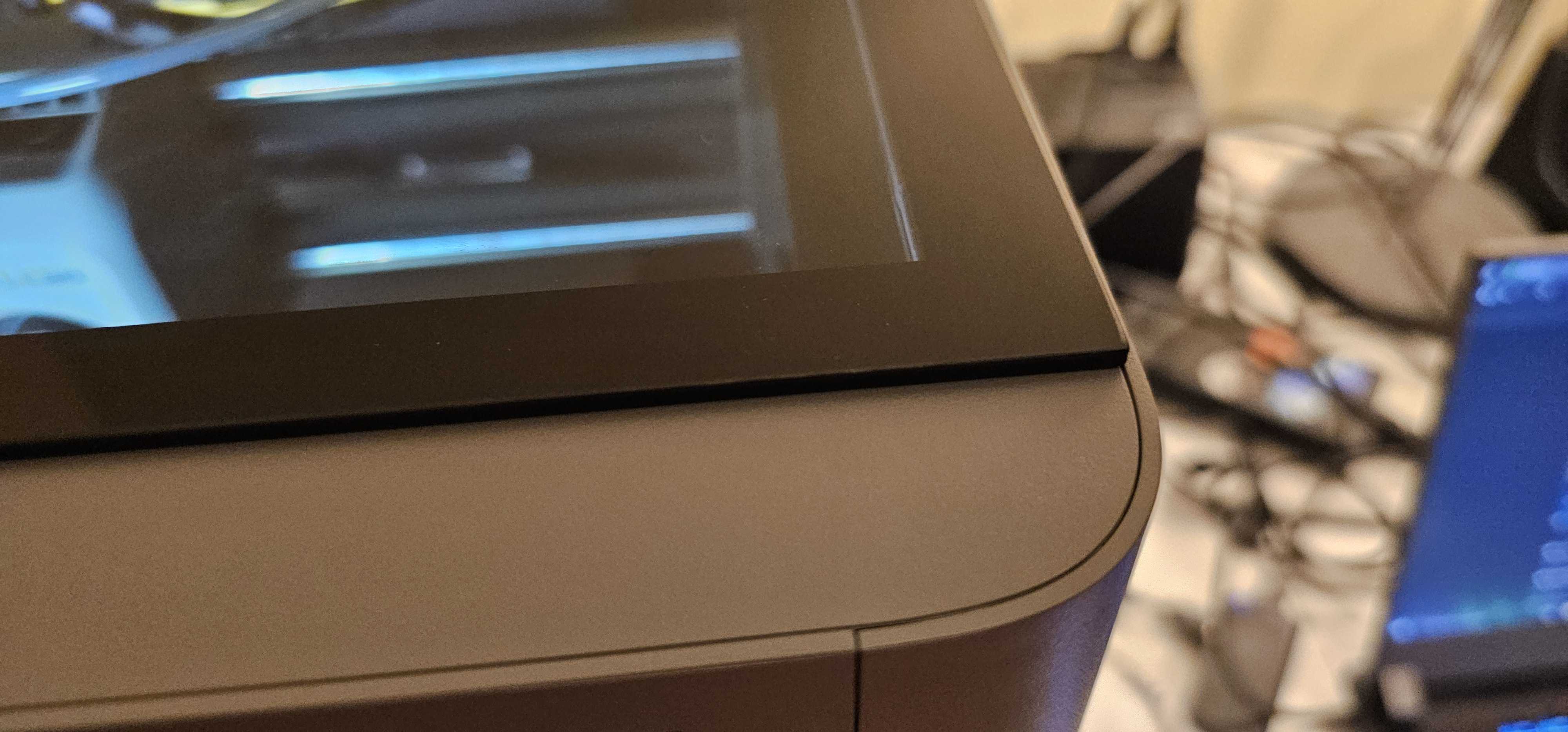
I just got my Bambu P2S and I think it got damaged during shipping or something because the glass lid doesn’t close entirely at the top.
I saw another person post on reddit that had an identical issue which makes me think its a QC issue or something rather than issues with shipping. So far it’s printing fine but I’ve put in a support ticket to see what can be done.
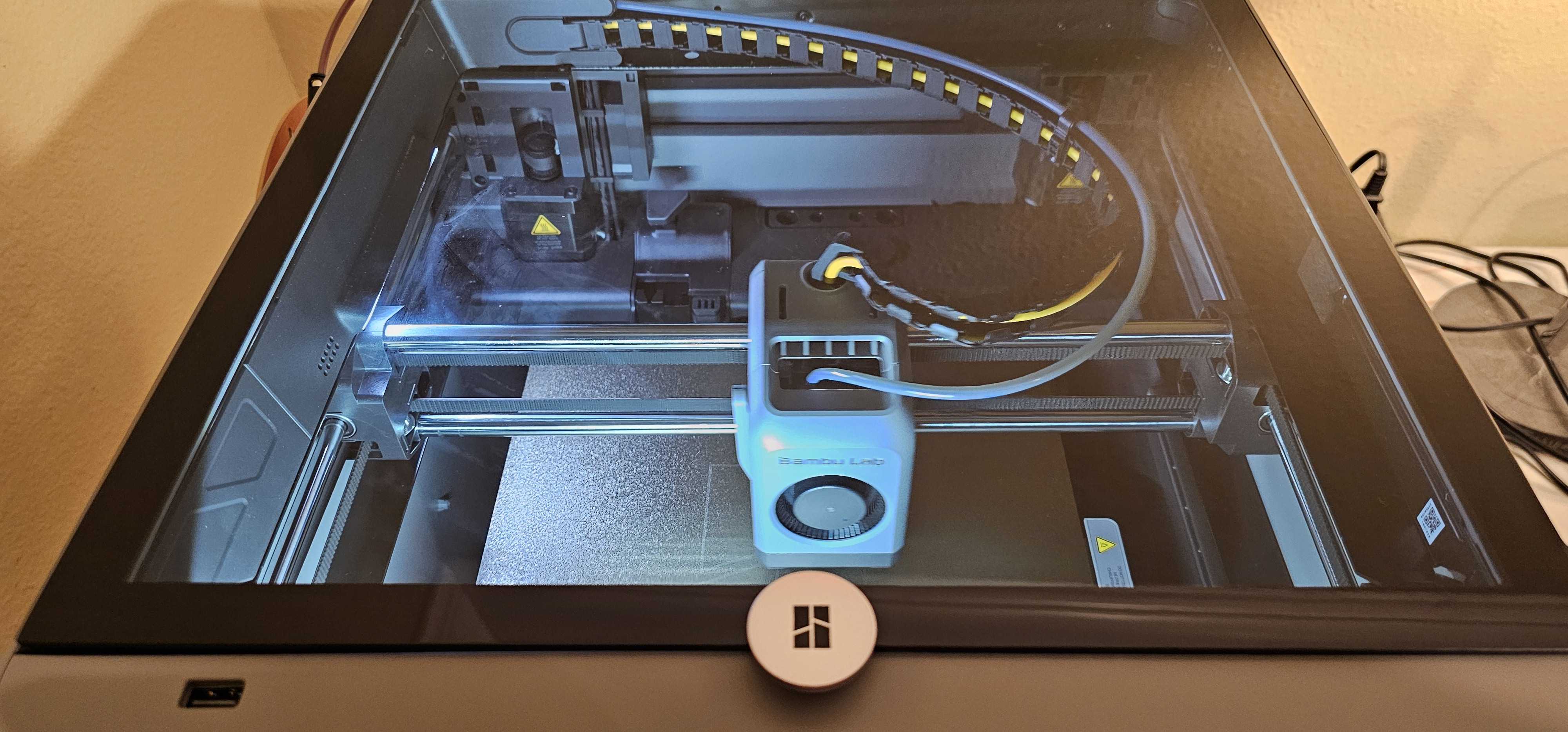
I just purchased the p2s at microcenter. I ran through all the set-up and updated firmware. I was able to print a benchy and now im getting an error saying heated bed abnormal temperature. Ran through the QR Troubleshoot and found that the bed was defective due to the low ohms reading. I was suppose to get around 100 but got 45. Indicating the issue was the bed and not the motherboard. Im no expert and I wished all it was, was a loose wire. But, i will be returning mine cause im still under warranty. My first bad experience with bambu. Debating on waiting for it to come back in stock and try again or not. Tough after this happened. My p1s set up was smooth sailing though, so up to your luck.
New P2S owner here! I received my P2S last week but have not been able to use it yet as the initial calibration failed. Additionally, the printer knows there is a firmware update, but fails when tried. There are 3 errors in the AI Assistant related to the MC module and motor controller. Not sure if anyone else here has had these issues so it may be rare. I have submitted a ticket and hope to get to use this nice printer sometime soon!
Sorry to hear about your issues. The more of these stories I hear, the more I feel I should have left well enough alone. As for the firmware update, try unplugging the printer completely for about ten minutes. Then plug it back in, turn on the power and go directly to the firmware update before doing anything else. My P1S fails firmware updates 75% of the time unless I do this.
I ordered on 12/3. Fingers crossed it comes before Christmas! Right now it says ships around 12/20. I would rather it be a bit late then rushed through QC. This is our first printer since the AnyCubic Predator which we only used a few times. That rarely put out a print without issue, so am really looking for something more reliable.
I am wishing I saw these threads before buying. 4 days in and im no longer able to print.
What is the problem you are having? Software, hardware?
I have over 500 or 600 hours and have not had a problem.
Maybe doing another print with one still on the plate lol.
Blame my grandkids. They can have that. Can I have this lol?
Hardware. Multiple issues.
I don’t want to hijack this thread with my issues. Just waiting until I am able to create a new thread.
Is it possible that all/most of these various problems with the P2S depends on where they were ordered from, shipped from, assembly location, etc?
I have a couple of dozen hours on the P2S now and it’s been printing whatever I throw at it with no real issues. But so did the P1S. As I said earlier, if I had them side by side for a few weeks I’d have never upgraded. The way I use it I don’t see any substantial advantages. I seldom used the touch screen before and that hasn’t changed . The only big advantage for me is the ease of changing the nozzle and the dryer in the AMS. In fact, that’s the best new feature IMO, and I could have simply upgraded the AMS and I’d be just as happy.
Others may feel different, and that’s what makes the world go around.
I just got my first Bambu Printer the other day. It is the P2S and printed a poop shoot that was fairly large for the print bed and it came out amazing in 7 hrs. I love it so far compared to my Prusa MK3