I am printing three color custom keychains on my P2S that take 10 hours to make 30 keychains. I tried to speed things up using Sport speed and Ludicrous speed but the finer details were messed up with the faster speeds. Is there a way to cut down on the print time and still keep the finer details on these keychains?
Your color changes are probably the biggest time adder. Is it cycling through all three colors on each of the 10 layers?
Why does there have to be 10 layers?
If you post the files here we can take a closer look.
I would appreciate any input as I have only been printing a few months and have been learning as I go.
I didn’t want to make anything flimsy so I thought 10 layers would make a thick keychain. The words and numbers are printed on the top two layers and and bottom three layers. Again, I will take any input from experienced people who are willing to help. These are giveaways for customers so using as little filament as possible would be best.
I’ll take a look later when I’m home from work, but in the meantime, that wasn’t quite the question I was asking.
If your print has 10 layers @ 0.2mm layer height, the same print could be done as 8 layers @ 0.25mm height with no appreciable loss in quality, but 20% fewer color changes and ~20% faster print time.
This is the wisdom I am looking for. I will give it a try and let you know how it turns out. I have also tried 0.6 nozzles and high flow nozzles but the details are lost and items like a QR code are not able to scan.
Here is another keychain -
blue bottle opener with Whim website in white laid on side.3mf (1.9 MB)
The issue can be explained pretty quickly: because the text/object is positioned on its side, the printer has to make frequent filament changes. That said, considering you really filled the entire build plate, a print time of 6 hours actually isn’t very long.
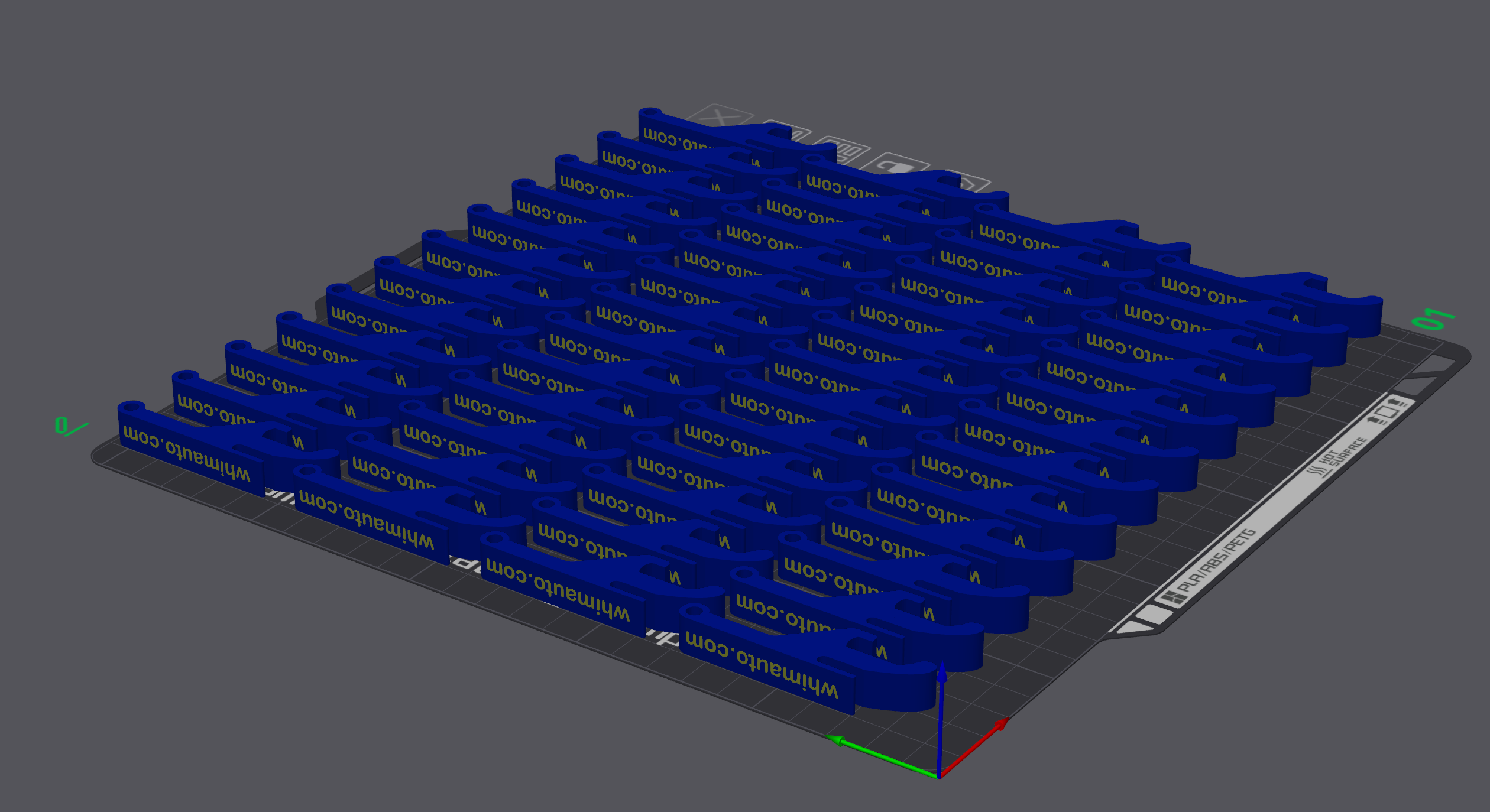
If you picked a bottle opener design that can be printed flat on the build plate, you’d have far fewer filament changes, fit more of them on the plate, and still end up with a shorter overall print time.
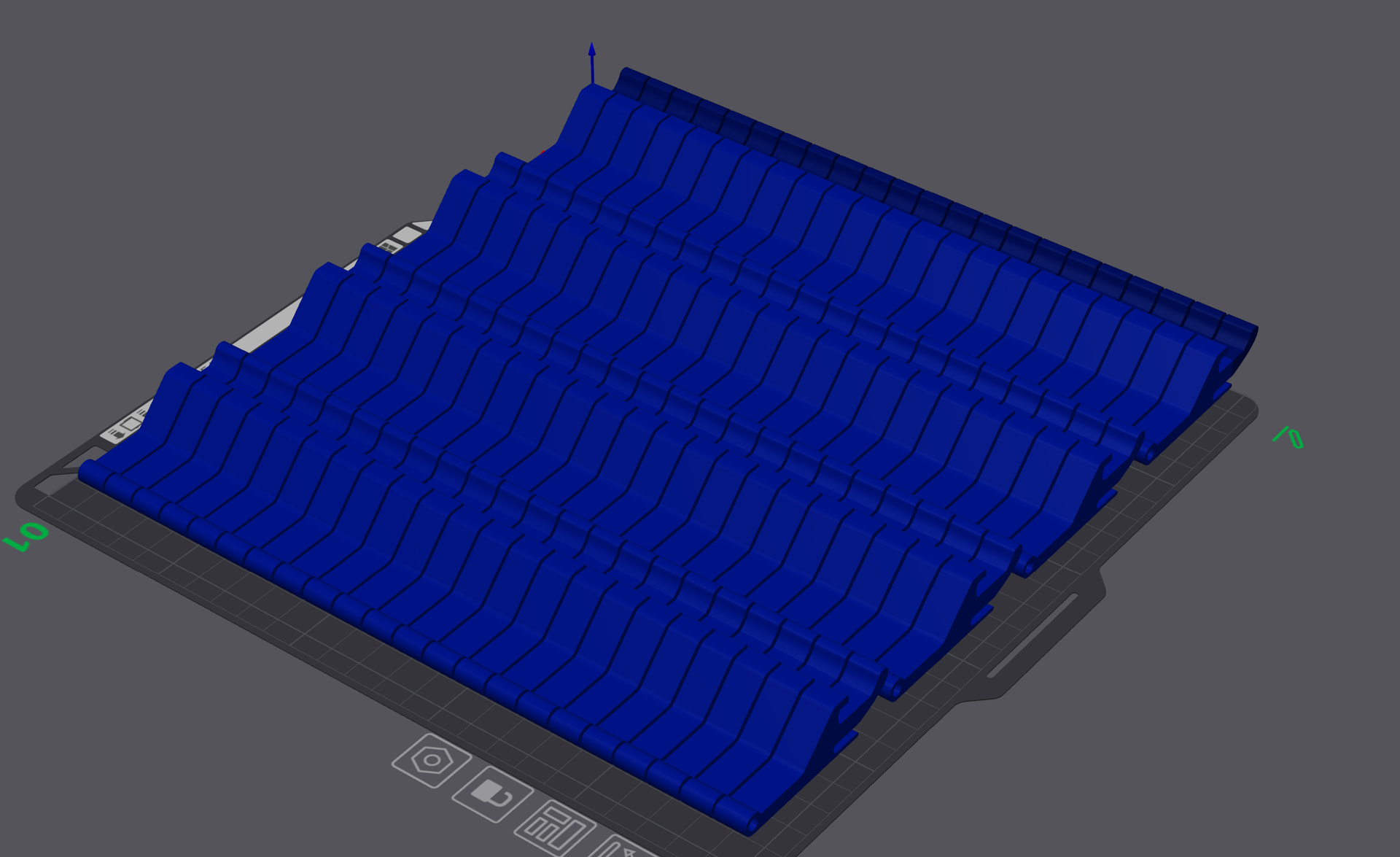
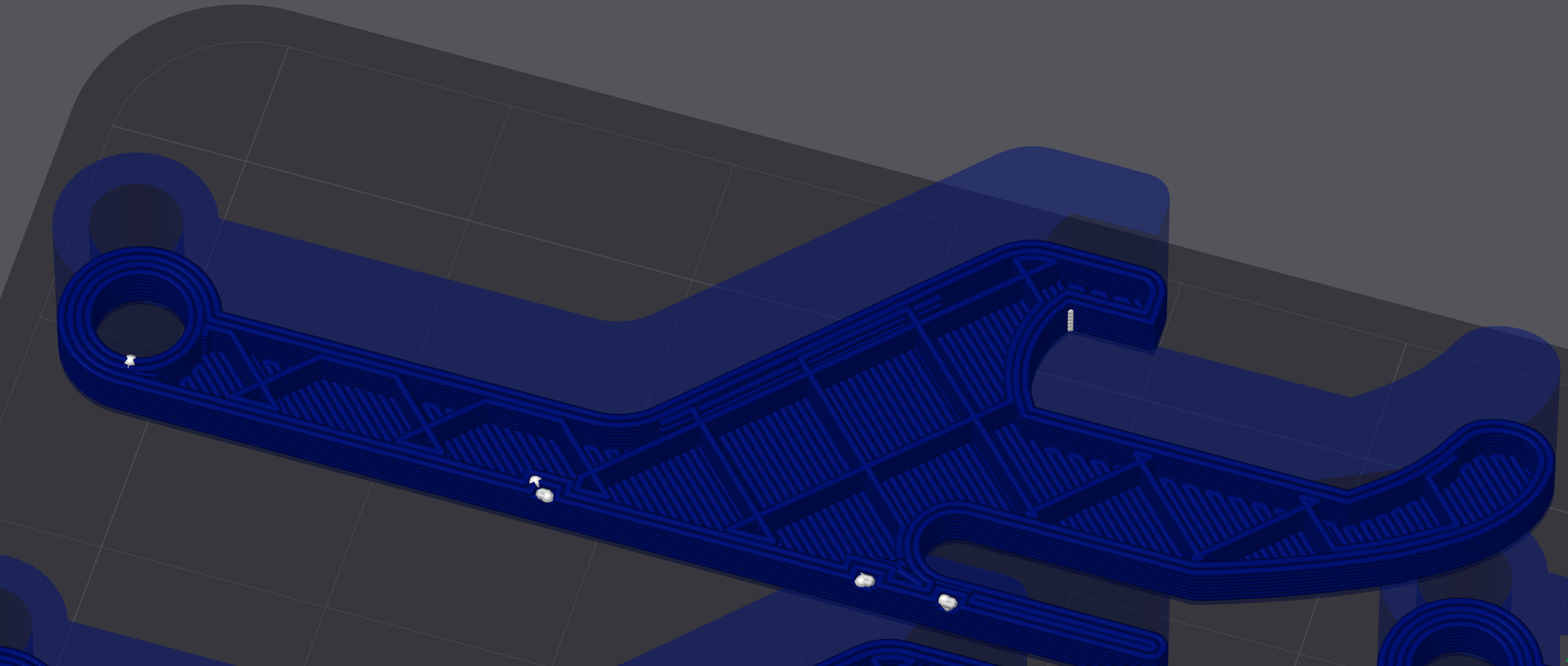
Just as a side note: I’d increase the wall thickness and use a stronger infill pattern instead of one of the worst infills you’re currently using. Especially for a bottle opener, there’s a good chance it will break otherwise. A little extra material here will make it much more durable and reliable.
Be glad you haven’t printed it yet and still have the chance to make a few tweaks. It’s a lot better to fix it now than to find out the hard way that it breaks when you actually need it.
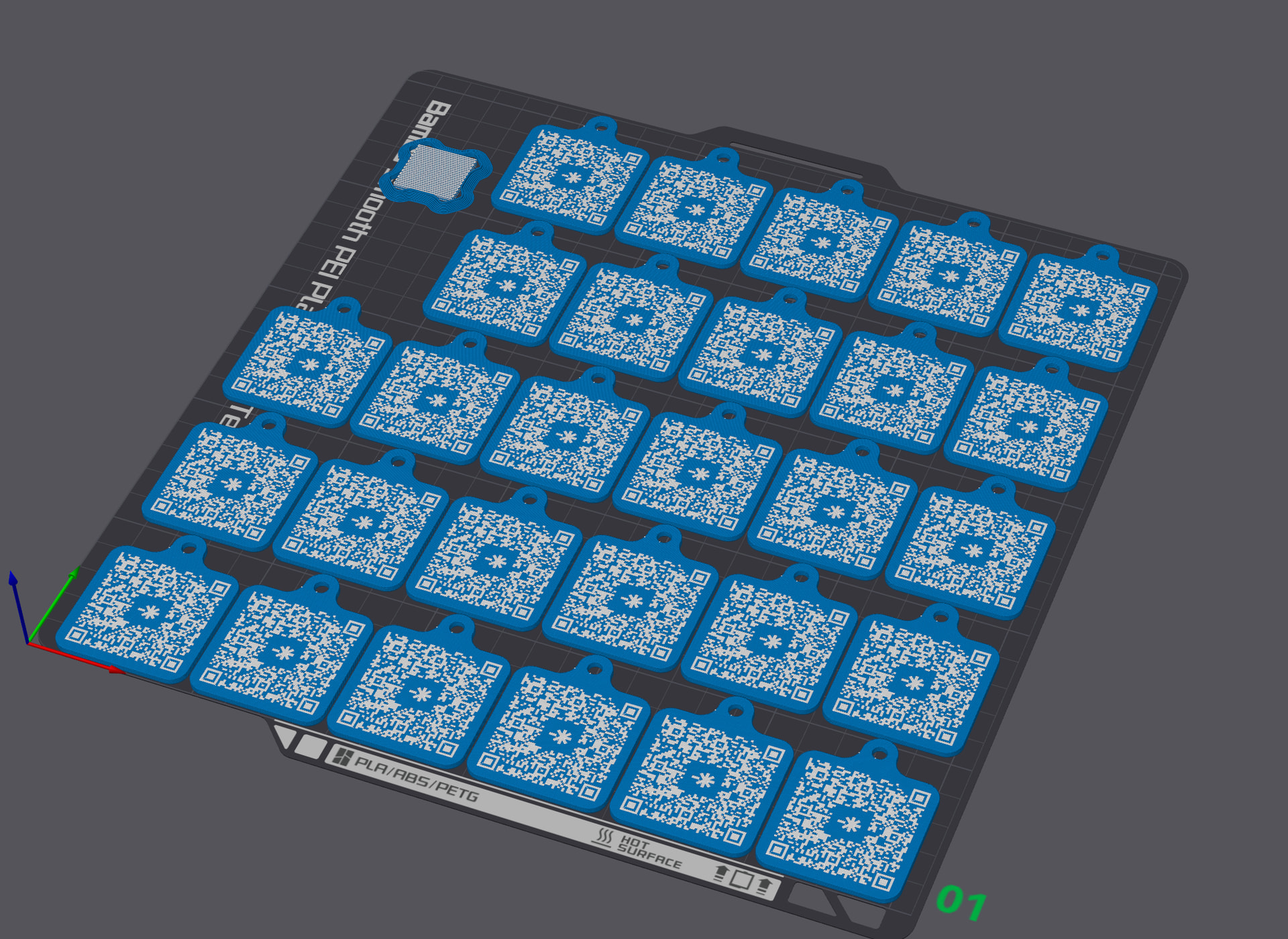
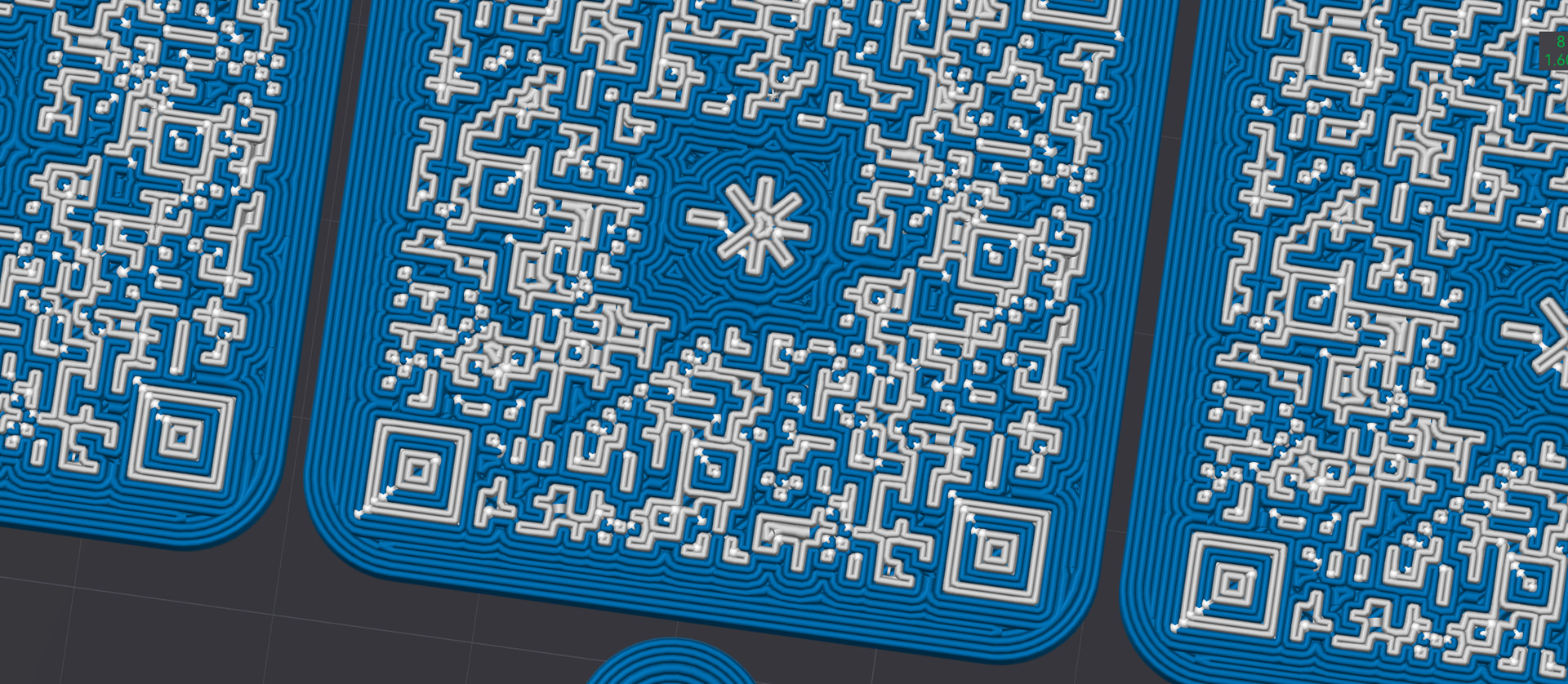
Now, coming to the second object: I’d say 12 hours is pretty normal here because of the QR code. You have to keep in mind that the printer has to place a huge number of tiny individual points. It can barely draw any long continuous lines and instead is constantly doing a start-stop motion, start-stop, start-stop the whole time. That naturally slows things down quite a bit.
Keep in mind that’s across dozens of objects. There really isn’t much room for optimization.
You could probably shave off some time by reducing the number of color-change layers. But if you push that too far, the blue will start showing through the white, and that’s usually the last thing you want with a QR code. You want good contrast and clean edges so it stays easy to scan, so there’s a limit to how much print time you can save before you start affecting the final result.
How many keychains do you need? You might want to outsource this to a 3d printing service. If you need thousands, can you find a tampo printer?
edit But, like, if it’s just a weekend to print, just print it and wait.