Hello, my P2S froze last week during a print. I already contacted support and they advised me to check all the LEDs. All the LEDs were green. My question is, where could the problem be? Can anyone help me?
Photos would be great. Once you have completed the tutorial in the forum and confirmed that you have read and understood the rules, you will be able to upload photos. You should receive a message about this in your forum mailbox.
Next question: Did something break? Please describe in more detail what you mean by “crashed.” There could be many reasons for this. Perhaps there was a power outage during the night?
The more precisely you describe the problem, the easier it will be for people to help you. 
Midway through printing, the screen went black and the printer light went out. There was no power outage in the room; I was working at the same time. Now I’ve turned it on, but the screen and light remain off. The AMS starts up and just makes a crackling sound.
Unplug the AMS and try again. To be precise:
- Unplug everything, including the printer and the AMS. No longer plugged into the power outlet.
- Wait 5 minutes.
- Plug in only the printer and try again. Do not plug in the AMS.
Then please give feedback again.
I’ll try it as soon as I get home. Thank you so much for your advice.
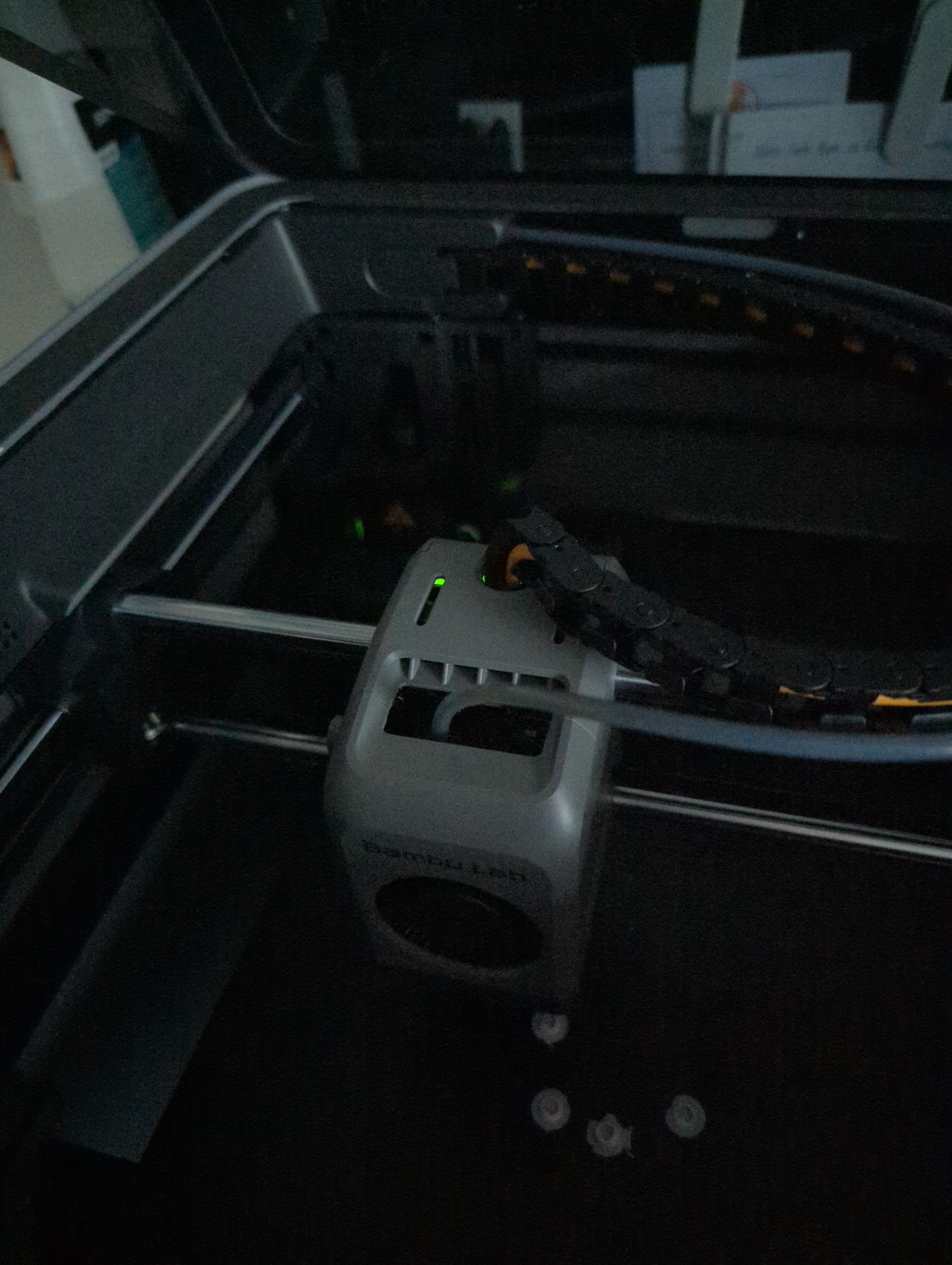

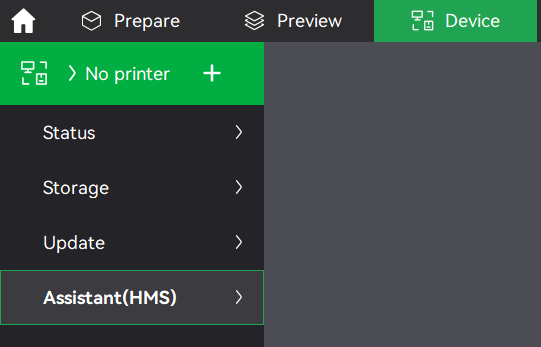


Wait on support , but do have a read of the wiki
Thanks for your tips. I’ve already read Wiki. and made all the tips Thanks for your tips. I’ve already read Wiki. And all the tips made on wiki. I suspect the display is broken. The motherboards according to the wiki they are all fine.
I had the same issue, unfortunately the Bambu doesnt know what would cause it. I’m waiting for a future AP Board replacement, but i dont see why if its disconnected it goes balck / dark / reboot. I’ve even tryed to disconnect the Screen and it was still doing the same issue.
In the end i’ve disconnected the ToolHead.. and still doestn work. At his point bambu la should replace it but because we bought it in a store they say to get it back to the store. So far the customer service has been helpfull but they doesnt seems willing to replace the UNIT. @Pepjgr did you resolve your issue? I’m assumign we have the same exact issue.
Its quite new like… 30 hours of printing. Though i enjoyed the process of seeing that each pieces are really “replacable”. That being said, none of the diagnostic seems to resolve anything. Unplugging AP (and things still reboot by itself). Unplugged AMS, TH same thing….
They want to send a new AP but if it reboot with AP being disconnected how would it help really?
The store where i bought it is a big chain and they are ok to “replace” it as its within 30 days (still have 1 week left). I’ll see if bambu send me a new AP or something but i’ll probably endup with getting a replacement (though will need to wait a few week as they are out of order).
It kind of sucks though…. and Bambu wasnt saying they where going to replace it. I kind of argued to them. I’ll be worried to buy another P2S though each pieces are really replacable which is great though and rare these day.
I’ve replaced an AP board or two in my P1S. I can’t say for certain how or why it happened to you. I know the reason for mine was the nut behind the keyboard.
The screen would go out, as would the light since it’s controlled by the AP. If the machine boots and behaves like it’d print if you could light up the display than it most likely is the AP board. I don’t think it’s that big a pain on the P2, the P1 was easy enough. Just had to be careful of the wifi cable.
I destroyed my sd card slot. TWICE! The biggest hassle with an AP is just having them swap it. They have a portal now, before that you had to reply to your ticket and wait.
Well it a 6 hours drive (round trip). But i called and I can return it to a store close by… though its “out of stock” so will depends when they receive new units.
Ohter thing, I guess it actually show the “customer support”. I had a “Powerbank” for almost a year…. in the same range of price…. and no question asks they replaced it at no fee.
My P1S has only needed to be repaired when I messed it up.
”The nut behind the keyboard” is usually the reason for a IT call. Think about it.
I get it now, this nut is a little slow
Same Issued 2 times after 1000 Hours print. I just turn off and on again. Works again. Just no idea why…