No, you should build your circuits for worst case use. And yes it is annoying that the new line of printers brom Bambu have higher startup currents due to heating the beds faster. I doubt anyone on their team thought “what about those people who use 110V 15A circuits?”
Trust me, I get it. I am trying to decide how I want to go about providing power to my room (I have printers separated due to power restrictions, and I just bought an H2C). Trying to decide if I want to bring up 2 20A circuits, or make my garage into my maker space. Which would require tearing down the drywall since there is no vapor barrier, then insulating properly and doing something about the overhead door.
The P2S does tax the circuit more during startup, so it does need to be the first printer that I start in the order. Then wait 5 minutes and start my X1Cs, also waiting.
Without the P2S, just my 3 X1Cs, I can start all 3 at the same time. I also have my lab on this circuit, which contributes to my electrical load.
Sounds like you already have a good grasp on your garage, when I did mine (no drywall, no insulation, 2x4 studs in the US Pacific Northwest) I used Rockwool for the walls. Provides vapor and pest protection. Since my walls were 2x4 I could only get R17 insulation. Ceiling I did R31 pink panther batts. With the dry wall then added it’s probably the best climate controlled building on the property. And it’s on a slab. No room for cars in it with all my “stuff”.
Edit: My doors were already the insulated roll up type.
I was envisioning building out a nice little Bambu print garden in my garage. I currently have a P1S and I just bought a P2S.
Until there is a low power mode I will not be buying any more P2S and it has me looking at alternatives (snapmaker u1) for me next two printer purchases.
I hope Bambu staff realizes the US is a massive market for them and most users won’t be able to run more than 1 P2S on a circuit – meaning people like me will be looking at competitors/alternatives that work with our existing 15A circuits.
I mean, theoretically, there is a workaround: simply don’t start the devices at the same time (to be precise, the heat bed at the beginning). Then the devices can then run simultaneously, even several on your existing power grid.
Alternatively, you could ask an electrician to install an additional power line. As far as I know - and I could be wrong - houses often have extra power lines for appliances such as dryers or kitchen. If you want to expand the garage anyway, e.g. as a workshop or print farm, it makes sense to have more power lines.
However, I have no idea how far your garage is from youre home junction box, but I believe the costs for an additional cable should be modest. Maybe you already have the necessary connections in your house and all you need to do is pull a cable and an electrician to check it.
The same problem arises with table saws and drill machines in the garage. They should not be switched on at the same time, but rather a few minutes apart.
__________
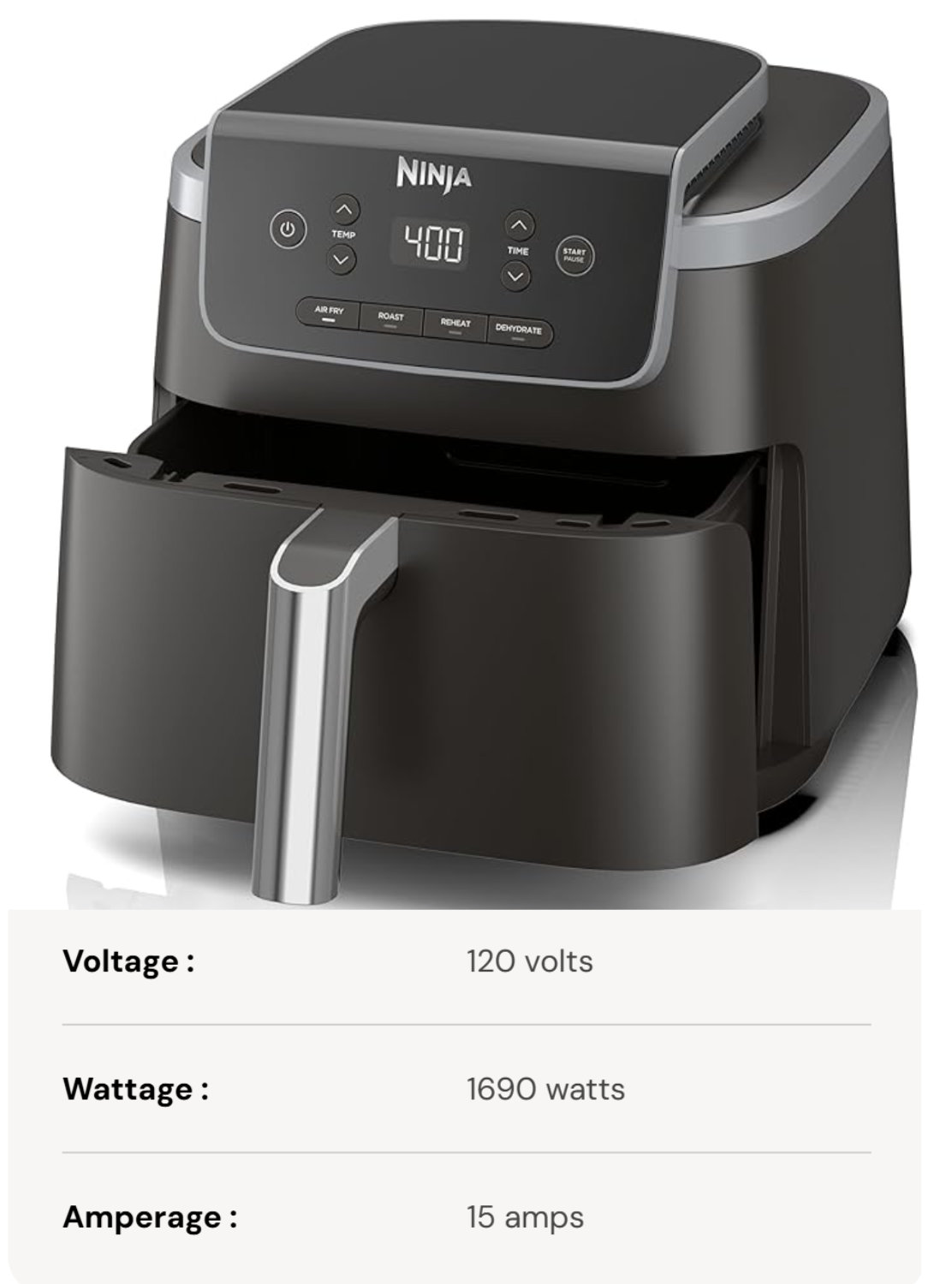
Apart from the comment: Just to give a comparison to get a feel for the wattage. A modern gaming PC also needs 1,000W - or for reference, an air fryer needs 1,750W. Both are 110V - 120V for US market. However, as with the Bambu printer, this varies depending on the situation and mode.
I just got my P2S and boy am I disappointed. I did not see anyone talk about this before I ordered mine. I am considering 4-8 units and this is a terrible start. Bambu’s first response was to show me the spec sheet that shows it only needs 350 watts to run but that I can escalate my ticket. I am now looking for a reliable modification. I don’t care about the warranty.
The reason is probably that the P series catches up with the core features of the H series. The specifications of the H series are: 1800 W@220 V - 1250 W@110 V
The H series has been on the market for a very long time. I suspect that no customer using 110V has experienced any problems with it so far, otherwise, Bambu might have taken it into account. In fact, most customers want even faster and more powerful devices.
Print farms will have a proper cable installed anyway. One reason for this will be the more powerful heat bed. Therefore, I assume that it is not the highest priority to implement such a mode, if it is even possible without hardware modifications.
That’s like asking whether you can retroactively install a low-power mode in an air fryer, vacuum cleaner, washing machine, or whatever. It would have to be integrated from the outset.
Funny enough… Just got my H2C yesterday, already have an H2D, was running both on a 110V, 15A circuit. Now, the H2D was printing PA6-GF so it was keeping the bed at 100C and the chamber at 60C, but when I turned on one of my AMS units to dry I tripped the breaker. Not during the startup, both printers were well into their prints. The only other things on the circuit that were running at that point were a couple of lights.
Yes print farms will have different power, but keep in mind they may have built out their circuits based on P1S and X1C power requirements. As they have to replace printers with newer versions they may run into issues as well.
Whatever the reason for the power spike, it does nothing to better or speed up the printer or its prints in my use cases. The spike last 10 seconds or less and I have not seen any print take less time than it took on the P1S.
I agree that you can’t change the spike on most motors or heaters, but this entire machine revolves around what the firmware tells it to do. Granted it may have been built so that it’s impossible to turn down that spike, but if was ever a device built that had that possibility, I think this is it.
My problem is that in Florida I may have 30-100 power loss situations due to lightning every summer. I just don’t see a Cheap solution to this. I can get cheaper printers that will run on 1/3 the power but do not have the print quality at speed of the Bambu. I just don’t know the best way to handle it without committing to way more capacity up front that I wanted to invest in. Not really sure what I will do now. I have several large Anker Solix units but they don’t switch fast enough ! I love the P2S though, it is a fantastic printer.
KUSMI, I am now irreversibly deep down the Home Assistant rabbit hole. I now have my Pi5 with HA installed on an NVME and I installed the zwave and zigbee dongles this week. On the devices I tested the response is amazingly fast and the NVME makes booting like lightning. I suspect the next few weeks to be drowning in this thing while I switch from years of devices and automations in smart things and Alexa. HA is quite challenging - lets see if I am up to it. Thank for that!
One question and at the risk of hijacking my own thread again, do you pay for the Alexa Integration? Thanks.
I guess to hijack, I had 3x AMS-HT drying TPU last night and that tripped the breaker on a 15A circuit. Printers were powered on but not printing. That was quite unexprected.
I run multiple P1S’s and just picked up a P2S a few weeks ago to test. I also have an EcoFlow Delta 2 Max.
I plan to test out the printers on this EcoFlow soon. Should be able to simultaneously startup two P2S with its 2400 output rating.
My goal is to power four P2S units on one Delta 2 Max units, staggered starts of course.
I will not be buying more until I figure out how to manage all this unnecessary power draw.
I also encourage everyone to create a ticket with Bambu stating the need for Low Power Mode. The more tickets we send with this request, the more likely they are to get the hint.
The Delta 2 Max is a fairly pricy emergency backup device usually used for home power backup during power failures. Why do you use this for your printers? Wouldn’t a traditional UPS work?
I hope that works for you. My Anker Solix 2400W units don’t switch fast enough so I bought UPS units which turned out to be too small. I have a rebuilt APC 3000W unit coming for my H2C and hope to power the P2S from that as well. I’m holding off on more P2S at the moment and may get more kobra S1. The used APC unit was over $700 ! My 900 watt UPS units power the Kobra just fine.
Typical 1500VA UPS units are $200-300 each and only have 900w max load. 1500VA/1000W units are not common, but I have one. P2S printers use about 1000w during startup. With the 1000w UPS, it will still sound alarm during bed heating indicating overload.
Even if the 1000w UPS worked, that’s $200-300 additional per printer expense. The Delta 2 Max, Delta 3 Max, and Delta 3 Max Plus all have 2000wh batteries and continuous output of at least 2400w which allows you to draw from the 15A house circuit and supplement draw—with battery—to power multiple printers with staggered starts while other printers are running at steady state. This cannot be done with single 15A circuit and typical 1500VA UPS.
If there were a disruption in power, the Delta max units offer hours and hours of runtime compared to traditional UPS.
 I now have my Pi5 with HA installed on an NVME and I installed the zwave and zigbee dongles this week. On the devices I tested the response is amazingly fast and the NVME makes booting like lightning. I suspect the next few weeks to be drowning in this thing while I switch from years of devices and automations in smart things and Alexa. HA is quite challenging - lets see if I am up to it. Thank for that!
 same as 3D printing!