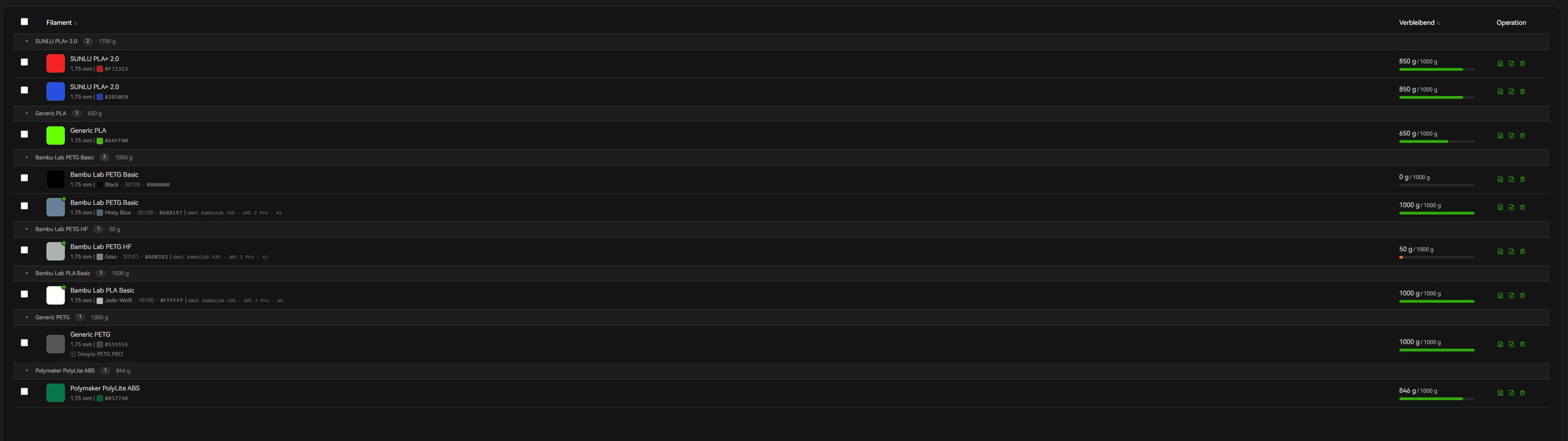
I just have a quick question. Does the automatic update of filament information (e.g., remaining quantity) work for you after a print? For example, I printed a model using Bambu LAB PETG. I synchronized the AMS information in the slicer and selected the correct material in the slicer or had it assigned by AMS. However, the filament information isn’t updated after the print. I thought this happened automatically in the Filament Manager for original filaments.
Does anyone have any tips, or am I doing something wrong? Does it work for you?
The filament manager in general is really unrefined, and doesn’t really do much as of now, so I guess all we can do is wait for an update and see if they make it actually useful.
I think the idea for the Filament Manager is quite good. Only it should work that way. Probably have to wait for the next update and hope that this problem is solved
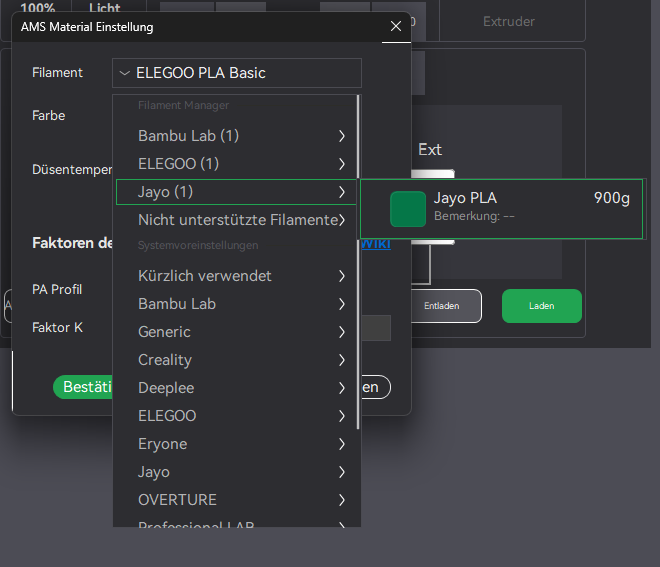
The official live update has been released, yet I still cannot select the “unsupported filaments” option in the AMS material settings, even though the filament has been properly registered in the manager. It appears in the list, but cannot be selected. Furthermore, third-party filaments of the same type but in different colors are also not being recognized.
Yes i have still the same Problem. It also doesn‘t update the weight oft the materials after a print. It only works sometimes with the bambulab filaments. But not every time
Sometimes it works that you can add third party filaments to the libary of the AMS. Especially Sunlu filaments works ok. But with other filaments i have also problems.
I’m also seeing that even if you can select 3rd party filaments, you can not change the color in the AMS settings. Trying to post a bug thread but… apparently being a user for 6 months on this forum isn’t enough to gain me permissions to post a new thread?
I think I’ve found a workaround.
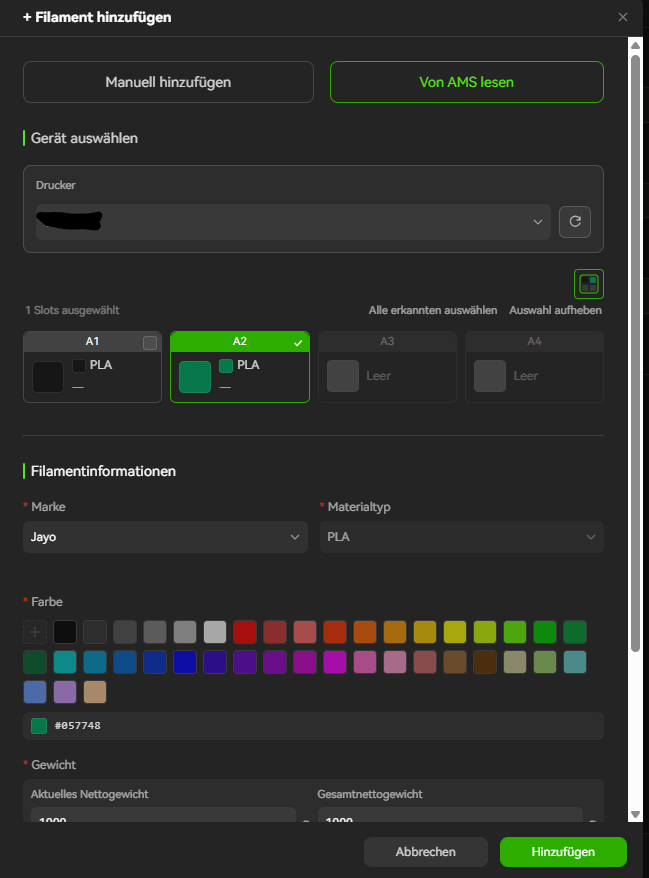
Try adding your third-party filaments using the “Read from AMS” option. After that, I had all the third-party brands listed separately in the settings and have been able to add them so far…
Unfortunately, you have to go through the cumbersome process of loading all the filaments into the AMS before you can add them.


 but there are probably still 200 grams on it