how does one print from SD card using the side spool?
My P1S cuts the filament and then throws an error. I don’t see the option to pick filament source at the start of the print, am I missing something?
I also can not connect to my printer since 1h. But I have another problem: Since the new Bambu Studio Update I also can not print via SD card anymore. Following message appears: The save file operation failed. The save file operation failed to connect to the open and save panel service. Is there any solution to it or a hotfix coming?
I suspect something went wrong during the system update last night, which according to the status page took 3 hours rather than the ten minutes they expected. Still no cloud connectivity here, so I can’t control the printer remotely.
These things happen, but it would have been nice if they could have had a quick rollback option, or a backup system to take over when updates go wrong. Best of luck to the people trying to fix the problem!
It’s insane that you need to go behind the printer and disconnect tubing. You could just get a prompt to pick side spool or AMS slot before print.
Clearly SD printing is an afterthought on this machine…
Thanks for the reply,
I’ll be sticking to LAN mode for good, and only enable cloud if I’m on the go.
Since 3h no connection between Printer and pc (NO MESSAGE TO INDICATE THAT ACLOUD PROBLEM!! i Try MAny think before see its a cloud problem) … i have to use SD card like A ender 3 users …lol … Stupid system of cloud for bambu lab … will ruine the experience … and will ruine the brand… not professionnal …
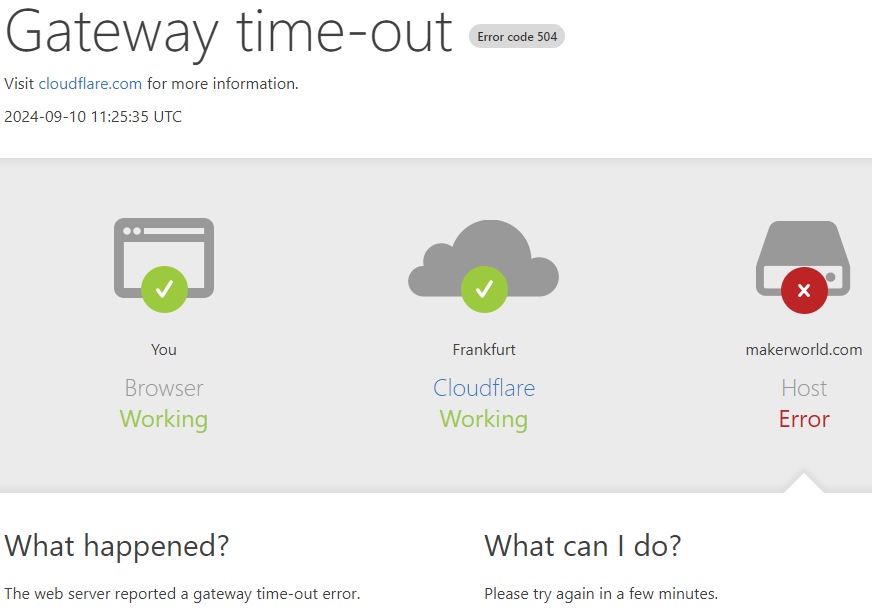
My pc cant connect to my p1s and so I followed the troubleshoot and logout of the devices but now I cant even login im getting “error code 83968037” on printer when im trying to login and “error code 1 context deadline exceeded” on my babmu lab app on pc… So I tried to open a support ticket but cant even do that im getting “Gateway time-out Error code 504” on the website… Any1 know how to fix it or how can I get in touch with the team?
The MakerWorld page does not open for me either, or only very slowly. Printing does not work at all.
But I think it’s great that I can read here that the error is not mine.