check:
0. check if problem exists with different filament - ideally fresh roll. That should help to point either towards mechanical of filament related issues
if there is no buildup of filament dust in extruder, clean gears, clear filament paths - if you have ams check if problem is same from all filament bays
no filament bits anywhere near moving parts - belts, pulleys, lead screws
You should have spare nozzle which came with your printer - consider swap to eliminate possibility of partial clogs.
Check if everything which should be bolted is still bolted - sometimes screws will loosen up
I can’t see any any build up or blockage of anything (only had the printer about two weeks so dust would be unlikely anyway).
Again can’t see anything obvious.
Changed the nozzle to the new spare one yesterday.
Have looked at what I can see but struggled to find much info on what exactly could need tightening?
I recalibrated the printer on the built in screen to see if that helped and re dried my filament overnight just in case it wasn’t completely dried.
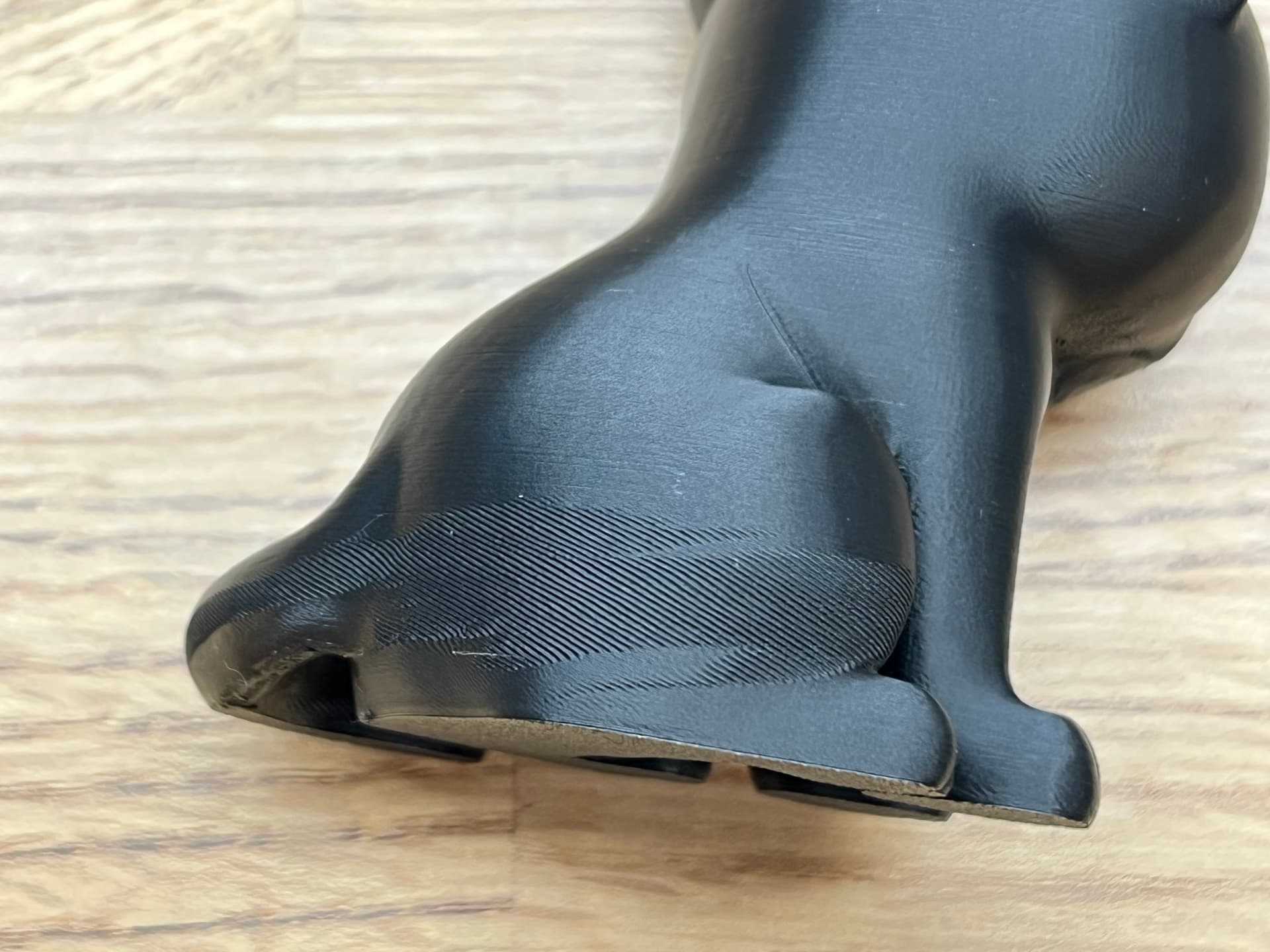
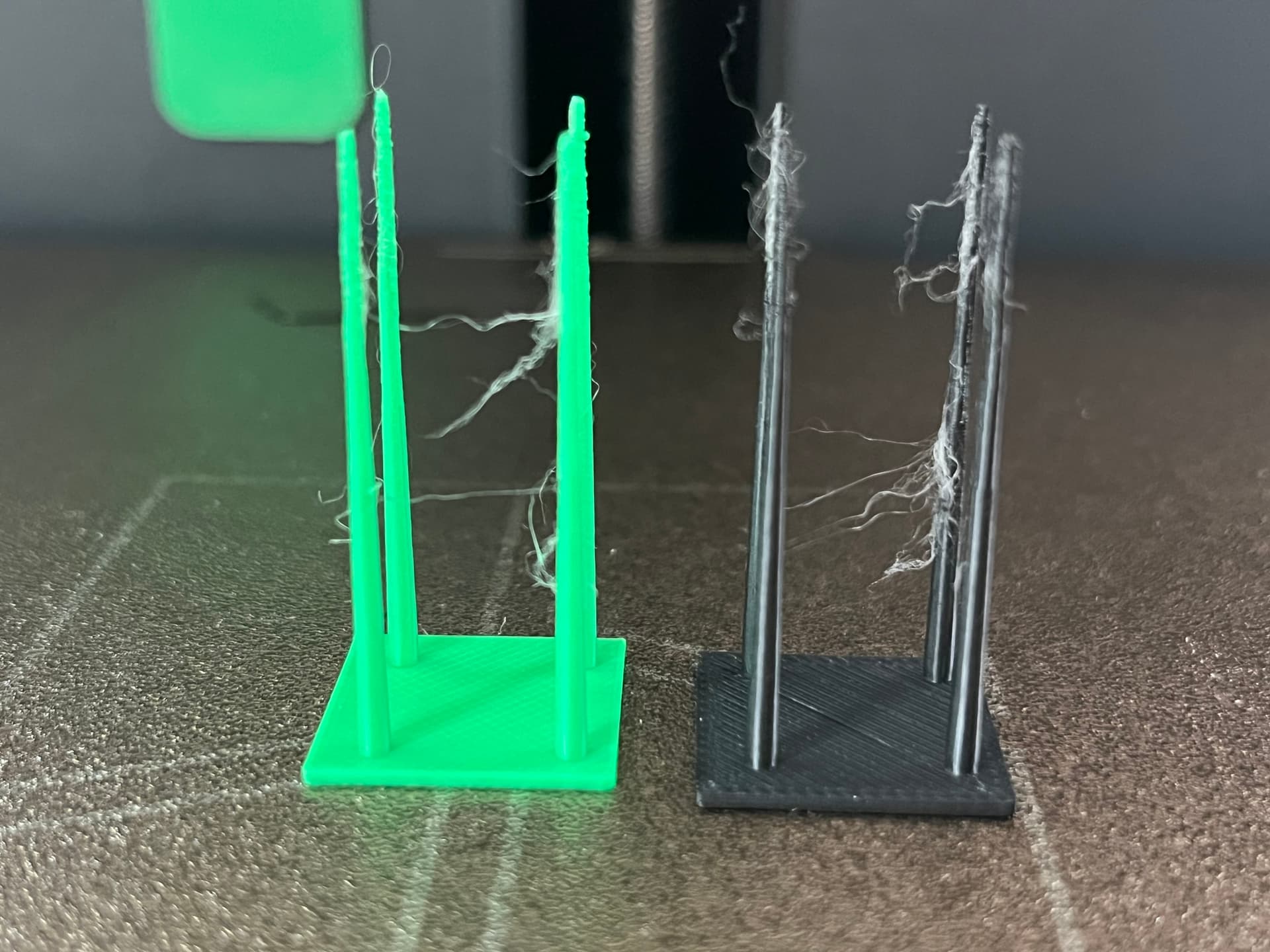
As stringing is one of the things I noticed I printed a stringing test with 2 seperate filaments and got the same results on both which is almost like a web. Also did it agin this morning after drying overnight and it was the same (noticed some lift from the bed on one corner too.
I’m wondering what I could have changed and if at some point I may have altered any retraction settings under the 'Extruder" tab. But I can’t find any defaults online to compare.
I usually only really see stringing when I have not dried my PLA (it is PLA, right?). Since you have dried is but still experience stringing, it would be helpful to understand if this is the Bambu PLA Basic, if any settings were changed from the defaults (temps, retract, etc).
On this, changes from defaults are usually highlighted in orange. Another means of comparison is a tiny symbol in the far right of the “Process” line of Stuio’s prepare screen. See those two arrows? They open a comparison dialogue.
Also note that this test is designed to be a worst case. You’ll probably not see anywhere near as much stringing on real prints. And minor stringing can be renoved using a lighter.
Since you are experiencing warping on such small bases, you’ll probably want to some rigorous scrubbing of the build plate using plenty of water, dishwashing liquid (non-perfumed, etc) and a stiff, clean brush.
There are further steps if repeated scrubbing does not give you good adhesion. But with a clean plate, there really should not be any noticeable warping.
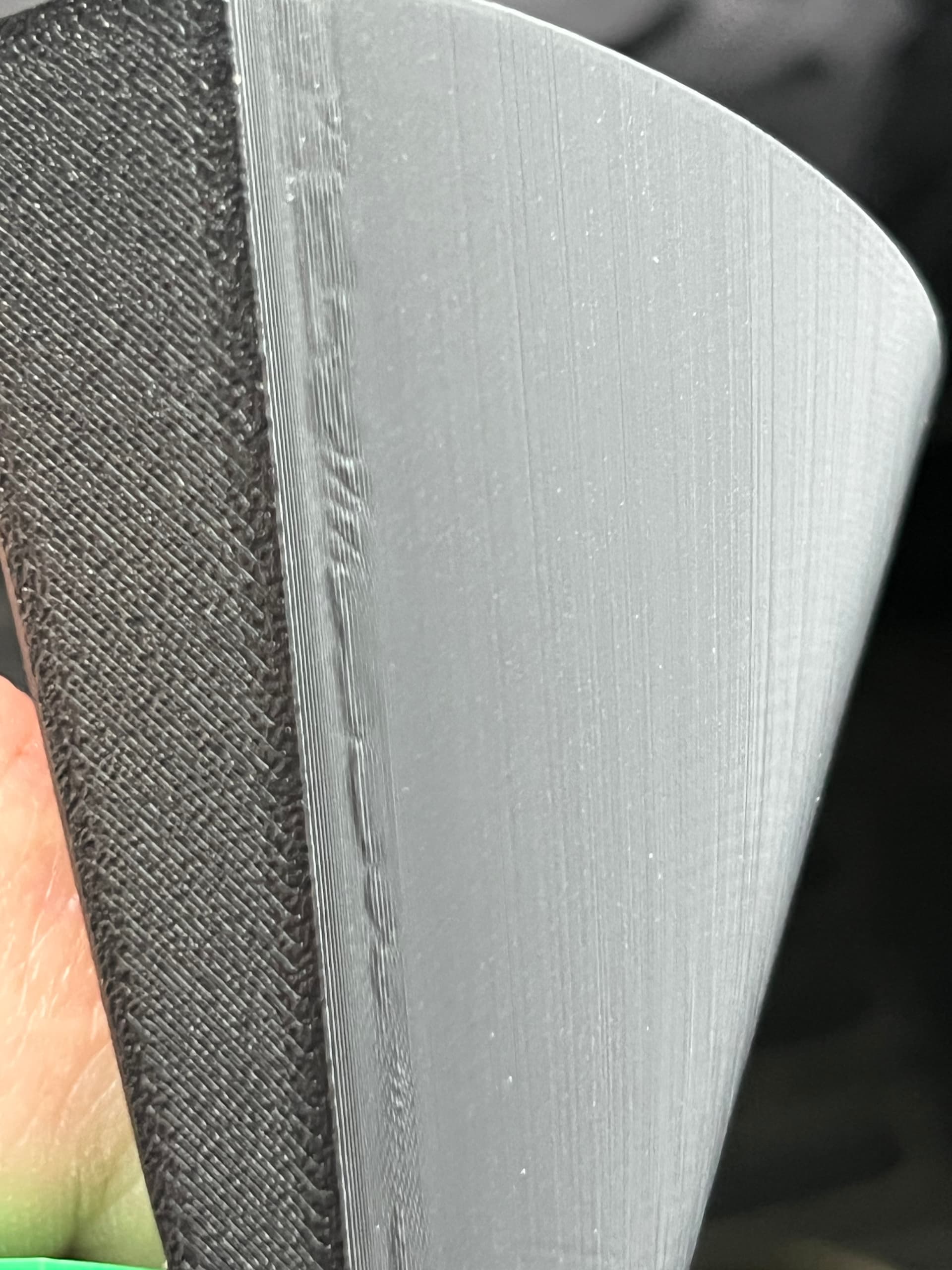
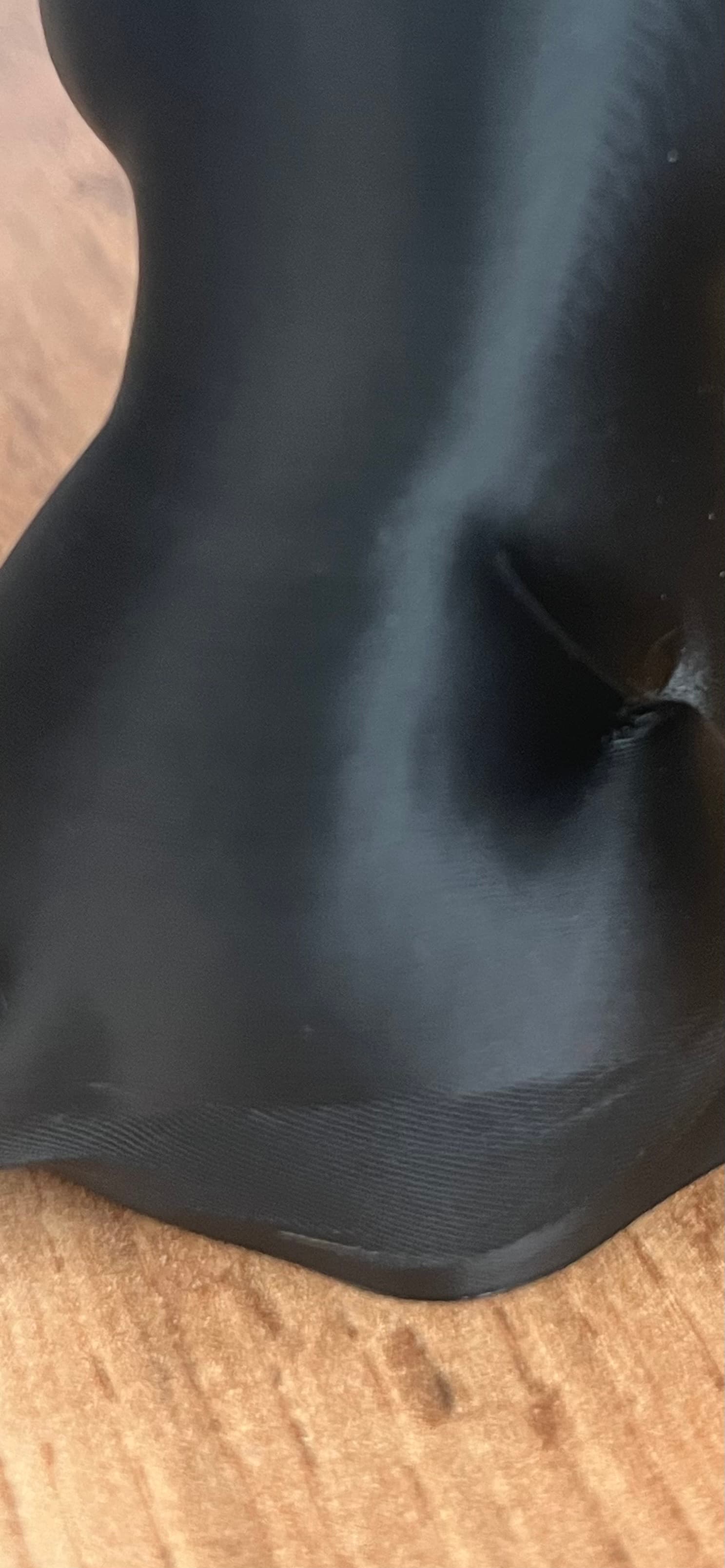
The patterns visible in your first pics are typical of flow dynamics issues. That however can have several different root causes besides the pure calibration (cooling, temps, warping). In many cases, reductions in speed and accelerations (!) can help.
In general, many issues can be better analyzed using the preview screens many settings. Fan speed, layer time, flow, speed, etc can be very helpful for troubleshooting things like those flow dynamics patterns.
As a new user, you may also be interested in running through the “Bambu Lab Academy” courses as they do run through a number of common issues. Just use the search function in the forum and you’ll come across them. They also give up to 100 Point
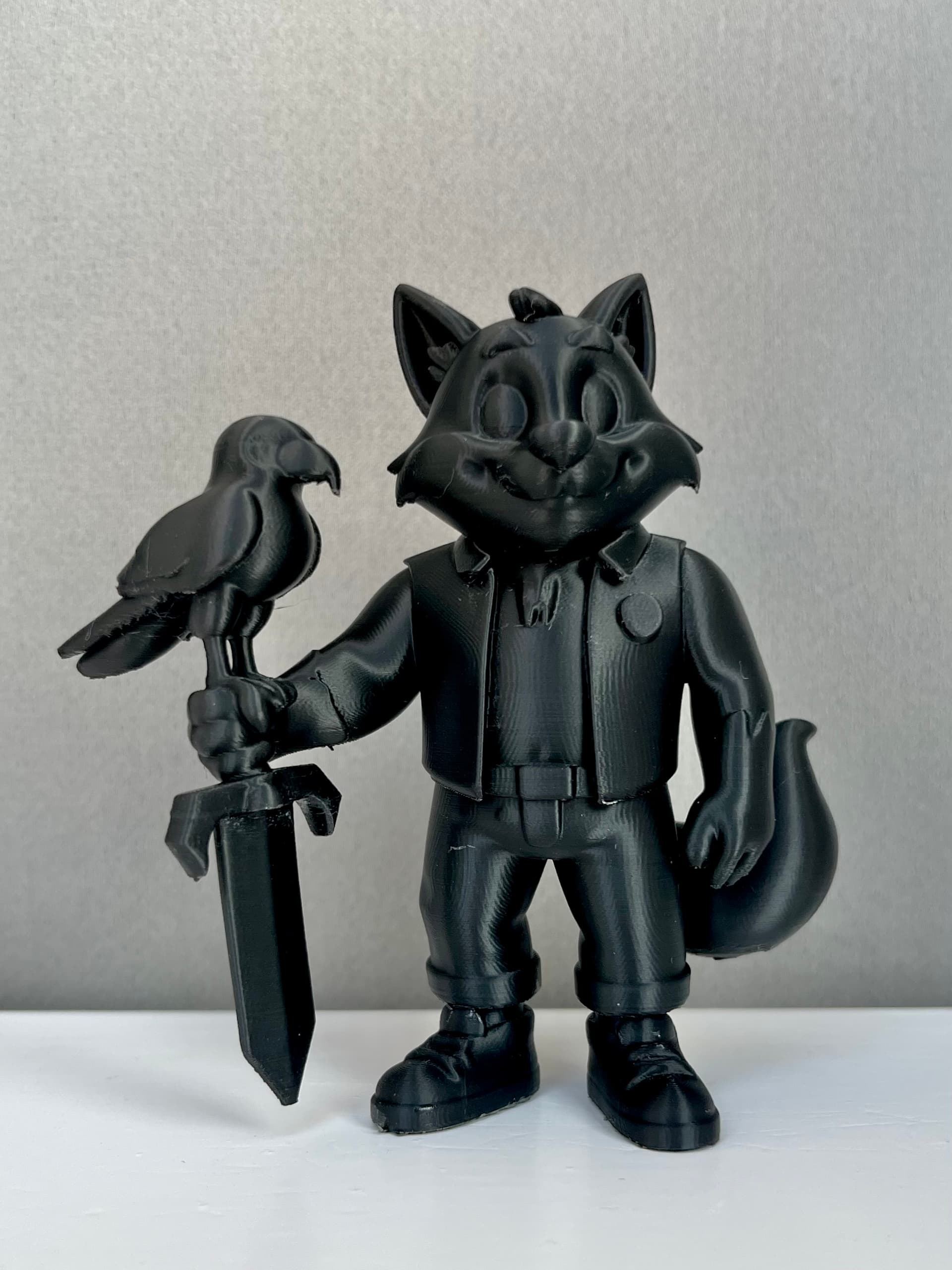
Looks this one was a bit of a newbie move! I had my layer height set to 0.08 (extra fine) thinking finer was always better. But reverted back to 0.20 everything clean layers, no weird textures although I did notice slight stringing on the infill as it was printing. I’m guessing there is more to it than just switching layer height? Still slightly puzzled as the model shown in the original post was 0.08 and I have had a few successful prints at that layer height but looks like that could be the culprit?
By increasing the layer height, you increased flow, thereby getting better extruder control which eliminated the flow dynamics problems you had.
However, with good flow dynamics control and daring to take more time, you can actually obtain much higher resolutions.
With my X1, I occasionally use 0.04mm layer height in adaptive layers to provide a bit of a margin to the just about still doable 0.02/0.03mm layer heights. Once flow went as low as 0.01mm³/s though, I reached my limits.
Yeah makes sense I’ll have. good read through that post at some point. Still a bit puzzled as I am getting some stringing although prints are ok in general and a quick once over with a lighter gets rid of it.
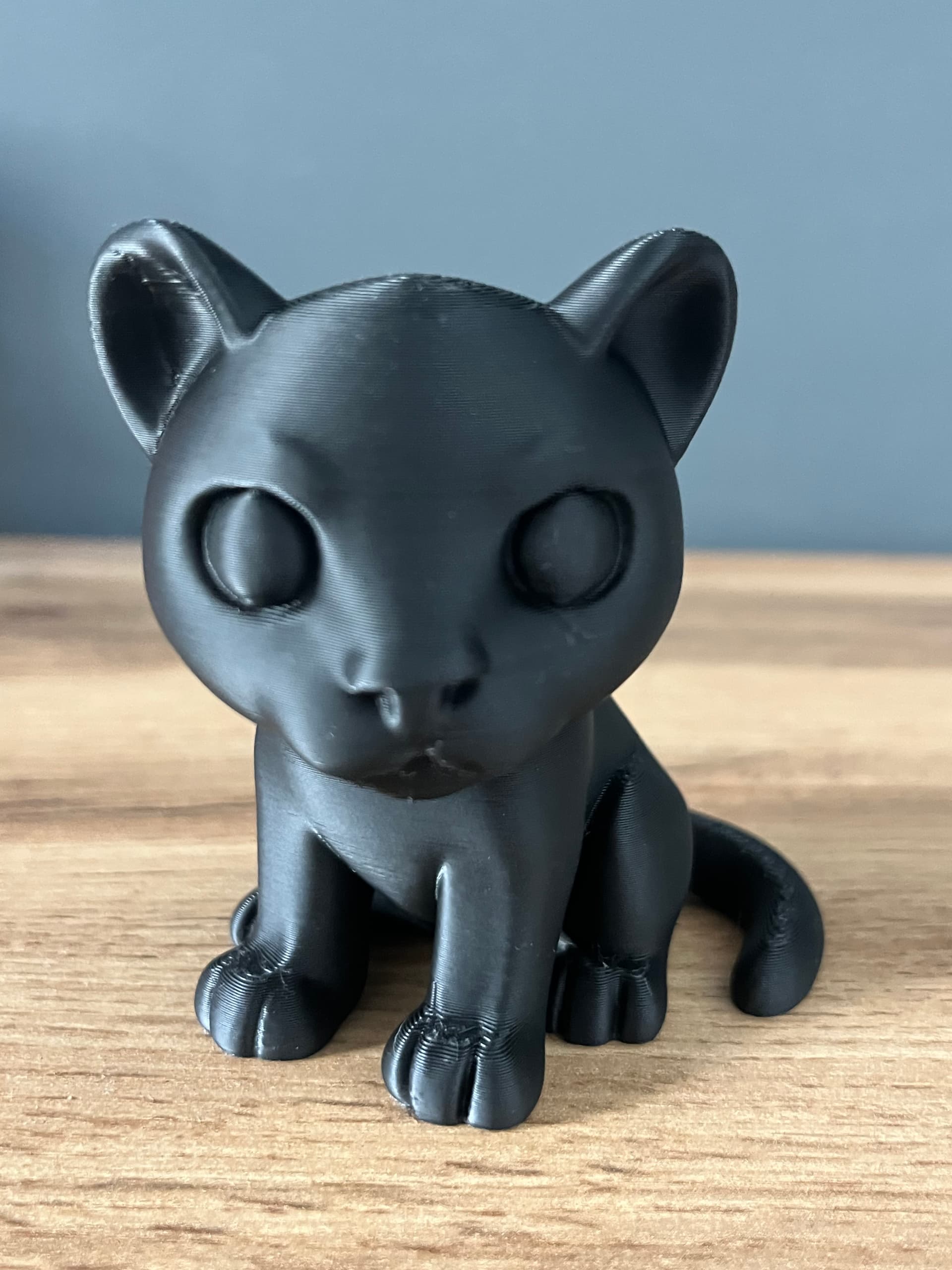
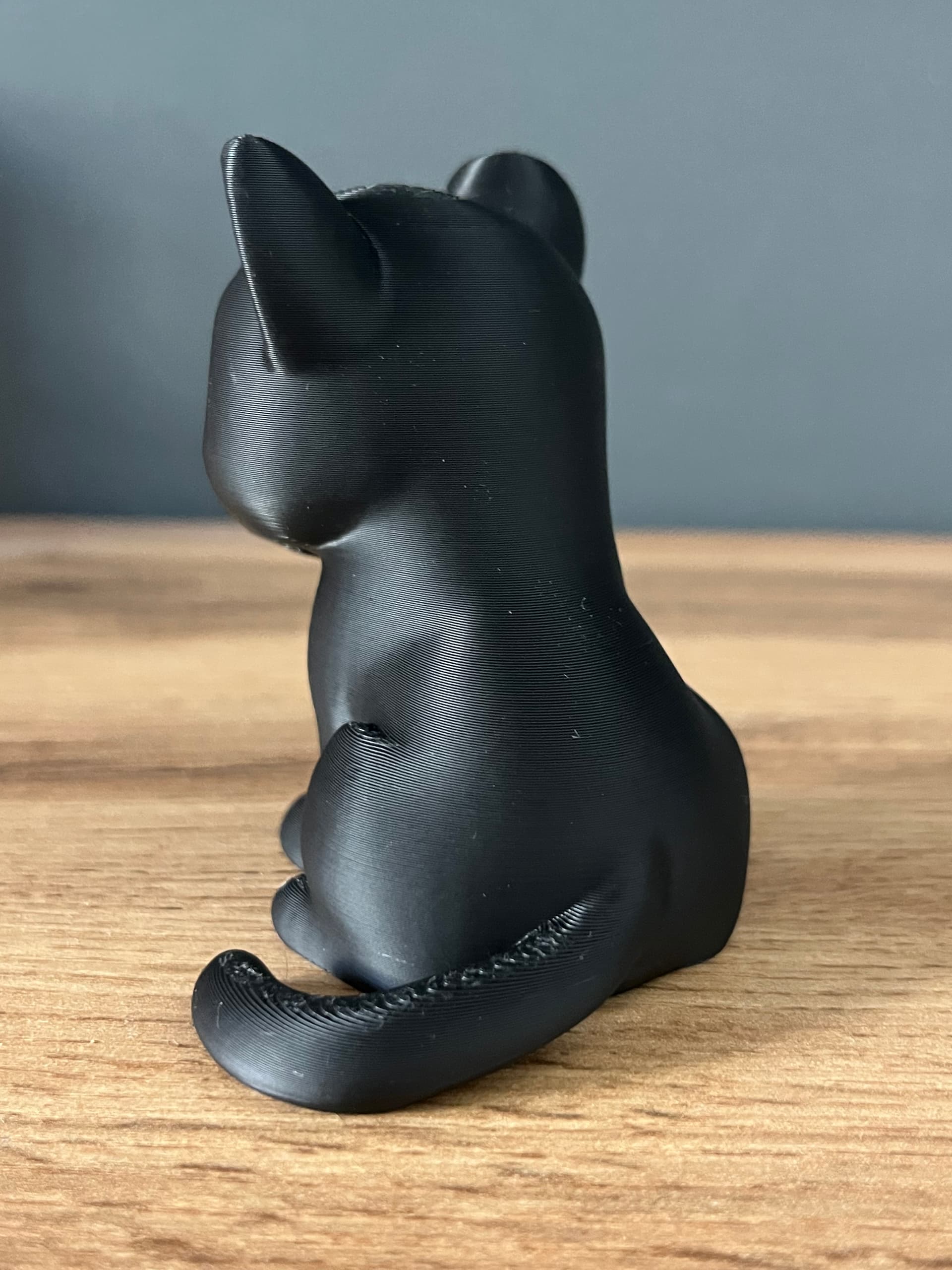
Saw it on the infill of the Panther I printed and then again I have it on these Ikea pins I made so not really got to the root cause yet.
How long it takes and how dry your filament can get by heating it is limited by ambient humidity levels. The filament can never be drier than the air it’s drying in. Heating the air causes the relative humidity to drop in direct proportion to the temperature increase. It doesn’t lower the amount of moisture in the air, it increases the air’s capacity to hold more moisture. That causes moisture in the filament to diffuse out.
If you live in the northern hemisphere, ambient humidity levels are much higher now than they were a few months ago, so even after drying, your dried filament could still be quite a bit “moister” than when relative humidity levels were lower.
I’m also assuming you don’t have an AMS or dry box to “protect” the filament while the print is underway… Your stringing in that last picture looks like it’s mostly in the upper areas of the print - meaning the printer’s been running for a while and the filament has been able to soak up moisture from the air as it has slowly made its way from the spool to the extruder. So towards the end of the print the filament is wet enough to start having problems again.
Usually, it is a sign of filament moisture. But since you dried the filament (8h, right?), it may be nozzle temp or retract speed related. Bambu recommends up to 40mm/s for PLA, 60mm/s for PETG. I would not recommend playing with nozzle temps though. Layer adhesion suffers significantly.
Yeah the more I read the more it sounds like moisture and maybe I haven’t dried it enough. I have this morning got the esun dryer that I can then have my filament in while it is printing. I’m in the UK would moisture really absorb into PLA that quickly?
I’ll dry it overnight again and go again tomorrow.

 &
& 
 )
)
 so not really got to the root cause yet.