In few words, I want a LAN mode without any WAN connexion !
you’re not the only one wanting this… Bambu appears to have other things in mind, definitely not related to allowing users fully LAN only mode… Why is that, one might ask? I’ll let you guess why.
Yet Bambu Lab promises in its latest communication:
Developer Mode (Optional): For advanced users of the X1, P1, A1, and A1 Mini who prefer full control over their network security, an option will be available to leave the MQTT channel, live stream, and FTP open. This feature must be manually enabled on the printer, and users who select this option will assume full responsibility for securing their local network environment. Please note that Bambu Lab will not be able to provide customer support for this mode, as the communication protocols are not officially supported.
And the delay in rolling out this new firmware seems to indicate that awareness has indeed been raised, and that new developments are underway.
What is the issue with LAN Only mode ???
That’s what Bambu Studio uses here in Lan Only mode >
TCP 192.168.1.206:50974 192.168.1.124:8883 HERGESTELLT 6040
TCP 192.168.1.206:51225 192.168.1.124:6000 HERGESTELLT 6040
UDP 0.0.0.0:1990 : 6040
UDP 0.0.0.0:1990 : 6040
UDP 0.0.0.0:1990 : 6040
UDP 10.5.0.2:2021 : 6040
UDP 127.0.0.1:2021 : 6040
UDP 192.168.1.206:2021 : 6040
Don’t really see an issue, unless I am missing something…
Only traffic between printer and Studio…
The delay appears to be Chinese new year.
Using dev mode cuts you off from using cloud services and is not a real solution, they’re still making your experience worse for no good reason other than a land grab.
The security justification here is a complete lie , and exposes the real justification : it’s about ecosystem lock-in and guarding their cloud so you can only use it their way.
If they had done all this upfront on a NEW printer ? Sure that’s more acceptable, even though I still would not like it. But changing the deal after everybody’s got their printers? That’s just not OK
The next firmware will not work as this… That’s the problem. Bambu Lab say this firmware will improve security. Many think they are lying (but no proof only doubts)…
I’d recommend to any still doubtful people, to carefully read Bambu’s authorized PR speaker answers to the reporter’s very pointed questions. Pay attention to when the PR person clearly states “for existing printers” but not applicable to the new ones, and what currently existing functionalities (including the upcoming “Developer mode” - the so called LAN mode) will be maintained, under what conditions and for how long.
additionally, i would suggest going carefully through the following links
https://wiki.rossmanngroup.com/wiki/Bambu_Lab_Authorization_Control_System
There’s more, including on this forum and on reddit, but for starters I think you’ll get a better understanding of the matter.
I don’t want to defend Bambu Lab but to be objective, this blog must be read :
Just keep in mind the Verge article was published after that blog article, and is based on responses to questions put to Bambu Labs. While it answers some of the questions that be log posts raises, it also raises a few more of its own. I would avoid the Rossman wiki though, as I think that ended up way too opinionated and going too far into hypotheticals and what ifs rather than sticking to the facts we know (but understandably so, as the guys there are trying to push back, not just maintain status quo).
As long as they’re clearly tagged as hypotheticals, I would hope that anyone who’s genuinely trying to understand the facts can compartmentalize those things. It’s unfortunate that some people can’t control themselves and start saying things like “They are going to do X!!!” hypotheticals, for which there is no real evidence yet.
If any of them are both hypothetical and novel, I would leave those out. But the reason many hypotheticals are coming up is because we’ve seen those exact things happen before.
But you are defending Bambu by simply reposting this blog without addressing it’s obvious errors of omission. So I will, one bullet at a time.
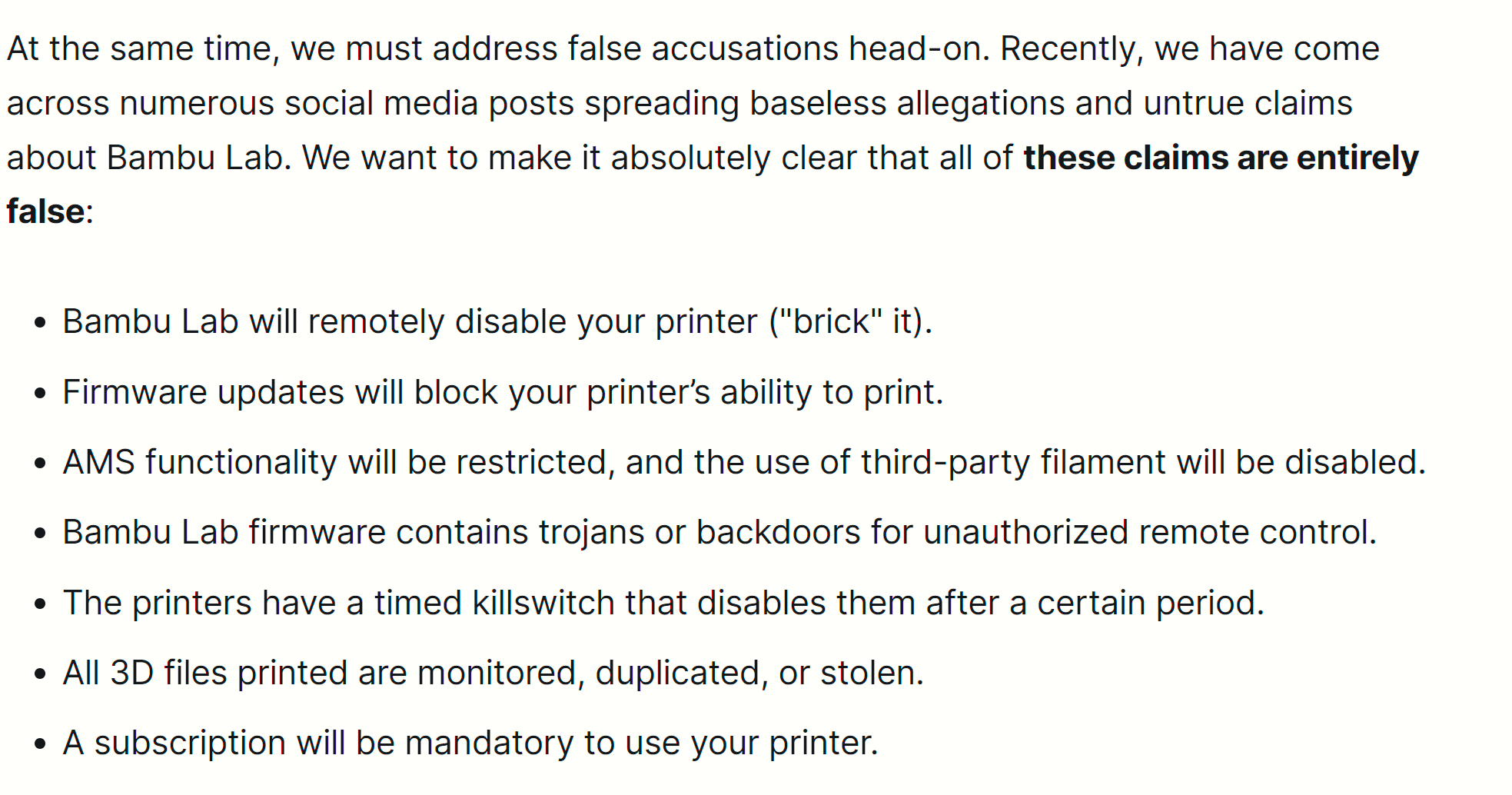
Spaghetti Monster(Dr Tao) states these
- Bambu Lab will remotely disable your printer (“brick” it).
- This statement while true should be read with caveats.
- The term “bricked” is often misused by the digitally illiterate who don’t understand the meaning. Bricked means the machine is left in an unrecoverable state and must be returned to the factory for the firmware to be reprogrammed or chip replaced. So technically, Bambu’s statement is not false but it is a matter of semantics. If the current Bambu Connect technology goes through as planned, at some point, the user will lose a vast amount of functionality if Bambu’s servers go down or if Bambu goes out of business. While technically one “may” be able to use SD cards, refer to bullet 7 below, this may be irrelevant if the servers go offline. Remember, Bambu is a Chinese company subject to the laws of the PRC and if the PRC demands a digital blockade or embargo on the west, Bambu must comply.
Given the current tensions between China and the west, this is not as far fetched a notion as one might think.
- Firmware updates will block your printer’s ability to print.
- This is false as per 7.4 of Bambu’s TOS, which states:
your product may block new print job before the updates is installed
These are Bambu’s own words. Terms of Use | Bambu Lab US

- AMS functionality will be restricted, and the use of third-party filament will be disabled.
- This we must accept at face value and assume it’s true.
- Bambu Lab firmware contains trojans or backdoors for unauthorized remote control.
- Undeniably True–This is clearly true and the people who have been perpetuating this are Chicken Little mongers.
- The printers have a timed killswitch that disables them after a certain period.
- Ambiguous at best. While this is technically true, refer to bullet 1. If the printers certificate has a one-year expiration as cyber experts have noted, and the servers are offline, isn’t it the same as a “dead man’s switch”? Who cares what the intent is if the result is that after one year of non-contact with Bambu Servers, your equipment is rendered inoperative or one must revert to using SD cards?
- All 3D files printed are monitored, duplicated, or stolen.
- Let’s parse this down into its three parts:
- Not Monitored – While not true today, as a blanket statement this is simply not true. At the order of the PRC, every Chinese company must comply with Government orders to monitor and turn over online information or engage in surveillance. How does that differentiate from a Western Government court order you might ask? In the west, there are protections against invasions of civil liberties that do not exist in China.
- Duplicated – Huh??? Isn’t hosting a copy of a file in a cloud server outside the protection of Western Privacy laws just a matter of semantics?
- Stolen – Again, any Chinese company has to comply with the orders of the PRC. Six months ago many would have ridiculed the notion of China having an LLM AI capability, yet here we are with DeepSeek having produced the very same results thought to be held by OpenAI. It is that very AI technology that allows systems to sort through models and cull down models of interest so that a human can review it for industrial espionage value. Think that tech doesn’t already exist? Try uploading a ■■■■ image to DALL-E and see what OpenAI tells you about it.
- A subscription will be mandatory to use your printer.
- We will have to take this under advisement. The direct interview with Bambu in the Verge article kept using the term “not for current products.” Can we get a definition of “Current Product”? A P1S a current product, however, what if it’s rebranded a P2S but the only difference is the color of the sheet metal? You can see how Bambu has left themselves with plausible deniability.
____________________________________________________
Other items not mentioned so far.
Alleged ability to connect via a file on the SD Card
I recently had to do a factory reset on my P1P running 1.06 firmware. Can anyone guide me though the process where a factory reset allows me to use the printer without Internet Access through Handy? I tried to get back into LAN mode and there was no method I could find. There is a method document on Bambu’s Wiki that states that if I place a file called user_network.cfg that supposedly will log one into ones SSID by entering the credentials and saving the file. I was not able to get this to work with my firmware. If other’s would care to verify whether they got it to work under these conditions:
- Factory reset
- Modify user_network.cfg and save it to the SD Card as outlined here: P1/A1 Series Micro SD Card Network Configuration Guide | Bambu Lab Wiki
- Enter LAN-Only mode.
Don’t upgrade your firmware
Why hasn’t anyone mentioned that Bambu’s practice has been to eliminate retreat to earlier version of firmware?
As an example, in the rest of the electronics industry, one can readily go up to a Motherboard maker’s site or a Dell or HP site and readily download every revision firmware. Bits are cheap so why not just leave the file there?
CHALLENGE: Take your handy app and try to backrev any Bambu device to rev 1.0.
So the statement, Users can leave their current firmware where it is, is a misrepresentation of the reality of Bambu’s practice since it’s founding. Has anyone asked why they don’t allow legacy back-revs?
Not if the Lan mode is Wan free…
I mentioned it before but Bambu is NOT alone in this game.
Many manufacturers of electronic devices intentionally make it near- or fully impossible to downgrade or install custom firmware.
Take Samsung and their higher end phones.
For over two years users get ongoing updates to the T’s &C’s - you can ignore the notification, can ignore checking the changes but you can’t refuse them.
Same story for their firmwares - they come with the note that a downgrade to an earlier version is not possible.
While the dowgrade still works, sort of, using Odin and such, there is not reason for Samsung locking out users like this.
The big problem with Bambu is not the updates or ‘security improvements’ but how the company keeps lying about the true intentions.
There is still bugs to be fixed but for a long while Bambu is now stuck on finding ways to lock things out, with that functionality goes down the drain for some or many users.
So what about those downgrades and the user’s ability to decide what version to run?
Bambu made big statements with the 1.0.7 firmware for the p! series - install firmware locally and with no need for online services…
Sounds really great but it is impossible.
Not only because Bambu refuses to provide earlier firmwares but also because Studio/Handy get (intentionally) confused if things won’t match.
the result is that users are forced to update until all it to Bambu’s liking.
Can you just stick with what you have, like firmware 1.0.7 and Studio 1.10.1.50?
Probably as it is possible to keep the printer and Studio out of the WWW.
But it also means that future updates that one might want for better features or such are coming with a lot of salt.
You are doomed if you update and doomed if you don’t.
Bambu does not even have to lock us out directly, it is very easy to ‘fix’ the hosted 3MF files to require a minimum Studio or Handy version to print them.
It is even possible to enable the security and encryption options the 3MF format offers - like by requiring a token to print.
E.T. calling home ?
Are there available backdoors Bambu OR a hacker could use to mess things up?
Plenty…
Studio tries to upload ‘statistical data’ for quality control purposes.
I saw this every time Studio started and it seems impossible to work out what is transferred, the data is of course encrypted and of course Bambu won’t say anything.
An unsuspecting future user might find it hard or impossible to get the printer paired again after it ‘provided’ a new access code.
Those codes are generated based on some hardware ID’s and through a more or less complex algorithm.
All Bambu needs to do it making it mandatory to have these codes updated in your account - to ensure no one misuses your machines…
There is an endless amount of possible scenarios where a user can be forced to take Studio or Handy online and with that all doors are wide open for Bambu.
Ask yourself why a company would render your printer useless unless you budge to whatever their software and conditions demand…
I tried to find a trustworthy source for the Bambu firmware files but not even through Baidu I was able to find more than takedown notices.
It seems some people did host those files at one stage but right now I can’t find a firmware archive for my P1S.
But hey! At least the 1.0.7 is available from the Bambu servers…
Tried an offline update with it but of course this did not work as the printer claims I can’t update with the same firmware version.
Modifying the file is useless as well because any change will be detected and causes a refusal.
What can or could happen in the future is one thing, what Bambu actually does a totally different story.
Time will tell whether or not the backlash from the community will affect them but chances are their sales will stay steady.
Will someone hack those new apps we need?
Well, Bambu did a lousy job the first time around and within 24 hours their public and private keys were published with all other requirements.
Some say this was intended by Bambu so they would be able to see if people out there would try bad things.
The flaws were fixed, the codes and keys changed…
Does that mean it can’t be hacked?
Wait and see…
There is one things though that still bothers me…
WHY DOES BAMBU BOTHER WITH ALL THIS NONSENSE ??
Let’s face it, people buy their printers for a reason.
And like with anything else in our networks WE ARE responsible to ensure hackers stay out as the first defence, not any software or hardware…
Probably even more people would buy their soon outdated printers if they would be customisable and free of these hassles.
And there is not really any financial gain to be made either for Bambu but locking people out or making things hard…
Olias already provided a challenge, let me add more >
Use a spare PC/laptop or just a VM to install a slightly custom Windows on it.
One that has no Internet explorer and no Edge working.
Disable them, block them, use a custom install, whatever fits you.
Then Install Studio and try to get it working ROFL
You will find this seemingly simple task near impossible and if you get Studio to work many things still won’t work.
No one seems to wonder what Studio does with all those IE and Edge libraries, DLL’s and build in functions.
Sure, a lot is used to give us the Studio experience, help files and all that.
But some is also used to communicate…
Windows offers a lot of ‘feedback’ to programs running on it and Edge provides more than enough options to transfer this data to wherever.
So how about checking what Windows internals are used to do the bidding for Bambu ? 
I have a laptop configured without any of the internet software IE: copilot, Explorer, ETC. I was unable to install BS at all let alone run it. I even created a fake internet connection using my Lan and it still would not install. which sucks.
Bambu no longer offers a proper standalone installer, at least not Windows and not without compiling it yourself.
Github has the Windows installer but it does not include the network plugin, this still downloads.
It is the modern way, provide a tiny installer that downloads what is required based on the system.
Keeps everything up to date and puts the manufacturer in full control.
You can make a backup from a fresh installation if you can ignore the registry.
Problem then is still the network plugin, which seems impossible to get or properly backup.
Just another example of how how vital the internet is, even if we don’t need it… 
There are instructions on how to manually obtain it on the Bambu wiki
Why is it so hard to find those Wiki links???
Thanks for that!
Turns out this way you can actually grab whatever Studio and /network plugin version you like.
Bit off topic but did anyone try this nice looking app ?
Fortunately i still got v01.09.07.52-20.04 appimage (linux) witch runs 100% offline, no mandatory plugin update necessary.
I blocked WAN access for printer en Bambustudio and running 100% LAN only. And not one Chinese server knows i am using it.
Are you sure the network plugin does not phone home?
If you go lan best is also to ditch bambu slicer and handy app - they both can phone home. And there is not so hard to do some “update” to printer through those apps….