I didn’t swap out the cables on mine and left them stock. I hope that is okay, I have not encountered any issues with the stock cables (that I know of). Maybe they are included in the kit just in case there was damage to the stock cables during the upgrade process?
We appreciate you bringing this to our attention, and we’d like to clarify that these cables are not redundant accessories—they are integral components of our updated product version. As part of our product iteration, the two cables included are: 1. MC AP Cable(power supply - red and black)* 1;2.MC AP Cable(communication - black)* 1
These components are essential for the proper functionality of your product. For detailed installation guidance, please refer to the link below, which provides step-by-step instructions and visual references (as indicated in the attached diagram): https://wiki.bambulab.com/en/h2/maintenance/replace-mc-ap-cable
That really seems like bs. I didn’t check the data cable as some wires may have been swapped or some added but I doubt it but how can a 2-wire power cable be different, gages are the same and can’t be reversed 
1 Like
Are you leaving yours as is, or swapping them out? I’ve been printing for a couple of weeks now with the original cables and have not experienced any issues. The instructions they posted today on this forum were obviously not in the originally posted How to Guide. This is a little frustrating, as this would require some disassembly again.
I will check later to make sure the data cables are the same they should be but it may be similar to the ams 2 pro and it 6 pin cable being different compared to previous generations
2 Likes
No reason for me to replace them. When I saw them in the box I thought they were there to replace broken cables during installation or that they may be used for the H2S upgrade
1 Like
The AMS cables are only physically different because of the slightly deeper recess of the AMS2, nothing electrical.
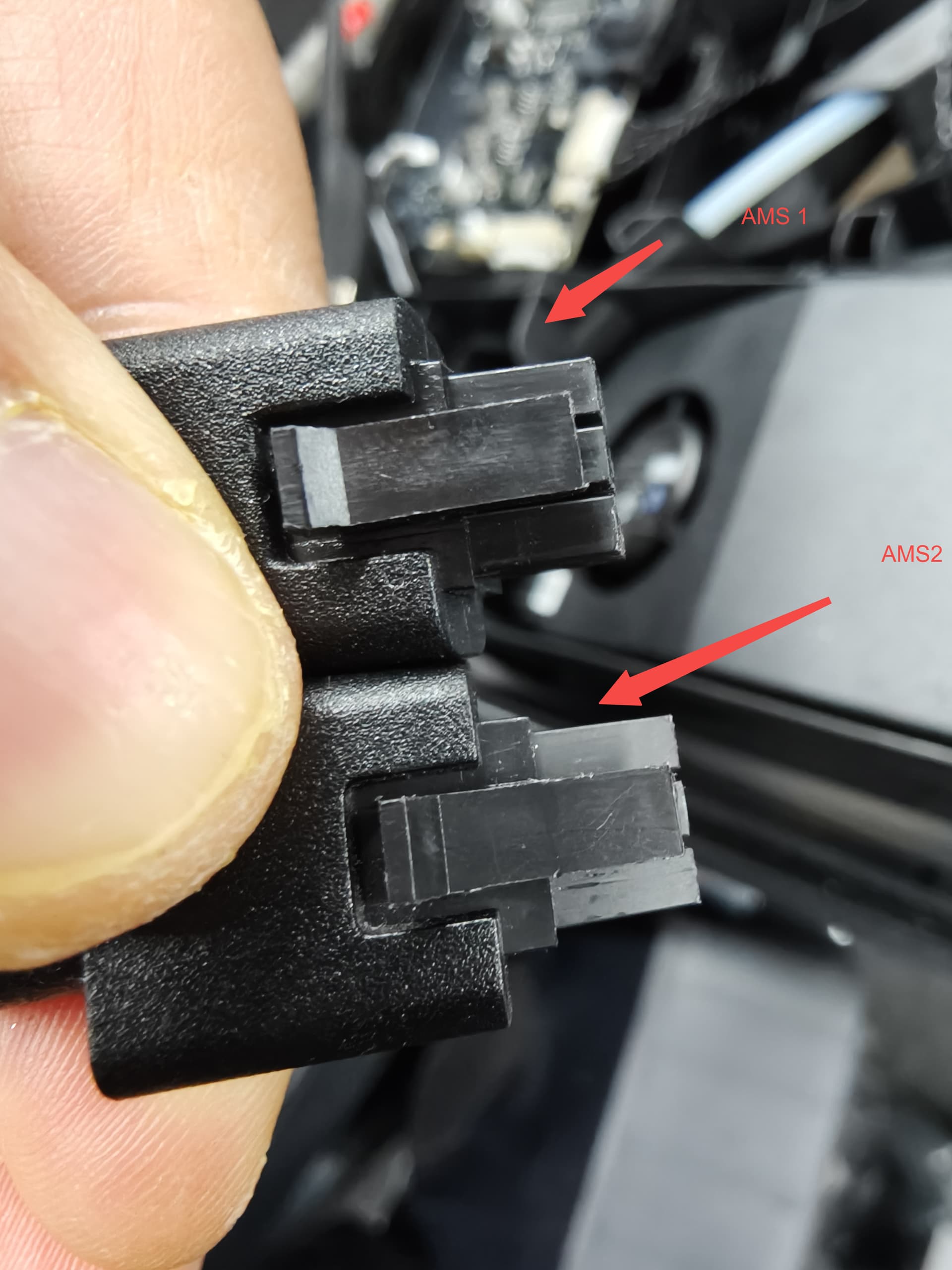
1 Like
Ok guys I looked the ap power cable now just has a cover over the entire thing and yes the ap data cable is different is has less connectors and more in other places “probably removing unnecessary wires after a few connectors we’re also removed”
Great thank you. So seems I need to dismantle the printer again 
Still wonder why the power cable is required, does it seem to be of larger section (lower gauge)?
Strange they haven’t updated the wiki yet if there was an issue not replacing those cables. Sounds like it’s better but not required. Is it just to make the upgrade 100% blueprint exact to an H2C.
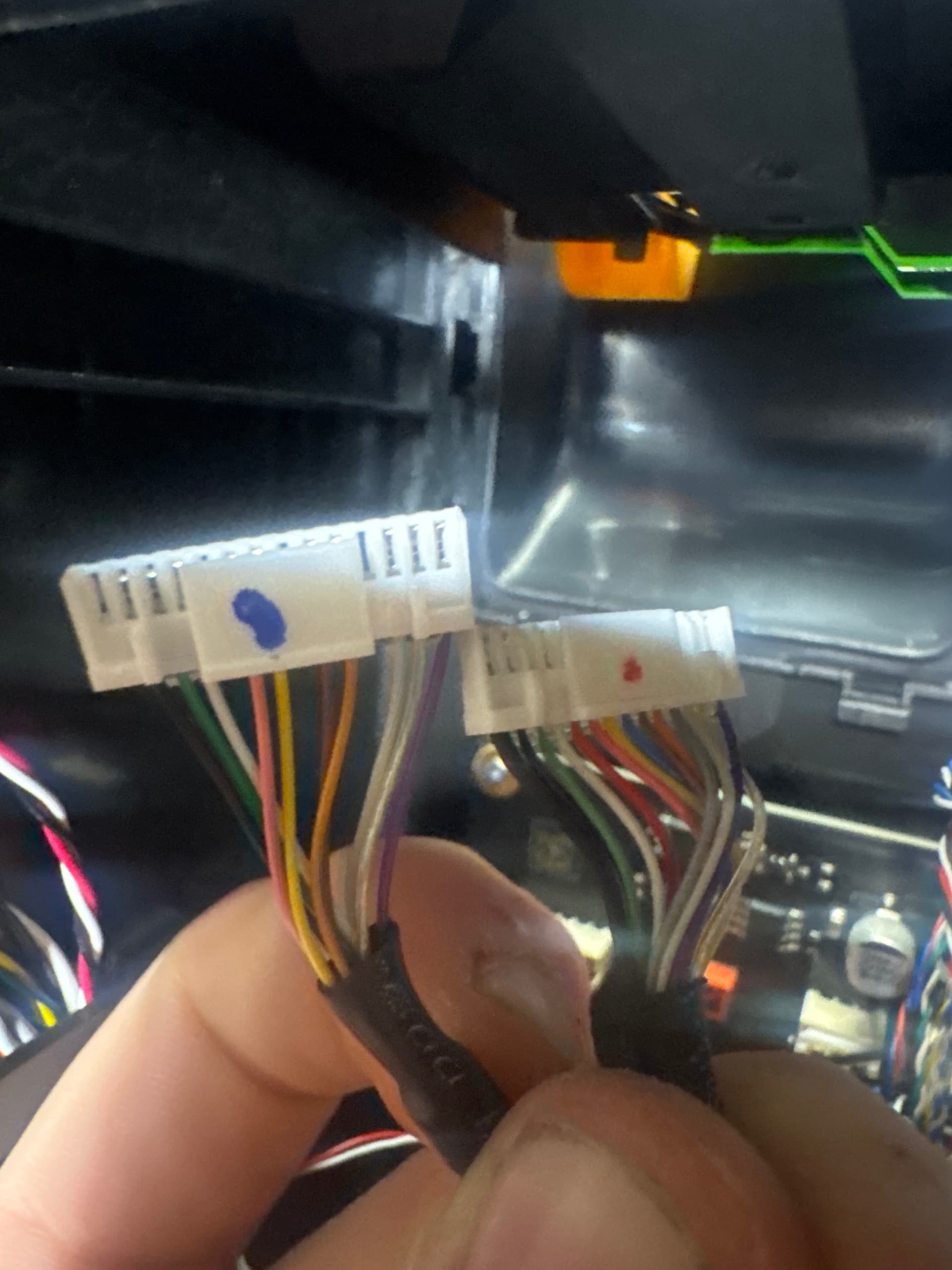
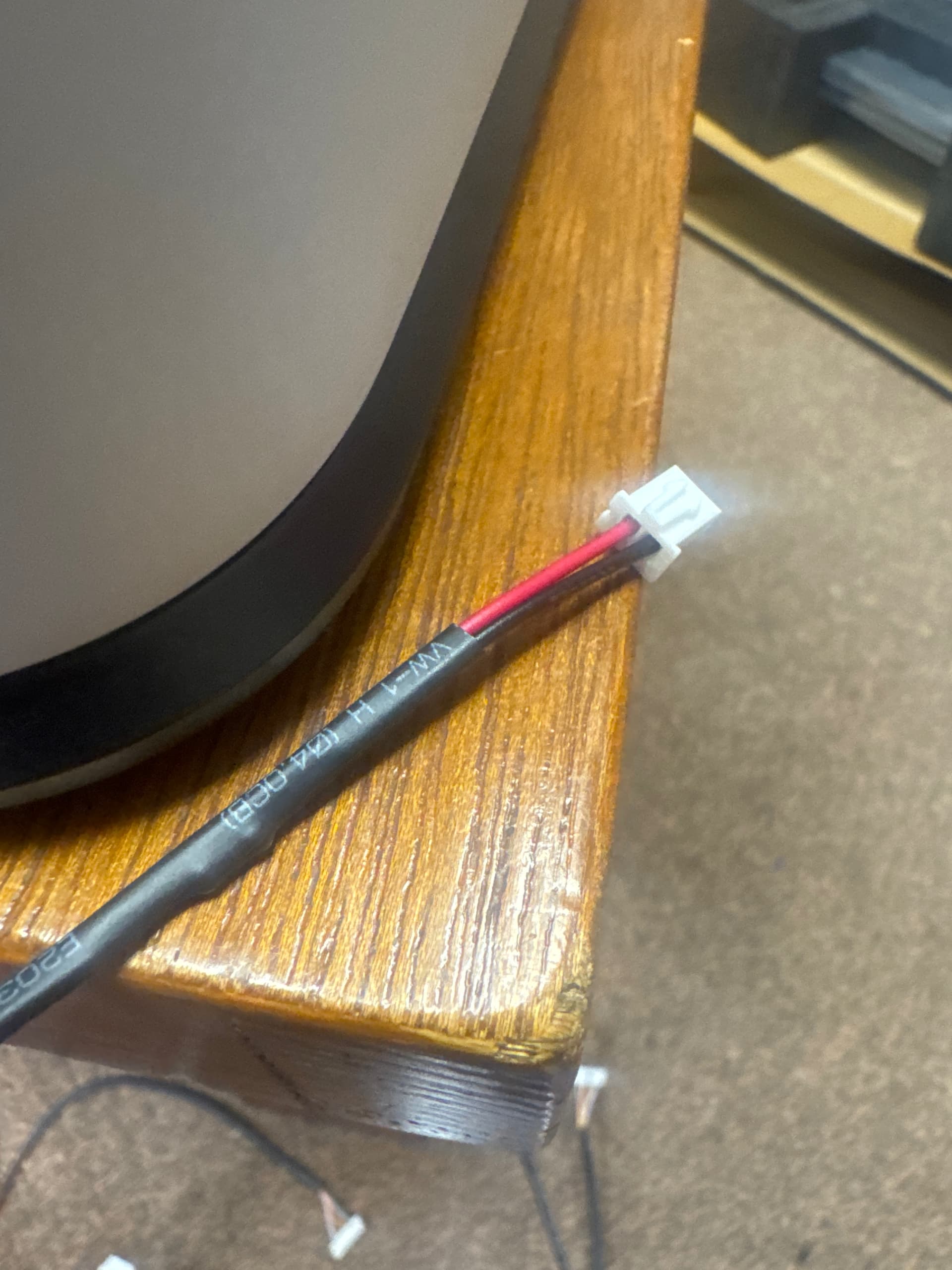
They said they will update as soon as possible probably there weekend for the wiki editors
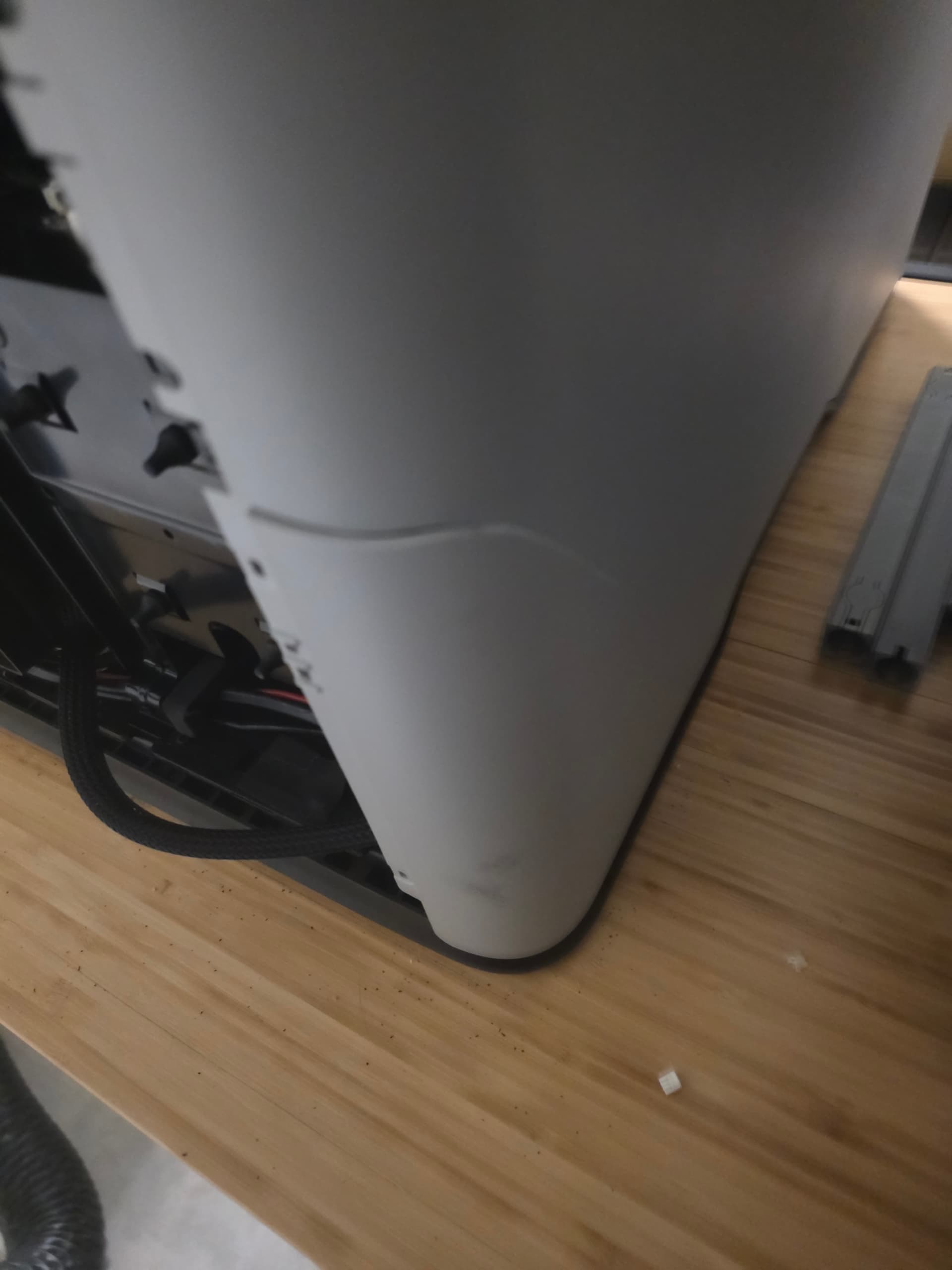
■■■■. Well the left pabel on my unit developed a massive fracture during the upgrade. Guess I can deal with both at once  .
.
Maybe I’ll just get the black panels at this point…
I am doing that right now any tips I can’t get the top to come of the panel to come loose “ never mind figured it out there are more plastic pieces than I though would have been nice to know that”
I wish I could give a tip, but it’s plastic that goes through a ton of heat cycles. I’ll let you know if they cover it under warranty or offer a discount on a replacement piece. Here’s a photo if it helps.
1 Like
Was there glue/something on the back of your old linear rails in the assembly’s?
There was some adhesive behind the fan. The crack happened when I was putting it back on though. It is material fatigue.
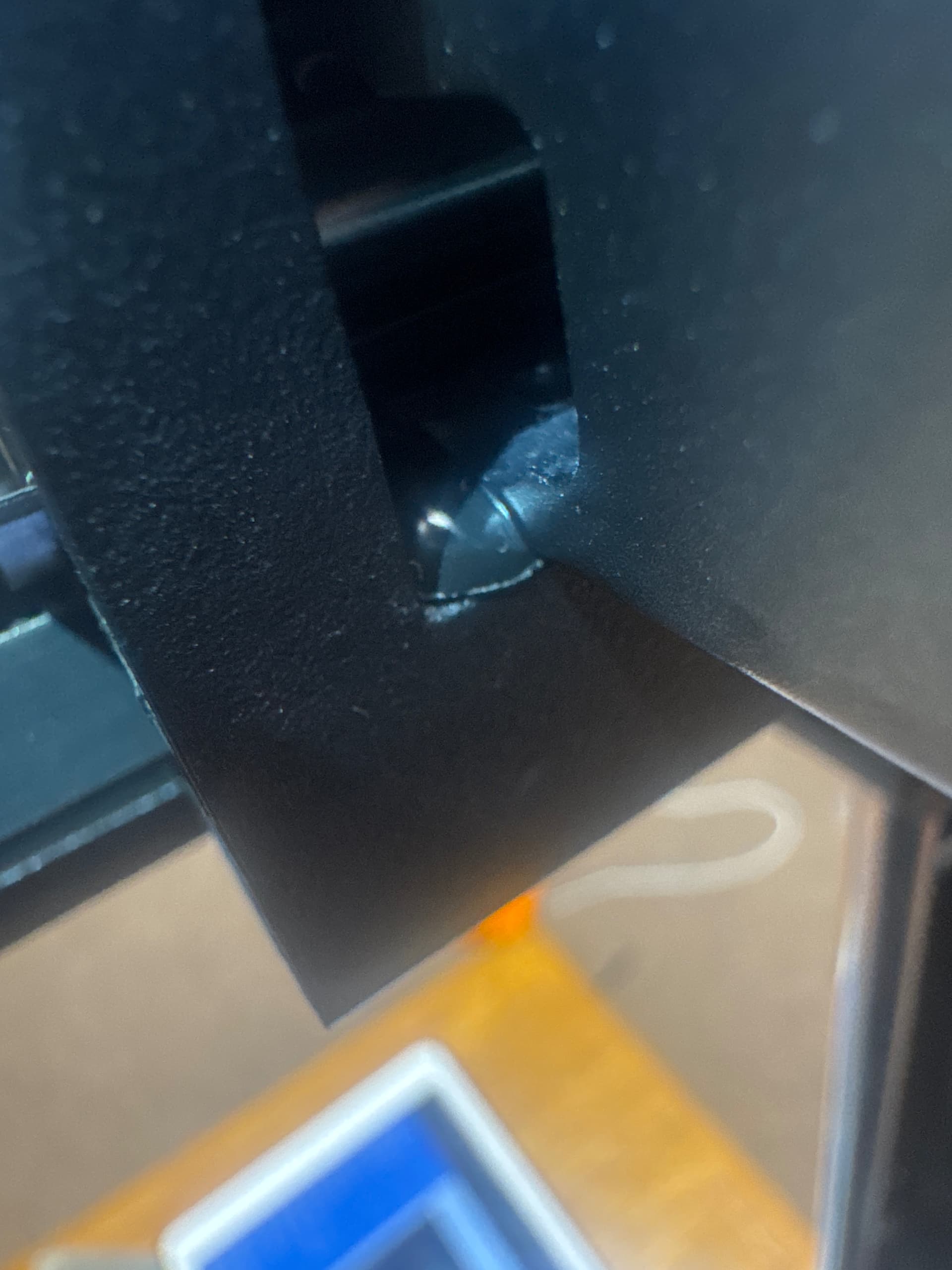
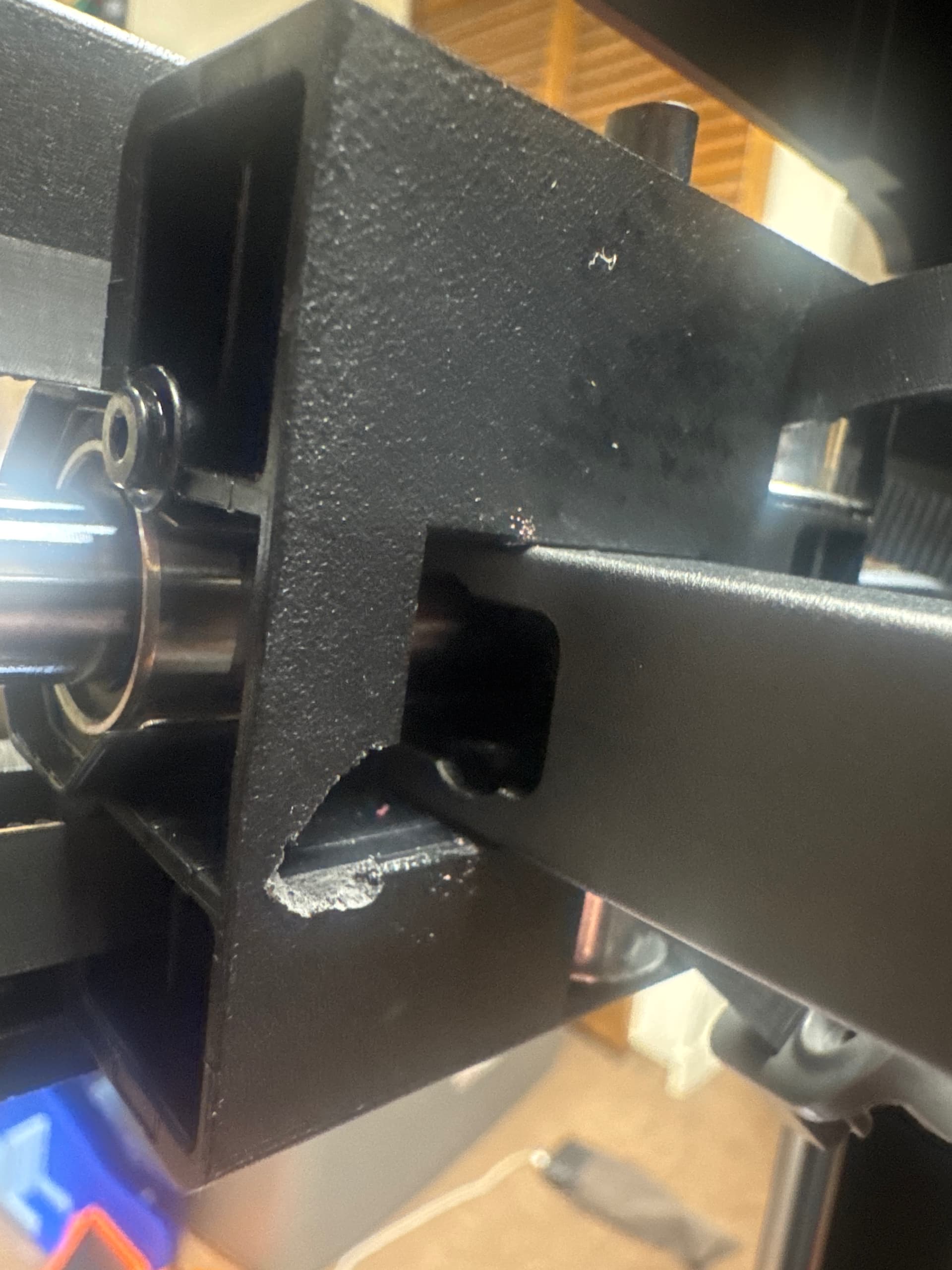
You need to angle it for release. ■■■■-eyed. Bring one rail forward and one back.

File a ticket. They should cover something like that.
1 Like