Um… there were no cables in bag 10 in my kit - it was exactly as shown here, just a PTFE tube: Vortek Packing List (H2D Compatibility Pack) | Bambu Lab Wiki - upgraded a week ago, no issues, no errors, everything works.
I think it was only in the new batches that just came in stock the early batches didn’t seem to get they said they may add more parts over time you could reach out to support about it
1 Like
My panel was also hard to come off and I found the easiest way to get it lose was pushing the clips from the inside while pulling on the panel to disengage (don’t forget to remove the 2 screws behind the front seal and unglue the top of the seal).
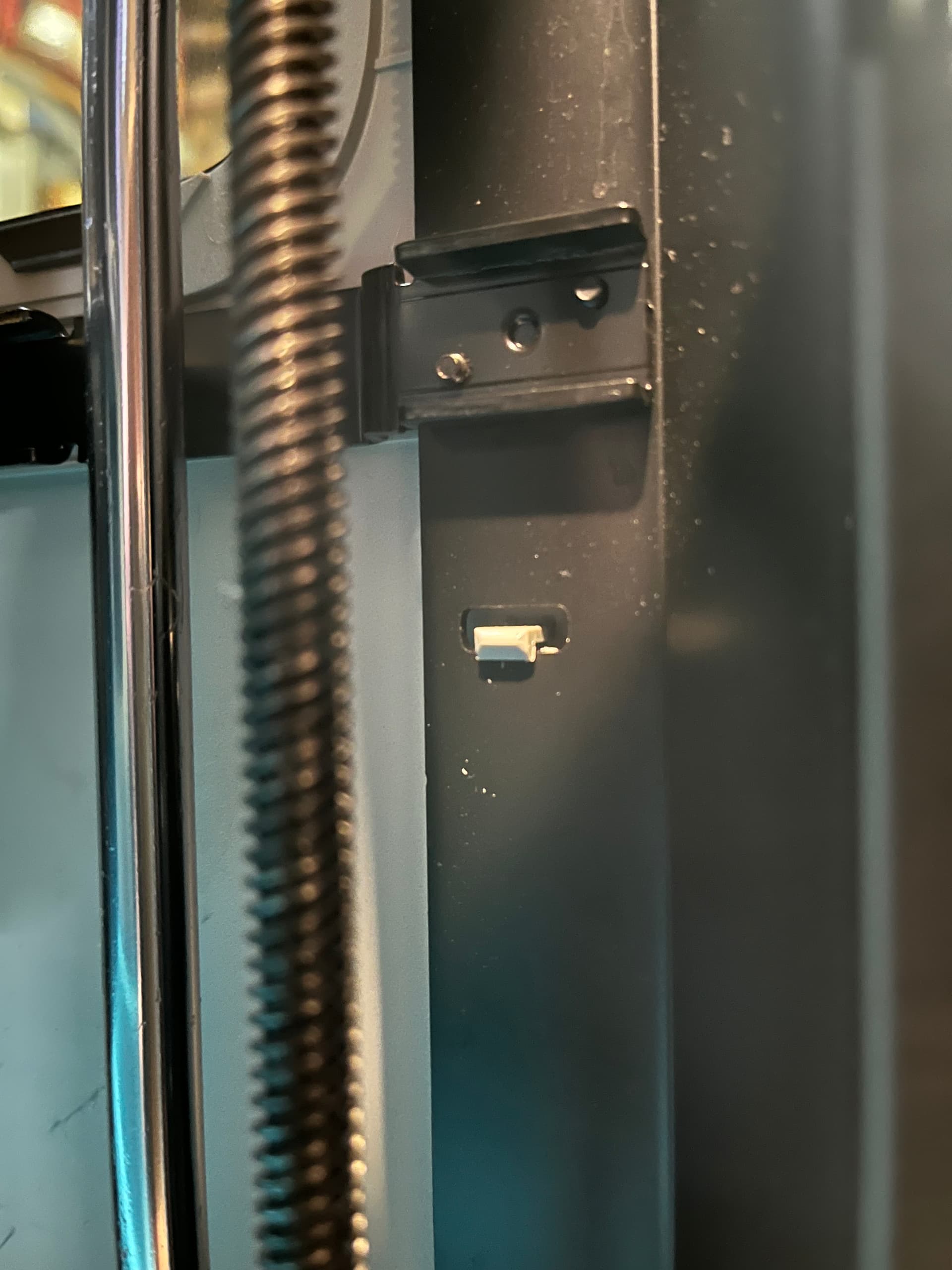
Edit: did not see it was in the back not the front. My advise still stands but not for the rear, I just pulled there to have it come off.
Edit2: It seems to be a laser version right? Did you have to pull the left panel for installation?
out of stock. I had the same idea
The usb was glued to the ap board. I broke the cable on installation and had to swap the cable. Left panel has to come off to swap the usb cable.
Scroll up a bit I did the same open a ticket not required though
1 Like
The missing piece does not effect the structural integrity of the part so you can live as it is. Replacing that part would be a major endeavour and re-install one more time the gantry with additional risks.
Ask for a replacement part in a ticket if you wish but just keep it as spare when in the future you don’t have better things to do 
1 Like
This thread is turning into the bambu printer equivalent of live leak.
Update on the panel ticket.
Bambu is providing a replacement panel for the unit. I am thankful for this!
1 Like
To make the upgrade process easier, we have published a video upgrade guide from H2D to H2C.
This video is intended as a complementary visual reference and should be used together with the official written upgrade guide. Always follow the written instructions as the primary source for steps, safety notes, and checks during the upgrade process.
Part A: H2D to H2C Upgrade Full Procedure Guide - Part A | Bambu Lab Wiki
Part B: H2D to H2C Upgrade Full Procedure Guide – Part B | Bambu Lab Wiki
5 Likes
I went ahead and swapped out the stock cables this weekend with the Upgrade Kit Cables after printing for two weeks without issue after installing the Upgrade. I don’t notice any difference after changing the included replacement cables, so who knows…
2 Likes
Thanks for the video, I realized that I did not miss any step which is common by reading a guide.
Interestingly, it does not show the replacement of the 2 cables that support says it’s required. Not so much I believe, just peace of mind or if damaged during conversion.
Thanks for sharing the video! It is very helpful
I had a closer look at those replacement cables and the power cable now includes a resistor in series which is certainly there for spike protection and the data cable had 3 wires removed black, red and blue. I don’t know about the blue but sounds like red and black was also a power input which if you want to protect the power cable, it would be counter productive to bring redundant power from a second input.
I’d say replacement is really not required but this little design improvement may be worth it. I would think all new printers may now include this change and I really don’t think it’s H2C specific.
2 Likes
It’s fine.
I bought my H2D 2 weeks before the announcement. I was already aware a new printer was coming. I’m not disappointed, the H2D rock.
The vortex system feels more like an experiment than a revolutionary new feature.
The induction heating with the better hotend cooling fan is an upgrade. It is more consistent with nozzle temperature then my h2d head was. Whether they use the new tech to create new printing techniques who knows.
Yeah, luckily it was just cosmetic damage. There’s always the option to design/print something thin/light to hide that and glue it on. 
Can anybody give me the rundown on the 2 leftover cables? I made the mistake of following the wiki. I was also disappointed when I came to the bed plugs and found that I have the wrong AC board. I feel like Bambu should already know which AC board we have, if we purchased with the same account that purchased the printer. They could have either checked that info and shipped the new AC board with the vortek kit, or just always include the AC board. I imagine the shipping cost of the board is probably the same as the production cost of the board.
1 Like
I offered an explanation above: Vortek upgrade video - #77 by philch
The bottom line is you can replace them or not, it doesn’t matter
1 Like
Thanks for the response. long thread and I didnt keep up.