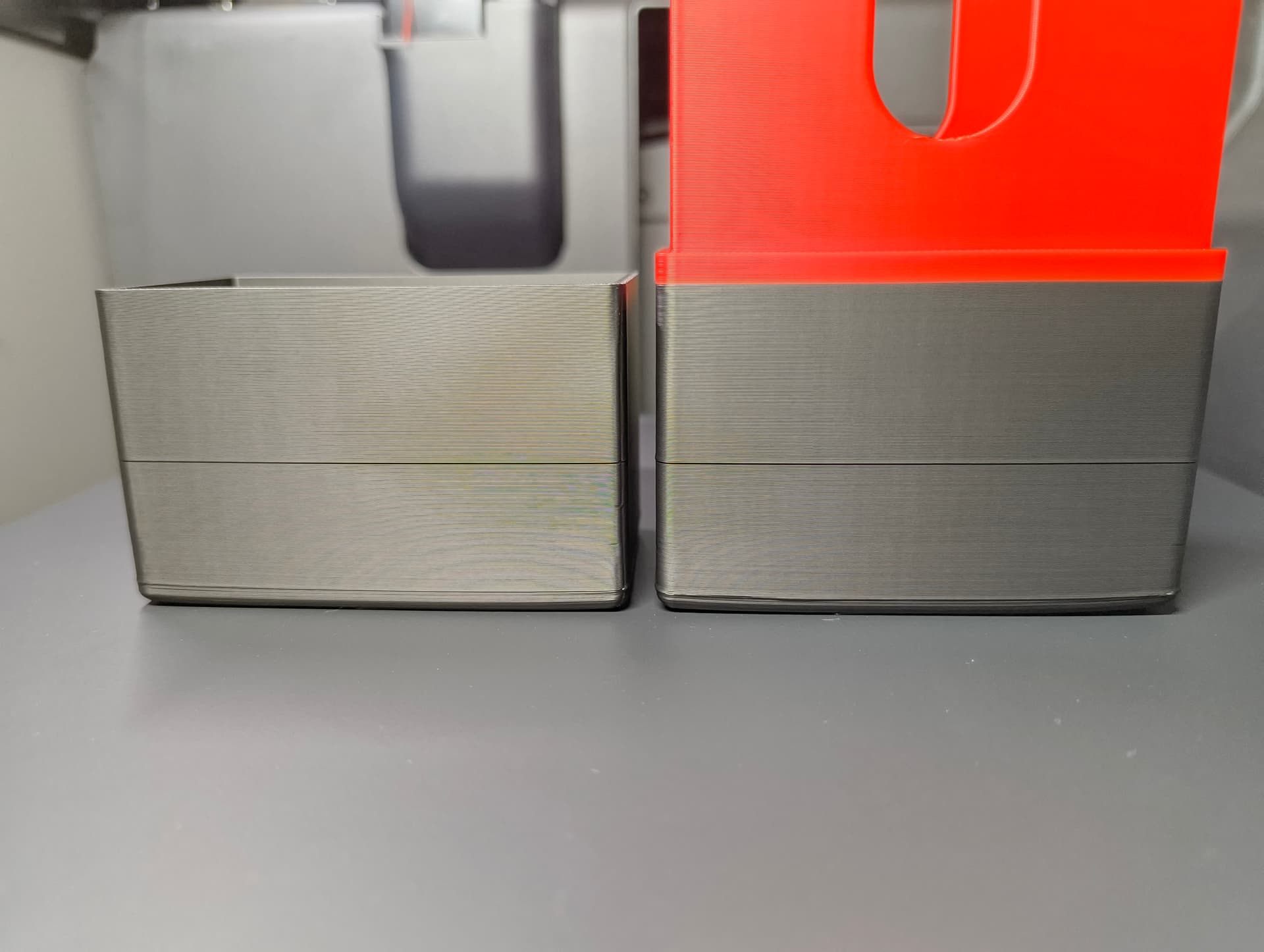
I’ve got the P2S for about a month and all went pretty good until a few days ago.
Prints started to have defaults on their walls, especially line that let me think that the Z axis belt needed to be checked. After having done this and a calibration, the machine asked for X axis tension too, so I’ve done this as well for X and Y axis following the wiki steps, all went well and calibrations are perfectly fine.
Some of the issues are gone but there are some that remains and made me scratch my head.
On pretty much all my prints, with 0,4 and 0,6 nozzle, I’ve got some ‘veins’ on the walls at places where top surfaces and infill met the outside of the model, regardless of the settings. I tried many things and settings and even with totally stocks parameters it still got this weird behavior
Hi! I can answer you on this particular part… as I am the designer!
This add-on is deliberately designed with thin wall, the goal was to make it as flexible as possible. It is a functional part, I understand you might have preferred an aesthetic result, but the goal was to have a part that prints quickly and does not take too much space inside the printer.
Awesome to find you here ! So you mean that this behavior is not on my side and it’s normal with this kind of model ? I don’t remember having seen such ugly prints in the comment section on MakerWorld.
BTW this is not the only object that gave me ugly surfaces but yes, print outer walls first should be a good idea