Z axis knocking STILL PRESENT ON H3C and Bambu denying it. AGAIN

I will struggle to keep this one kosher so apologies in advance.

Long story short – my H2C started knocking when it received 1.02 firmware in June 2026. First responses from Bambu were the typical scripted gaslighting, denying, and calling everything normal.

Back then with H2C, it took a lot of back and forth and coming up with proofs that are undeniable before they actually really looked into it, instead of the typical “hear no evil see no evil speak no evil” and “dismiss at all costs approach”. But finally it got to the attention of RnD team which finally confirmed this is a real issue, caused be the firmware and will be fixed. Well, 6+ moths later and still no fix and all they managed to do is, over time, to roll this issue over to the rest od H2 lineup it seems, as seen here, to list a few:

I got fed up waiting for them to fix this and took them on the offer to return my printer for refund.

Which was just in time for H3C release.

Guess eFFin’ what? H3C has the same exact issue with the Z Axis knocking. Reached out to Bambu and response is wonderful:

“Thank you for contacting us. We are sorry to hear that you have encountered this issue.
We have escalated your case internally, and after review we have confirmed that the sound you described is the normal printing sound produced when the toolhead repeatedly starts and stops rapidly while printing small models. Please rest assured that you can continue using the printer.
You may place the printer on a surface where the resonance effect is weaker, such as the floor, or take appropriate soundproofing measures in the room.
Thank you for your patience and cooperation.
“

FFS. So:

  • its NORMAL again
  • only when printing SMALL MODELS (wtf ?)
  • it’s the toolhead causing it (FK me if it is !)
  • I am stupid and should have soundproofed my room better !

I should mention that they replied in less than 24hrs. And that was supposedly enough to review AND escalate … yeah right …

JESUS ! I am not just PISSED, but offended by this.

Whoever replied to this, looked at the video I submitted as proof, simply described what he “thinks” is happening:
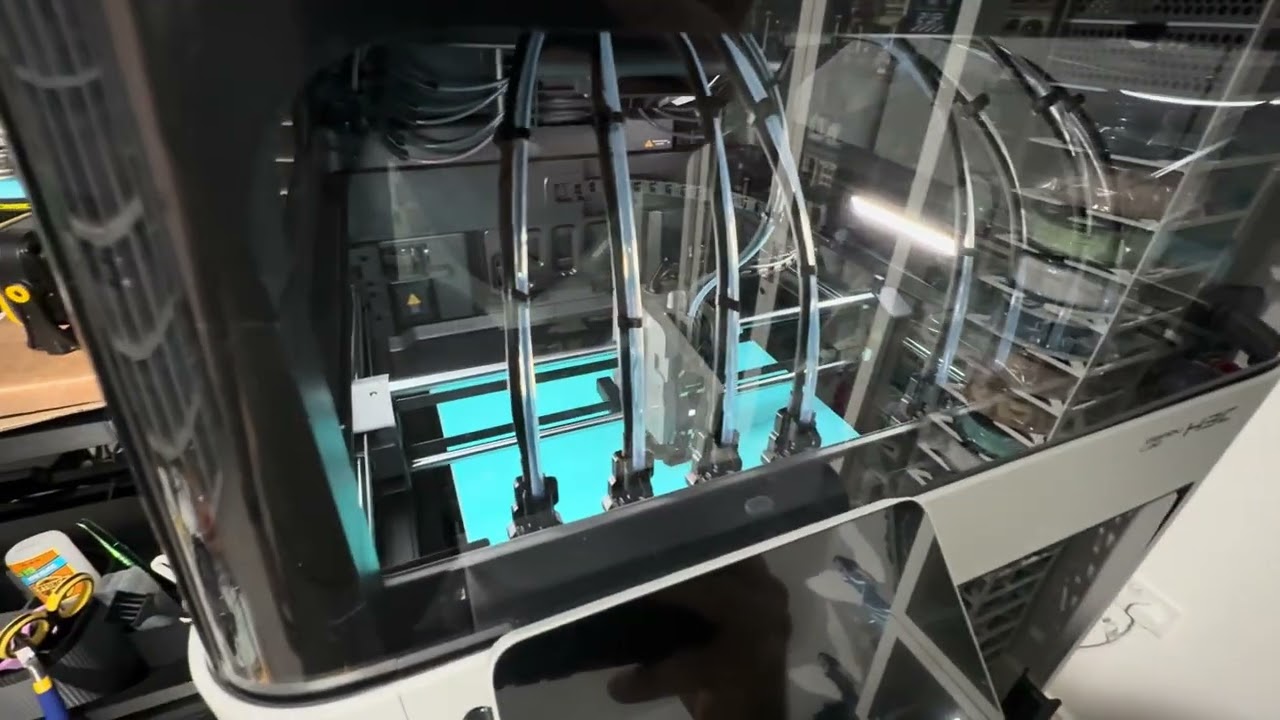
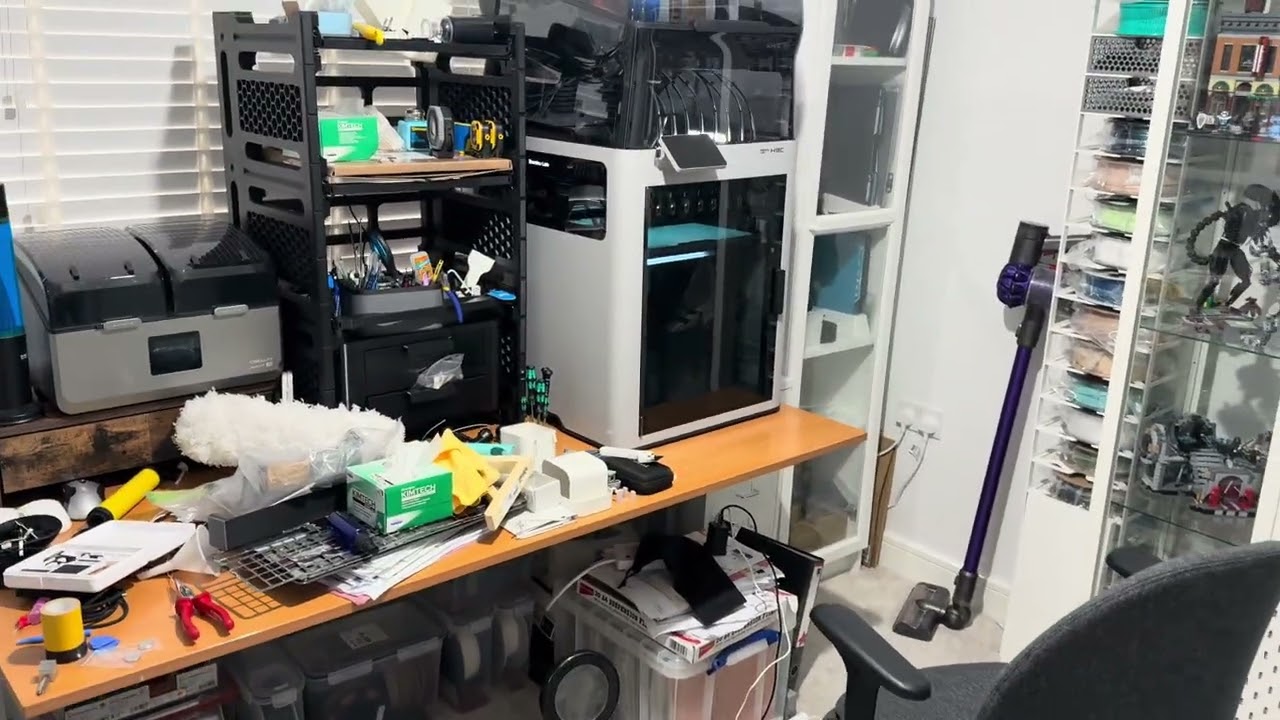
And yeah, for a clueless shmuck, when hearing a KNOCK each time head does something rapid, it may seem this is what it is.

BUT – zero FK’s given into actually investigating the matter and even less FK’s given to understanding the problem, which I explained in detail how related to H2 issue it is!

I am literally foaming at my mouth at this point.

In response I recorded the ultimate disproving evidence to everything he is saying: - increased z hop distance to max to allow more time to inspect the nature of the issue -the knock is clearly auditable AFTER toolhead finished spiral movement, at the bed direction change at the bottom AND noise coming from the bottom rear of the chassis (where Z motor is).
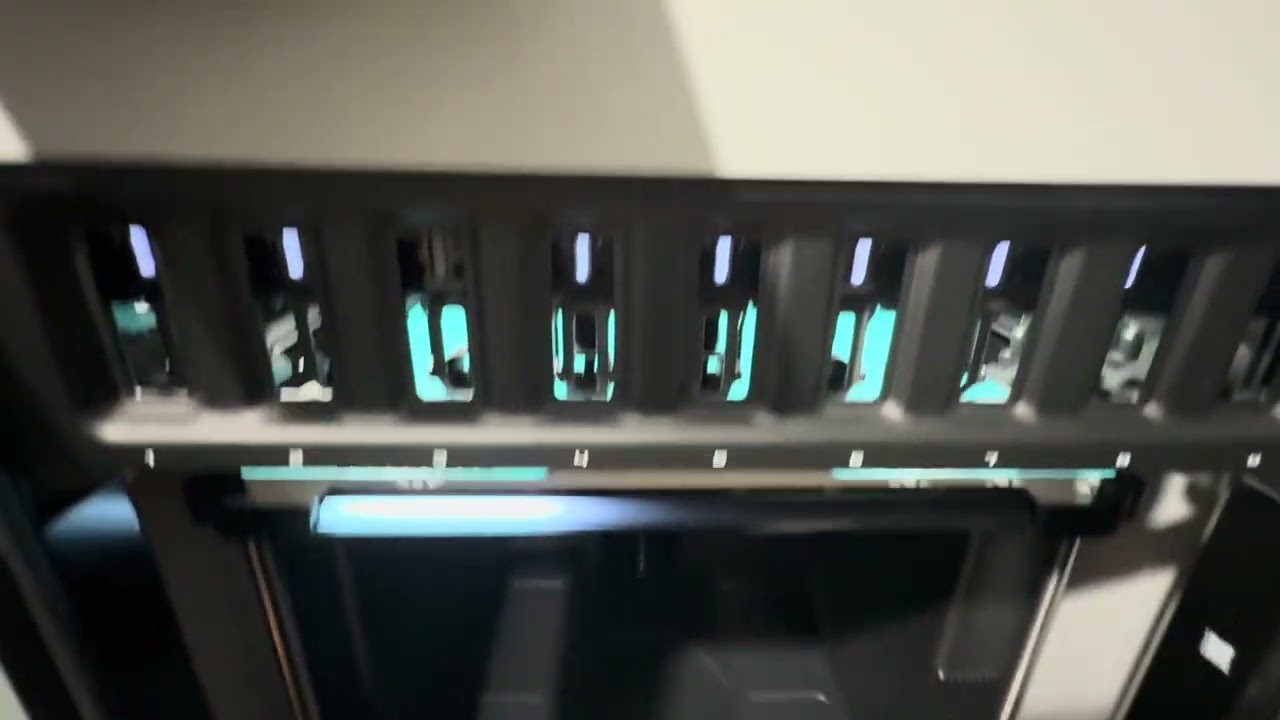
I can actually see how choppy the bed movement back up is after each KNOCK. But listen to the esteemed Bambu Support- its the toolhead guys!

FFS!

Cant wait what absurdity they will come up with next.

Bambu amateur hour has commenced once again. Why do they keep doing this.

May I ask why the noise is a problem? Is your machine actually broken because of it? My H2D makes that noise and has given me very little trouble, with 4,500 hours currently.

(BTW I actually believe it’s the XY gantry as it doesn’t do that if I slow down the motion system, however, I can’t speak for your specific printer)

umm, missing the point but okay.

  1. Its not broken per se, no.
  2. Noise annoying and intrusive, not just to me but to growing number of folks reporting the same problem. Most revert their firmware as they canst stand it. Please check the linked forum threads.
  3. Bambu confirmed this to be not normal and requring fixing. Does it cause increased wear on components? Without haveing any proof or confirmation is more probable than not that it is. Audiable noise is never a good thing. Especially when it shouldnt be there - i.e. being abnormal …

I know that given 2 otherwise equal machines, the noisier one needs adjustment somehow.

So I agree that it’s a problem that should be looked at, but I don’t feel that it’s a refundable problem - because that opens up other issues like “What do I use instead?”. Of course I understand you may have different sensibilities regarding noise in a home environment; my printers are in a workshop room where noise is less of a factor.

I hope you have good luck fixing this.

@Suchy_101 Can you place your H3C on a more solid surface, maybe the floor, and re-record the knock at the rear z axis leadscrew.

Certainly your table can act as an amplifier, because of the empty space under the table top.

Are there other reports of knocking from H3C owners?

not yet … but I swear I heard it in some YT reviews.

Its not the table though. Changing the Z hop to Normal also fixes it, just like in H2.

There is also a group of folks with the same issue reporting here. Where roling back firmware fixes it (on the H2’s)

My H3C https://www.youtube.com/watch?v=-MxO0n-8uMw

Someone elses H2C :https://www.youtube.com/watch?v=J-lje3CVDZM

I used to print very small parts on my H2C and never mentioned this. I will take an eye on it on my H3C, I cant proof it right now due my missing AMS. BUT, technicaly it should’t be harming the hardware, its just annoying. Maybe you can solve this temporary with the Z axis offset feature in the latest slizer version.

I have a H2C and I have never seen this happening while it 3d print.

Maybe this is an isolated issue? Does it happen with any model you try to print?

I printed a benchy after I read your post and my printer does not make that sound, the only annoying sound is the AMS 2 Pro (hehe, but I guess that is normal)

Not every printer does it

But yet you managed to get two printers that do it from different models, manufactured at different times?

I suspect that every printer actually behaves this way. The criteria for judging sound are highly subjective—what one person perceives as “knocking,” another might not. At one point, it even seemed to me that mine was “knocking,” but after a while, I stopped listening so closely, and now, as far as I’m concerned, it doesn’t knock at all—everything is well within reasonable limits.

indeed. makes me think if its somehow related to the mains supply ?

One thing is for certian - I am not imagining it. When I had H2C, and was able to revert the firwmare, where new one knocked and old one didnt, it wasnt like a subtle difference.

Its literally taken on face value - one makes the printer knock, the other does not at all.

Now I have the same exact knock. actually have a listen:

this is other users H2C who reached out to me back in June with the same issue, who found my Reddit thread. Smae exact circumstances - firmware caused it, reverting back removes it. Super annoying.

Now compare that to H3C and you will notice its exactly the same.

There should be no knock ath bottom position of the bed, and reverting the firmware inceed made the knock to go away both during normal printing and this partucular test …

Under the current load and acceleration parameters, the Z motor generates an instantaneous reverse force during fast direction changes. This force is transmitted through the mechanical structure to the plastic base, producing a certain level of noise.

is this the same?

o wow. seems so …

what is strange though, this was no present at all on old H2C firmware. Many users start popping up reporting this on theri H2D recently. Saying the same thing that happens with FW update and reverting makes it go away …

Also not all users are affected both on H2 and H3. Actually I seem to be the first complaining with H3.

Suggestion with changing Z hop type also aligns.

Very interesting find. Thank you for sharing.

Do we have access to z acccel in Bambu ? I thught we didnt. Would love to try this.

Making the z hop slower probably gives the nozzle more time to drip

it’s possible bambu changed the z hop behavior to improve print quality

I think a lot of people underestimate what they’re asking from the printer’s mechanics. The machine accelerates at maximum speed in one direction, then, figuratively speaking, “hits a wall” and immediately changes direction at full speed.

Anyone can imagine what it’s like to drive a car into a wall at top speed - or shift into reverse - and that’s basically what happens when a servo changes direction - to be precise the mechanism must move in the other direction.


Hot take: This isn’t necessarily a bug or a flaw, but rather intentional: It could simply be the result of firmware optimizations pushing the hardware closer to its limits, driven by the constant demand for ever-faster print speeds by customers.


As someone who has worked with this kind of mechanics and servo systems, I probably have a different perception of noise than most people. Honestly, I consider it relatively quiet, especially when we think about the enormous forces being transmitted through the entire frame during those rapid direction changes.

I wonder if this is what is wearing out the z screw nuts.

Hammering brass 25 25 25 25

Just changed Z acceleration to 100. Looks like its moving in slo motion, yet no change - still knocks.

https://youtu.be/iYGkMgH

After you get a chance to test the printer on the floor, to rule out the table acting as a drum.

Check the belt tensioner, I believe it has a screw that locks the belt tensioner in place. Once that screw is loose, the spring pressure sets the belt tension. But the screw can not be loose in operation. Applies to both xy and z tensioners.

You certainly are able to produce the knock, it would drive me crazy…