When asking for help, please provide as much information as possible about your inquiry.
Including pictures and detailed information about the print speeds, filament type and settings used will help get the appropriate solutions.
So my z rod bushing git pushed up and of course now will not home. Anybody have this happen and get it back in place without dissembeling the heat bed and z axis?
I have had this on several printers. It is due to debris down in the bottom bushing hole, usually happens when you move the bed all the way to the VERY bottom for cleanings and Maintenance. The way Bambu instructs you is to flip over your printer and use manual pressure at the top of the printer housing to press it back into play.
Use this at your own risk, I am just saying how I did it.
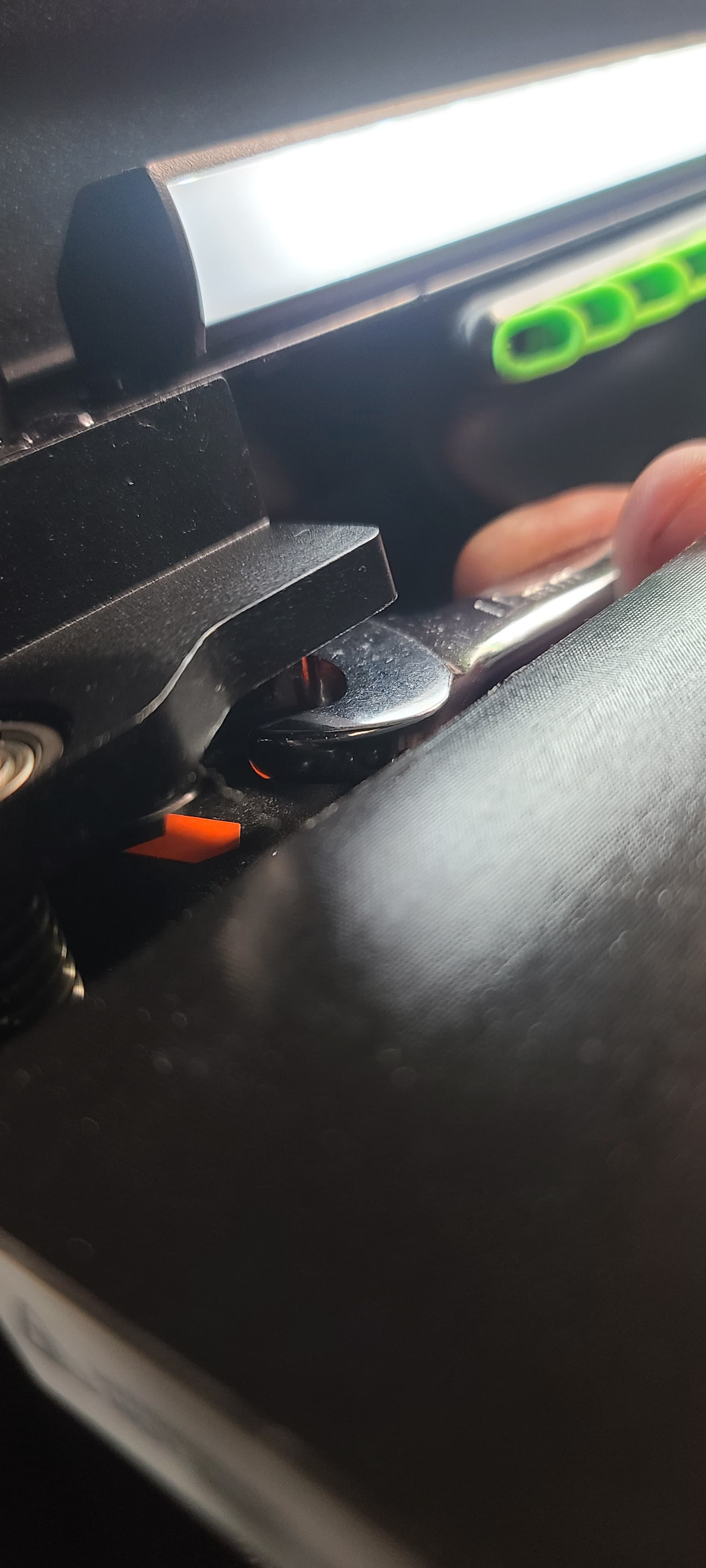
I don’t like flipping my printers upside down. So I simply ran homing. When the homing is done, carefully place an 11mm* or similar size wrench on top of the bushing just under the top edge of the frame. Now, CAREFULLY, using the touch pad Z axis movement, tap ONE step UP at a time till it pop’s back in (the wrench pins between the top frame and the bushing). You will hear a satisfying pop sound when it goes in. Now step it down one at a time till the wrench comes free. Easy Easy.
*I used an 11mm because it was small enough for the job, but large enough not to scrape or damage the rod.