I’d like to have a very colorful diffraction grating plate for my H2C, like the diamond effect plate mentioned above but with a lot more colorful results - never got around to trying the one I had for my X1C before I sold it. I see videos about printing diffraction sparkle plastic spots on fabric and I really want to try that, even if I have no clue what I’d actually do with them once I made them.
I can’t recommend the BQ pyrogrip (I think its called?), which is the standard PEI gold type plate for the H2D/H2C.
Where the BQ logo is in the middle, the etching is slightly different and obviously thinner, this has now peeled off completely, revealing a smooth plate underneath so now it’s impacting on my prints. Really disappointing and i’ve only had it a couple of months.
I really like my Darkmoon CFX Duo plates. They really feel like quality and between the CF on one side and satin on the other I really do not use any of my other plates.
Has anyone mentioned the forbidden FAP031 build plate yet?
I have to be honest. I have had great (not sketchy) shipping from China over the past couple of years. WAY WAY more problems with Amazon delivery. Having said that, I order probably 100-1 off Amazon so that skews things. I’ll say this though. I haven’t ever had a problem with Ali Express shipping. I may just be lucky.
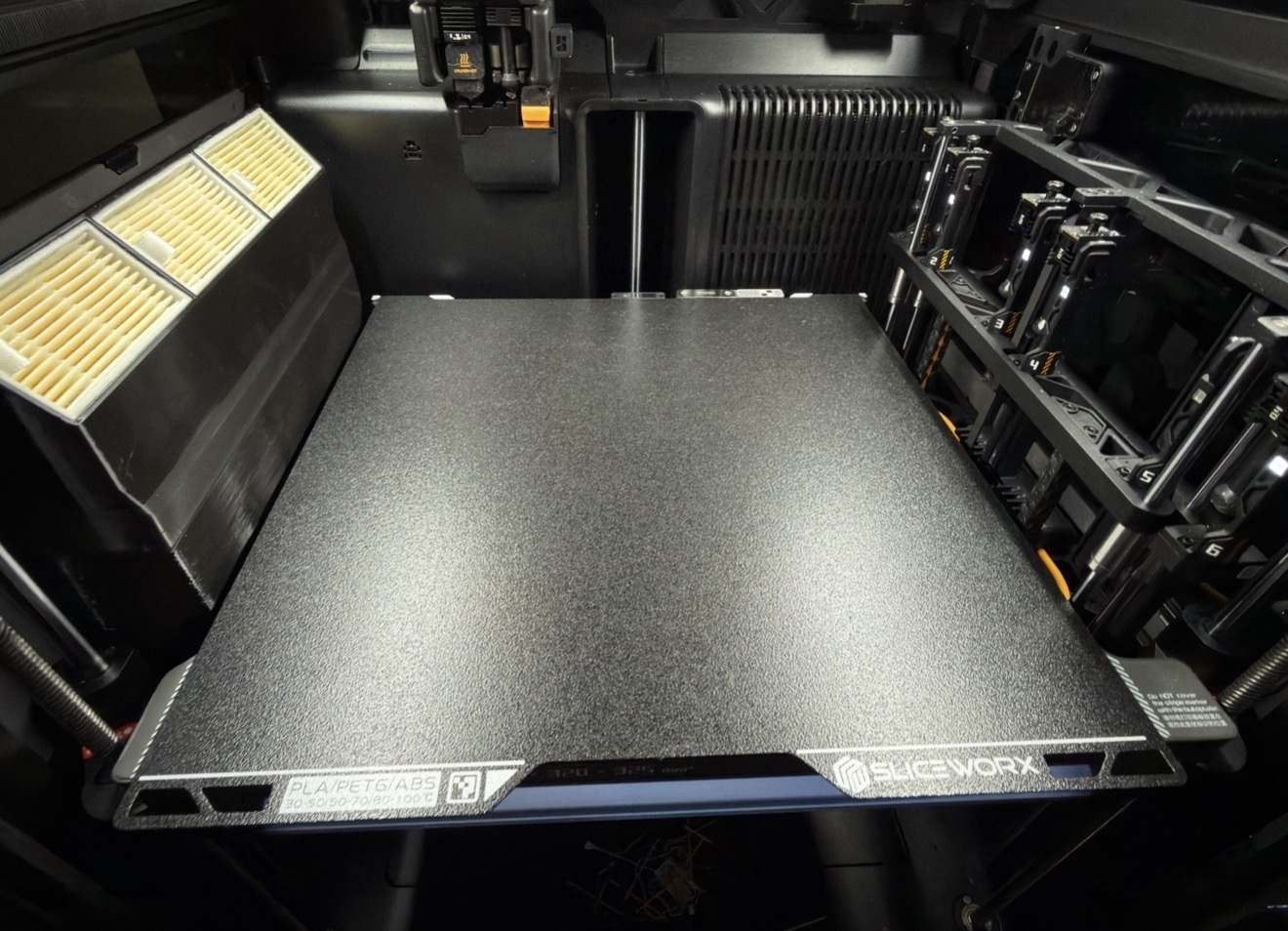
I ordered a Biqu Glacier Plate for my H2C and I am wondering which print plate you guys use in Bambu Studio? For the H2C there are only two options: Textured Pei and Engineering - I use the glacier on my other printers with the smooth PEI Settings…
Should I use Engineering or Textured PEI on the H2c?
Was discussed here - New version of bambu studio - smooth PEI plate no longer showing for H2C - #8 by MaxThreeD
@MaxThreeD shared a cool workaround
Well dang, and here I was patiently waiting for Bambu to provide a smooth plate for the H2C. I like my textured and engineering plate, but having a smooth option is necessary for when you need a non textured smooth interface. At least now I know I don’t need to wait around and will need to rely upon 3rd party options.
why not just engineering plate then
Glue…? The EP is a fine plate, no regrets, but… glue. STP is great for PLA/PET, but I don’t dare put anything else on it. T-PEI is a good “all”-rounder, but… textured.
That leaves a lot of gaps in the market. And I also am mildly surprised BL doesn’t seem interested in filling it, but whatever, glad others are. Limiting the plate options in their software (or config files) to only the 3 they sell is a bit below the belt though, IMO. The others should at least (still) be available in “advanced” or “develop[er]” modes. Any existing projects set up with the now-removed plate(s) are affected (I know “Cool Plate” was already missing in the top selector next to printer, but it was still available in the per-plate object options, and would use corresponding filament settings).
-Max
As you probably know, the printer’s build plate detection won’t work at all, so that has to be disabled anyway. So in terms of that, it doesn’t matter which you choose.
However there is special handling in the g-code generator templates for the Textured PEI plate specifically (adjusting Z height). So I would avoid using that plate type, unless there’s some specific reason to do so (eg. the manufacturer recommends, which I’m pretty sure is not the case for the Glacier).
So with the latest Studio and playing “by the rules” (w/out hacks/workarounds) that leaves the EP or Super Tack options. *
Selecting the plate type of course determines which plate temperatures the slicer uses from the filament profiles. If you own, say, an STP plate, and a 3rd party plate, you could use/adjust the “Engineering Plate” filament settings for your 3rd party plate. Or vice versa.
But if you have more plates, the 2/3 plate types limit may become an issue. If you only print a particular filament on a particular type of plate or two, it’s not really a problem. Otherwise, at that point the other workaround is to start creating individual filament profiles for specific plates. Which works, but most of the time is just redundant because the plate temperature is the only difference.
* BTW though OT, there are other reasons being reported on the forums and GH for avoiding the last 2 Studio versions on H2C entirely for now due to firmware not being compatible yet.
-Max
Glacier works fine with Engineering plate preset. Just not as a low temp plate, but the adhesion is really good.
I like the Engineering plate, but it still applies a slight texture. This isn’t an ideal option for making TPU gaskets are trying to get clarity out of transparent materials.
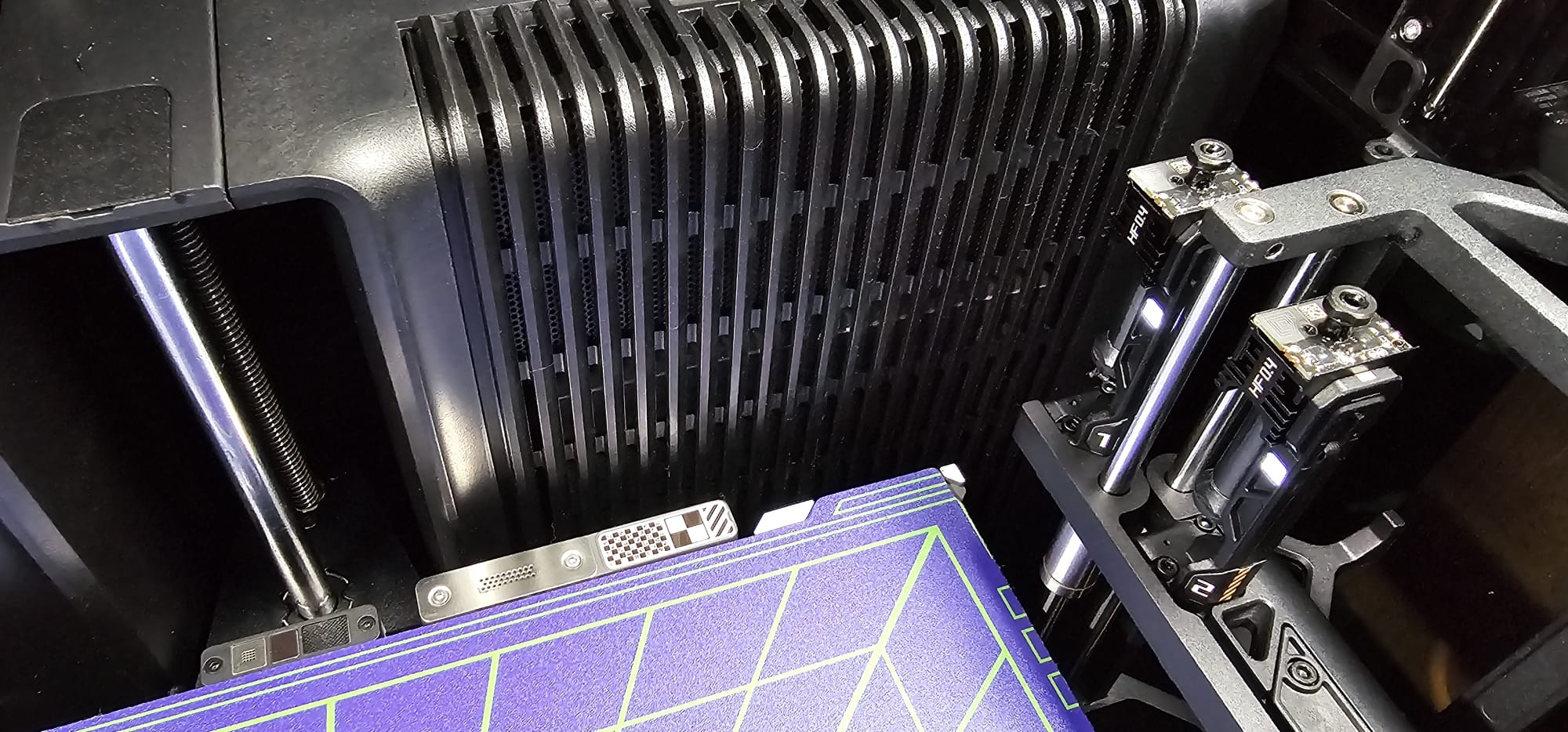
Today I cut the GECO plate from Jupine to size using a handsaw, since it’s important to minimize heat generation. I deburred the edges with a flap disc on an angle grinder at the lowest speed.
I don’t understand why this plate hasn’t been released for the H2C yet. Because the plate isn’t heated and offers a secure grip, the power consumption at 220V is under 90W.
On my H2D, this plate lasted for a little over 1500 printing hours before it lost its grip.

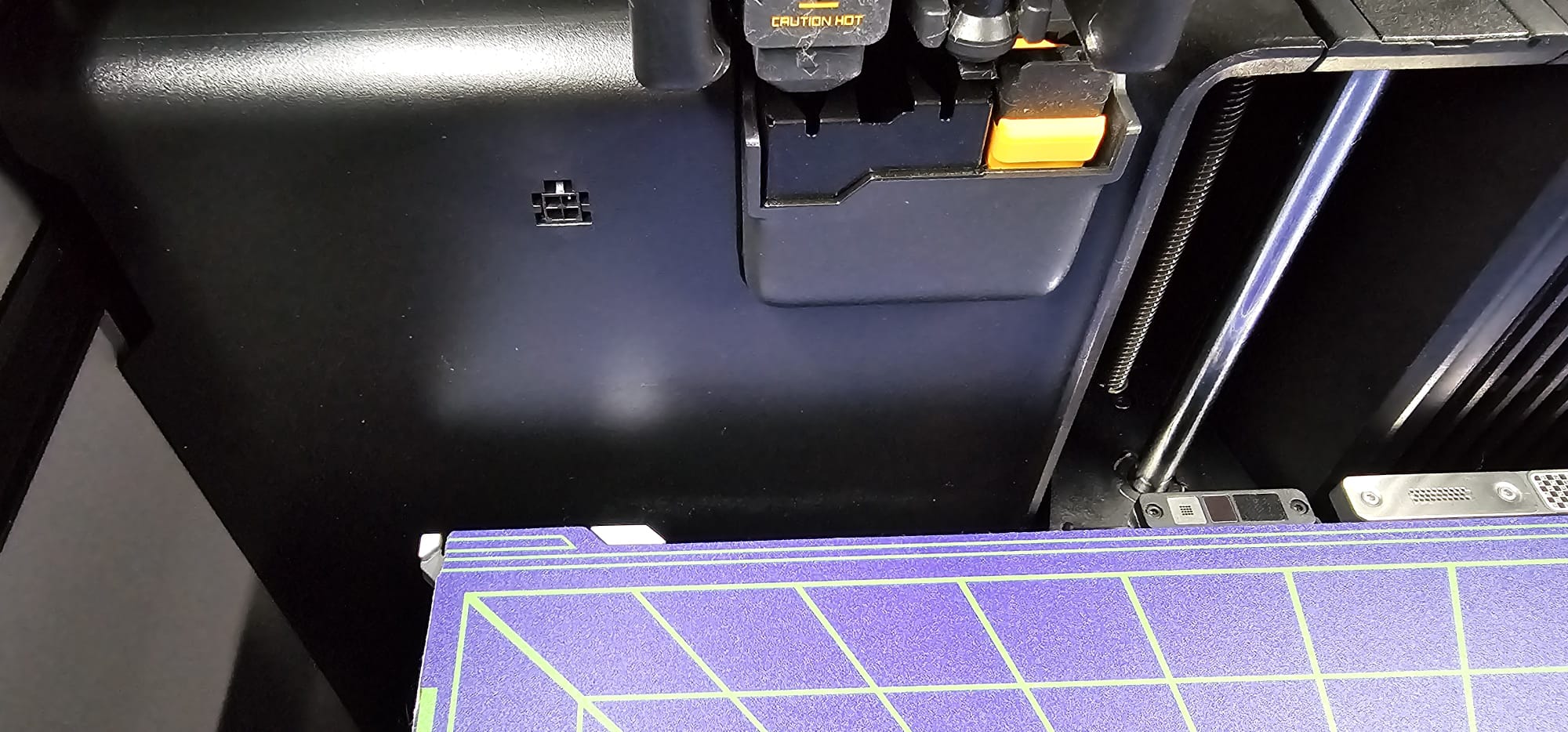
Have you ever printed PLA Silk on it?
https://forum.bambulab.com/t/h2d-other-build-plates/166108/34
No, for PLA Silk I use the Super Tack Pro.
I print Sunlu PLA+ silk on the Geco plate without any problem. My plate is already used a lot so the stickiness is maybe somewhat reduced.
All types of PLA and PETG including CF on a HzdaDeve Upgraded Cool Plate for H2C using the Super Tack profile. No problems at all.
I’ve been using the sliceworx Neo plate for a while now in my H2C. It works great. Adhesion is probably a little bit too much for my liking, but if I need to be absolutely sure there will never be an adhesion failure this is the plate I’ll use. Large prints, little prints, intricate prints, or a lot of support prints. It works. You must let the plate and the print cool completely before removal, or else it just won’t come off. Especially short thin prints like the flow rate calibration flags, these can be pretty tough to remove. If your prints are 3mm or less in height, use a different plate. I’ve accidentally ripped the bottom layers off a print because I was impatient lol. Waited another 15 minutes for that to cool and it came off without issue. Bottom surface mimics that of the oem textured pei plate, just without the slight shine. I do recommend this plate if you want unmatched adhesion and you’re not in a rush to get the print off the plate.
I finally got my darkmoon ice last week and this plate is performing exactly how you’d expect a polyurea plate to perform. Excellent adhesion and print release is easy. I prefer to use this plate over the Neo only because it’s easier to remove the prints. Bottom surface is mildly textured and shiny, the first layer lines tend to give it an almost holographic pattern. This is about how every polyurea plate is, nature of the beast I suppose. Looks okay sometimes but I can see how it may be undesirable.
Both plates at 45°c for pla and 65°c for PETG & PET.