New H2D Firmware Available for Public Beta Testing!
We’re excited to announce that firmware V01.03.51.00 for the H2D is now available through our Public Beta Program.
How to Join the Beta
To access the beta firmware, simply join the Beta Firmware Program via the Bambu Handy app under Me → Beta Firmware Program.
Once enrolled, the update will be pushed to your device gradually.
Want to Switch Back?
You can leave the Beta Program at any time by disabling the option in the app and installing the latest official firmware version.
New Features
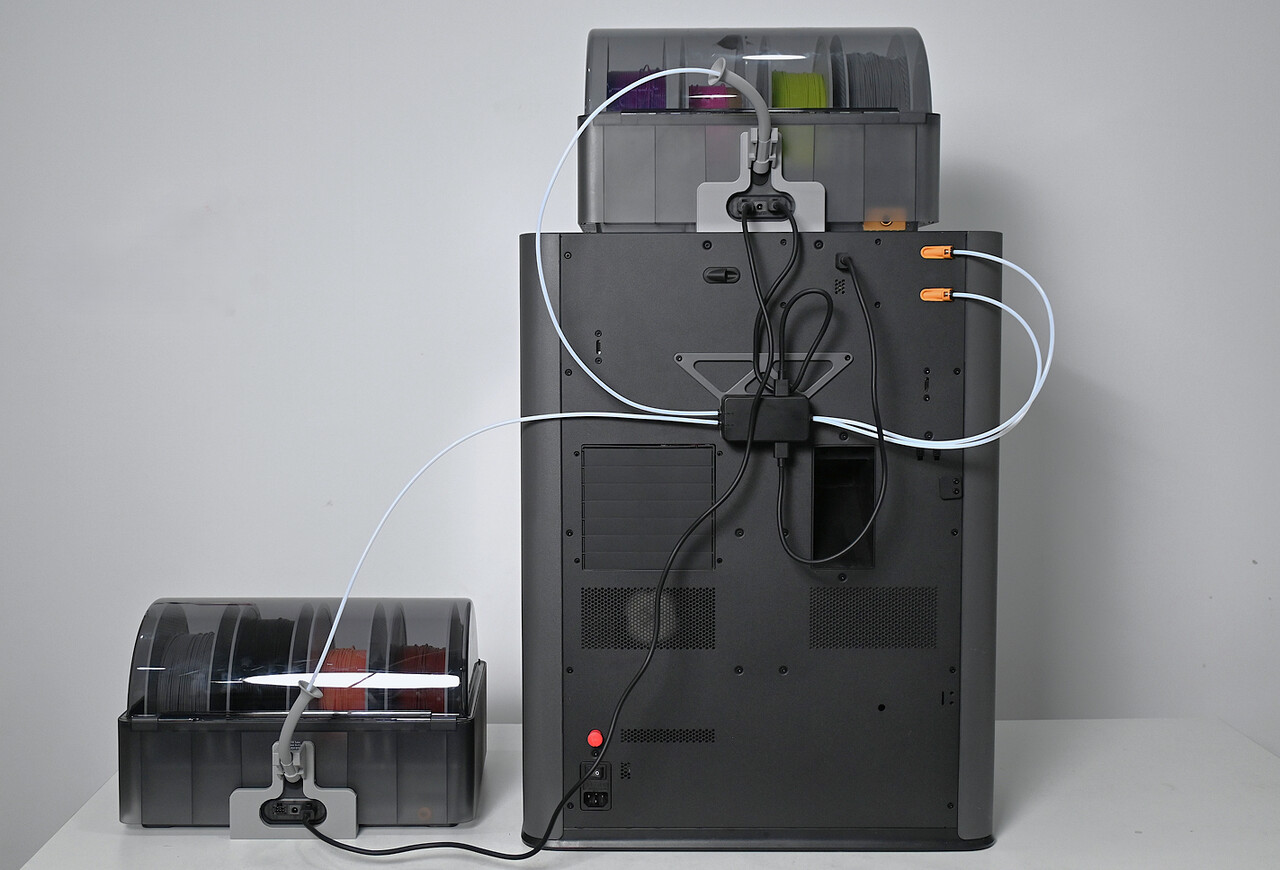
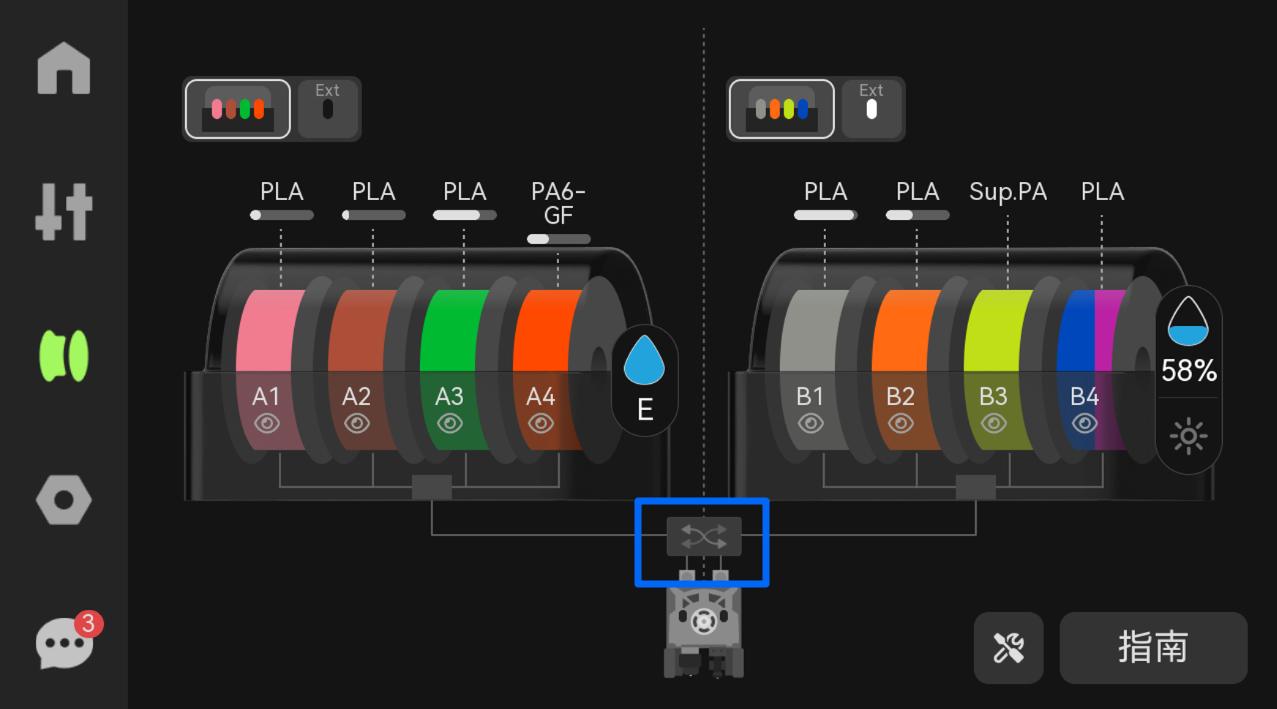
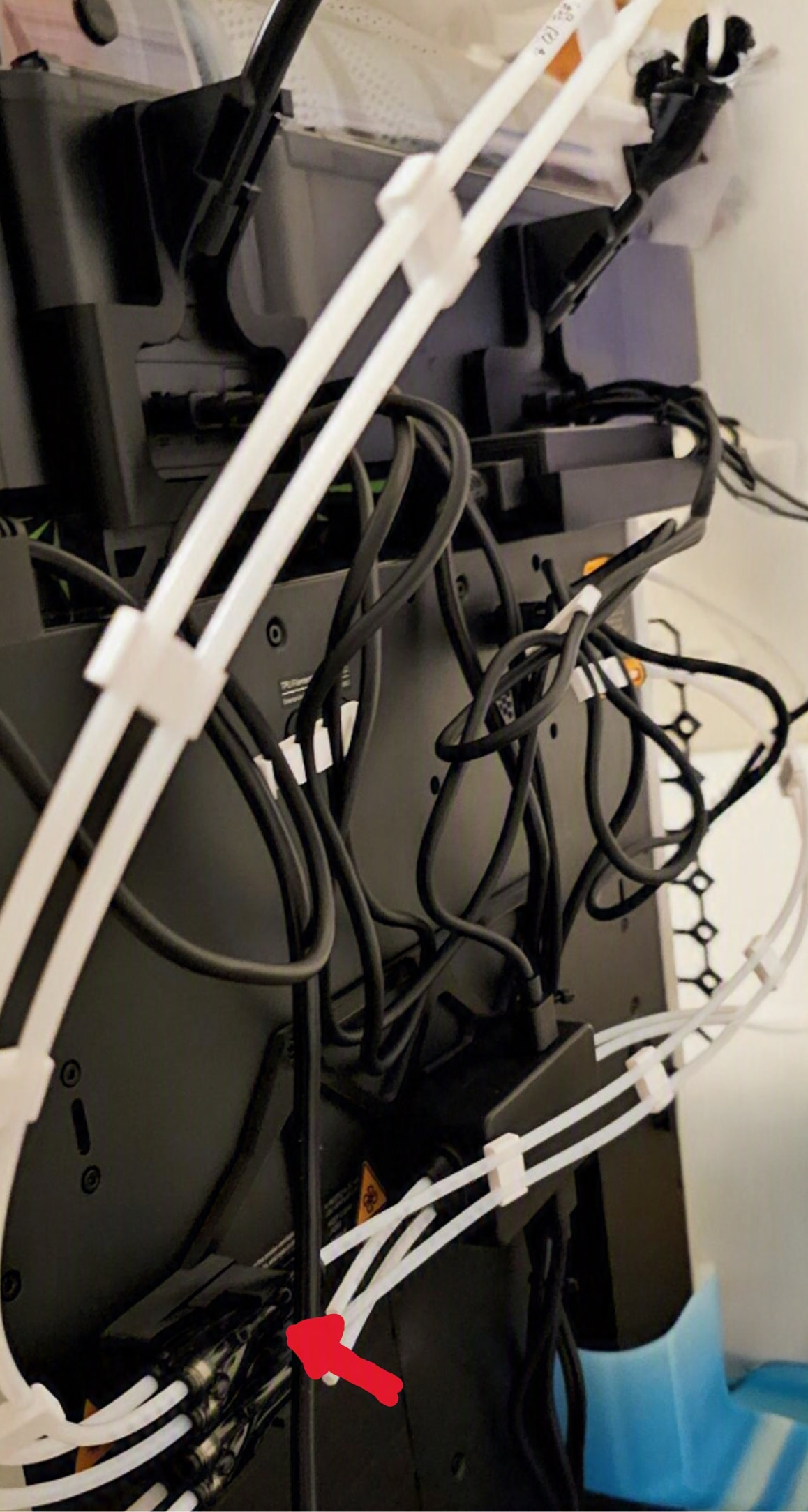
Added support for the Filament Track Switch
The filament track switch is specially designed for dual-nozzle printers, equipped with 2 filament inlets and 2 filament outlets, and supports seamless mapping between AMS and dual nozzles.
For more details, please refer to the wiki: https://e.bambulab.com/t?c=XniDu1KyaRFd6fQa.
This feature requires Bambu Studio v2.5.3.60 or later / Bambu Handy V3.18.0 or later.
Enhanced the visual detection display, indicating the location of detected anomalies directly on the liveview image
Known Issues:
Filament PTFE tube detachment detection is temporarily disabled.
The filament information of external spool will be erased after upgrading to version 01.04.00.00. Please reset the filament info after upgrading.
Please also note that if you find specific issues, bugs, or suggestion for improvement, we would appreciate it if you can share it via the Beta Feedback form.
@SupportAssistant, could you confirm whether the gradual rollout of the H2D 01.03.51.00 beta has actually started? I still haven’t received it, and no one in this thread seems to have installed it yet.
“Successfully” calibrated without the switch, installed switch, & ran first print. Got an overload error and found that the nozzle was digging into my build plate. Now running a second calibration with the switcher installed (no nozzle offset) and will run the offset separately without having it attached. Hopefully this one doesn’t further destroy my plate.
Update: Decided to run the nozzle offset calibration with the switcher installed. Unlike @matixovi, I had successful nozzle offset calibration. Unfortunately it didn’t solve my issue with the nozzle digging into the build plate.
I have also noticed that Bambu Handy does not select the appropriate nozzles to optimize print time. Perhaps this is because I am not running the beta of Bambu Handy..?
Unfortunately, the AI spaghetti detection is so sensitive that it gets stuck on a single strand of lint, even on the low setting. I had to turn off the detection for now.
I installed this update to 01.03.51.00, because it was available!
Well, it was causing a lot of trouble!
It is not about the new Track Switch. I have not tested anything related to that features.
But it seems that Bambu has changed the hole dimensions:
I was printing some models, which I have printed before. Holes are bigger after the update, which means that inserts and self tapping screws will no longer work!
Can anybody confirm this issue?
So far, I have never used the hole compensation in Bambulab Studio, exactly because of that reason.
You can deal with an offset and make the holes bigger in CAD. However, if you don’t know how printers will handle that topic, it is a HUGE problem! Almost every print will have some holes. And exactly those holes will cause a lot of trouble!
Originally I did my nozzle offset calibration with the filament track disconnected after reading another post saying it fails with it. After doing this my nozzle dug into the build plate. When I ran calibration again with the track installed everything went well. Only issue now is that Bambu Handy defaults to custom filament/nozzle selection on multi-color prints, but is solved by selecting ‘filament saving’.
My understanding is that if you make hole compensation in the slicer, the firmware will add to this with it’s calculated value, hence bigger holes. I rolled my firmware back
I never used the compensation feature in Bambulab Studio.
What I can confirm:
Firmware 01:03:00:00, hole D=3.4mm –> D=2.92mm in the print.
Firmware 01:03:51:00, hole D=3.4mm –> D3.17mm in the print.
The difference of 0.25mm will make self tapping screws completely fail!
Sorry Bambulab, but this is an absolute NOGO!!!
The improved accuary might sound like an advantage. For new designs this might be true, but it destroys existing designs!
@Chomp how are you able to do nozzle offset calibration with FTS? I get an error that it’s not possible to do it with FTS connected. I just load filaments into left and right nozzle and disconnect FTS and it allows me to run the calibration.
 Want to Switch Back?