Okay, we’re on the same page now. I agree with everything you just said.
Hopefully they either change the power draw or change the spec sheet. I’m hoping for the former so that I can have a bit more headroom on my circuit lol. I wouldn’t mind a few extra minutes during bed heating.
Just jumping in here to share my use case and why I took would like to see the ability to set a power limit for the machine - at least during the very power-hungry preheating phase.
My setup at home consist of a 3D printer, a desktop CNC, and a laser engraver. I also have my gaming PC on the same desk. ALL are on the same circuit. A dedicated circuit for the machines was always a plan, but never needed because none of the manufacturing machines ever pulled more than a few hundred watts. I could run all three and my PC at the same time without issues. That 3D printer was a Prusa MK3S+.
I now have an H2D in its place. While I have yet to trip any breakers, I’ve run into a different issue, which is that my UPS (into which is connected just the three production machines; not the PC) now screams like a banshee yelling about overloading because it’s rated for 1000W but is seeing 1400W when the H2D preheats. I’m unfamiliar with the internal design of this UPS. I know it would shut down if it wasn’t on mains power, but since it has AC power it seems like it’s happy to allows the overload to occur for the 30 or so seconds the H2D needs to heat up. However since this UPS also does power conditioning, I have NO idea if it’s causing excessive strain on any of the internal components to jump that far above it’s official rating.
Yes, there are higher-rated UPSs, but they aren’t cheap, and it seems silly for me to need to go out and spend money on one when literally the only time the H2D pulls that kind of current (at least that I’ve seen) is on startup. While I love how quickly it heats up, I won’t need it to heat that quickly, and I think it would be nice to just be able to set a power limit for the machine to roughly abide by. This would also allow me to use the other machines in tandem without worrying about overloading my (inferior) American circuit.
Both the bed and chamber heater are controlled by PWM in the firmware. It would not be difficult at all to expose a slider or multiple power options for each of those.
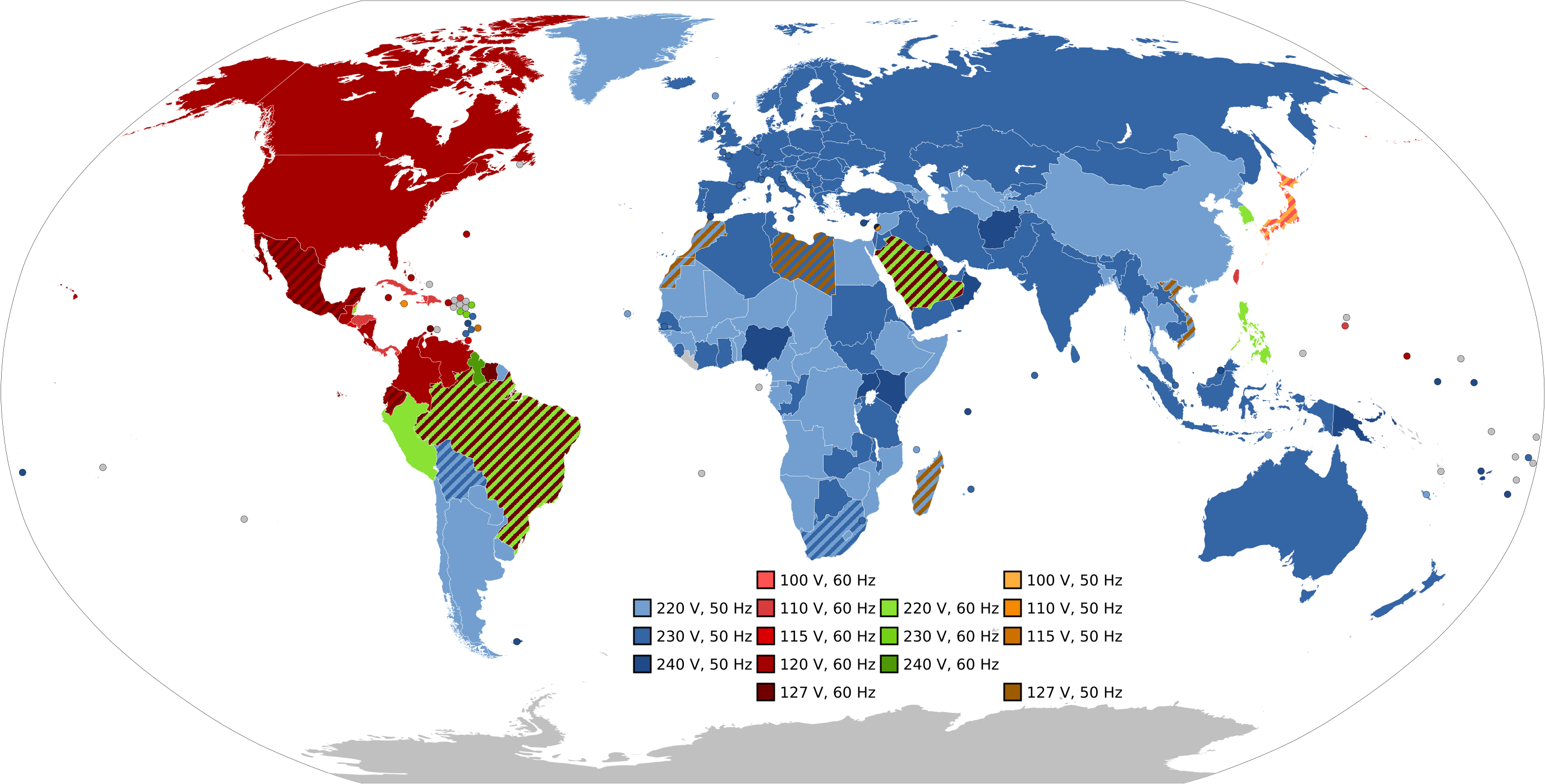
Have we considered the voltage here?
Forgive my Copilot story below, but it definitely changes the max power rating @120V.
The power (Watt) of a device depends on the voltage (Volt) and the current (Ampere). If we assume that the device is a resistive load (such as a heating element), the formula applies:
P = \frac{V^2}{R}
Where:
P is the power in Watts,
V is the voltage in Volts,
R is the resistance in Ohms.
If the device originally uses 1320W at 110V, we can calculate the resistance R :
R = \frac{110^2}{1320} \approx 9.17 , \Omega
At 120V, using the same resistance:
P = \frac{120^2}{9.17} \approx 1570W
So at 120V, the device would consume approximately 1570W, which means an increase in energy consumption. This could impact the lifespan and safety of the device, depending on its specifications.
However, if it is a device with a constant power source (such as some electronic power supplies), the power may not necessarily increase this way. In that case, the current would adjust to maintain the same power level.
And you might want to check if the voltage is not higher during the day when a lot of solar panels raise the voltage even more.
You just beat me to it, I was about to show the calculations based on a 120 V nominal system in the U. S. And there will be certain spikes in voltage if the heating element is on a PWM style controller.
I don’t know why anybody uses a 110 Volts as a standard voltage for US. We haven’t seen that in 50 plus years for most of the U. S.
Yea, I definitely didn’t mean for this to be controversial. I don’t want a feature added that restricts heating for everyone. If you got the power for it like dedicated circuits, or live where 220V+ is the norm then that is great. I wish we would go to 220V here in the USA.
The room I have my H2D’s in is on a 20A circuit and with that I can run both H2D’s with 4x AMS 2.0, 8x AMS HT, Gaming pc, Window AC, Fiber Laser, and various other smaller loads without issue. I only have to be careful when trying to initially pre-heat one of the H2D’s as the bed load is huge. If I am careful managing sending prints to H2D so I don’t pre-heat both at once, all that is manageable. The main thing that drives me nuts is each H2D is on its own UPS but they’re 1.5kVA/1kW units. So whenever I go to preheat a printer the UPS screams that its overloaded until bed comes close to temp. And no the mute button will not silence that, I’d physically have to open it up and rip out the buzzer.
This is just one of those quality of life features that would be incredibly nice and handy to have, and I believe quite a few people would use it. But it wouldn’t affect you or your normal bed heating unless you turned on the feature.
Literally my exact issue. Whenever I start a print, I get 45 seconds of shrill alarm noise letting everyone in the house know, lol. Also the printer takes WAY longer to do all of its pre-print shenanigans than the bed takes to get up to temperature, so it wouldn’t even slow the process down any if the bed even too 10 times longer to come up to temp.
I would prefer a heat soaked bed when a bed leveling procedure kicks in.
So adding time to the heating cycle would require to add time to the entire pre-print cycle.
A gradually heated bed warps less than a rapidly heated bed. Or any metal really. Including the gantry.
Heres a good AI explanation, but its been common knowledge in the 3d printing world for a long time…until now.
Uneven Heating and Thermal Stresses:
When aluminum is heated rapidly, the outer surfaces heat up faster than the interior. This creates a temperature difference, causing the outer layers to expand more than the inner layers. This uneven expansion generates thermal stresses within the material.
“Locking” Thermal Strains:
These thermal stresses can become “locked” in the material during the cooling process, especially if the cooling is also rapid. These locked-in stresses can be slowly released during subsequent processing or use, leading to delayed warping or deformation.
Slow Heating for Even Distribution:
Slow heating allows the heat to penetrate the material more gradually, ensuring a more uniform temperature distribution. This reduces the temperature differences and minimizes the buildup of thermal stresses.
I fully agree with this, but the question here is, what the effect is on the 3D print?
I bought a perfectly flat milled 300x300x10mm milled bed for my Voron and used a 600W silicone heater element, set to 80% power to heat the bed and after heat soaking at temperatures from 30-100C with 10C increments, my bed mesh was different on each temperature.
In my opinion a bed mesh is the minimum requirement for a good first layer. With a bit more internal stress the shape might be different but the mesh compensates for that eventually.
I get perfect first layers, so that internal stress is not a concern for me.
If it would have been a slower bed heating, I wouldn’t have bothered either, but it seems that a lot if users requested faster bed heating.
The bed temperature profile should ideally be adjusted so that the build plate and the chamber reach their target temperatures at the same time. Currently, the chamber heats extremely slowly and depends on residual heat from the bed to rise in temperature. If you attempt to heat the chamber on its own from room temperature, the printer may eventually throw an error indicating that chamber heating is not functioning properly.
As it stands, slower bed heating directly translates to even slower chamber heating, and the chamber heating process is already frustratingly slow.
I would really like to see a coordinated heating strategy, where both the chamber and bed reach their respective temperatures more efficiently. For reference, my room never drops below 20 °C, so going from 20 °C to 65 °C in the chamber shouldn’t take as long as it currently does.
The thing I have a hard time with, is believeing alot of people requested it. Just doing a quick search with prompts like “bed heat up too slow” only returns threads of people talking about the h2d heating too fast. In those threads, the hits are usually someone saying pretty much what you said. That it was requested in the past. But no actual requests.
The x1c already heated up faster than other printers. And the chamber of the h2d heats up faster than other printers.
Im willing to bet id find threads of people praising the x1c bed heatup time as being really fast
These represent just a few of the previously documented concerns regarding heating issues and power consumption. Additionally, my X1 Carbon heats so slowly and unevenly that I need to heat soak it for over 10 minutes to achieve a satisfactory first layer with my current setup.
Im sorry, was that for me? I read some of them, but seems like heater issues that arose after a while of owning them. Not really issues with actual heating speed of a new printer.
The wattage pull they speak of sounds nice though. 250watts is awesome for 256mm. About 1 watt per mm vs the 4.5 watts per mm of the h2d
It should remain as it is now, with an optional setting for users on outdated power grids. Reducing power usage will significantly increase the time it takes before you can start printing with engineering-grade materials.
When I bought my X1 Carbon, I found countless threads complaining about slow heat-up times, uneven heating, and more. But like with most things, users asked for more precise bed leveling—then as soon as it was implemented, many started looking for ways to reduce the time or disable the added precision. It’s hard for Bambu Lab to please users who don’t really know what they’re asking for. It quickly turns into a yo-yo of conflicting demands.
Check the interview of CNC Kitchen with the CEO of Bambu Labs. Thats where I got it from.
I am not sure he said “alot” though.
Edit: It seems my memory is eluding me, I listened over the interview and I cannot find that statement in the Youtube movie.
So I really don’t know anymore where I heard this being mentioned.
I guess I’m lucky they recently redid the electrical in my apartment and the whole building to have 20 amp breakers. My lights never even flicker when the P1S and H2D start up.
Lucky! I’m currently looking into getting my home upgraded to 200amp service and rewired with 20a breakers all around. Maybe a few 30a here and there. I’m looking at around $10k .

 .
.