The physic of bed adhesion is vacuum suction and low lift force of higher layers.
At sea level, we have 1atm or 14.7psi of air pressure. Meaning you have a force of 14.7psi that pushes the printed part against the bed if you have good vacuum there. How much is 14.7psi? Just compare with my car tyre air pressure of ~36psi for ballpark comparison.
Your bottom surface of the print didn’t have good seal for good vacuum there.
For low lift force from higher layers shrinking, logically speaking, you have to soak the chamber with temperature close enough to crystalization point of PLA or 50C - 55C. Unfortunately, it is not possible to do so since it would cause huge heat creep and extruder clog. So the best thing we can do is to raise the bed to 50-55C so that a few layers at the bottom won’t shrink too much to cause much force to lift the corners.
Long before bambu lab printer, people had printed PLA on clean glass (no glue stick, no nothing) with good success using Reprap printer.
Anyhow, I’d love to see some blow up videos if you find you printer is so bad, just like the guy blew up his tesla because he didn’t want to pay 22k for battery replacement. https://www.youtube.com/watch?v=vp0tGI1KUVU
I’m well aware of atmospheric pressure and vacuum and how they hold the print to the plate. I spent a ton of time on this with my other older Creality printers. Enders, CR10’s etc… Some with smooth glass, others with their adhesion enhancing plates. Lots of manual tuning and leveling, even with the BL probe.
I’ve adjusted my Z to “smoosh” the filament in more in the past. With zero success.
As I mentioned a little earlier, I FINALLY was able to successfully print the Flow Rate calibration for the first time in 9 months but using a different build plate from Biqu (Cryogrip)
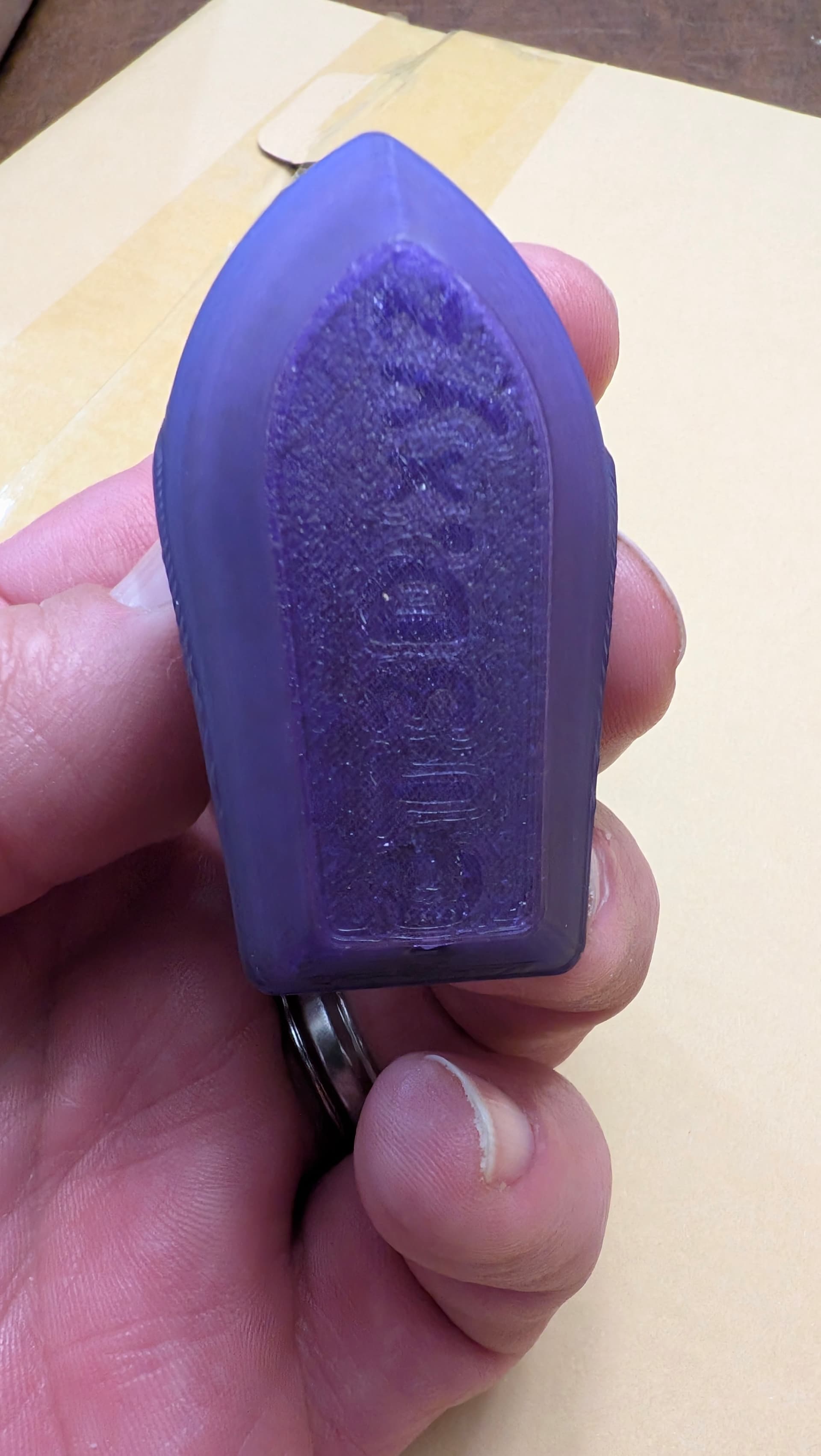
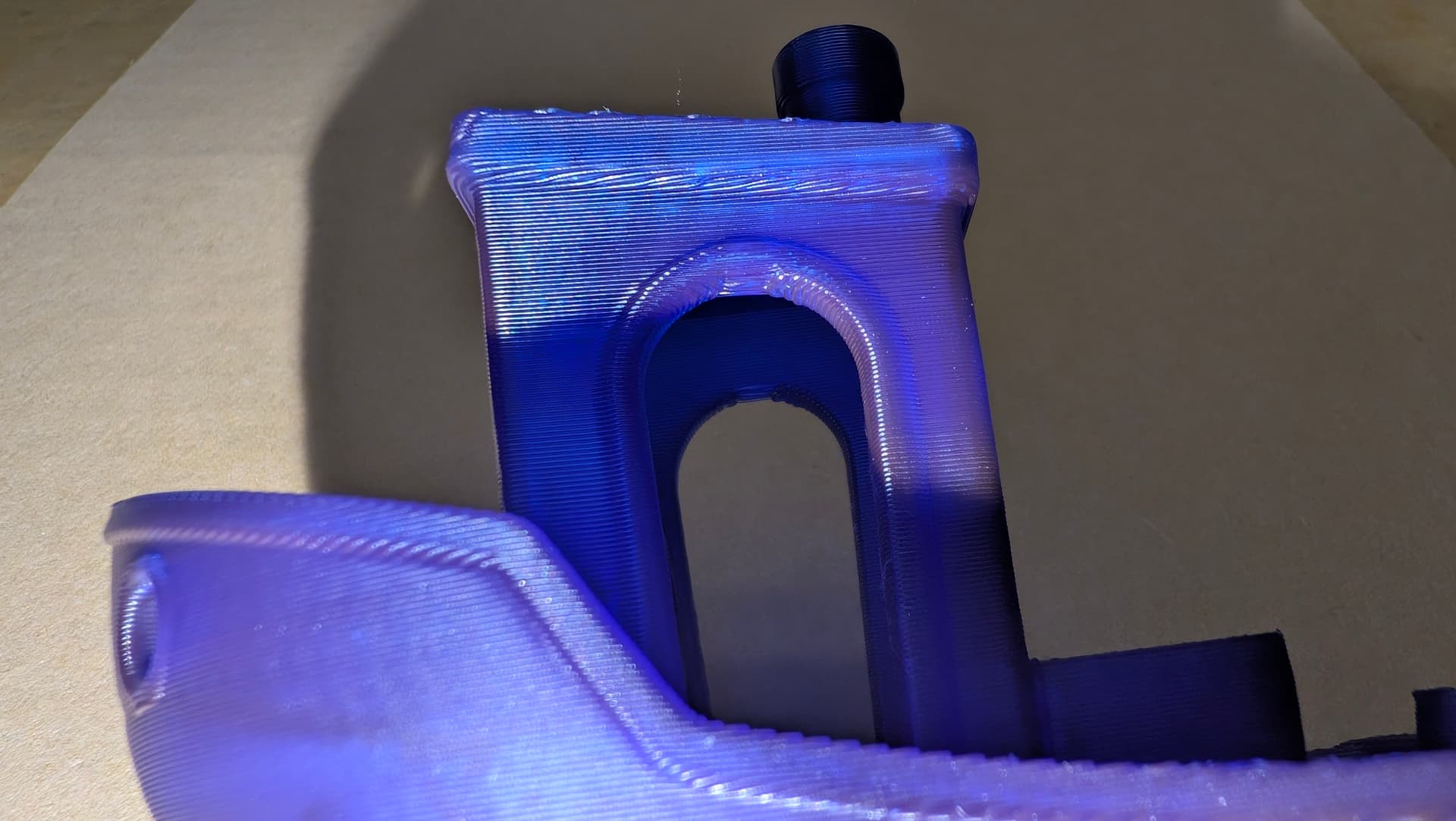
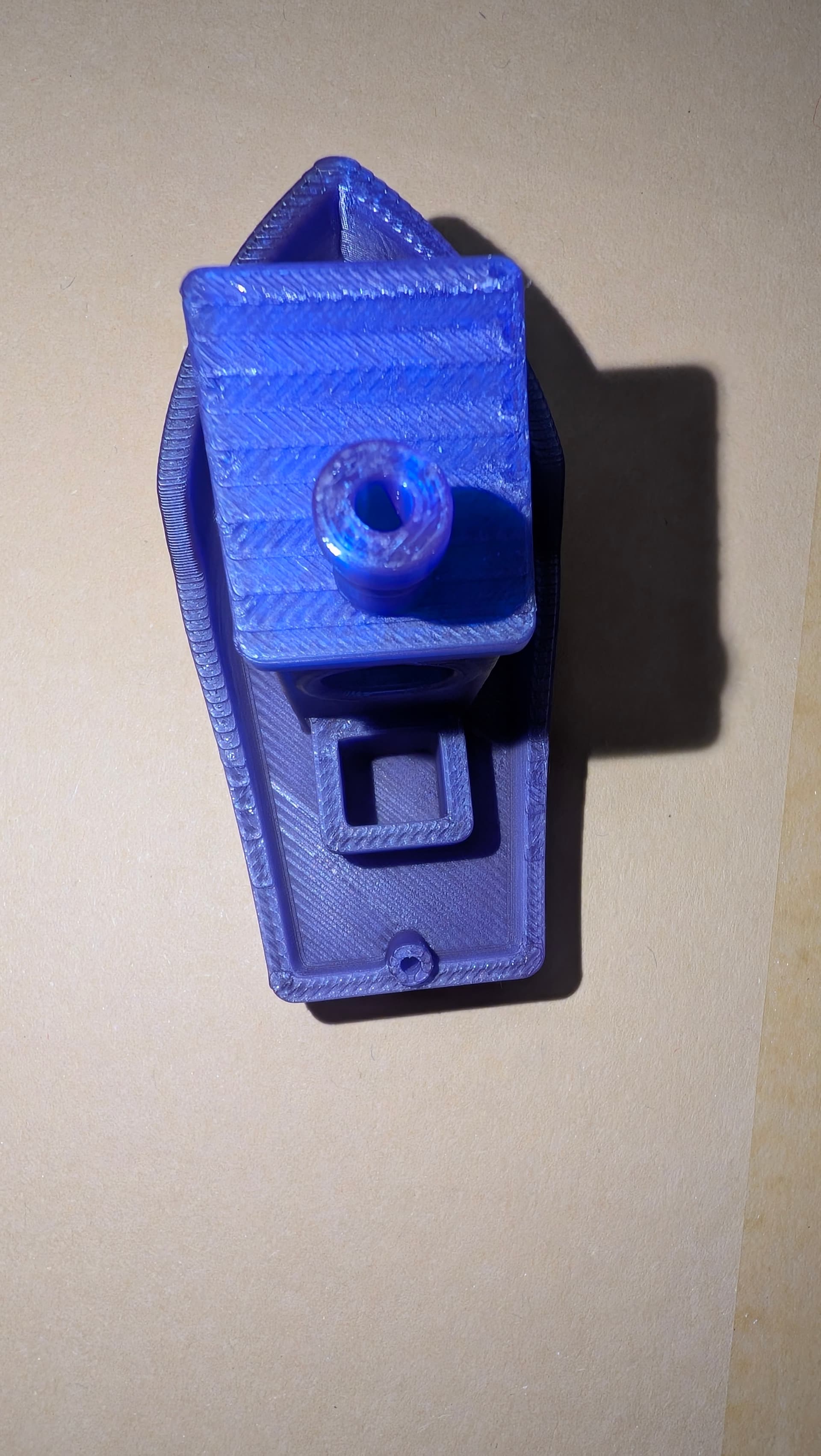
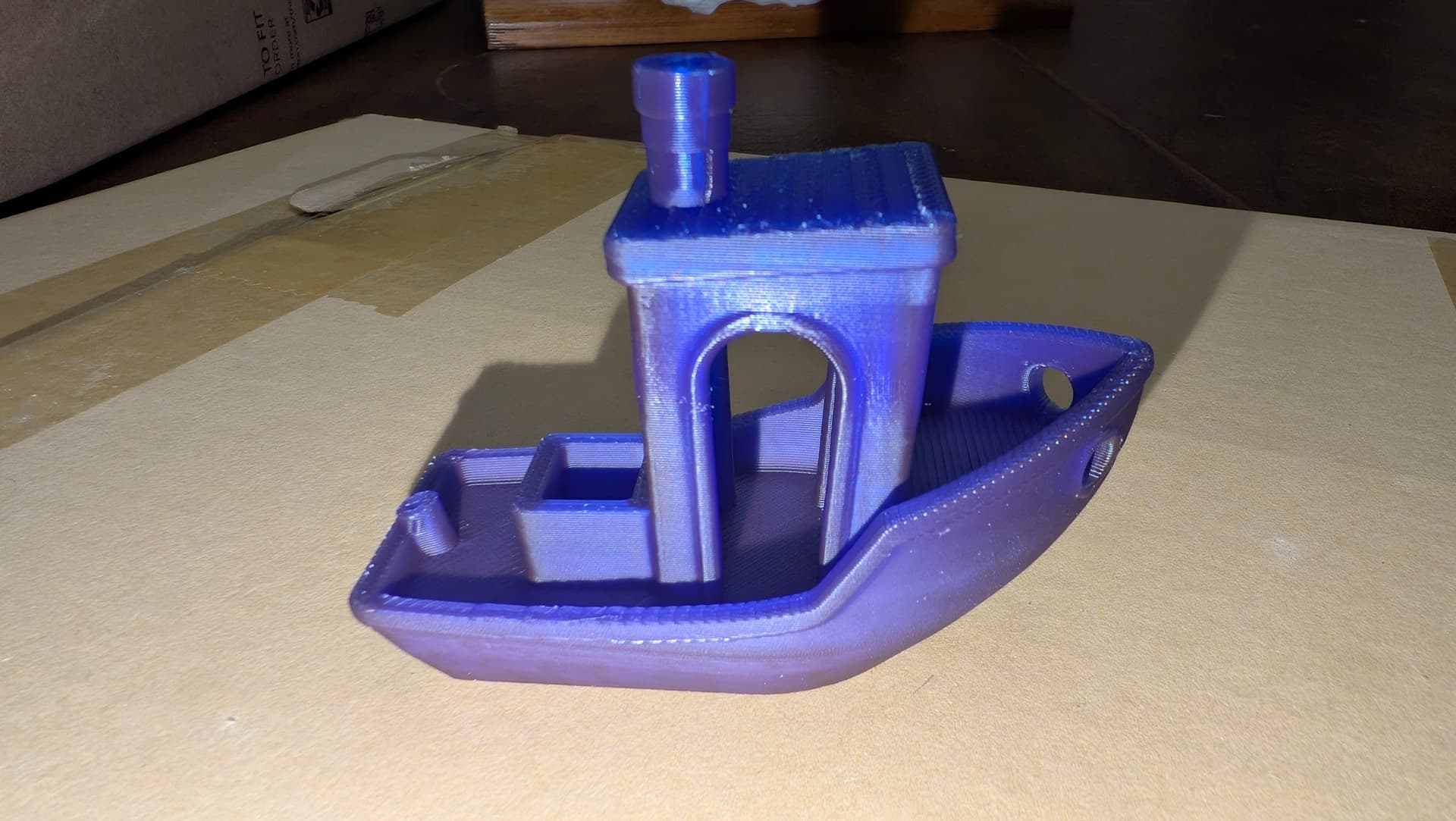
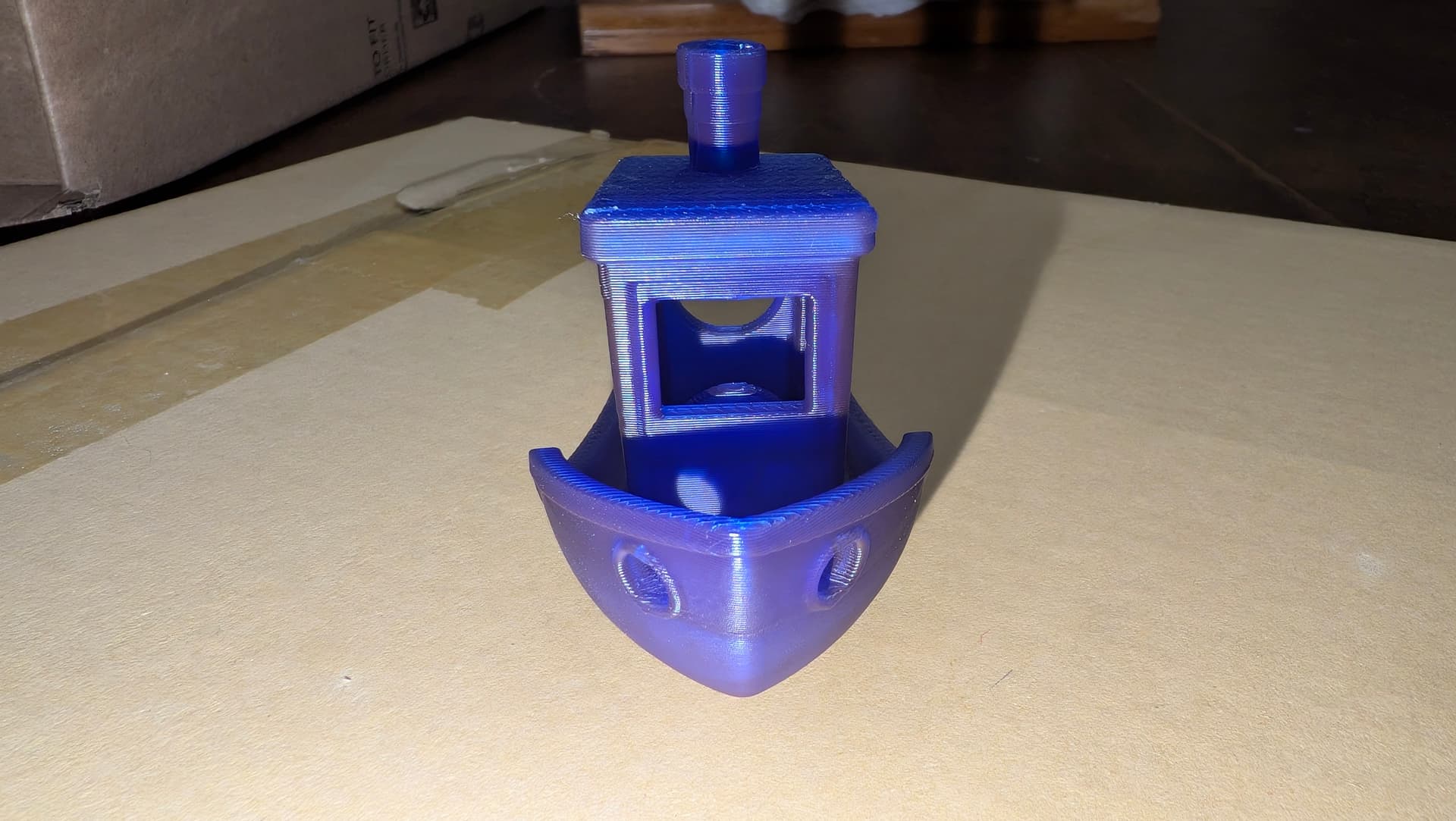
I give you my very first successful benchy using PLA on my P1S
I find it really strange how you stated 35c bed temp as your first offering. Now suddenly a new aftermarket plate has cured all woes. Call me skeptical but you’ve purchased a new plate when you’re battling to get a refund? Yeah nah…
One thing you said in passing about using up filament on Creality printer.
Undo EVERY SINGLE CHANGE you have done to that Bambu lab printer based on ANYTHING creality.
Do you have any idea how many people show up on this forum struggling with a Bambu Lab printer and after a bunch of round and round it finally comes out some version of "well I did this to Bambu Printer because it worked on my Creality printer. Especially creality bed-slingers.
I own a Creality printer, an Ender-3 Pro and you learn so many bad habits dealing with what is a junk bed-slinger that requires TLC for every single print, Creality should be ashamed to have foisted that on an unknowing public.
It is garbage and every Creality tweak you have done to that Bambu has probably taken you farther and farther from successfully printing with your Bambu.
As far as defective, until you undo the changes you’ve made to the Bambu based on bad habits learned tweaking the Creality, the Bambu being defective is open to debate.
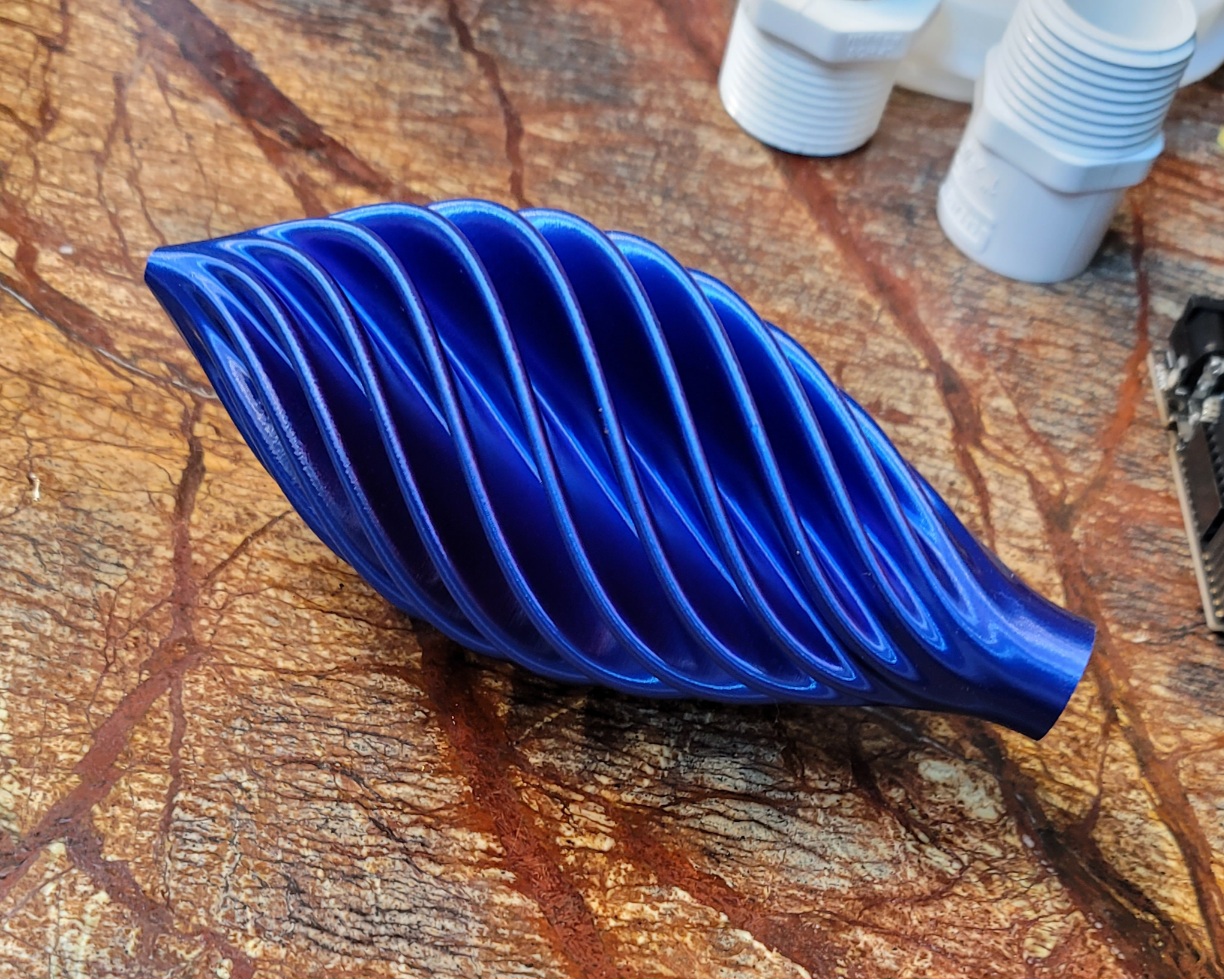
Bambu Lab P1S PLA Silk. Made yesterday in anticipation of Christmas.
I’m well outside the refund period I would assume. If they let me send it back, I’ll do it in a heartbeat. I’d prefer a refund in full rather than a replacement at this point.
I tried the Biqu plate as I saw that another person in Reddit was having the exact same issues as me and it worked for them. It seemed like it was worth trying, worst case scenario it wouldn’t work, I box it back up and return it to my local Kohl’s for an instant Amazon refund. Every pic I’ve shared was taken the same day I made the posts. Usually minutes before the post was made.
Let’s be honest, I’ve only printed 3 things this far on the new build sheets. Maybe I just got lucky 3x in a row?
I didn’t make a single change to my bambu printer (at least not initially)… And I’ve reset every one of those changes multiple times. I took everyone at their word that Bambu works right out of the box… Well not even others at they’re word, I’d helped setup several Bambu printers in the past and they were a breeze. Remove packaging materials, add AMS, double check to make sure all shipping screws have been removed, connect to Wi-Fi, update firmware, calibrate, print benchy (and scraper, vase, etc…)from SD card. EDITED FOR CLARITY
And honestly, I hardly made any changes to my Creality printers, aside from bed leveling and building enclosure for them I did almost nothing… Then wait and wait and wait for it to finally finish.
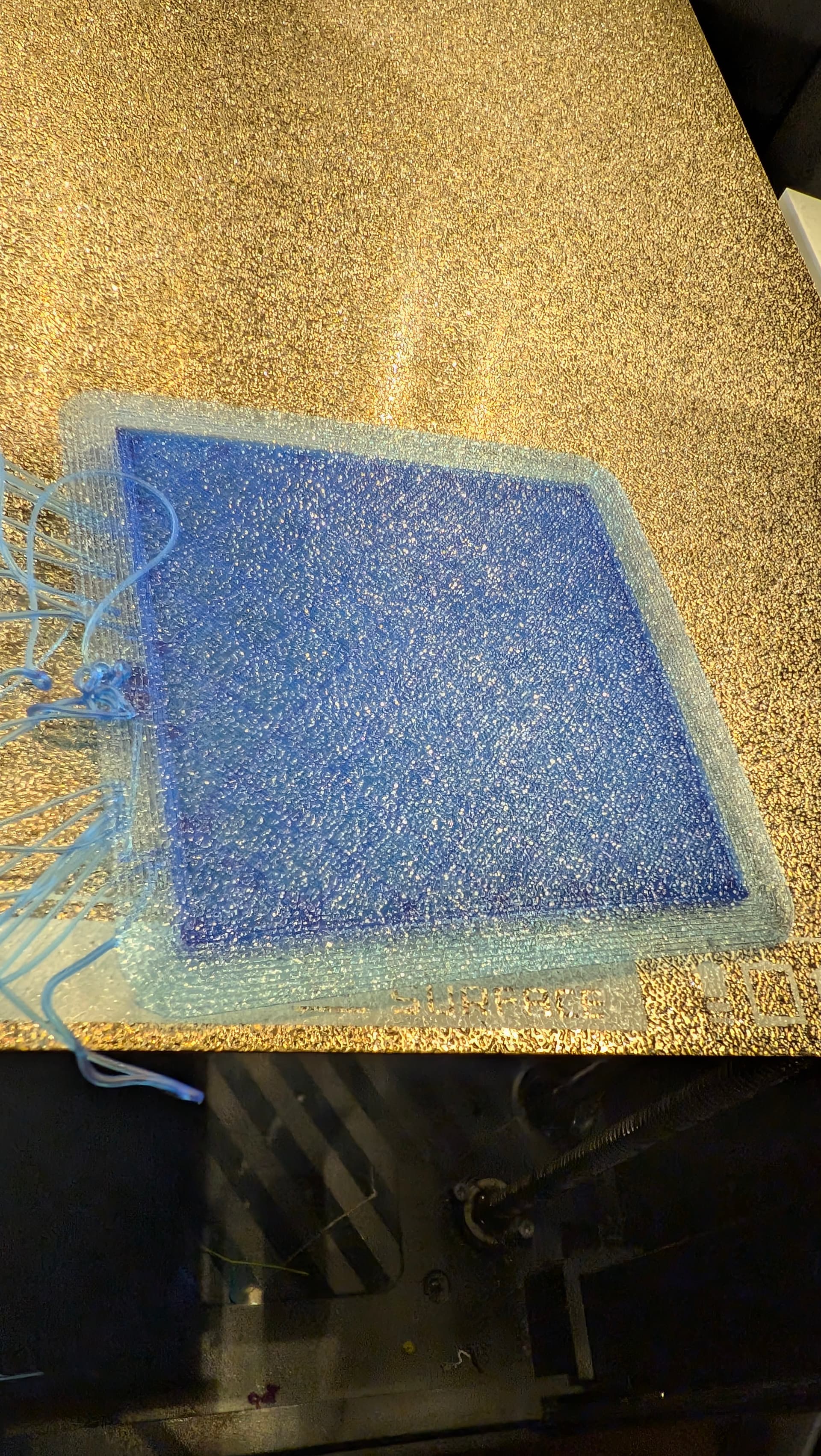
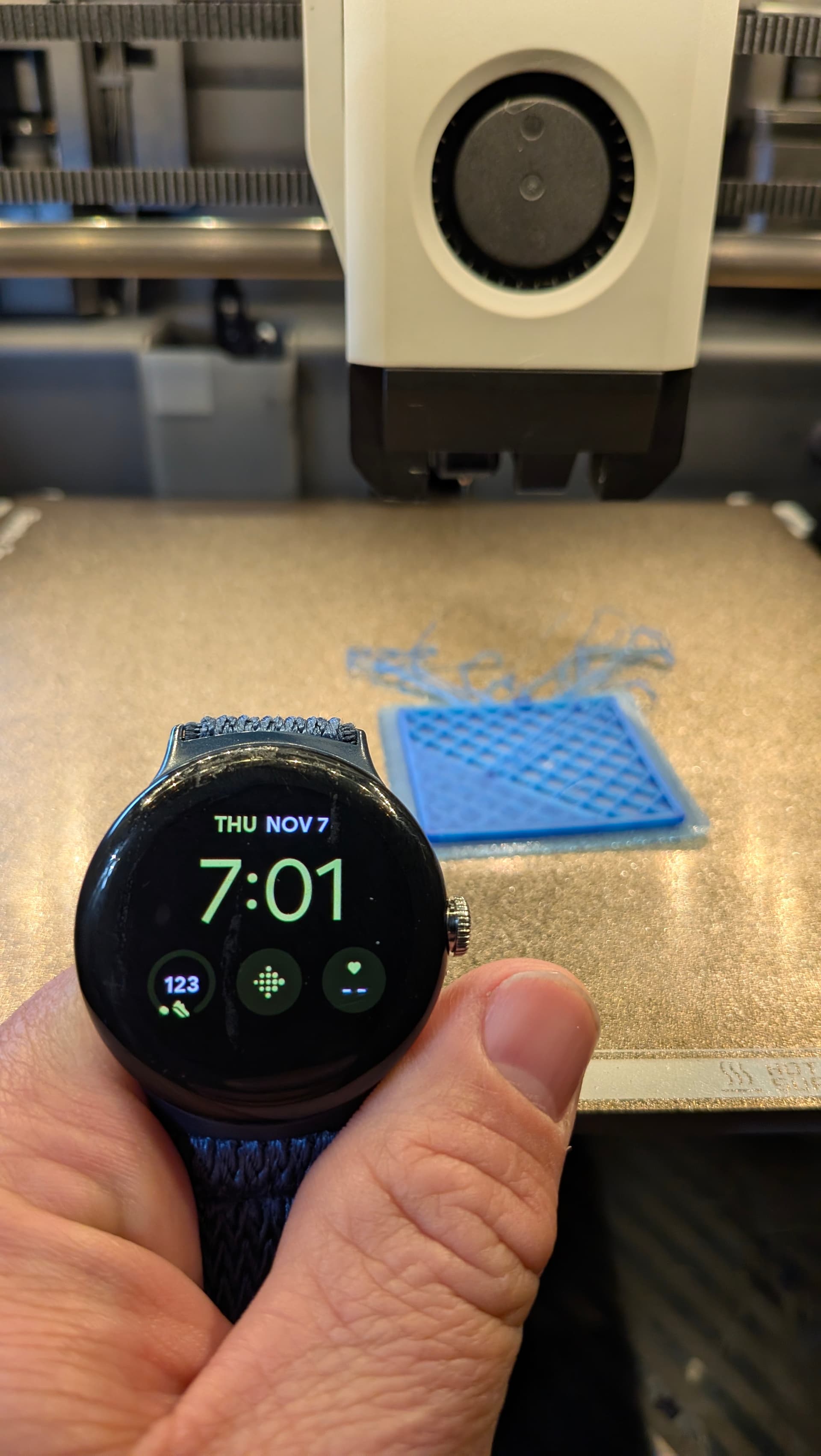
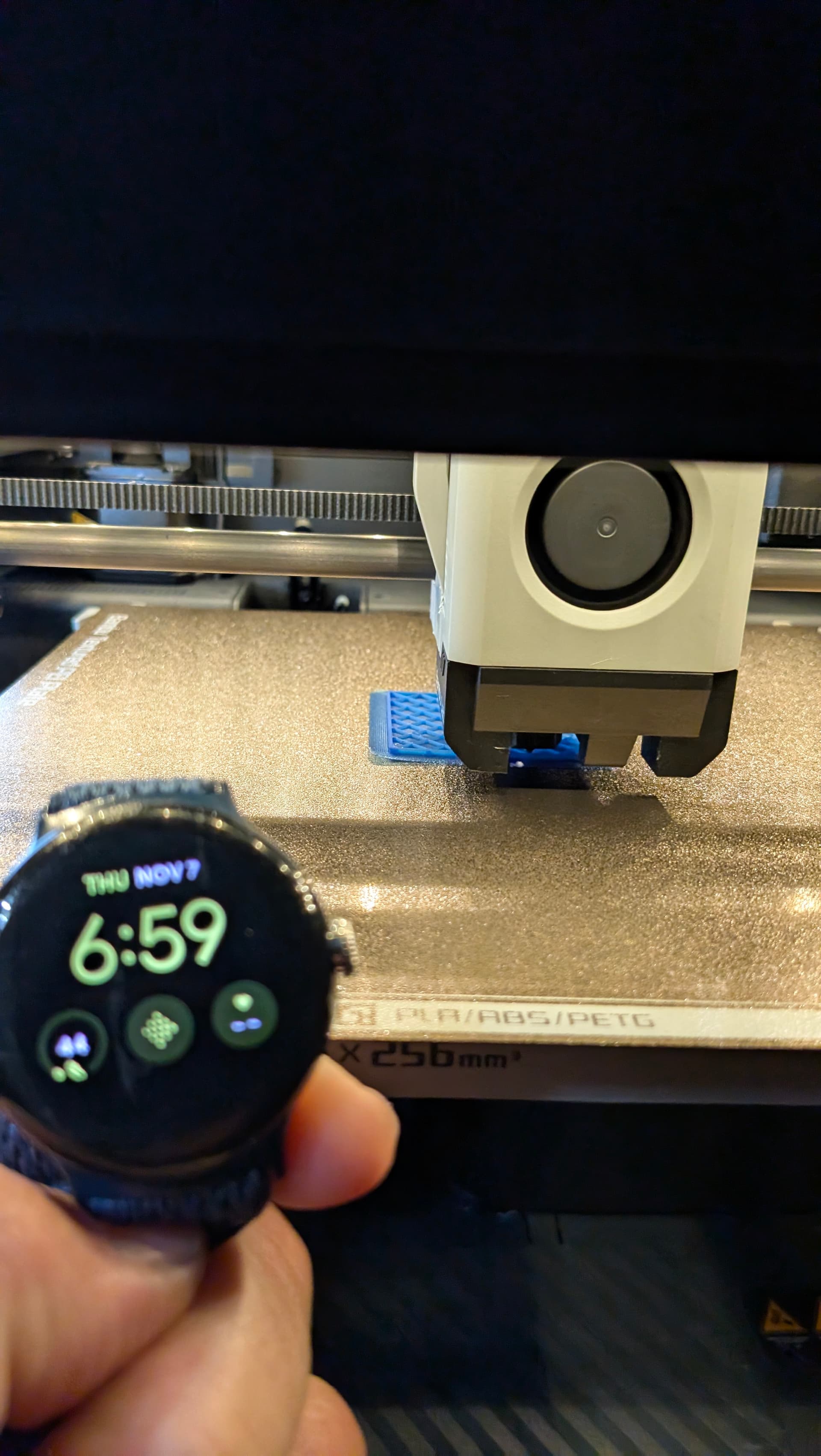
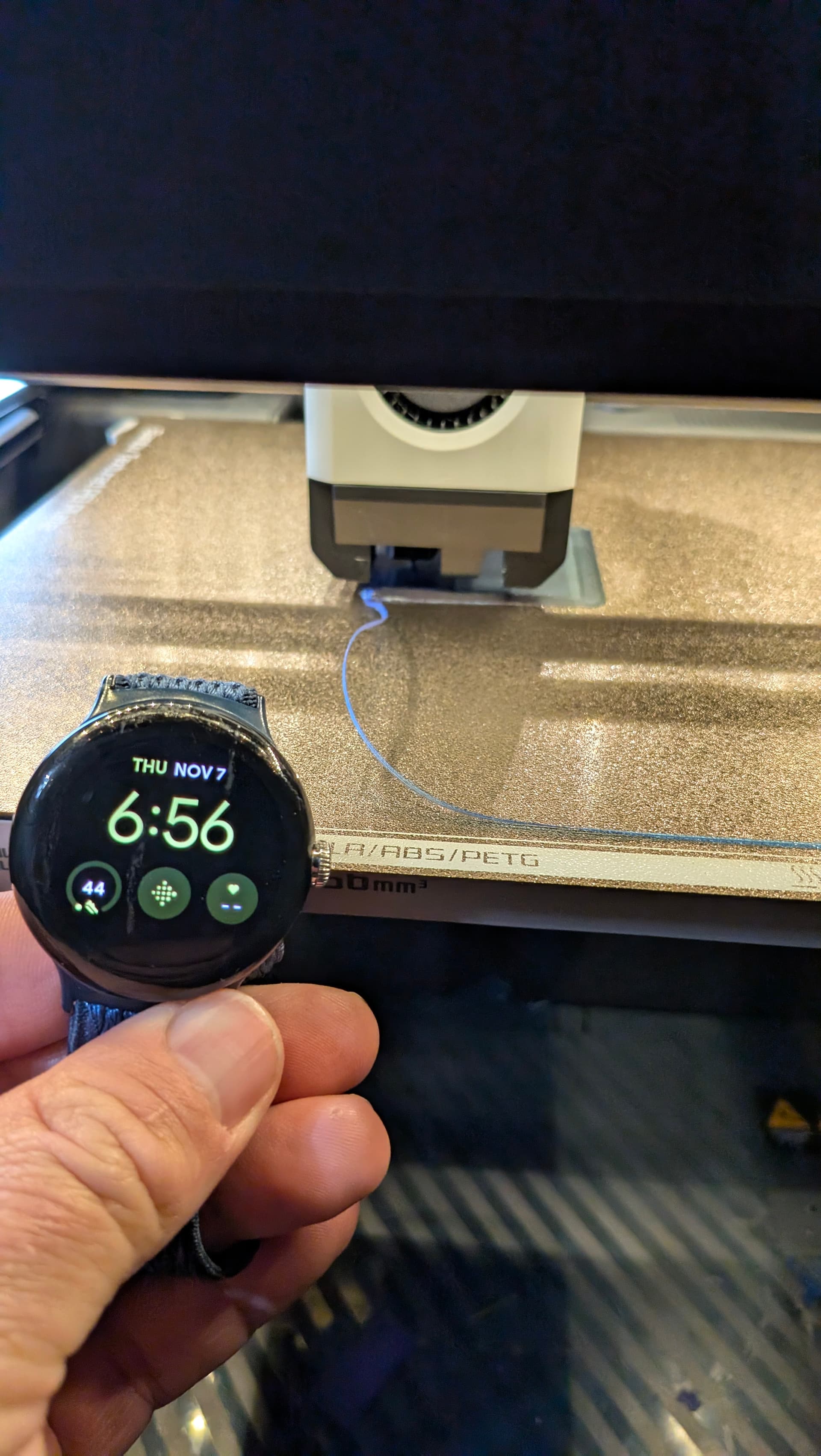
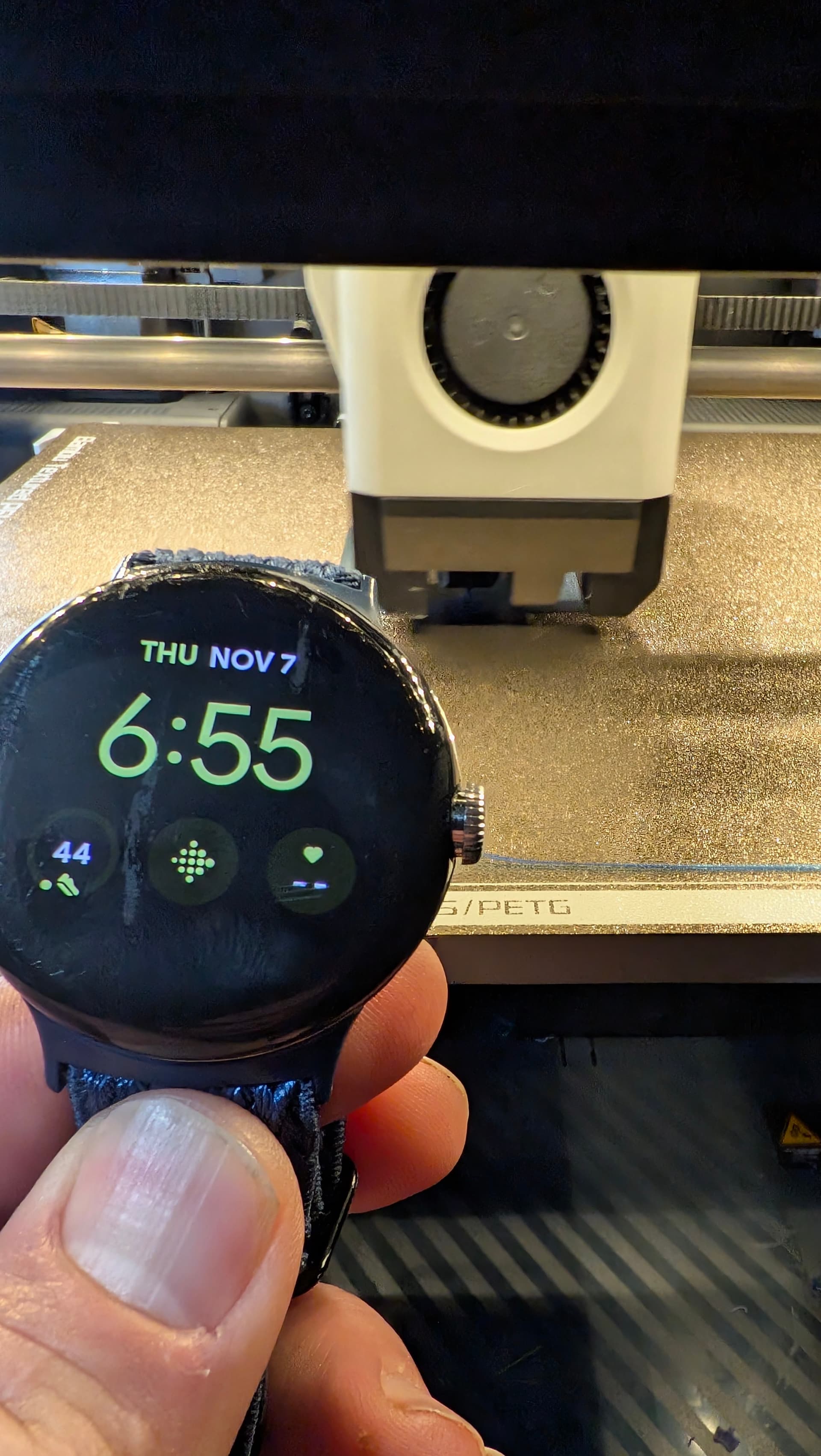
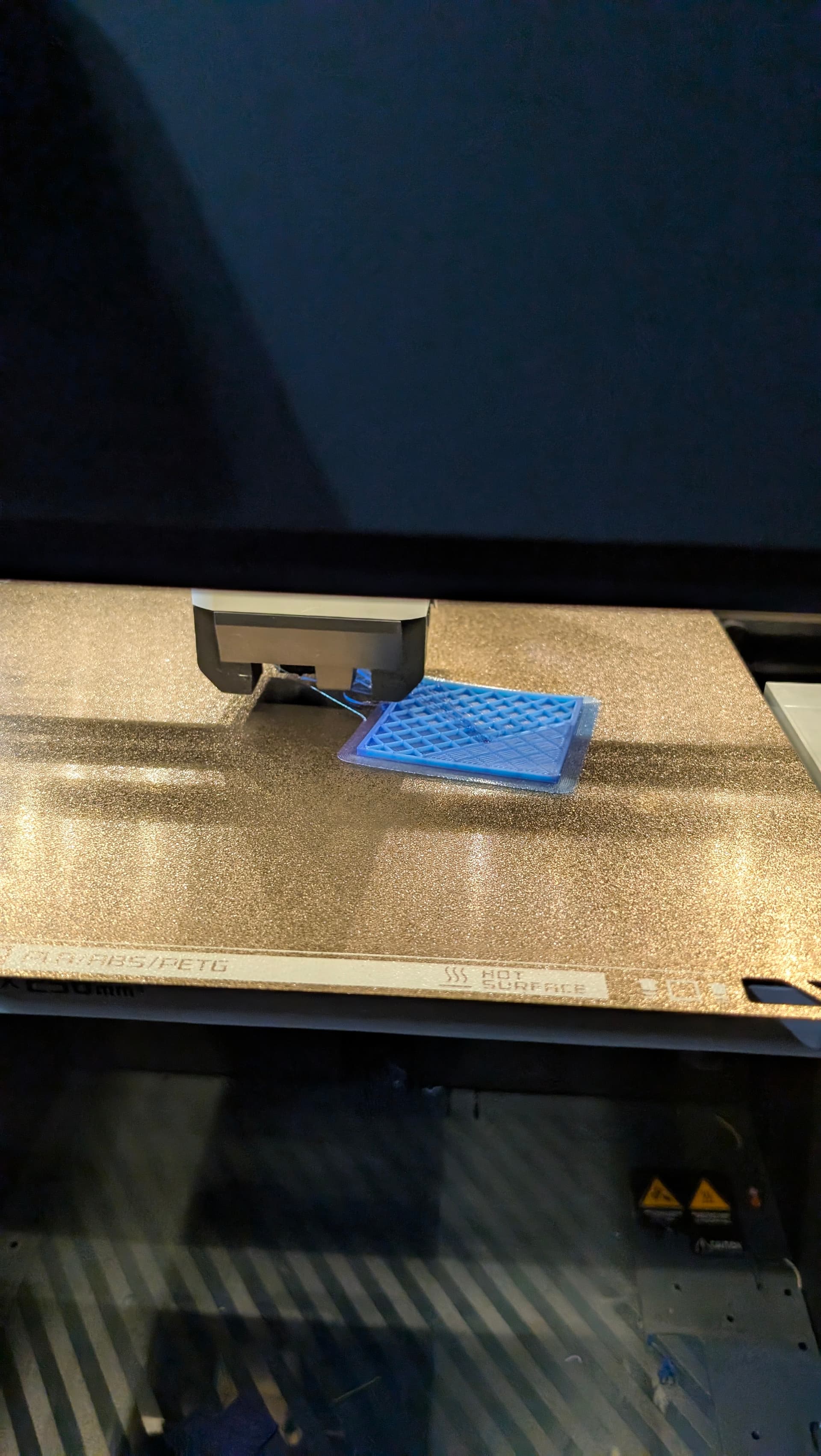
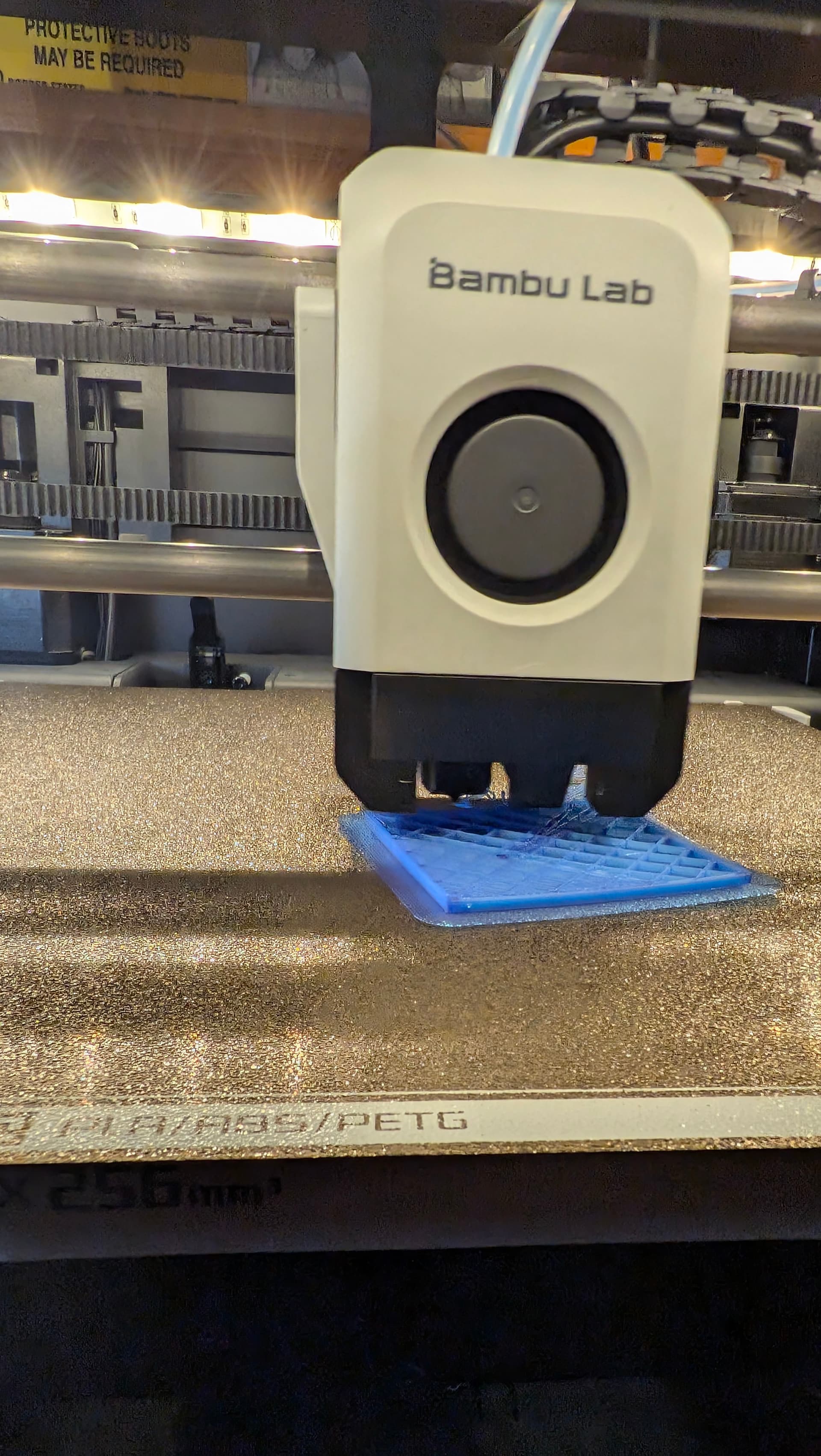
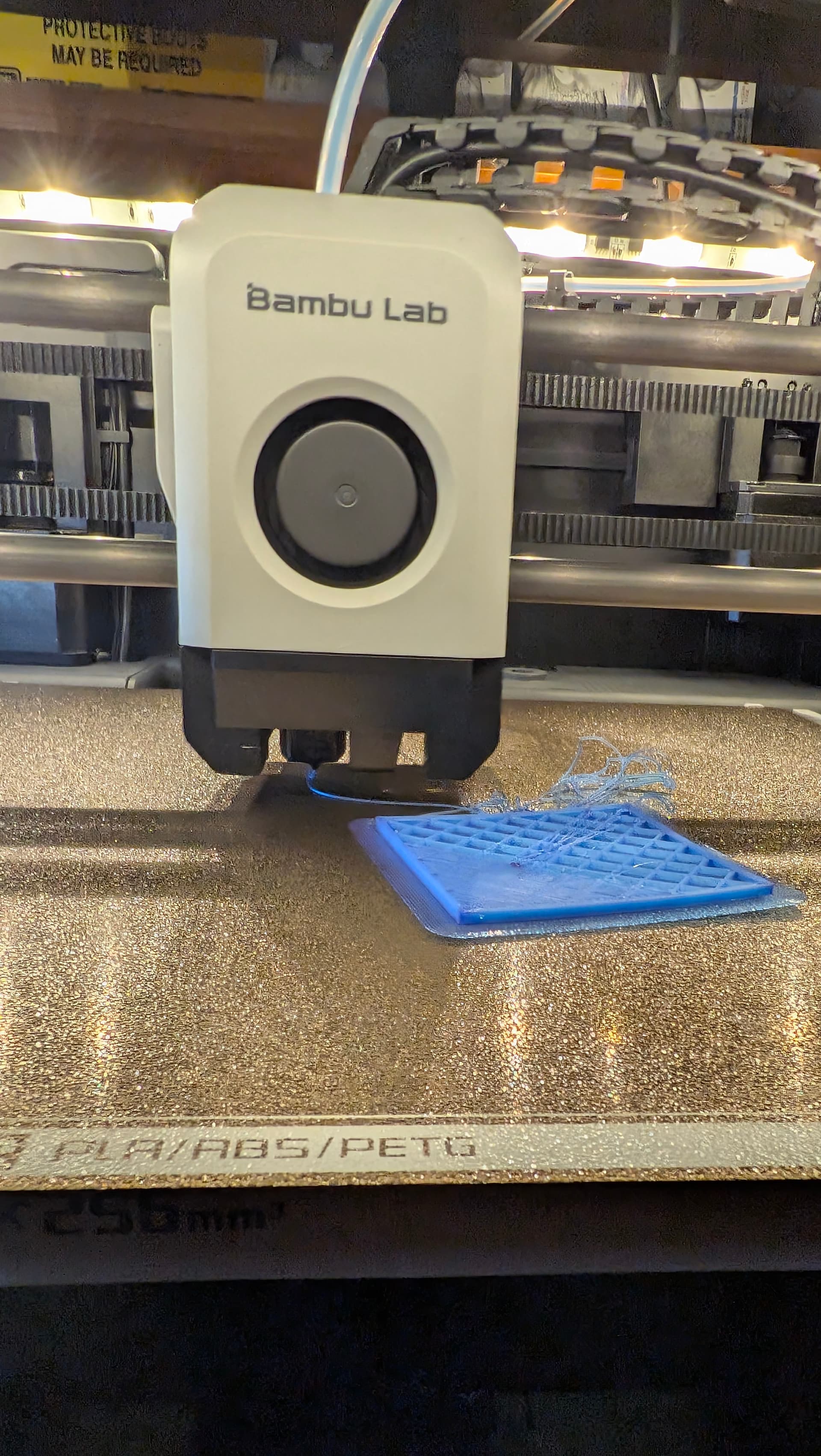
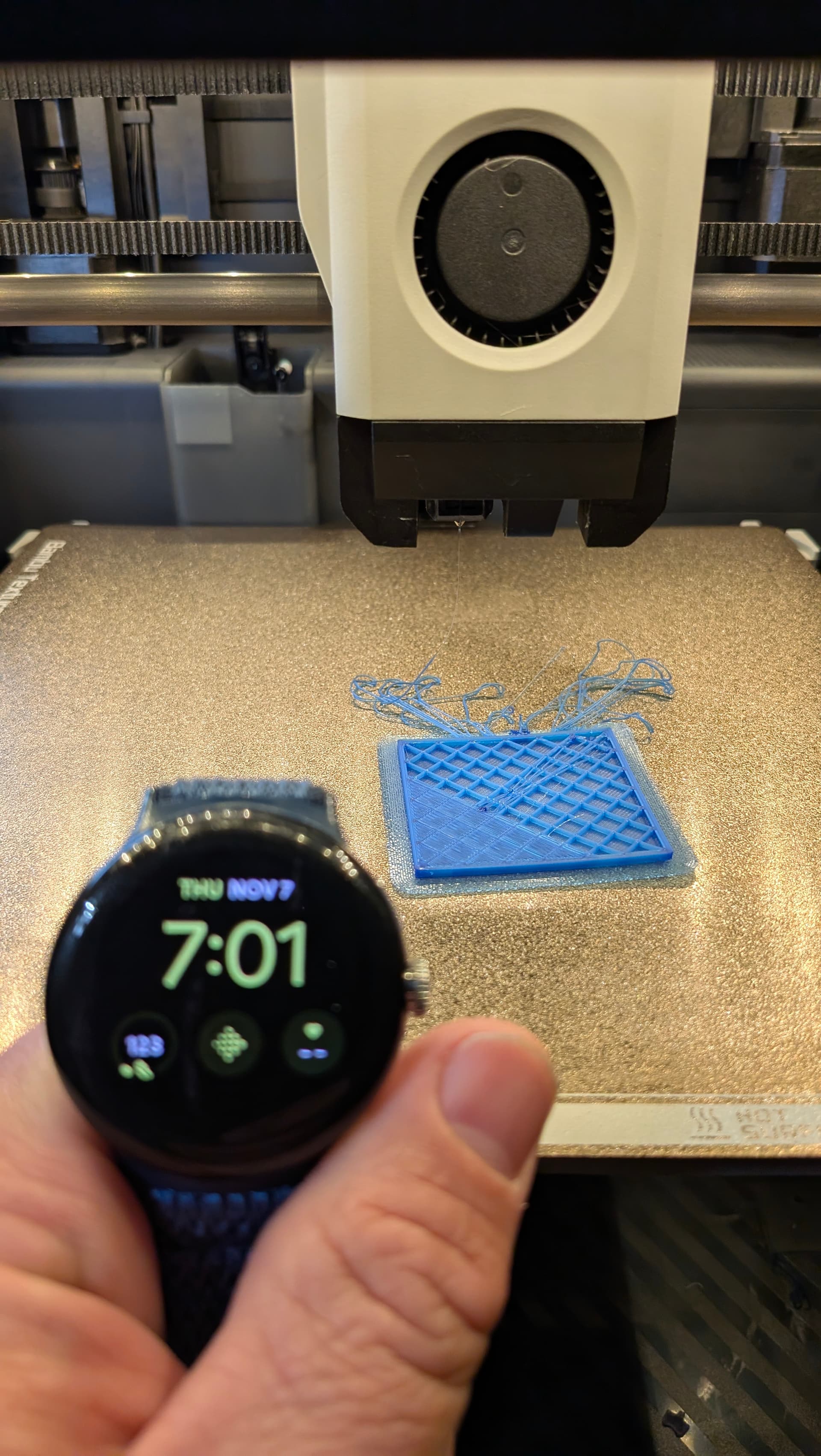
Added photos of the adhesion test that I just ran. Even included a pic of my watch with the time and date shown so you can see just how fast it lifted and lost adhesion on my gold pei plate.
Is that a Bambu Lab build plate? Typically there is a logo dead center of plate.
Also, what filament is that?
What file are you trying to print?
It seems like some sort of test square or something.
I want to print it and see what happens.
.4 nozzle?
Some of pictures look like filament is really mashed into build plate.
You don’t need that brim and it doesn’t look like it is helping as one of those pictures you can see corner of brim lifted
Start G-Code
;===== machine: P1S ========================
;===== date: 20231107 =====================
;===== turn on the HB fan & MC board fan =================
M104 S75 ;set extruder temp to turn on the HB fan and prevent filament oozing from nozzle
M710 A1 S255 ;turn on MC fan by default(P1S)
;===== reset machine status =================
M290 X40 Y40 Z2.6666666
G91
End G-Code
;===== date: 20230428 =====================
M400 ; wait for buffer to clear
G92 E0 ; zero the extruder
G1 E-0.8 F1800 ; retract
G1 Z{max_layer_z + 0.5} F900 ; lower z a little
G1 X65 Y245 F12000 ; move to safe pos
G1 Y265 F3000
I kinda shuffled through this, so if it’s been asked and answered then someone point me to it.
So the cryo works. It has a temp range far lower than that of regular PEI.
I know you said the bed is set at 55, is it getting to 55? How do you know?
Looking at the prime strip curling up in front of the print, and seeing the print warp after 3 minutes in the front makes me think that the bed is not getting hot enough.
What you set it at, and what it gets to can be two different things.
The 7:01 pic shows lifting on the right hand corner. A.s best as can be seen looks like the left hand corner is fine.
6:59 the left hand corner is lifting, right seems fine.
The top pic doesn’t match the 7:01 as far as what’s completed. The print isn’t paused it’s stopped.
I’m confused as to where the spaghetti came from. It’s not there in 6:59. In the 2 minutes it’s started top layer, so it hasn’t printed back there. Where did that spaghetti come from. It’s on 7:01 and the “completed” test.
You did like me and drilled in on those pictures and the pictures don’t really match the commentary.
Something isn’t kosher.
That blue filament seems translucent AND looks like the nozzle is about 1 micron above a build plate of dubious origin. Anyone have a gold Bambu PEI plate that DOESN’T have the logo in the middle?
There is one picture where it it laying down a diagonal layer yet the spaghetti and nozzle position are not at the diagonal pass.
Sometimes, these type posts, I think some folks have buggered up their printer and trying to run a scam to get their money back or a replacement printer.
Another Creality owner probably made a bunch of changes to “Make it better” and messed it the *** up instead
Yes, it is the plate that shipped with my printer directly from Bambu
Inland PLA
Brim was part of the 3mf file sent by Bambu, I printed it as they recommended. I’m not at my PC for the rest of the weekend, so I don’t have it with me to send to you
It initially lifted at the left corner, then popped loose shortly after. I let it spaghetti a bit before I stopped the print. I pulled the print from the head before I shot that last pic here are a few more I shot - I forgot to hold my watch up, but it should be obvious they’re the same print.
It’s the plate bambu sent with it. If only Bambu had pictures of the pei plate… Oh, wait, they do!
Edit: I’m so hell bent on screwing Bambu I went to their website, hacked it, & sent them a bunch of knock offs to ship with their machines and have them do official unboxing videos.
End edit
The machine is literally stock. No changes, at all. Slicer has stock profile. The only change was I was finally able to dial in the flow rate using calibration & the cryogrip plate. If you feel that is skewing things, I’ll just load a generic pla profile and try again on Sunday or Monday. That shouldn’t cause an issue though I’d assume?
Any other lies you’d like to try and pass off?
I’m GRATEFUL for those who’ve tried to help, including FINALLY getting a response from Bambu. They’ve been very helpful now that we’ve been talking. I’m truly hoping we can solve the issue. I’m ok just using the cryogrip if I need to I guess, but would still like to diagnose what is causing the issue in the first place