Switching to Bambu ABS, the issue is still there, albeit much less pronounced.

I figured out what the problem was. Some ■■■■■■■ was using 0.4mm nozzle when he thought it was a 0.6mm nozzle.
After printing for the first week. Having massive issues with first layer time and time again. I came to my printer today for a extrusion error. Just to find the 2 copper wires for the hot end sticking out and error regarding a open circuit..clearly.. I bought this printer as a means to print more with being able to use the external extruder as a quick support….I just received the new replacement and what do you know, on my 3 print, this one being a 9 hr print using Bambu PLA, an hour left in my print filament build up at the shoot, FAILED PRINT AGAIN.
Your story could be 90% mine:
Started with Ender and Prusa, so I might call myself a bit experienced. Then I bought my first Bambu P1p to have 3 printers, but after one week decided to sell the others, as quality and speed of 1 P1 printer was 3x better then the others.
Later bought an A1 mini, and the 2 of them made almost perfect prints.
Then I decided to sell the P1, and buy a X2d. Up till now: big mistake!
Must say that the walls are perfect, no complaints, but the top surfaces are a disaster.
Did all the calibrations multiple times and lots of tests for about 3 weeks now. Hardly any improvement
However yesterday I decided to roll back the slicer to version 02.05.03.61, and the first tests look better than what I have see till now.
Wonder if someone else has tried this?
I am new to the hobby so I’m not sure my vote counts. I don’t have much to compare the X2D with but I did have higher expectations. I had considered the P2S before finally choosing the X2D but despite the many upgrades since, I have become disenchanted with the X2D after most of the prints have disappointed. Layer lines have especially been tough even with software and hardware adjustments.
My biggest concerns are tied mostly to multi color models and it’s pushed me towards the H2C which I should have probably just started with. Best of luck with your concerns here. I can’t decide if it’s a thing or if it’s tempered expectations.
As you have now some experience with x2d could you please reply back when you have some time with h2c, for real comparison and feedback?
Just installed the newest beta firmware which came out yesterday, and the X2D still prints badly. Good job Bambu, you did nothing to address all the issues described all around the forum.
so geht es mir auch am anfang war der x2d super, aber nach 900 stunden entäuscht er uns.mal sind die wände top und die oberfläche mist und mal anders herum. haben einen a1 geholt der 4 mal bessere ergebnisse bringt, ich hoffe das bessert sich ansonsten kann er weg.
I upgraded from the P1S. I was really happy with its print quality, but I wanted a more modern interface and a printer better suited for technical materials, which is why I made the switch to the X2D.
Reading about all the issues people are having here left me a bit disappointed at first. But when my unit arrived, the initial tests weren’t actually as bad as some claim. It turned out the printer was just slightly under-extruding right out of the box. I took the time to do a full manual calibration of temperature, flow rate, pressure advance, and retraction for each extruder individually. I have to admit, it prints GREAT now. The quality is right on par with the P1S, but the operation is much better, it’s quieter, faster, and just as accurate. The auxiliary extruder also works flawlessly once you tune it right. And regarding the print speed, that’s just a feature of this tech, not a flaw.
Honestly, I feel like Bambu is aiming their default settings way too much at inexperienced users and leaving the safety buffer way too large. It looks like their top priority is making sure the printer doesn’t clog straight out of the box (hence the dialed-down flow dynamics), which gives a big margin of error for people using random, cheap filaments. Because of this, more demanding users are disappointed when they buy the newest model and it feels worse out of the box than older, highly-patched machines.
Regarding the issues after 900+ hours that some of you mentioned, keep in mind how this hardware works. With this kind of advanced closed-loop system and servo motors, normal mechanical wear (belts stretching, dirty rails, nozzle wear from technical materials) changes the movement resistance. The locked factory profiles don’t account for this, which can result in random artifacts, like a perfect wall but a terrible top surface. Software tweaks won’t save you here. You really just need to do some solid mechanical maintenance and run a manual calibration from scratch.
I’m sure Bambu’s devs will fix most of these software quirks over time. The hardware itself is a level up from the first gen and has massive potential. They just need live data from our printers to push those iterative updates. That’s just how products are developed these days. If we waited for a perfectly tuned machine on launch day, we’d probably never get it, or it would be completely outdated by the time it was released.
I am totally new to 3D printing and unworthy of posting in this thread, but I have had my own issues with the X2D. I found it notable that the old reliables mentioned in this thread were P1S’s and not P2S’s, because the first X2D problem I solved was the wind from the fans, using P2S/X2D fan diverters. A wiser person would turn off the fans in software, but BBL hasn’t made that easy enough for beginners so I went with the physical solution. I have had a lot more success with the diverters in.
Since then my biggest problem has been the insane prime tower dimensions just for switching extruders. Mostly I solve them by turning off the prime tower, but eventually I did learn to reduce the amount of filament wasted this way. In general I feel like the selling point of the X2D, dual extruder/dual filament type use cases, were not at sufficiently set up for success out-of-the-box.
tl;dr: Have you tried adjusting the fans?
Using fan diverters has piqued my interrest. What specific quality issue do they improve? I notice weird stray line shifts even on a simple uniform cylinder and consistent underextrusion of the top layers despite my meticulous calibrating. I’ve now went out of my way to edit the BBL filament profiles with calibrated flow ratios within the Bambu Studio directory as not to need to make a custom filament profile etc. This is tedious and is not what I was expecting when I bought my first Bambu Lab printer.
Also I wholeheartedly agree on the ridiculous size of the prime tower when performing a simple two material print using the dual nozzle system. I don’t want to get rid of it entirely as I’ve found it tends to negatively affect print quality, but leaving it be as is breaks my heart because why is the prime tower almost half the size of the object I’m printing if the nozzles aren’t even being flushed?
The tower is used to extrude filament that has been sitting in the nozzle that is unused and reheated to produce the same quality that it would normally produce if it was continuously printing from that nozzle.
That’s why it prints better with the tower than without.
Yes I’m aware of this, however it would seem that Bambu Studio treats a simple extruder change as a single nozzle material swap as far as purging volume goes when calculating the size of the prime tower. There is no need for the prime tower to be this big when simply priming nozzle pressure before printing with the material already contained within. I think there should at least be an option for resizing the prime tower without tampering with the purging volumes.
I believe it is adjustable. You might try that.
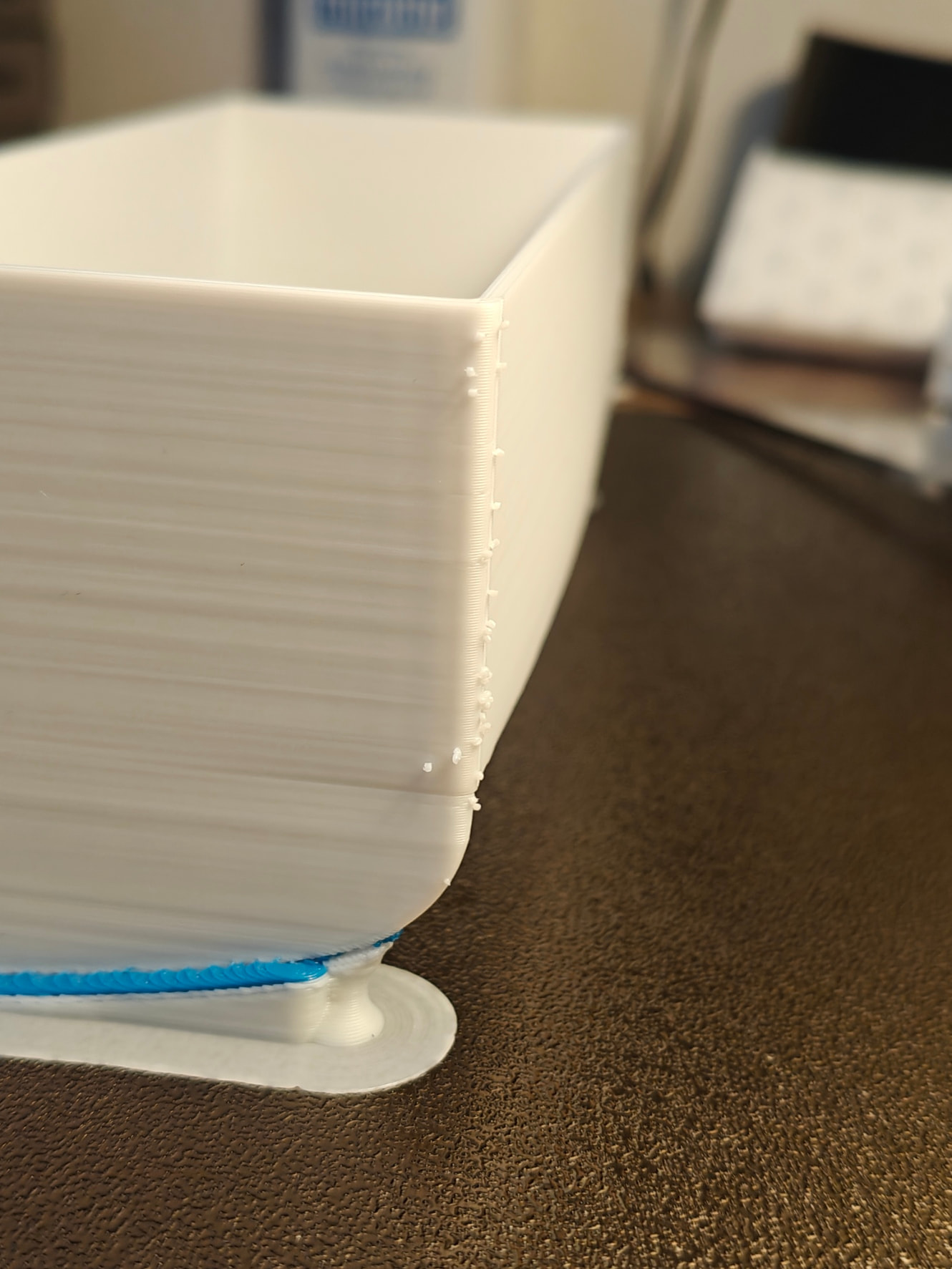
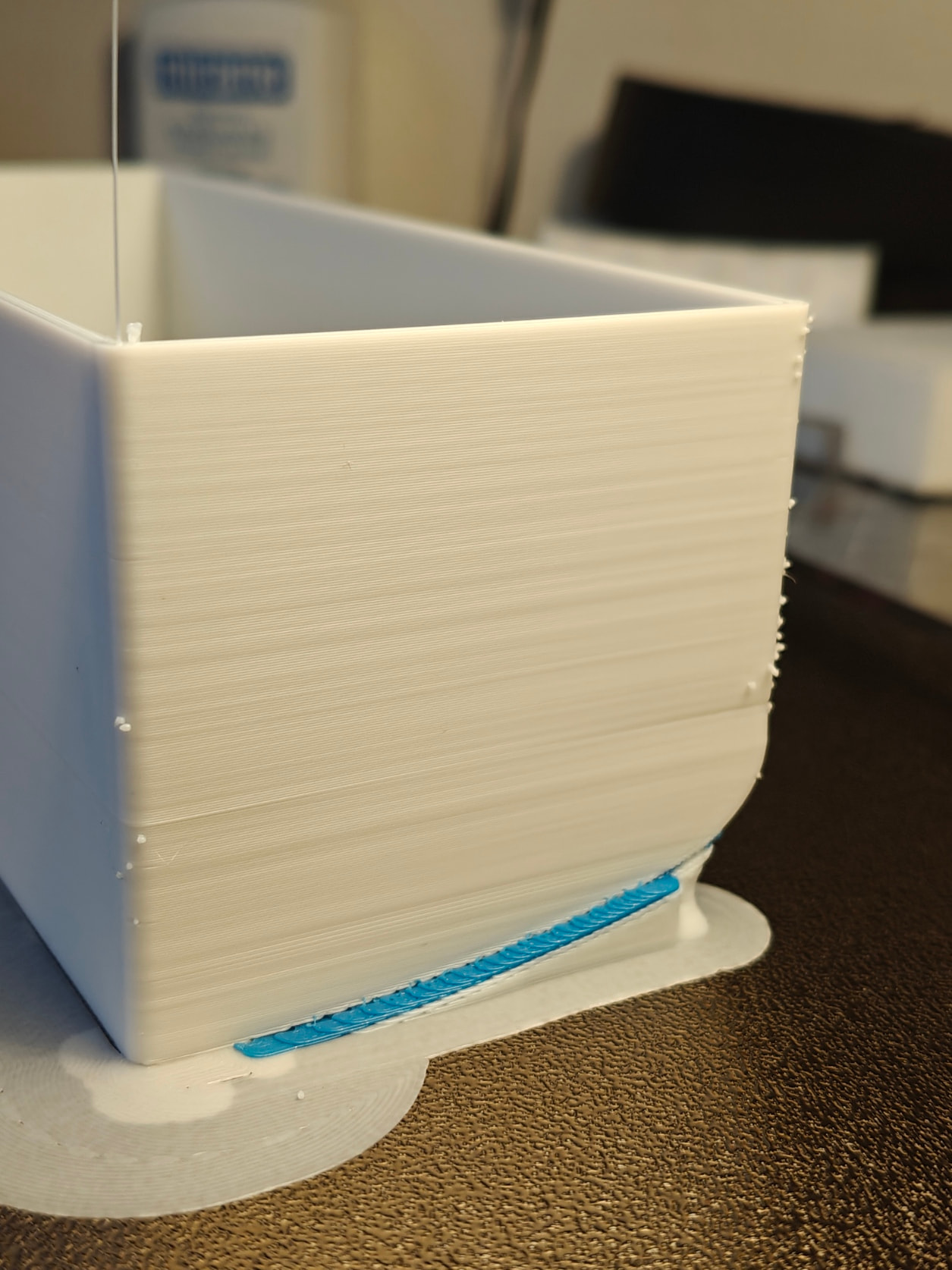
Speaking of prime tower it would be nice the slicer could be set to use infill and inner layers for priming.
You can set this by choosing “Print infill first”, “Flush into this objects infill”, and disabling prime tower. it is now up to you to make sure your model has sufficient infill every layer with a filament change, or else your primes will end up on walls.
Looks exactly like the issues I’ve been struggling with too, with inconsistent layers. On top of that, I also experience over and under extrusion in the same prints.
I created a support ticket with Bambu, and I must admit that so far they’ve been really responsive and supportive, so kudos to Bambu for the support provided so far.
Anyway, they immediately recognised and admitted that these are indeed the issues. So far, I’ve followed their various pieces of advice and printed quite a few test models, but nothing has helped yet. The prints still look very bad.
The ticket is ongoing, so let’s see what’s going to happen.
Same issue
First and last layers underextruded, some elements overextruded. Due to this, thin tpu prints are very weak too.
I also noticed filament drooping while its calibrating, not sure if separate issue.
Will contact support.
Has anyone tried the vision encoder plate you can get to run automatic calibration?
I have a H2C (and P2S) and I have the H series vision encoder plates and they did make things better.
Both my P2S and H2C are fantastic, I was considering getting a A2L+Ams2pro so I can use it on my H2C as well, and then thought, for that price I might as well upgrade to the X2D :P, but these issues worry me. I think there is also bad luck, and some people have a less good printer compared to others, as sad as that may be. Are there any numbers on how many X2D units produce great results vs how many look bad.